SARS Mobile eFiling
South African Revenue Service
2.2 ★
store rating
Free
AppRecs review analysis
AppRecs rating 2.5. Trustworthiness 83 out of 100. Review manipulation risk 19 out of 100. Based on a review sample analyzed.
★★☆☆☆
2.5
AppRecs Rating
Ratings breakdown
5 star
27%
4 star
0%
3 star
0%
2 star
9%
1 star
64%
What to know
✓
Low review manipulation risk
19% review manipulation risk
✓
Credible reviews
83% trustworthiness score from analyzed reviews
⚠
Mixed user feedback
Average 2.2★ rating suggests room for improvement
About SARS Mobile eFiling
Please note that the App is available for IOS version 10 to the latest.
The SARS eFiling App is an innovation from the South African Revenue Service (SARS) that will appeal to the new generation of mobile taxpayers. c, tablets or iPads and receive their assessment. The SARS eFiling App brings simple convenient, easy and secure eFiling to the palm of your hand, anytime, anywhere.
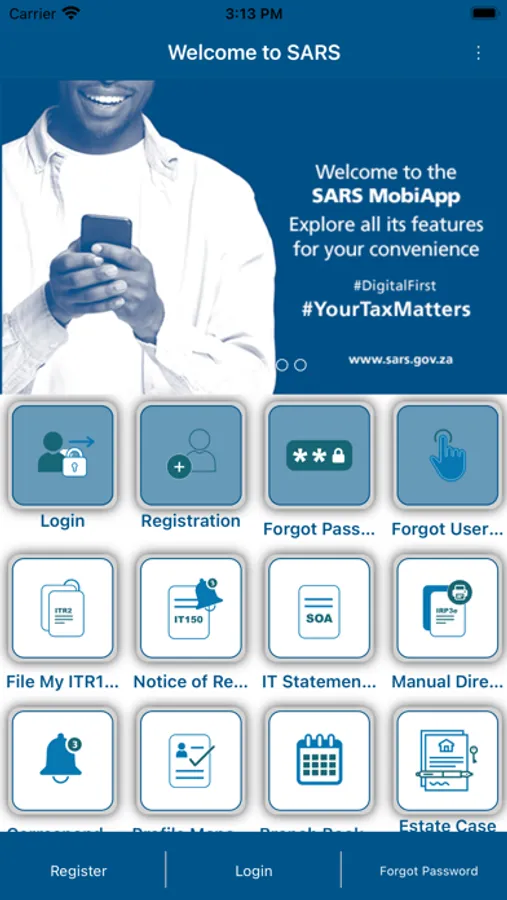
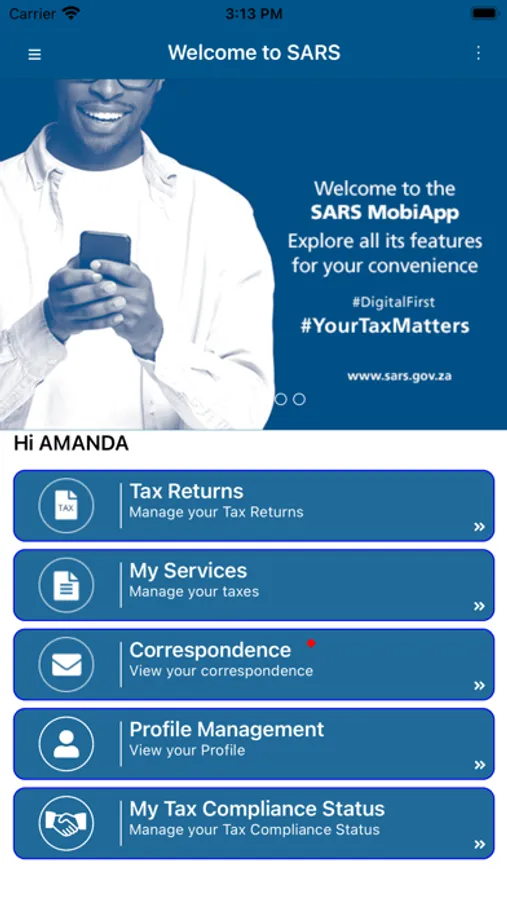
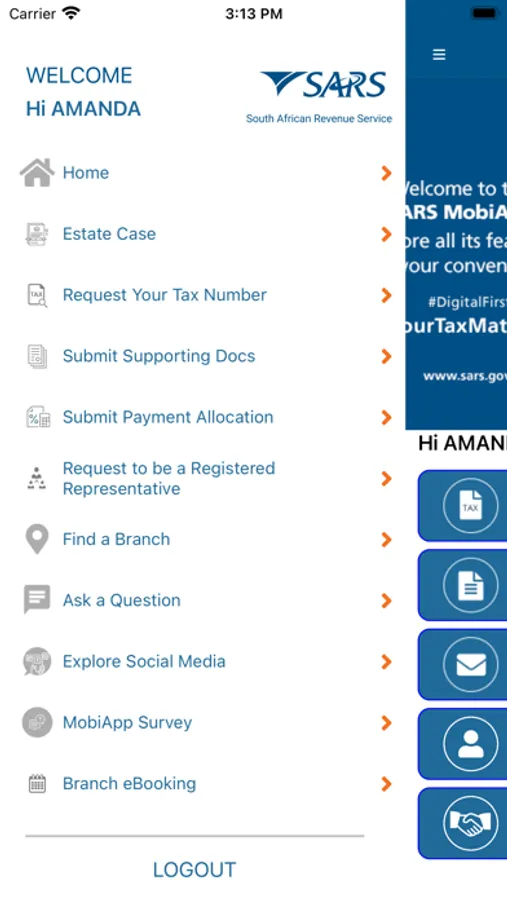
You can use the SARS eFiling App to:
•Register as an eFiler
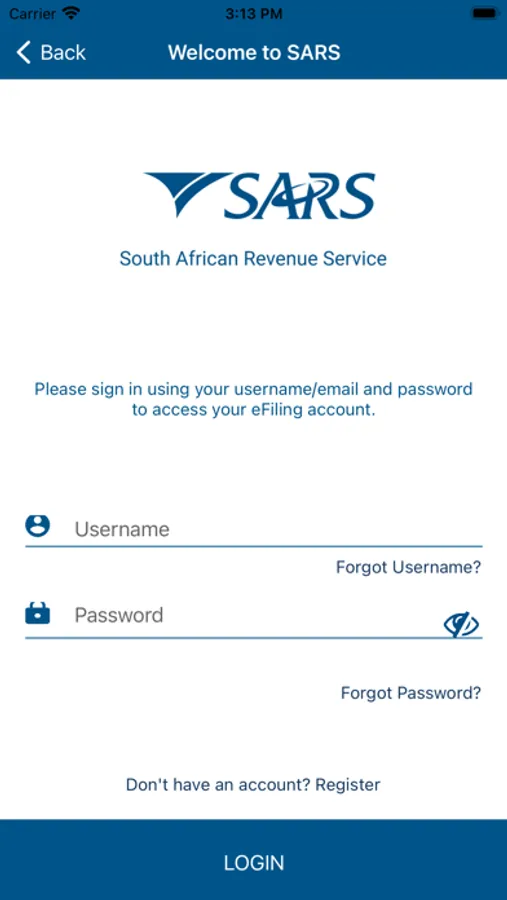
•Retrieve your username and/or password
•View, complete and submit your annual Income Tax Return (ITR12)
•Use the tax calculator to get an indication of your assessment outcome
•View the status of your return once submitted
•Upload supporting documents
•View a summary of your Notice of Assessment (ITA34)
•Request and view your Statement of Account (ITSA)
•Request Notice of Registration
•View Correspondence
The SARS eFiling App is an innovation from the South African Revenue Service (SARS) that will appeal to the new generation of mobile taxpayers. c, tablets or iPads and receive their assessment. The SARS eFiling App brings simple convenient, easy and secure eFiling to the palm of your hand, anytime, anywhere.
You can use the SARS eFiling App to:
•Register as an eFiler
•Retrieve your username and/or password
•View, complete and submit your annual Income Tax Return (ITR12)
•Use the tax calculator to get an indication of your assessment outcome
•View the status of your return once submitted
•Upload supporting documents
•View a summary of your Notice of Assessment (ITA34)
•Request and view your Statement of Account (ITSA)
•Request Notice of Registration
•View Correspondence