iSymmetry - Pattern Painting
DAVID CROOKS SOFTWARE DEVELOPMENT LIMITED
4.4 ★
store rating
$9.99
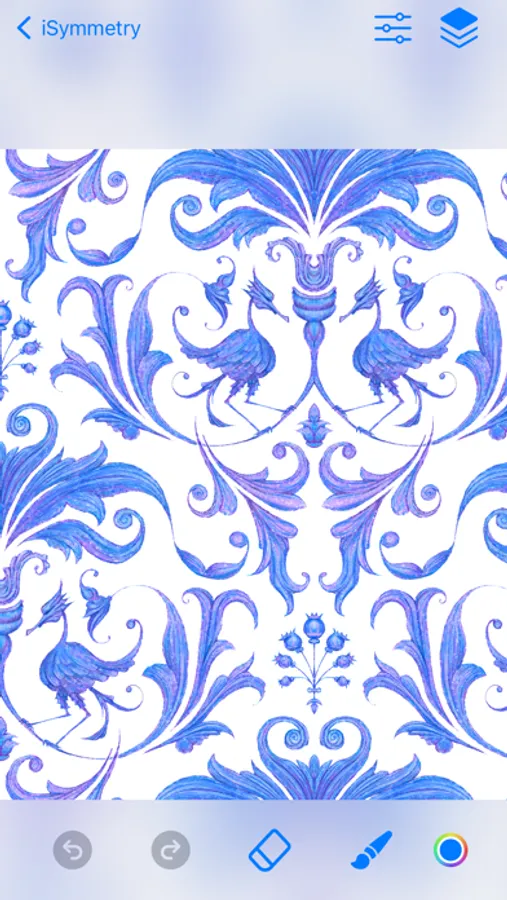
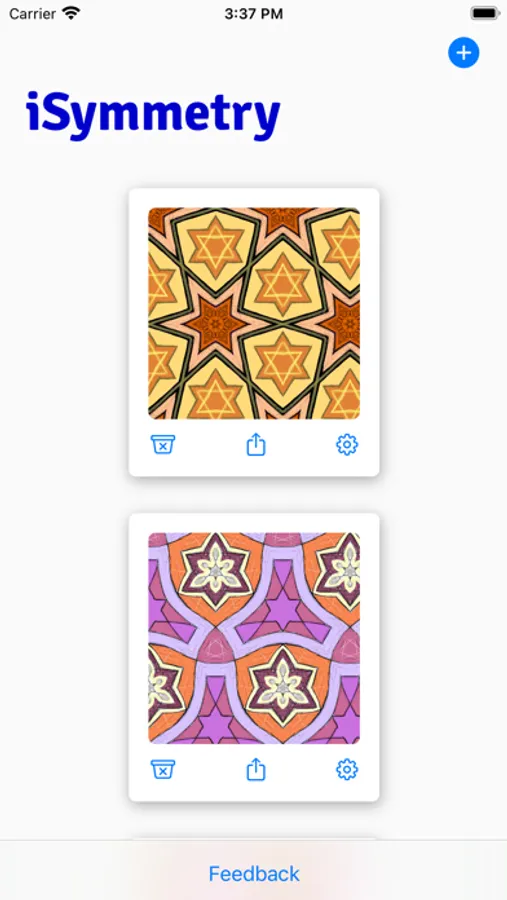
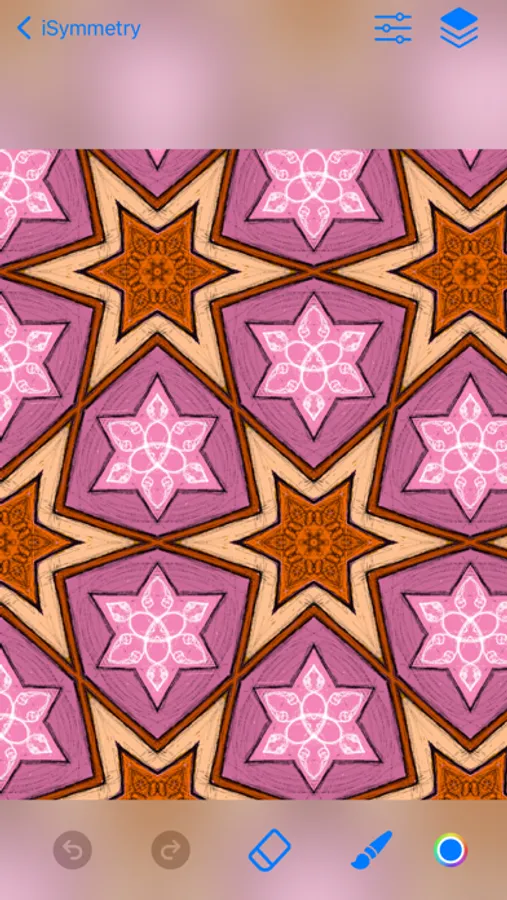
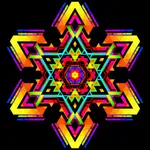
In this pattern painting app, you can create intricate designs by applying symmetry and using expressive brushes with Apple Pencil support. Use this app to generate mesmerizing patterns and view them in augmented reality on 3D objects. Includes layer management, pattern templates, and export options for textures and printing.
AppRecs review analysis
AppRecs rating 4.4. Trustworthiness 80 out of 100. Review manipulation risk 19 out of 100. Based on a review sample analyzed.
★★★★☆
4.4
AppRecs Rating
Ratings breakdown
5 star
66%
4 star
22%
3 star
3%
2 star
2%
1 star
7%
What to know
✓
Low review manipulation risk
19% review manipulation risk
✓
Credible reviews
80% trustworthiness score from analyzed reviews
✓
High user satisfaction
88% of sampled ratings are 4+ stars (4.4★ average)
About iSymmetry - Pattern Painting
iSymmetry is a complete studio for seamless pattern creation. Every brush stroke is transformed into a kaleidoscopic design. Built for the iPad and Apple Pencil, iSymmetry gives artists and designers powerful tools to create beautiful patterns with ease.
iSymmetry is fun and intuitive and packed with powerful features:
SYMMETRIES
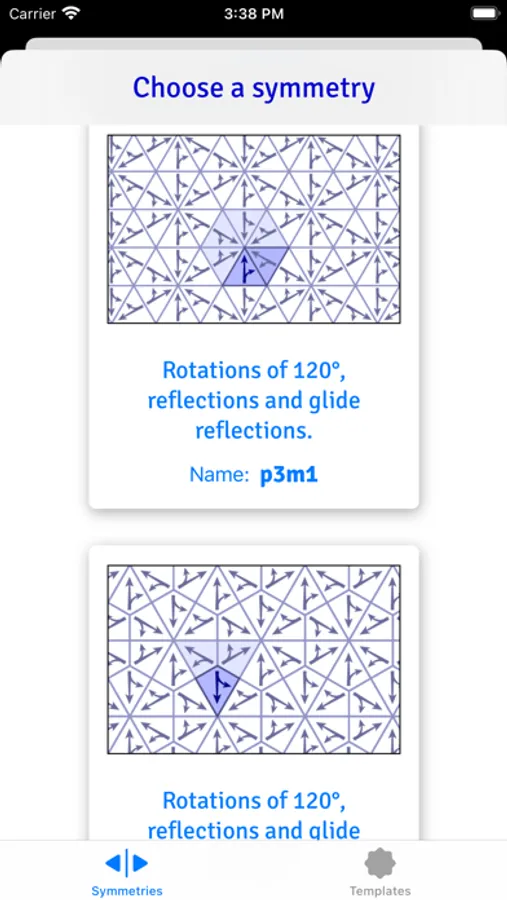
- 17 Kinds of Pattern (wallpaper groups)
- 23 Pattern templates
- Symmetry guide lines
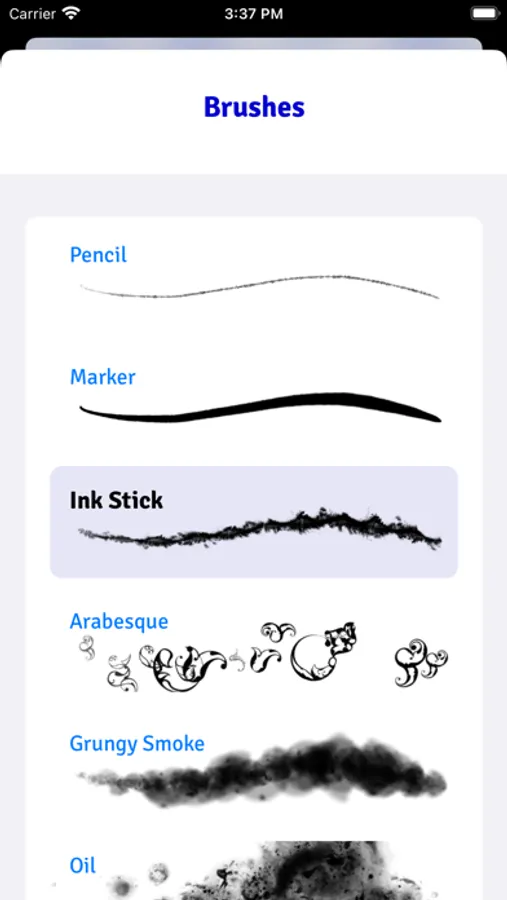
BRUSHES
- 18 expressive brushes: Pencil, Liner, Airbrush, Marker, Ink Stick, Arabesque, Grungy Smoke, Oil, Ink Splatter, Squiggles, Rings, Charcoal, Pastel, Laser, Grungy Rings, Smoulder, Spectral Grain, Ink Splodge
- Full support for Apple Pencil
- Slider controls for scatter, hardness and pressure to give you even more creative control
PRECISION SHAPE TOOLS
- Line
- Star
- Polygon
- Triangle
- Circle
- Arc
Import Photos
- Kaleidoscopic photo import
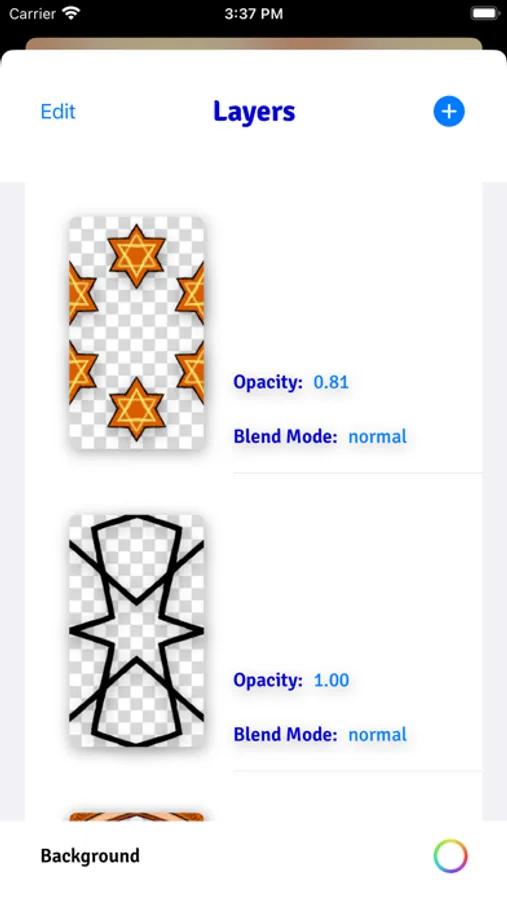
LAYERS
- Blend modes: normal, multiply, screen, overlay, soft-light
- Opacity
- Offsets
- Individual layer symmetry
- Merge, duplicate, delete and reorder layers
COLOR
- HSB and RGB color picker.
- Swatches
- Eyedropper
Share/Export
- export seamless pattern tile
- export patterns of custom size
- png/jpg
- Export as Procreate pattern brush
FILTERS
- Blur
- Hue
- Color Controls
- Tone Curve
- Vibrance
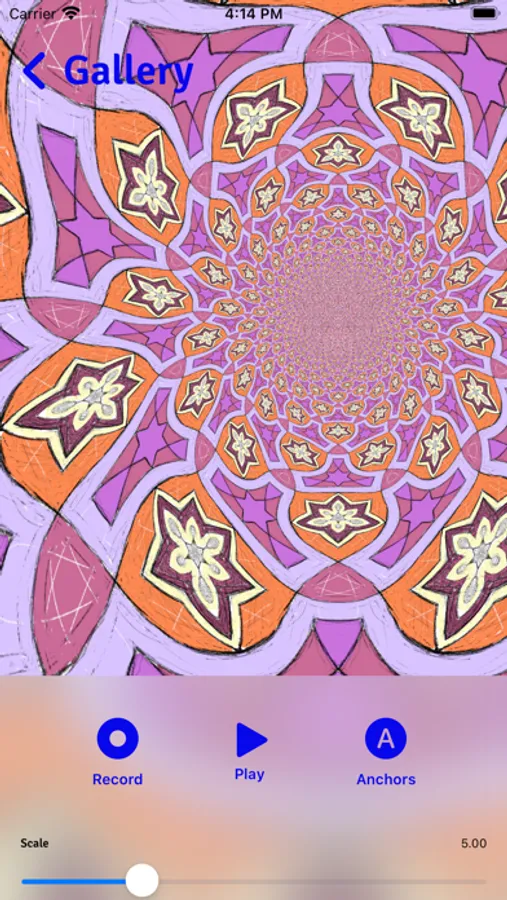
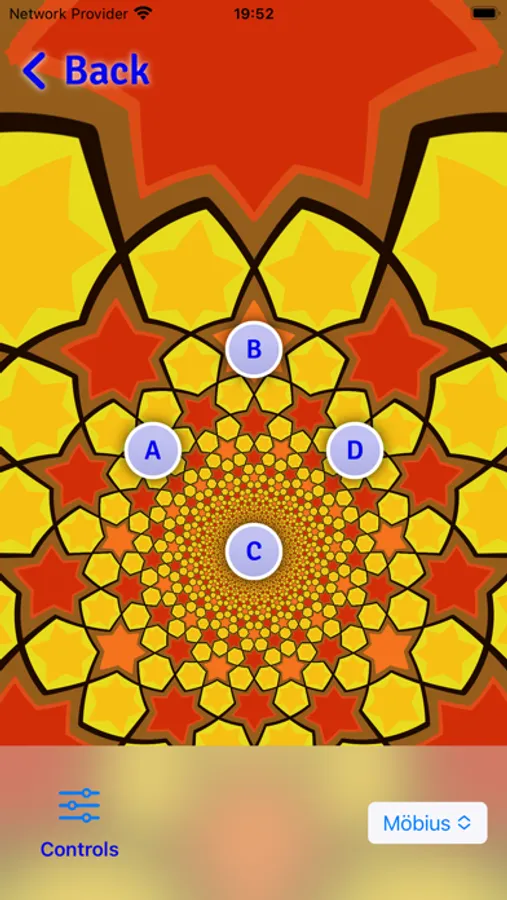
PATTERN TRANSFORMATIONS
- Möbius transformations
- Spiral transformations
- Bipolar transformations
- Animate patterns transformations
- Record and share pattern animations
AUGMENTED REALITY
- View patterns on 3D objects in Augmented Reality
- Choose from Dress, Cushions, Shirt, Vase
iSymmetry is fun and intuitive and packed with powerful features:
SYMMETRIES
- 17 Kinds of Pattern (wallpaper groups)
- 23 Pattern templates
- Symmetry guide lines
BRUSHES
- 18 expressive brushes: Pencil, Liner, Airbrush, Marker, Ink Stick, Arabesque, Grungy Smoke, Oil, Ink Splatter, Squiggles, Rings, Charcoal, Pastel, Laser, Grungy Rings, Smoulder, Spectral Grain, Ink Splodge
- Full support for Apple Pencil
- Slider controls for scatter, hardness and pressure to give you even more creative control
PRECISION SHAPE TOOLS
- Line
- Star
- Polygon
- Triangle
- Circle
- Arc
Import Photos
- Kaleidoscopic photo import
LAYERS
- Blend modes: normal, multiply, screen, overlay, soft-light
- Opacity
- Offsets
- Individual layer symmetry
- Merge, duplicate, delete and reorder layers
COLOR
- HSB and RGB color picker.
- Swatches
- Eyedropper
Share/Export
- export seamless pattern tile
- export patterns of custom size
- png/jpg
- Export as Procreate pattern brush
FILTERS
- Blur
- Hue
- Color Controls
- Tone Curve
- Vibrance
PATTERN TRANSFORMATIONS
- Möbius transformations
- Spiral transformations
- Bipolar transformations
- Animate patterns transformations
- Record and share pattern animations
AUGMENTED REALITY
- View patterns on 3D objects in Augmented Reality
- Choose from Dress, Cushions, Shirt, Vase