AppRecs review analysis
AppRecs rating 1.0. Trustworthiness 45 out of 100. Review manipulation risk 28 out of 100. Based on a review sample analyzed.
★☆☆☆☆
1.0
AppRecs Rating
Ratings breakdown
5 star
0%
4 star
0%
3 star
0%
2 star
0%
1 star
100%
What to know
⚠
Mixed user feedback
Average 1.0★ rating suggests room for improvement
About AT Remote App
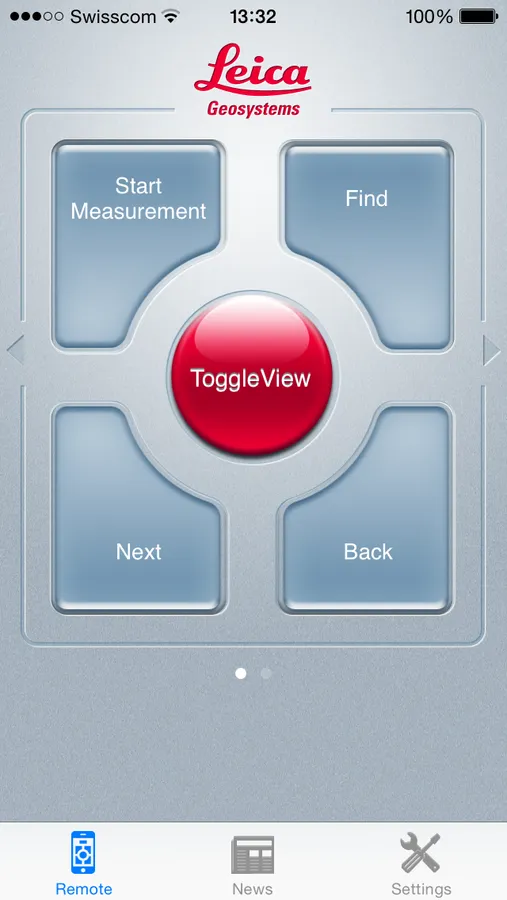
The Leica Geosystems AT Remote app is the perfect tool remote control your metrology software package or any other windows applications that support keystrokes or keystroke sequences.
Main features
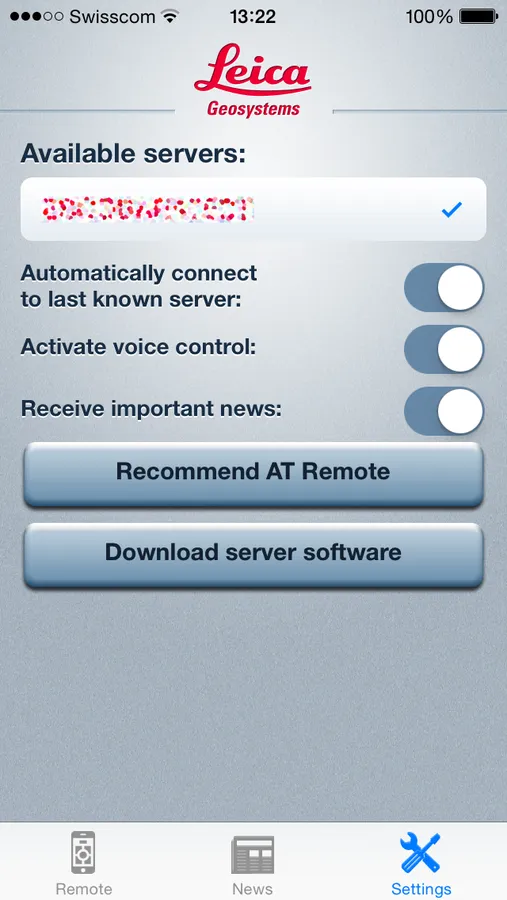
- Easy Setup - No network IP address fumbling needed, auto-connect (Wi-Fi based, Ad-Hoc and Infrastructure supported)
- Allows remote controlling by touch or voice commands
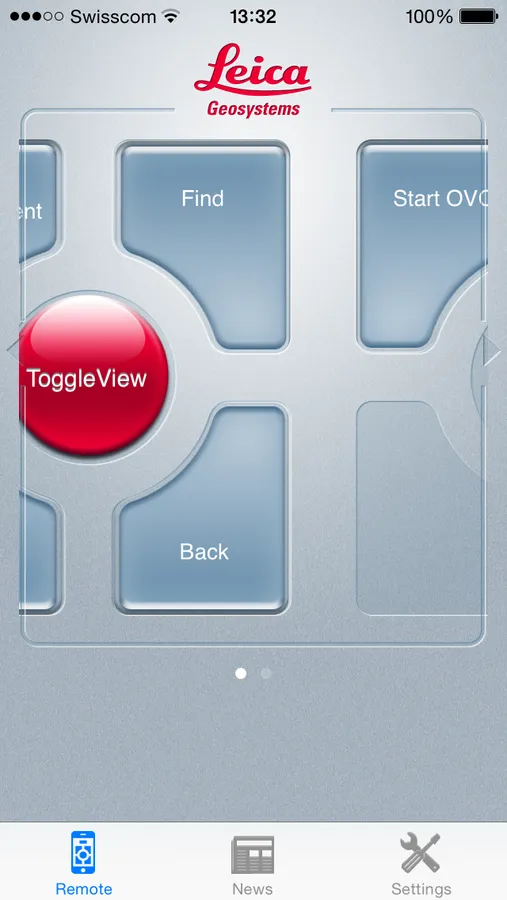
- Creates remote-control user interface on the fly, supports unlimited amount of buttons
- Supports Push Notifications
- Comes with predefined profiles
- Extends the existing AT Remote Control
- Supports keystrokes and keystroke sequences (like e.g. SHIFT+A,CTRL+C, ALT+W, WIN+N, F2 or free text).
Like with the AT Remote-control USB version you will need to install the server endpoint on the Application computer. The Software can be downloaded here http://metrology.leica-geosystems.com/en/Downloads_6843.htm?cid=3617 and provides an easy to use install kit (Setup ATRemoteControl.exe).
It comes with predefined profiles for Leica Geosystems emScon webapp, TrackerPilot, Metrologic Metrolog XG/X4, Wilcox PC-DMIS portable, Innovmetric Polyworks, PowerPoint and more. New profiles for any other software package that supports keystrokes can be easily created.
Main features
- Easy Setup - No network IP address fumbling needed, auto-connect (Wi-Fi based, Ad-Hoc and Infrastructure supported)
- Allows remote controlling by touch or voice commands
- Creates remote-control user interface on the fly, supports unlimited amount of buttons
- Supports Push Notifications
- Comes with predefined profiles
- Extends the existing AT Remote Control
- Supports keystrokes and keystroke sequences (like e.g. SHIFT+A,CTRL+C, ALT+W, WIN+N, F2 or free text).
Like with the AT Remote-control USB version you will need to install the server endpoint on the Application computer. The Software can be downloaded here http://metrology.leica-geosystems.com/en/Downloads_6843.htm?cid=3617 and provides an easy to use install kit (Setup ATRemoteControl.exe).
It comes with predefined profiles for Leica Geosystems emScon webapp, TrackerPilot, Metrologic Metrolog XG/X4, Wilcox PC-DMIS portable, Innovmetric Polyworks, PowerPoint and more. New profiles for any other software package that supports keystrokes can be easily created.