In this productivity app, you can create, organize, and track to-do lists and tasks with features like reminders and calendar sync. Includes task notes, attachments, recurring tasks, and action associations.
AppRecs review analysis
AppRecs rating 4.2. Trustworthiness 83 out of 100. Review manipulation risk 20 out of 100. Based on a review sample analyzed.
★★★★☆
4.2
AppRecs Rating
Ratings breakdown
5 star
69%
4 star
16%
3 star
4%
2 star
2%
1 star
9%
What to know
✓
Low review manipulation risk
20% review manipulation risk
✓
Credible reviews
83% trustworthiness score from analyzed reviews
⚠
Pricing complaints
Many low ratings mention paywalls or pricing
About TaskFire : To-Do List & Tasks
Winner of the “Best Productivity App for iPad” and listed among the “Top Ten Paid Productivity Apps...” this app is a daily companion for productivity people.
Refined over 12 years of constant perfecting, TaskFire is an all-encompassing productivity system helping millions of users to:
• Improve time efficiency
• Remember important details
• Deliver results on time
• Increase quality & consistency
• Become more reliable
• Be more productive
• Build healthy habits and achieve goals
• Change behavior
TaskFire has everything you’d expect in a productivity system including:
• GOOGLE CALENDAR INTEGRATION - 2-way sync of appointments and tasks.
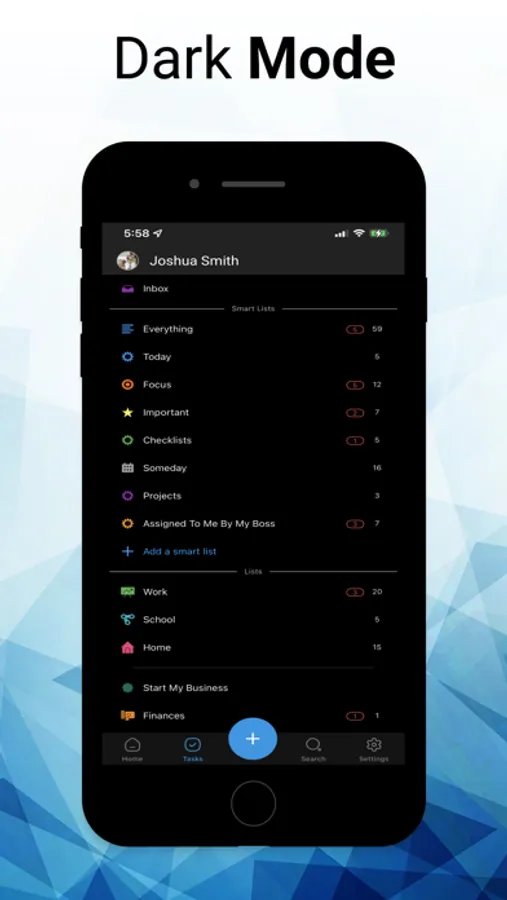
• DARK MODE - Elegant dark screen mode.
• ATTACHMENTS - Premium users get 1GB and free users get 100MB
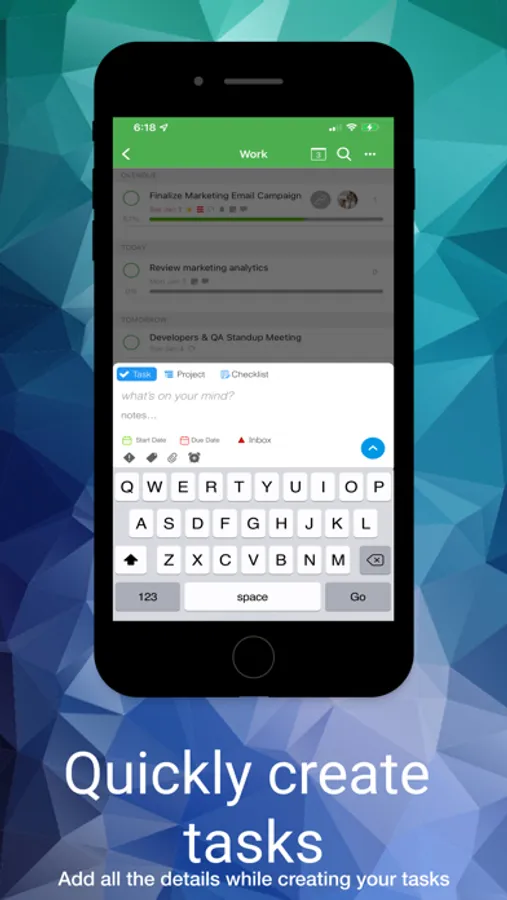
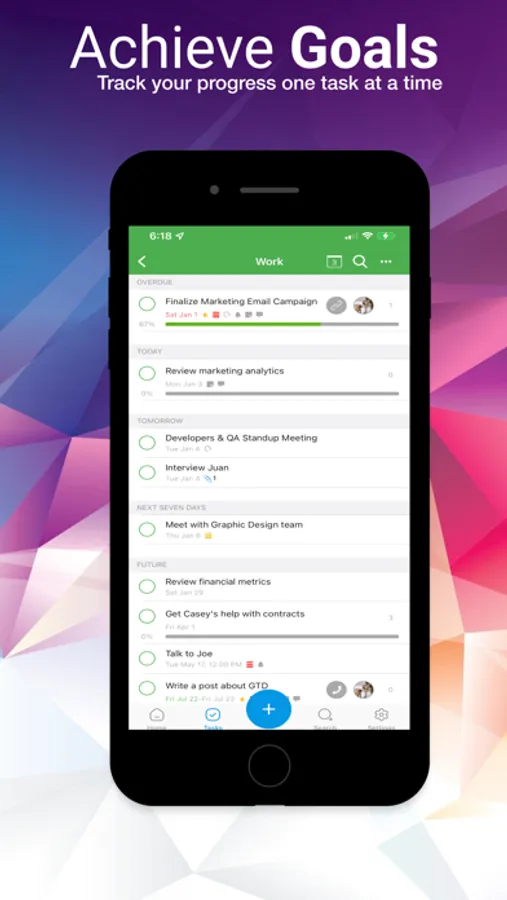
• START & END DATES & TIMES - Measure the start, duration, and forecasted finish dates.
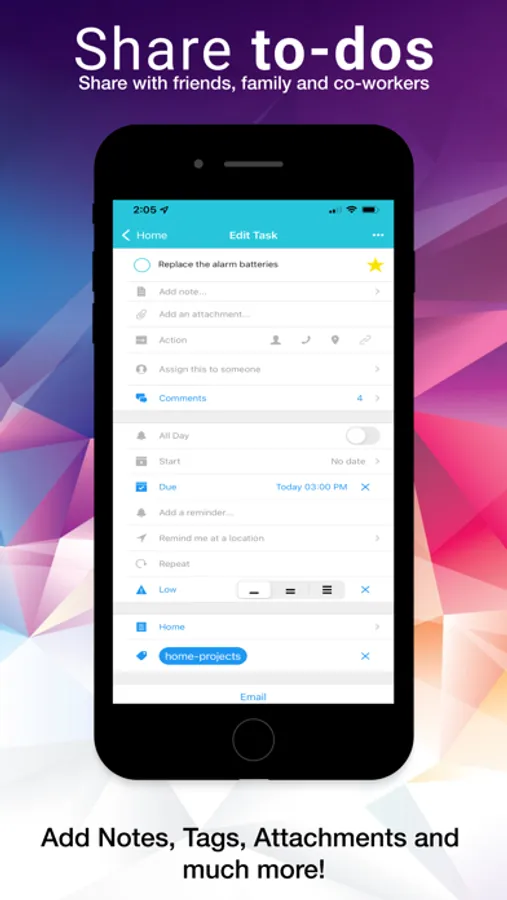
• TASK NOTES & COMMENTS - Add important notes. Comments are tracked by day and person.
• TASK ACTIONS – Associate any task with a person in your address book, a URL or a phone number. Build a smart list to see all tasks with actions related to people.
• MULTIPLE REMINDERS – Want a nudge 1 month, 1 week, 1 day and 1 hour before a task is due. Go ahead and be our guest with multiple ways to get to results. But beware of alert fatigue.
• RECURRING TASKS – Set a task to repeat when you need it with the recurrence based on due date or completion date. If you want to be reminded to take the trash out every Thursday without fail, then choose recurrence based on due date. If you want a daily recurring reminder to send a thank you note to someone else every few days, choose the recurrence based on the completion date and you'll have the flexibility to send that note when it is convenient.
• LOCATION REMINDERS – Need to remember to buy an item or complete a task when you arrive at a certain location? No problem. Drop a pin on that location and TaskFire will alert you with the task details when you get there.
• EMAIL TASK CREATION – Log in to the TaskFire web client, select settings and copy your custom email address. Then email yourself tasks that are dropped into your TaskFire inbox or you can log in to your settings to customize the default location for new tasks.
• SECURE CLOUD SYNC – The TaskFire sync reliably backs up your data to our secure cloud seamlessly making it available whether you are working on Mac, Web, iOS or two others.
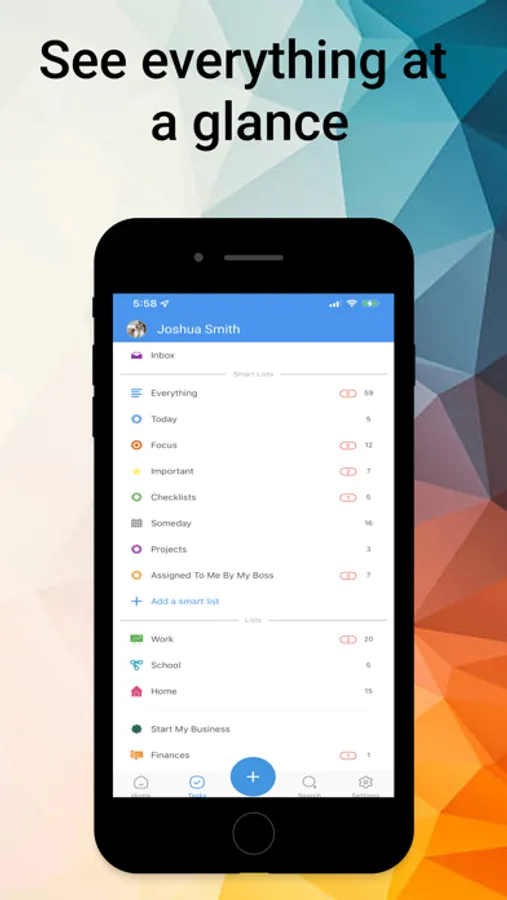
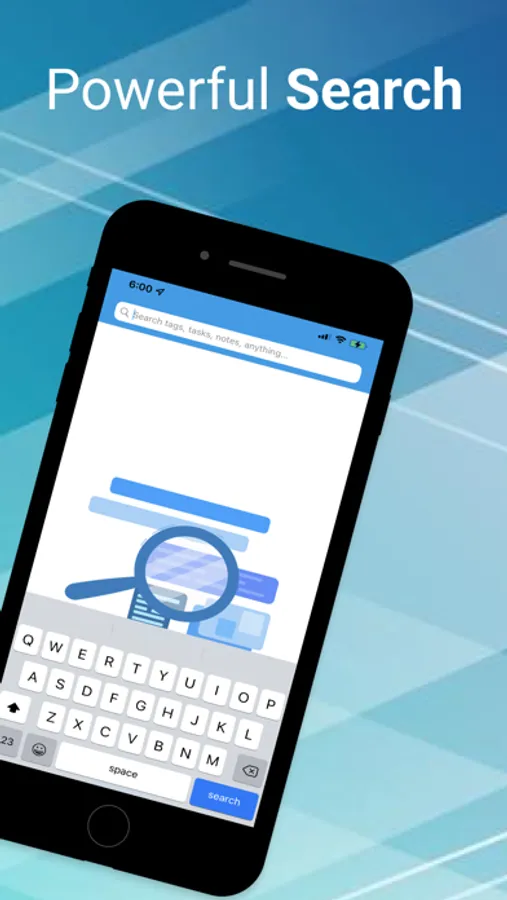
• SMART LISTS – Create custom lists using filters that organize tasks by any data element in TaskFire. Want to see tasks due 4 weeks and beyond? Want to see tasks assigned to a person? Want to see tasks tagged with a specific word? You can do that and more. Push everything into TaskFire with the power to search, organize and track tasks just the way you want.
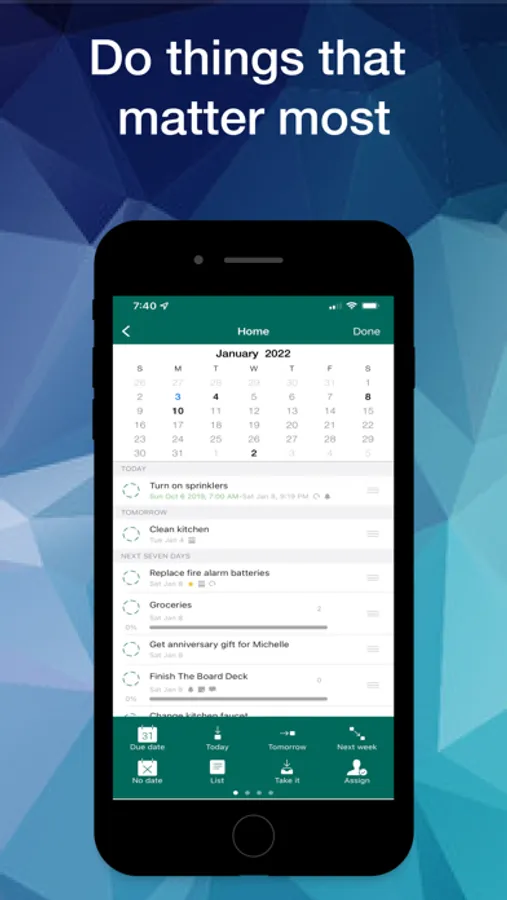
• CALENDAR VIEW – From any list view, click the calendar icon to see a monthly view of tasks organized by due dates. Want to quickly change any task due date? Drag and drop the task to the new calendar date and your due date is changed.
• FOCUS LISTS – Quickly see all your tasks due today or in the past.
• SIRI VOICE TO TEXT – Use Siri voice commands to capture tasks on the go. Search the TaskFire help file for more instructions.
• SHARE LISTS – Invite others to view and contribute to tasks.
• TODO FOR BUSINESS – All of these productivity capabilities are available for teams of people with additional administrator management.
Download TaskFire and get a 14-Day FREE Trial of Premium.
Afterwards, you can use the basic app for free or you can renew with a 30-day or 365-day renewable subscription.
Terms of Use - https://appigo.com/terms-of-use/
Privacy Policy - https://appigo.com/privacy-policy/
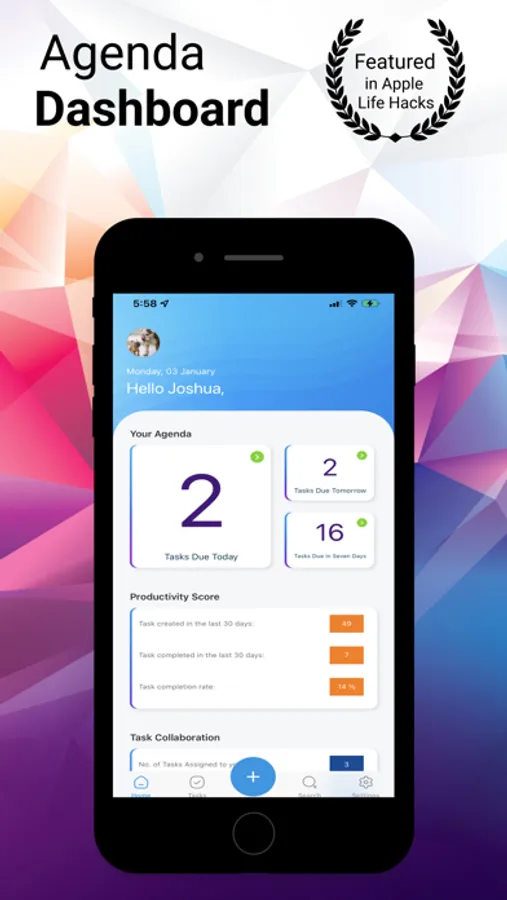
TaskFire : To-Do List & Tasks Screenshots
Tap to Rate:
Reviews for TaskFire : To-Do List & Tasks
Just a simple user 3
Working again, but for how long?
(Update Jan 05, 2026) I received a response from the techno support via email saying they were working on this issue. I am pleased to report that as of today everything works very fine again. But I am only updating to three stars because it took two weeks to fix the problem and problems are happening again and again in this period: it is very frustrating not to be able to count on a reliable app, especially for a critical function, like a to-do list. I hope the situation is now more stable and I think the people that fixed this problem this time. I appreciate it very much for your hard work. (Update Dec 30, 2025) terrible period for synching: almost every week episodes of not working. Today again, right now I am stuck without access to my tasks (only web interface works but it’s terrible). Please fix this!! (Update Mar 08, 2021) the new screen split option for iPad is really cool: very well done. Thank you for implementing it! (Amended Sep 21): back to 5 stars! ⭐️⭐️⭐️⭐️⭐️ your latest update fixes the note issue, so I am very happy again. Thank you for being responsive to problems and for sending new updates quickly to the App Store. A job well done 👍 ••• (Amended Sep 19): I am sorry to continue to bring up issues... I know you are working very hard. Now I see problems with adding notes to a task. When I type my note on the iPhone and hit “Done”and at least 50% of the time what I typed is lost. Not half of it, but the entire new addition to the note, like I never typed it. It’s frustrating because I lose my content and I can’t figure out why: it always worked very reliably before the latest update. It seems to be connected to the continuous updating that now is happening: if I put in airplane mode, all works. But if I add a note while on line, it’s lost, but sometimes after pulling down (and forcing a synch up) it reappears, like it was stored somewhere invisible... Sorry if my description is not very clear. Thank you for your attention 🙏 ••• (Amended Sep 14): thank you for the response to my Review. I had no idea there was a newer version for the Mac: thank you for letting me know. I download the new version and it’s much nicer and fresh. Thank you! I appreciated your follow up on my problems and your fixes: I bring my review to 5 stars! A job well done! *** Thank you for making good on the promise of fixing the previous release. This might sound I am ungrateful for the work done: I am now giving 2 stars to the App, and I’ll be glad to bring it up once the Mac Synch problem is fixed. Your App is such an integral part of the way I work that when something like the Mac Synch gets out of place, it really impacts our operations on a day by day basis. Thank you for fixing it: I look forward to staying with you guys and not switching, I trust you will fix the issue.
WLS7-76
Latest version is broken
I've not been able to login for days on any iPhone. Web works fine on macs. Web version on iPhone is unusable because of poor design. I've submitted tickets online for help without a response. If this keeps up much longer I'm going somewhere else.