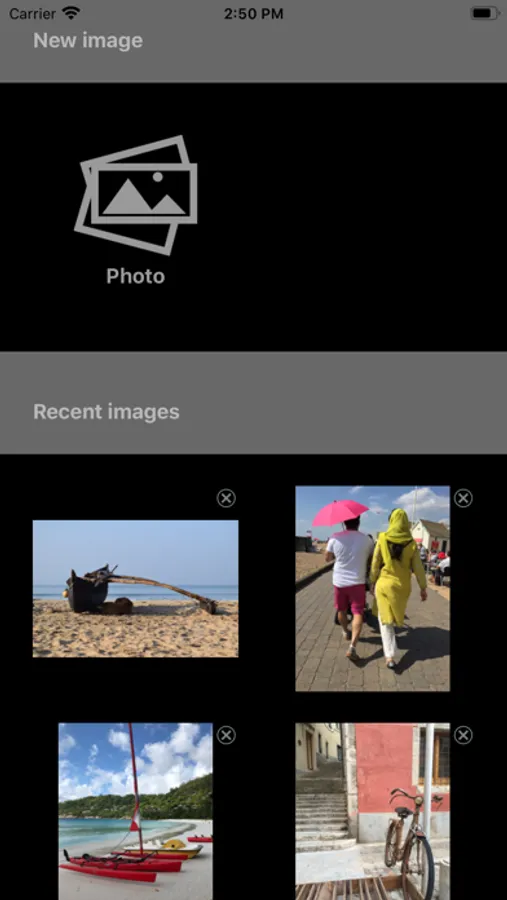
With this sketch grid app, you can overlay customizable grids on images to aid in drawing, scaling, and adjusting compositions. Includes grid types, size adjustments, color options, and export features.
About Sketch Grid
Draw anything with a grid
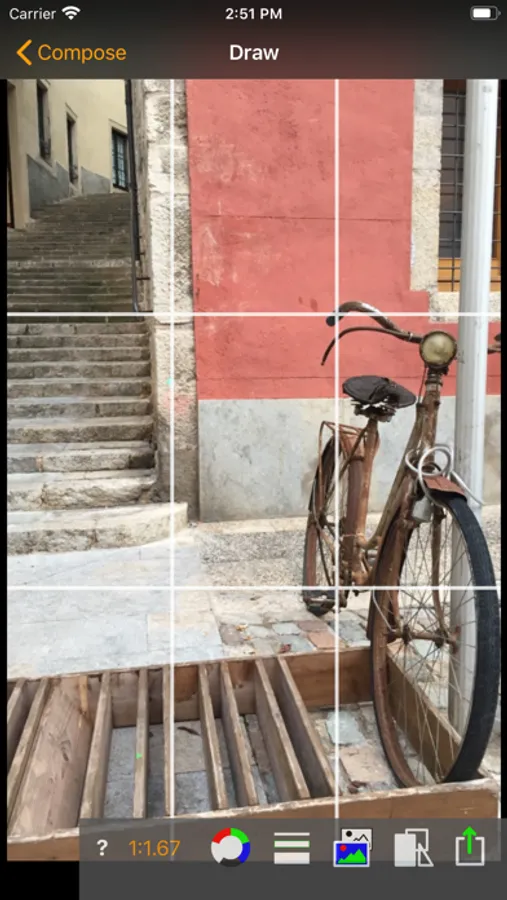
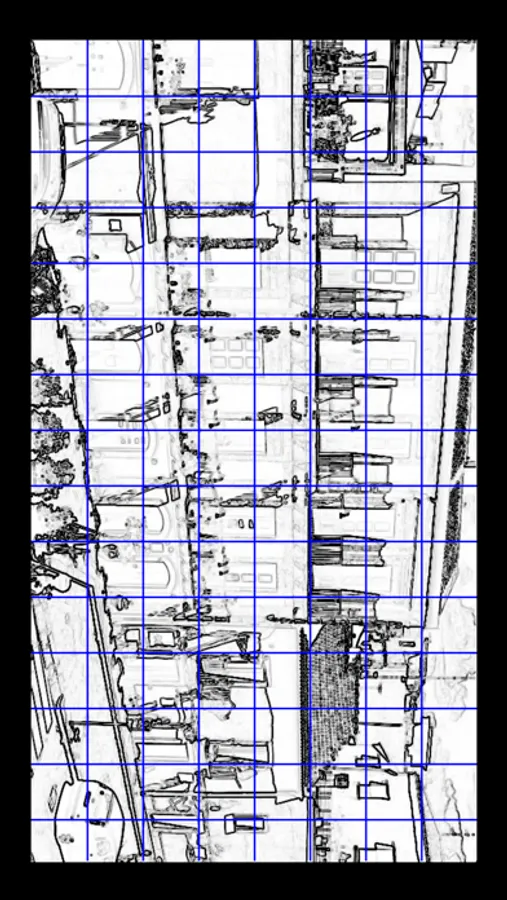
The Grid method is the easiest way for artists to reproduce, scale up or scale down a reference image you want to transfer to a canvas.
With a grid you can also adjust a reference image to a different format with different proportions.
Using a drawing grid anytime when you sketch or paint something that requires accuracy, for example still life or a portrait, will sharpen your art skills.
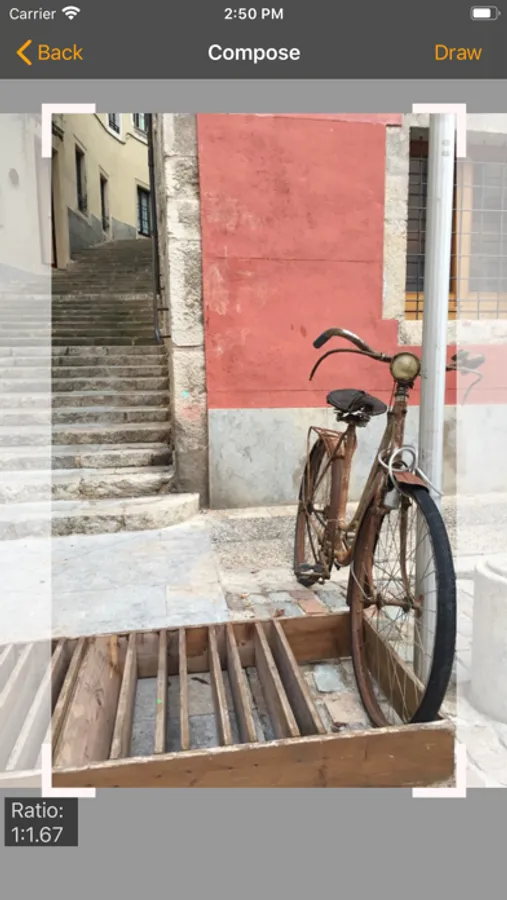
Select any area of your image as your composition
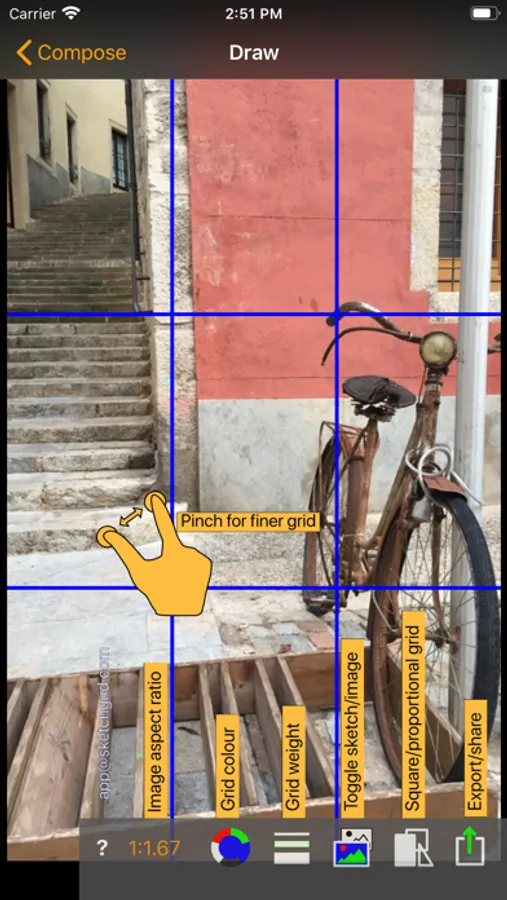
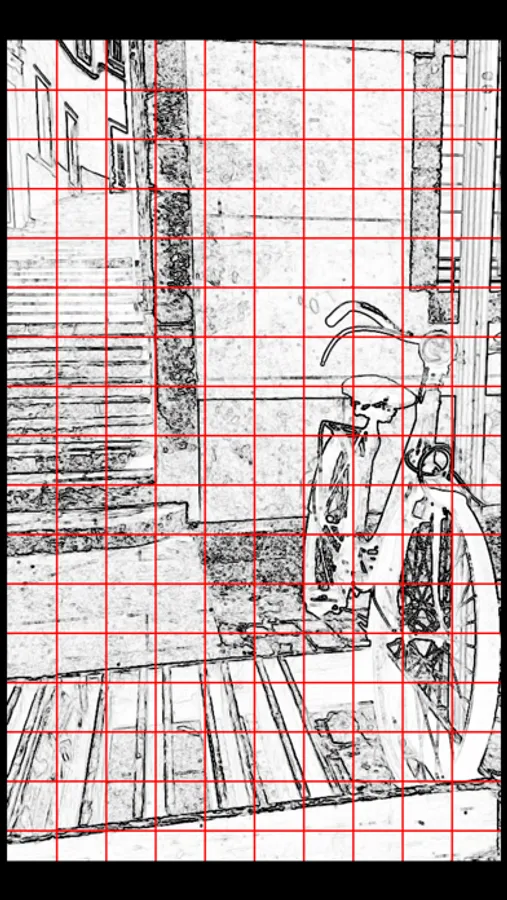
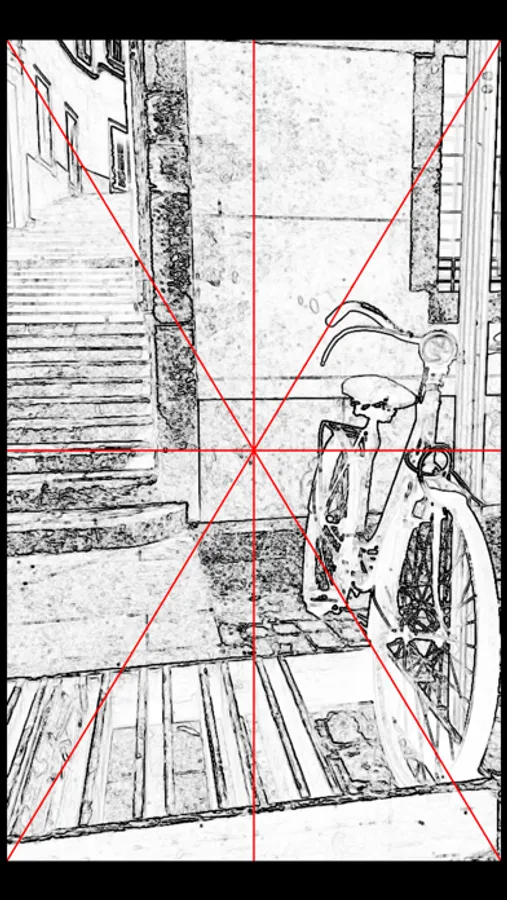
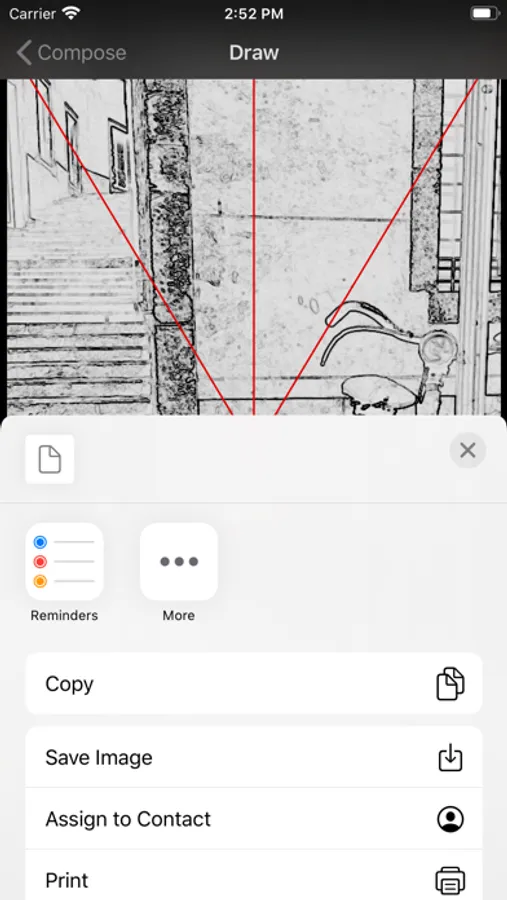
Switch between different types of grids: squares, proportional or triangular
Choose your optimal grid size, colour and thickness
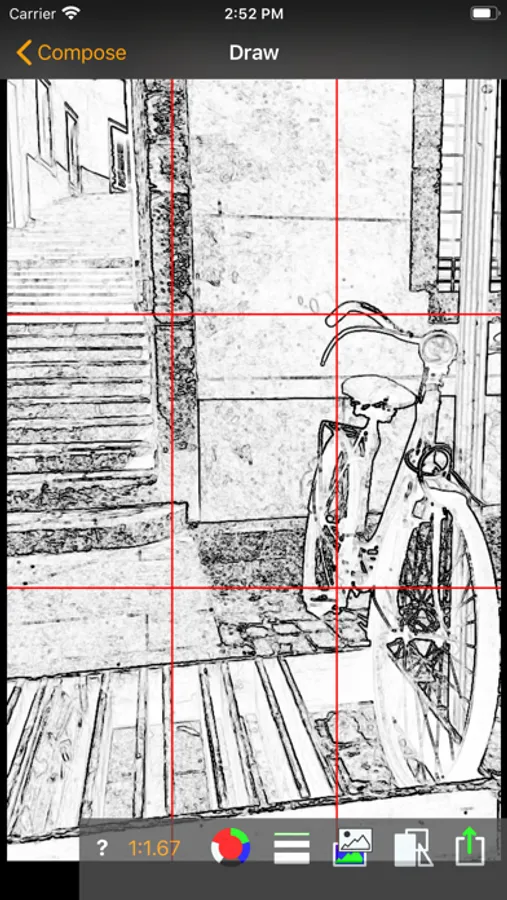
Convert your image to a sketch to highlight where the lines are
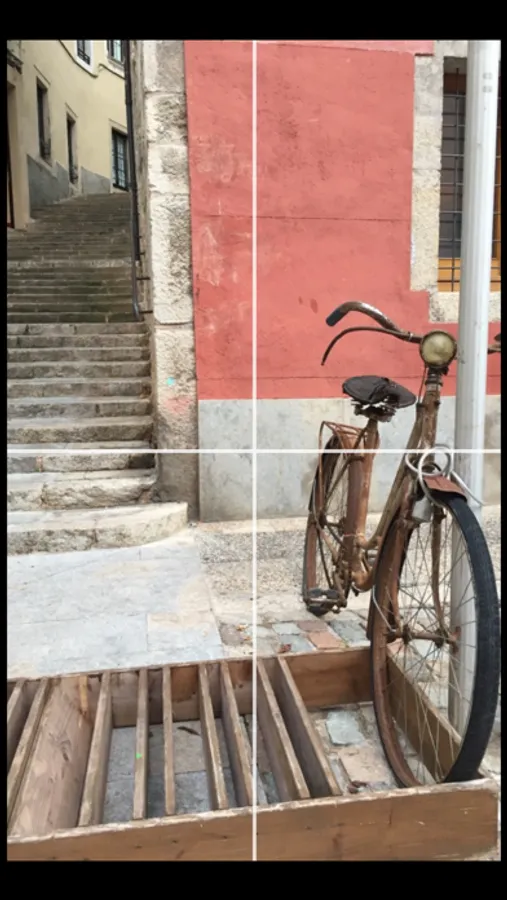
Hide the controls for a clean full-screen view of your composition with the grid on it
Share or export your adjusted picture in the original resolution
Get it now, unleash your creativity
The Grid method is the easiest way for artists to reproduce, scale up or scale down a reference image you want to transfer to a canvas.
With a grid you can also adjust a reference image to a different format with different proportions.
Using a drawing grid anytime when you sketch or paint something that requires accuracy, for example still life or a portrait, will sharpen your art skills.
Select any area of your image as your composition
Switch between different types of grids: squares, proportional or triangular
Choose your optimal grid size, colour and thickness
Convert your image to a sketch to highlight where the lines are
Hide the controls for a clean full-screen view of your composition with the grid on it
Share or export your adjusted picture in the original resolution
Get it now, unleash your creativity