AppRecs review analysis
AppRecs rating 2.2. Trustworthiness 88 out of 100. Review manipulation risk 29 out of 100. Based on a review sample analyzed.
★★☆☆☆
2.2
AppRecs Rating
Ratings breakdown
5 star
25%
4 star
13%
3 star
0%
2 star
0%
1 star
63%
What to know
✓
Low review manipulation risk
29% review manipulation risk
✓
Credible reviews
88% trustworthiness score from analyzed reviews
⚠
Mixed user feedback
Average 2.4★ rating suggests room for improvement
About ezOutlet
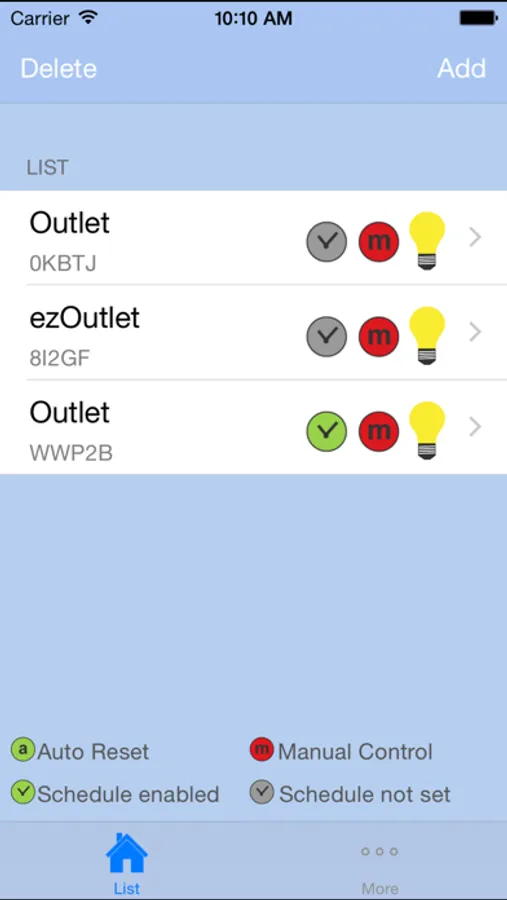
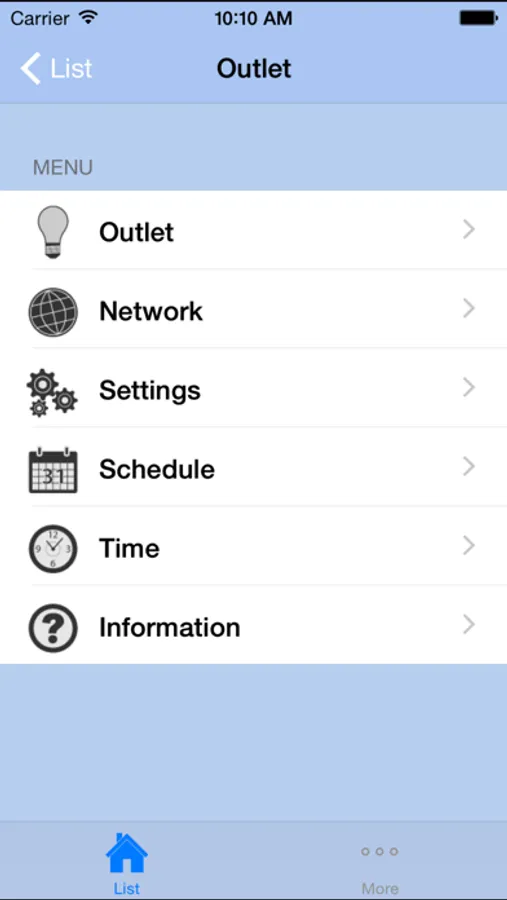
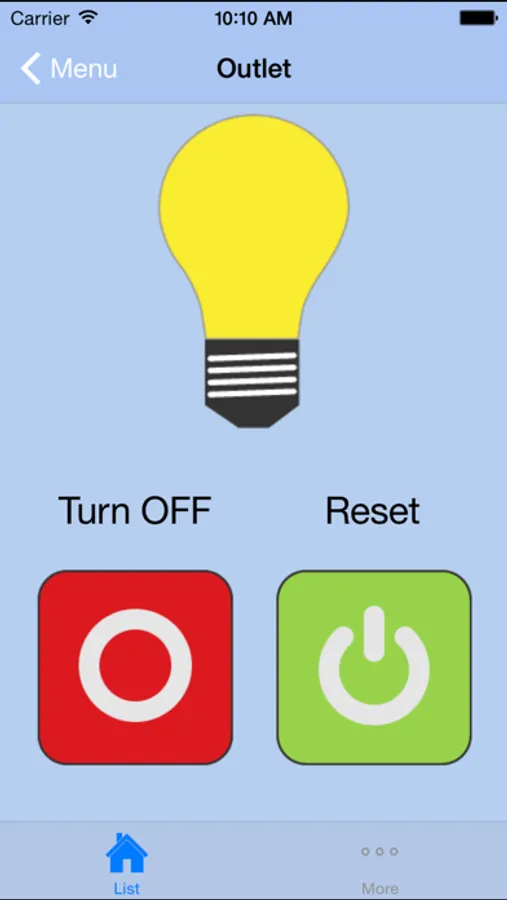
The ezOutlet App is for use with the ezOutlet device. The ezOutlet device is designed to auto power-cycle when network fails. Any installer knows the pains of driving all the way to a remote job site just to restart a network connection. With ezOutlet device the network device will be reset automatically, saving both time and costs. Should there be a need, the installer can also check on the status and manually reset the device via this App.
ezOutlet can;
a) keep-alive a network device,
b) remotely power on-off-reset or
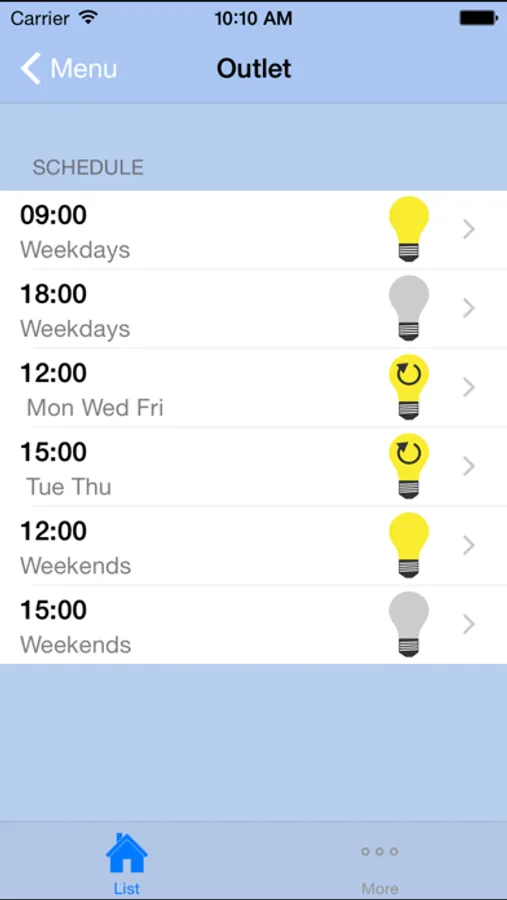
c) schedule power on-off-reset.
Setup is just a few simple steps of;
i. Connect LAN cable and router power to ezOutlet device.
ii. Install ezOutlet App on your mobile.
iii. Add ezOutlet device ID to the App.
a. Click ‘Add Device’ on App,
b. Press the ‘Function button’ on the device,
c. Enter the device ID manually or by QR code (see device label) to App.
iv. Enable watchdog (auto reset) function – Done.
ezOutlet can;
a) keep-alive a network device,
b) remotely power on-off-reset or
c) schedule power on-off-reset.
Setup is just a few simple steps of;
i. Connect LAN cable and router power to ezOutlet device.
ii. Install ezOutlet App on your mobile.
iii. Add ezOutlet device ID to the App.
a. Click ‘Add Device’ on App,
b. Press the ‘Function button’ on the device,
c. Enter the device ID manually or by QR code (see device label) to App.
iv. Enable watchdog (auto reset) function – Done.