Cornhusker Bank Mobile Banking
Cornhusker Bank Mobile Banking
4.8 ★
store rating
Free
With this mobile banking app, you can view account balances, transfer funds, and pay bills. Includes biometric login, account alerts, branch finder, and deposit options.
AppRecs review analysis
AppRecs rating 4.5. Trustworthiness 0 out of 100. Review manipulation risk 0 out of 100. Based on a review sample analyzed.
★★★★☆
4.5
AppRecs Rating
Ratings breakdown
5 star
91%
4 star
6%
3 star
1%
2 star
0%
1 star
2%
What to know
✓
High user satisfaction
91% of sampled ratings are 5 stars
About Cornhusker Bank Mobile Banking
About this app
Get the benefits of a local bank wherever you go. Cornhusker Bank’s mobile banking app gives you the power to manage your accounts anytime, anywhere. It’s simple and secure, with strong fraud protection, and set-up is a snap.
From your mobile device, you can log in and:
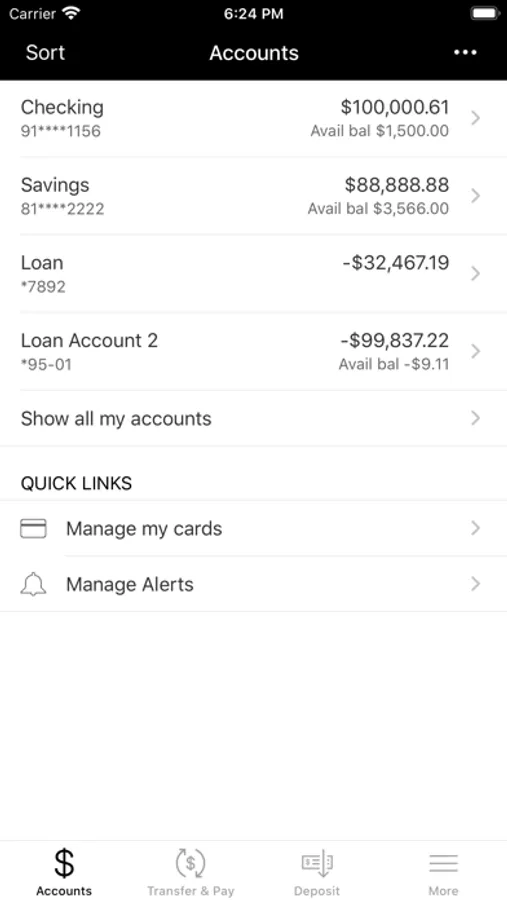
• Check current account balances;
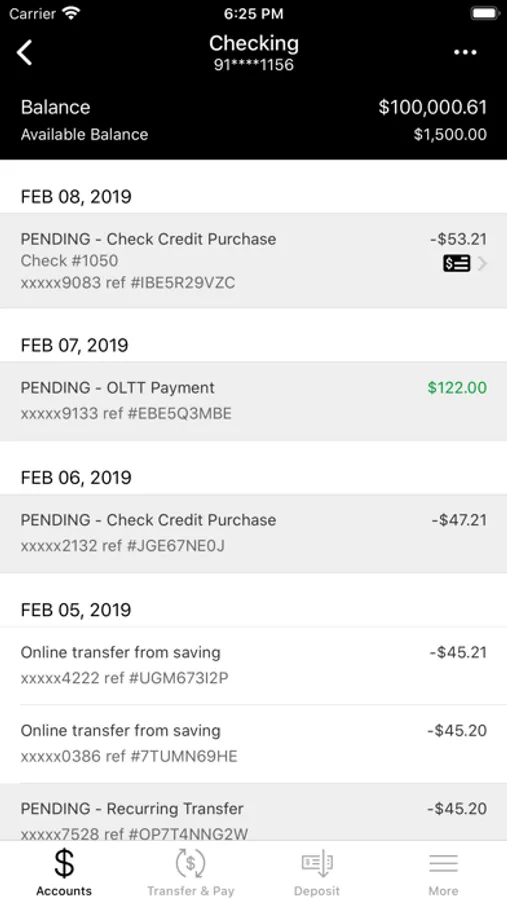
• View deposits, check images, and other withdrawals;
• Pay bills[1];
• Make deposits;
• Send money;
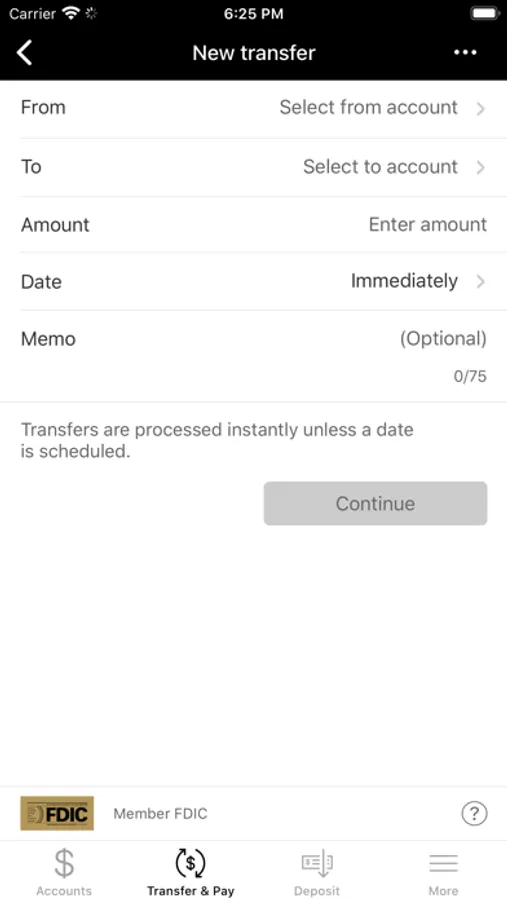
• Transfer funds between accounts;
• Set up customized account alerts;
• Find Cornhusker Bank branches and ATM locations;
• Utilize biometric login capability; and,
• Get an Instant Balance without logging in [2].
Learn More
For more information regarding Cornhusker Bank's Online services, please call 402-434-2265 or toll-free at 1-877-837-4481 during regular banking hours, Monday through Friday, 8:00 am CT to 5:00 pm CT, and Saturday, 8:30 am CT to 12:00 pm CT.
Cornhusker Bank does not charge a fee for utilizing Mobile Banking. However, your regular data and text messaging rates from your mobile device carrier will apply. Visit Mobile Banking | Cornhusker Bank for more information and to watch our Mobile Banking video.
Cornhusker Bank. Member FDIC. Revised 09/2021.
1. There are additional charges for rush delivery of bill payments. Refer to the Consumer Fee Schedule provided at account opening.
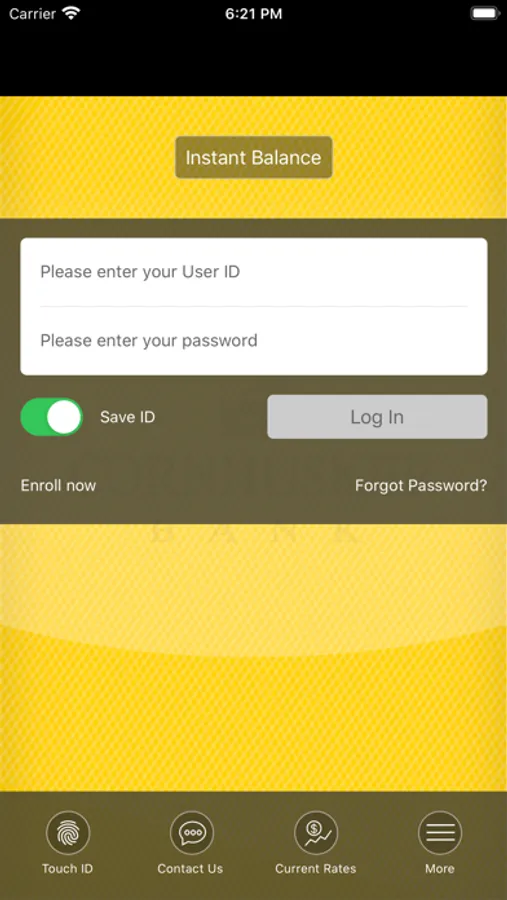
2. You can make changes by enabling or disabling this feature at any time. Log in, tap the Instant Balance icon on the top of the login screen and choose your preference. You can shut this feature off, or you can add up to six account balances for display.
Get the benefits of a local bank wherever you go. Cornhusker Bank’s mobile banking app gives you the power to manage your accounts anytime, anywhere. It’s simple and secure, with strong fraud protection, and set-up is a snap.
From your mobile device, you can log in and:
• Check current account balances;
• View deposits, check images, and other withdrawals;
• Pay bills[1];
• Make deposits;
• Send money;
• Transfer funds between accounts;
• Set up customized account alerts;
• Find Cornhusker Bank branches and ATM locations;
• Utilize biometric login capability; and,
• Get an Instant Balance without logging in [2].
Learn More
For more information regarding Cornhusker Bank's Online services, please call 402-434-2265 or toll-free at 1-877-837-4481 during regular banking hours, Monday through Friday, 8:00 am CT to 5:00 pm CT, and Saturday, 8:30 am CT to 12:00 pm CT.
Cornhusker Bank does not charge a fee for utilizing Mobile Banking. However, your regular data and text messaging rates from your mobile device carrier will apply. Visit Mobile Banking | Cornhusker Bank for more information and to watch our Mobile Banking video.
Cornhusker Bank. Member FDIC. Revised 09/2021.
1. There are additional charges for rush delivery of bill payments. Refer to the Consumer Fee Schedule provided at account opening.
2. You can make changes by enabling or disabling this feature at any time. Log in, tap the Instant Balance icon on the top of the login screen and choose your preference. You can shut this feature off, or you can add up to six account balances for display.