AppRecs review analysis
AppRecs rating 3.7. Trustworthiness 55 out of 100. Review manipulation risk 29 out of 100. Based on a review sample analyzed.
★★★☆☆
3.7
AppRecs Rating
Ratings breakdown
5 star
75%
4 star
0%
3 star
8%
2 star
0%
1 star
17%
What to know
✓
High user satisfaction
75% of sampled ratings are 4+ stars (4.2★ average)
About Transfer - File sharing
Transfer
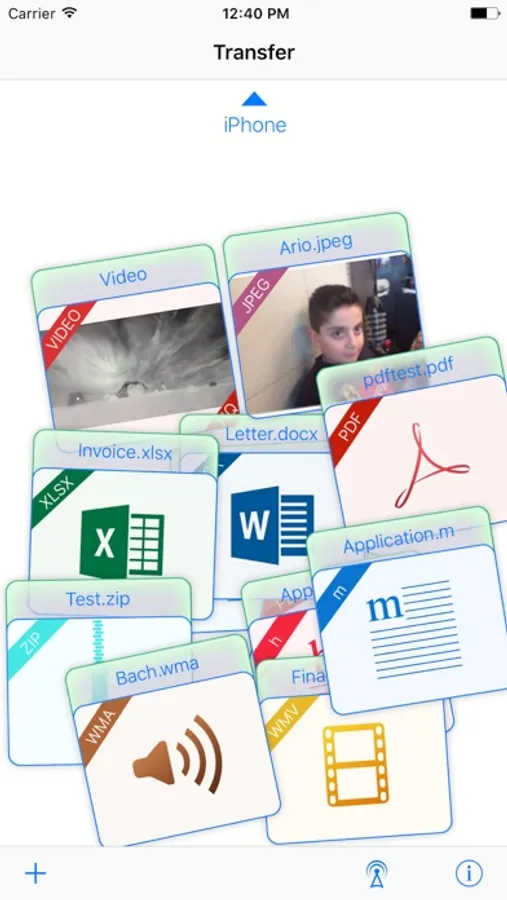
Transfer is the quickest and easiest way to move all files from iOS device to another iOS device, with style.
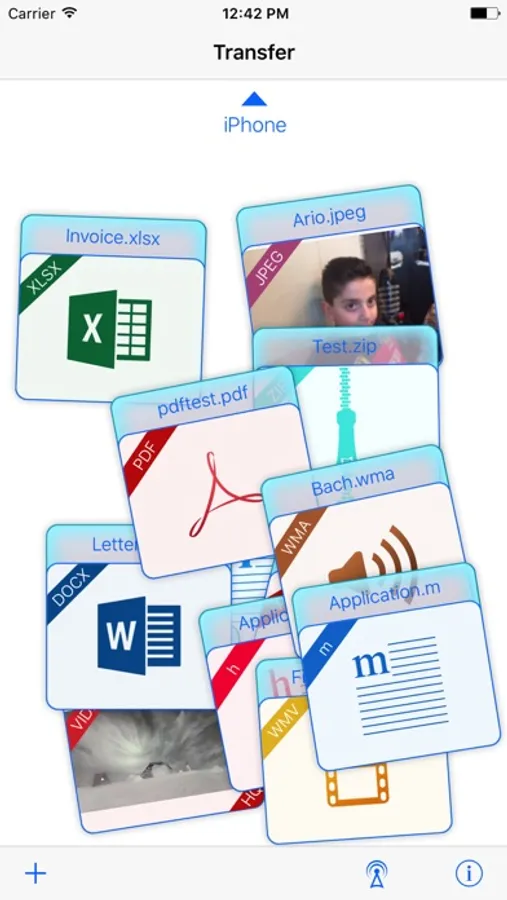
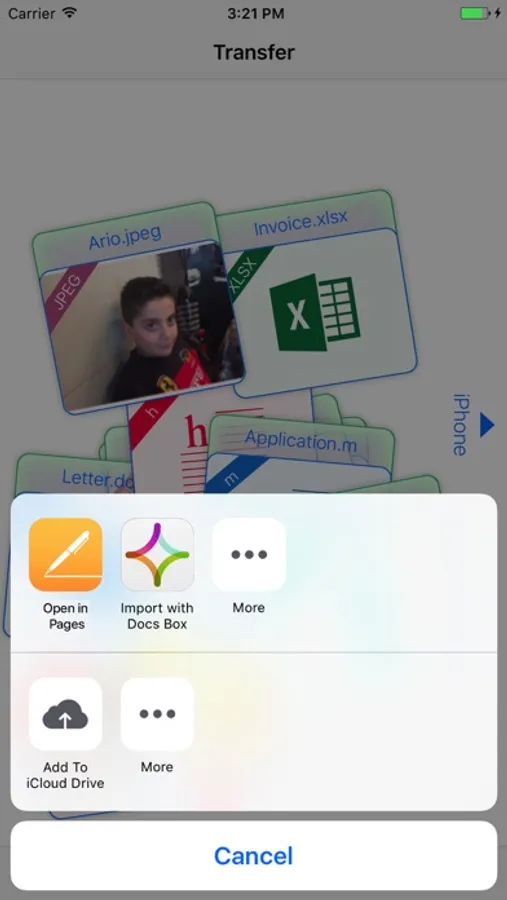
Put what you want to send on the Transfer table, connect via Wi-Fi or Bluetooth, and flick it off-screen where you want it to go!
You can add files to Transfer Table:
1.By tapping + icon (adds photos and video, contacts, and all objects that are in the device clipboard).
2.Via iTunes file sharing.
3.Via email.
You can add all files whit all formats that existing in the computer world.
The Transfer moves all kind of files to another iOS device.
The Transfer can preview most common document files such as:
xls, xlsx, doc, docx, ppt, pptx, key, numbers, pages, pdf, …
photos, videos, contacts, …
Transfer is the quickest and easiest way to move all files from iOS device to another iOS device, with style.
Put what you want to send on the Transfer table, connect via Wi-Fi or Bluetooth, and flick it off-screen where you want it to go!
You can add files to Transfer Table:
1.By tapping + icon (adds photos and video, contacts, and all objects that are in the device clipboard).
2.Via iTunes file sharing.
3.Via email.
You can add all files whit all formats that existing in the computer world.
The Transfer moves all kind of files to another iOS device.
The Transfer can preview most common document files such as:
xls, xlsx, doc, docx, ppt, pptx, key, numbers, pages, pdf, …
photos, videos, contacts, …