AppRecs review analysis
AppRecs rating 3.0. Trustworthiness 85 out of 100. Review manipulation risk 23 out of 100. Based on a review sample analyzed.
★★★☆☆
3.0
AppRecs Rating
Ratings breakdown
5 star
33%
4 star
0%
3 star
33%
2 star
0%
1 star
33%
What to know
✓
Low review manipulation risk
23% review manipulation risk
✓
Credible reviews
85% trustworthiness score from analyzed reviews
About URL to Photo
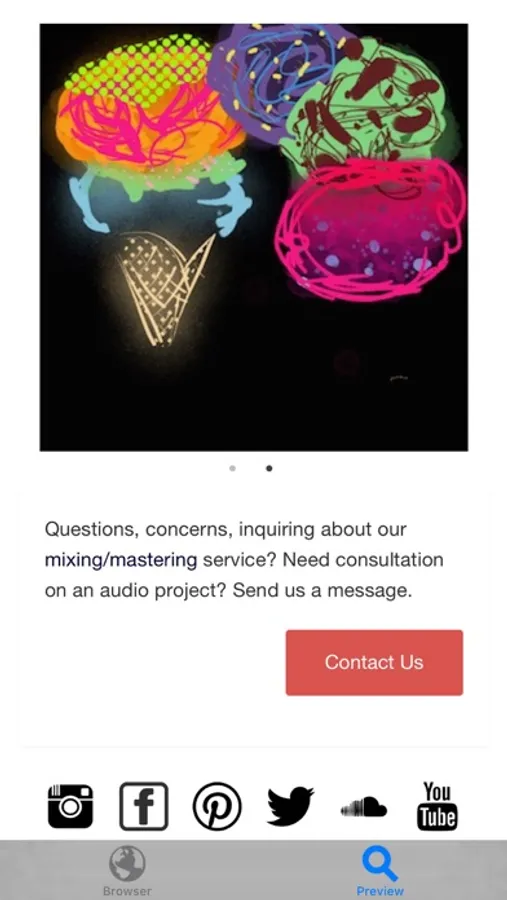
URL to Photo takes full-page snapshots of web pages.
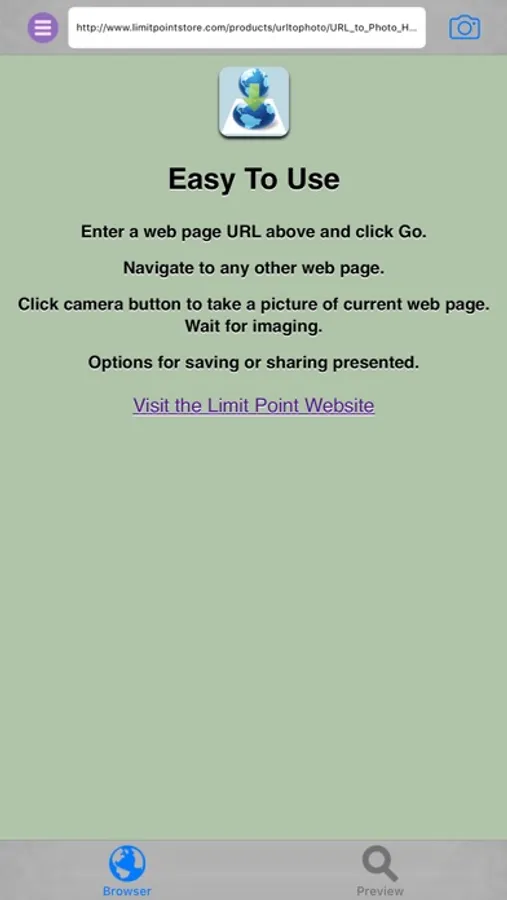
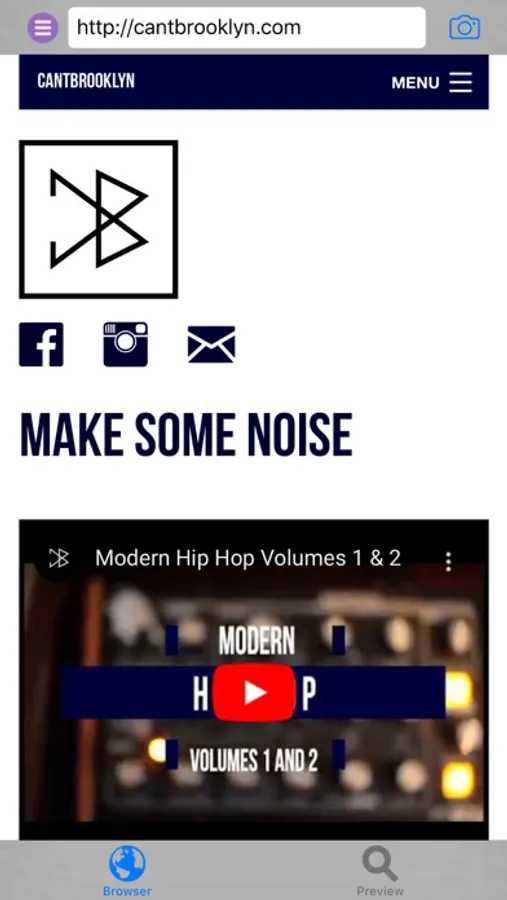
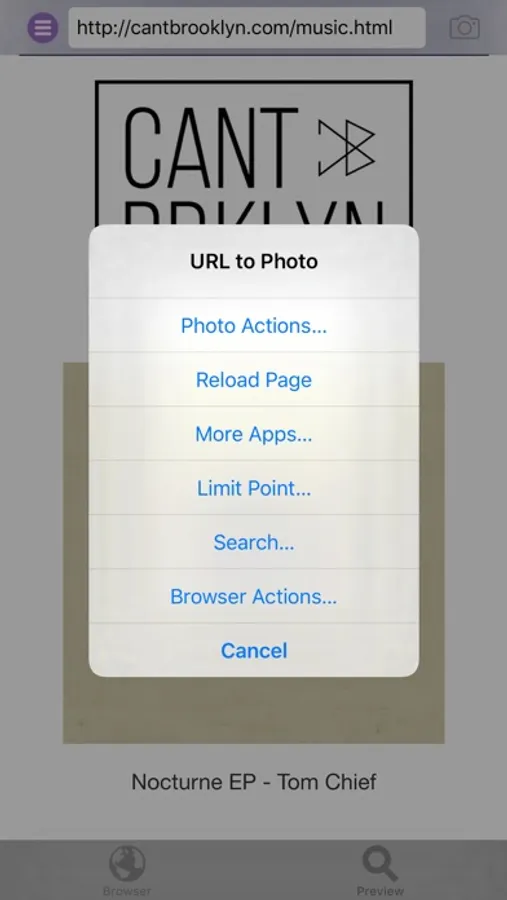
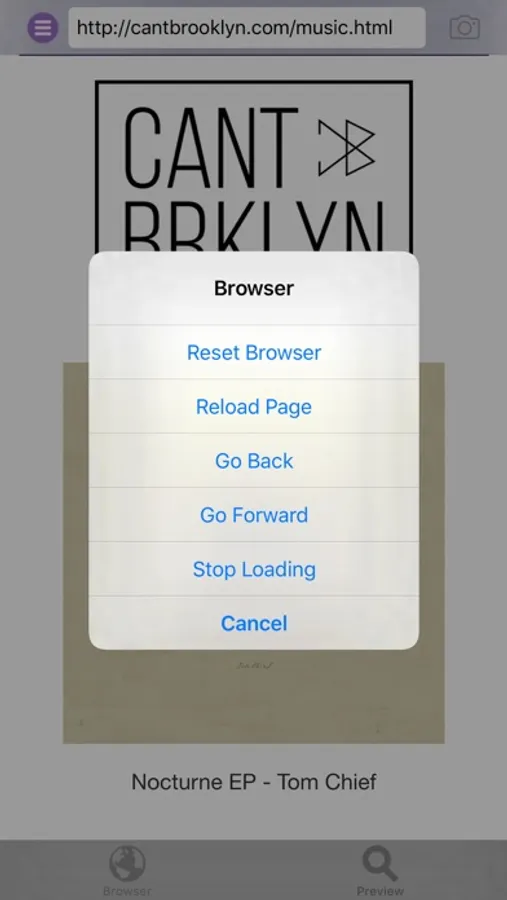
Use the built in mini web browser to enter the URL of the web page for which you want to take a full page snapshot. The browser supports navigation and search.
The photo of the web page includes even those parts of the page that may not be displayed in the browser because it is too wide or long.
To snapshot the page tap the camera button or select ‘Snapshot’ from the main menu.
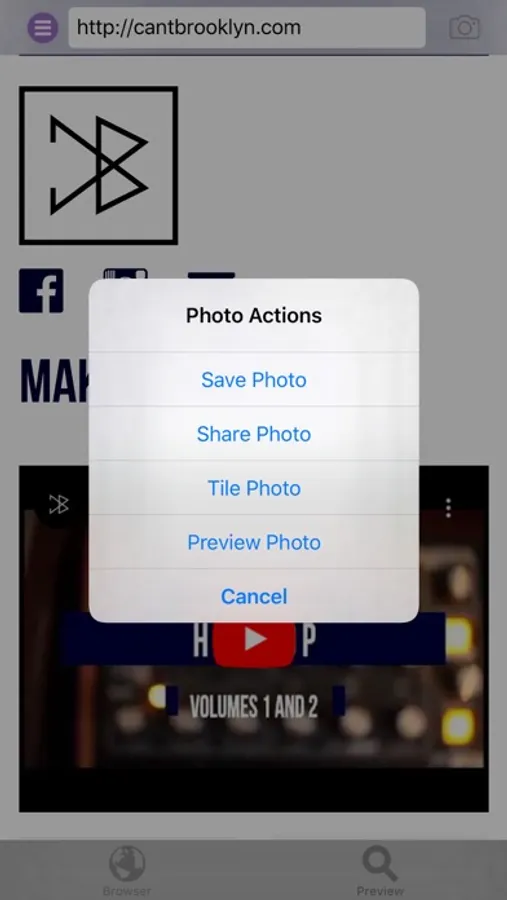
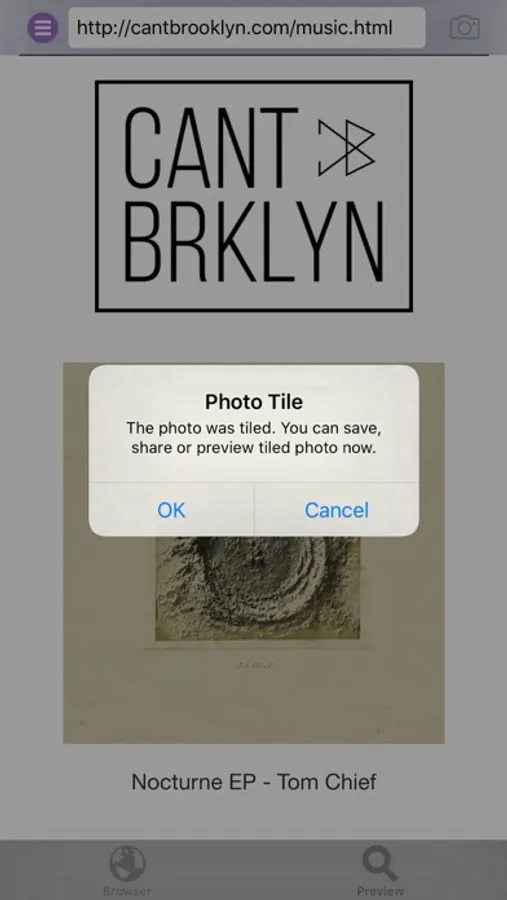
After the picture is taken you have the option to save, share, tile and preview it.
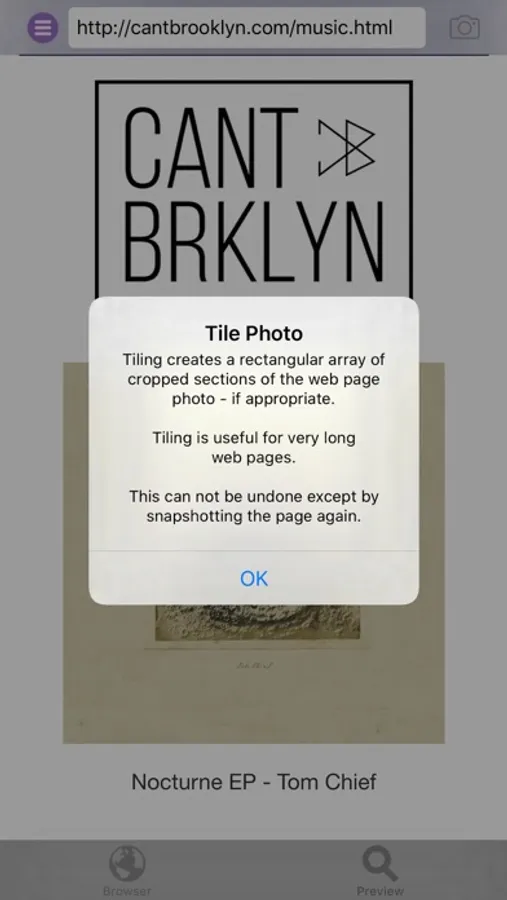
Web pages that are very long will have snapshot images that are very long also. In this case you can tile the photo from the main menu 'Photo Actions' submenu.
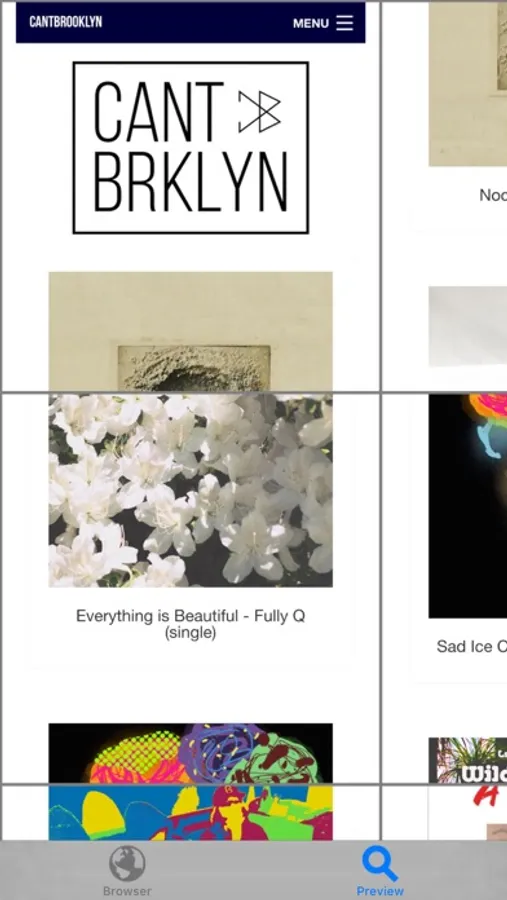
Choose 'Tile Photo' and the snapshot image will be cropped into image segments that will then be arranged in a rectangular array.
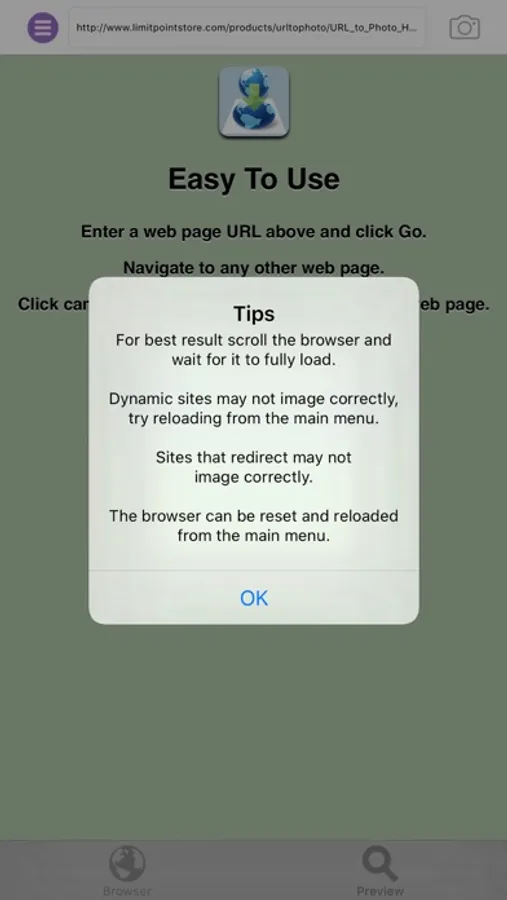
Note: This app works best on web pages that fully load. Web pages that are dynamic or continue to update while being viewed may not yield the expected image.
Use the built in mini web browser to enter the URL of the web page for which you want to take a full page snapshot. The browser supports navigation and search.
The photo of the web page includes even those parts of the page that may not be displayed in the browser because it is too wide or long.
To snapshot the page tap the camera button or select ‘Snapshot’ from the main menu.
After the picture is taken you have the option to save, share, tile and preview it.
Web pages that are very long will have snapshot images that are very long also. In this case you can tile the photo from the main menu 'Photo Actions' submenu.
Choose 'Tile Photo' and the snapshot image will be cropped into image segments that will then be arranged in a rectangular array.
Note: This app works best on web pages that fully load. Web pages that are dynamic or continue to update while being viewed may not yield the expected image.