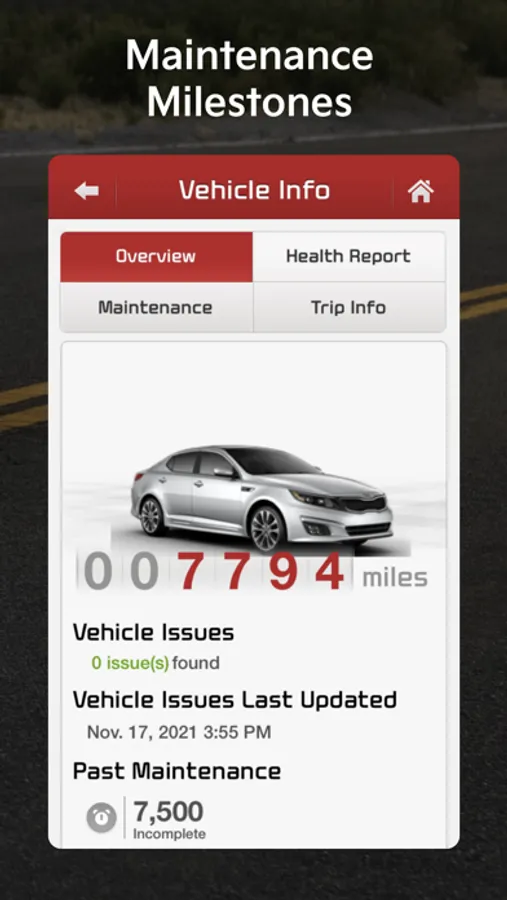
With this app, you can diagnose vehicle issues, contact roadside assistance, and schedule service appointments. Includes vehicle diagnostics, roadside support, and dealership scheduling features.
AppRecs review analysis
AppRecs rating 1.3. Trustworthiness 70 out of 100. Review manipulation risk 24 out of 100. Based on a review sample analyzed.
★☆☆☆☆
1.3
AppRecs Rating
Ratings breakdown
5 star
15%
4 star
8%
3 star
8%
2 star
12%
1 star
57%
What to know
⚠
Ad complaints
Many low ratings mention excessive ads
⚠
Mixed user feedback
Average 2.1★ rating suggests room for improvement
⚠
High negative review ratio
69% of sampled ratings are 1–2 stars
About Kia eServices
IMPORTANT: This app is only for Kia vehicles with Kia eServices (formerly UVO eServices). If your vehicle is equipped with Kia Connect, UVO luxe, or UVO eco, please download the Kia Access pp:
iOS: https://apps.apple.com/us/app/kia-access-with-uvo-link/id1280548773
NOTE: If you have the 3.4.2 or earlier version please delete the App and install the new App version 3.7.0 from this page.
Stay informed and prepared wherever you go with Kia eServices. Kia eServices is a Kia America telematics service for select vehicles without built-in connectivity (no remote capabilities).
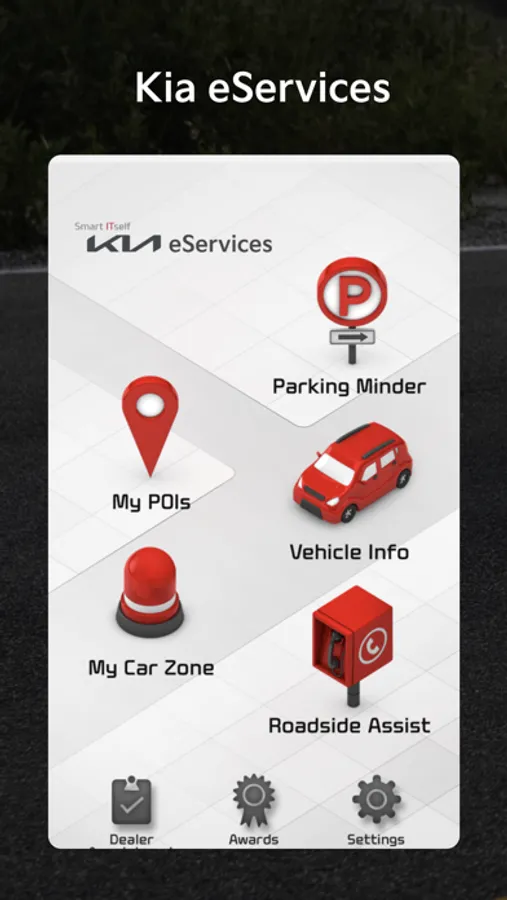
Using your smart phone, Kia eServices can provide the following features:
1. Vehicle Diagnostics: Diagnose whether problems exist within major vehicle systems. If an abnormality exists, you can call Kia Roadside Assist or schedule a service appointment with your Kia Dealership directly from the vehicle or using the UVO app.
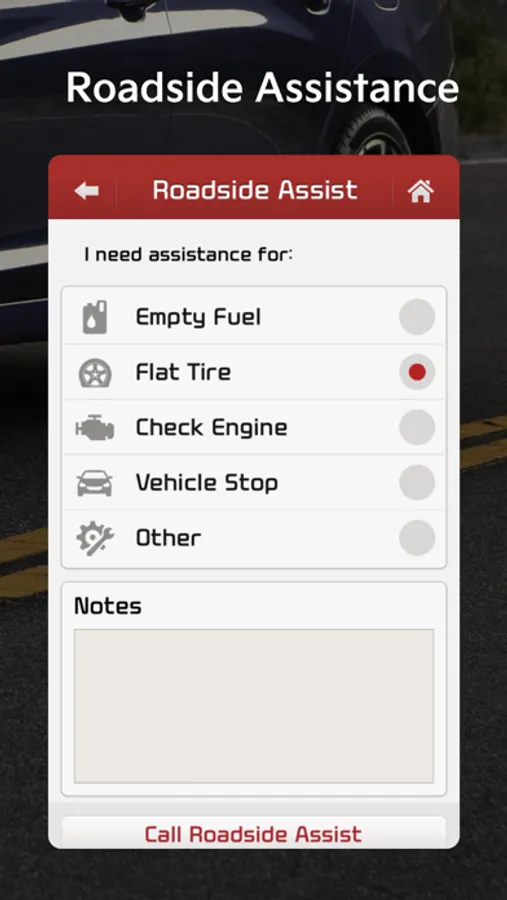
2. Roadside Assist: Contact Kia Roadside Assistance Program with just a click.
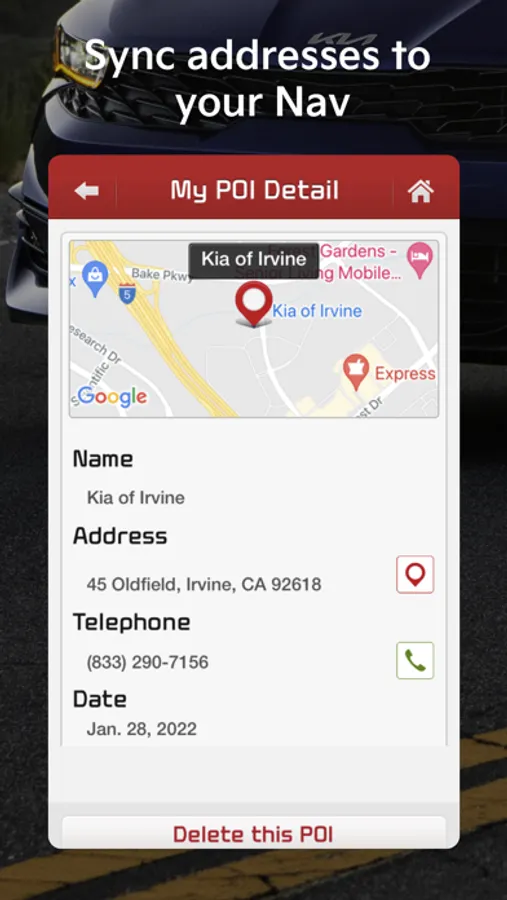
3. MyPOIs: Synchronize your POIs list from your Kia owner account with your vehicle’s navigation system.
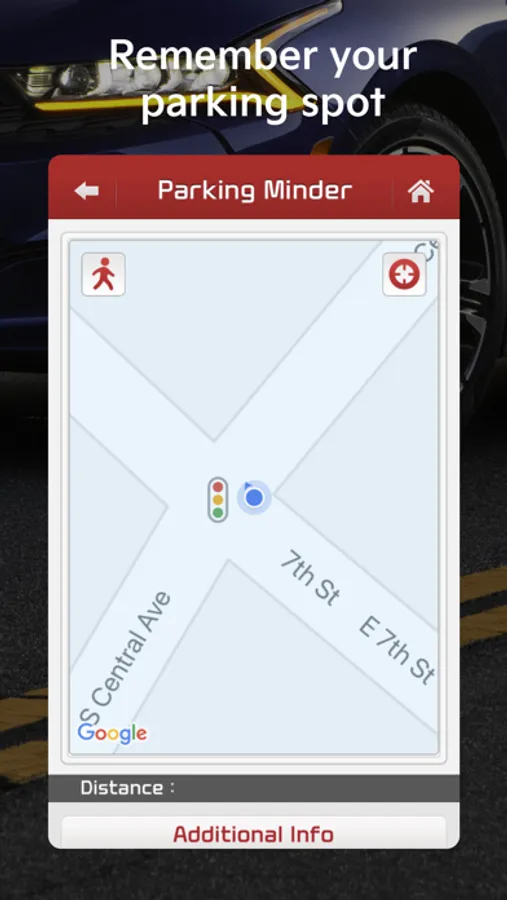
4. Parking Minder: Save your vehicle’s parked location where the vehicle parked and navigate to it later, or send the location to a friend.
5. My Car Zone: Create records of when your vehicle is traveling faster than a set speed, starts driving later than a set time, or enters a set restricted area
6. Trip Info: Analytics of your monthly driving habits such as total driving distance and average speed.
7. Dealer Appointments: Request service appointments at a dealership of your choosing.
For more information about Kia eServices, visit https://owners.kia.com/us/en/about-uvo-eservices.html
*To use Kia eServices, you will need a Kia vehicle equipped with Kia eServices, have registered a Kia owner account at owners.kia.com, and a compatible smart phone. You can check your vehicle and phone compatibility at https://owners.kia.com/content/owners/en/uvo-availability.html/
For help on your Kia eServices system, contact the Kia Connect call center at 1-844-886-9411 or https://ksupport.kiausa.com/ConsumerAffairs
iOS: https://apps.apple.com/us/app/kia-access-with-uvo-link/id1280548773
NOTE: If you have the 3.4.2 or earlier version please delete the App and install the new App version 3.7.0 from this page.
Stay informed and prepared wherever you go with Kia eServices. Kia eServices is a Kia America telematics service for select vehicles without built-in connectivity (no remote capabilities).
Using your smart phone, Kia eServices can provide the following features:
1. Vehicle Diagnostics: Diagnose whether problems exist within major vehicle systems. If an abnormality exists, you can call Kia Roadside Assist or schedule a service appointment with your Kia Dealership directly from the vehicle or using the UVO app.
2. Roadside Assist: Contact Kia Roadside Assistance Program with just a click.
3. MyPOIs: Synchronize your POIs list from your Kia owner account with your vehicle’s navigation system.
4. Parking Minder: Save your vehicle’s parked location where the vehicle parked and navigate to it later, or send the location to a friend.
5. My Car Zone: Create records of when your vehicle is traveling faster than a set speed, starts driving later than a set time, or enters a set restricted area
6. Trip Info: Analytics of your monthly driving habits such as total driving distance and average speed.
7. Dealer Appointments: Request service appointments at a dealership of your choosing.
For more information about Kia eServices, visit https://owners.kia.com/us/en/about-uvo-eservices.html
*To use Kia eServices, you will need a Kia vehicle equipped with Kia eServices, have registered a Kia owner account at owners.kia.com, and a compatible smart phone. You can check your vehicle and phone compatibility at https://owners.kia.com/content/owners/en/uvo-availability.html/
For help on your Kia eServices system, contact the Kia Connect call center at 1-844-886-9411 or https://ksupport.kiausa.com/ConsumerAffairs