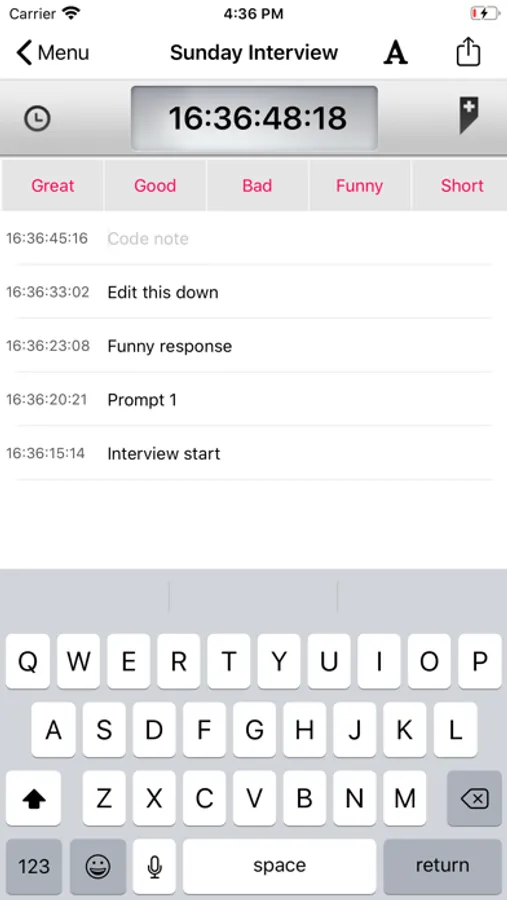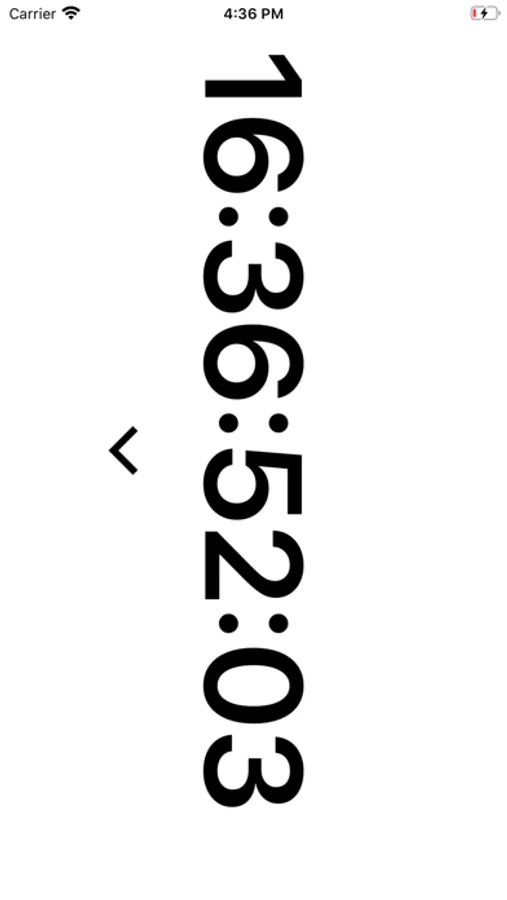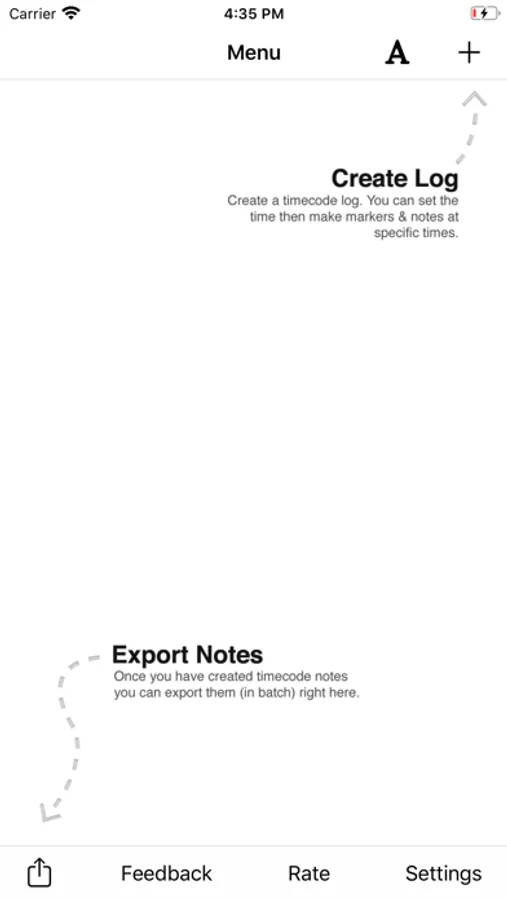
In this logging app, you can sync with camera timecode, generate markers, and add notes during a shoot. Includes custom timecode synchronization, quick notes, and CSV export options.
AppRecs review analysis
AppRecs rating 3.9. Trustworthiness 83 out of 100. Review manipulation risk 21 out of 100. Based on a review sample analyzed.
★★★☆☆
3.9
AppRecs Rating
Ratings breakdown
5 star
65%
4 star
9%
3 star
5%
2 star
5%
1 star
16%
What to know
✓
Low review manipulation risk
21% review manipulation risk
✓
Credible reviews
83% trustworthiness score from analyzed reviews
✓
High user satisfaction
74% of sampled ratings are 4+ stars (4.0★ average)
About Timecode+ : cameraman
Timecode+ was designed by professional cameramen and producers as a simple way to log notes during a shoot with your iPhone or iPad in sync with your camera(s) timecode.
Sync the app with your camera timecode (or use the running time-of-day preset to jam your cameras) and start generating timecode markers and notes with one simple click. After you've wrapped a shoot, scene, or interview, email your notes as a CSV file (excel spreadsheet) to use during post.
HOW DOES IT WORK?
- Set the timer to match the timecode on your camera.
- Press the marker button every time you have an interesting shot.
- Write a note for the marker or use one of the 'quick note' buttons above the keyboard
SYNC TIMECODE
• Manually with keypad
• With clock time
WHAT ELSE?
• Custom set FPS
• Customize the 'Quick Notes' that you use most often when logging
CUSTOMER FEEDBACK:
- "I've tried the whole range of available TC logging apps out there - from Moviestate Pro, Logster, and most of the others that have come out, whether or not they accept external timecode input. Timecode+ is the nicest so far for straight logging."
- "TimeCode+ is essential to efficiently editing soccer games down to just the highlights."
Sync the app with your camera timecode (or use the running time-of-day preset to jam your cameras) and start generating timecode markers and notes with one simple click. After you've wrapped a shoot, scene, or interview, email your notes as a CSV file (excel spreadsheet) to use during post.
HOW DOES IT WORK?
- Set the timer to match the timecode on your camera.
- Press the marker button every time you have an interesting shot.
- Write a note for the marker or use one of the 'quick note' buttons above the keyboard
SYNC TIMECODE
• Manually with keypad
• With clock time
WHAT ELSE?
• Custom set FPS
• Customize the 'Quick Notes' that you use most often when logging
CUSTOMER FEEDBACK:
- "I've tried the whole range of available TC logging apps out there - from Moviestate Pro, Logster, and most of the others that have come out, whether or not they accept external timecode input. Timecode+ is the nicest so far for straight logging."
- "TimeCode+ is essential to efficiently editing soccer games down to just the highlights."