WiFi Mouse Pro
士猛 王
4.2 ★
store rating
$1.99
AppRecs review analysis
AppRecs rating 3.7. Trustworthiness 75 out of 100. Review manipulation risk 24 out of 100. Based on a review sample analyzed.
★★★☆☆
3.7
AppRecs Rating
Ratings breakdown
5 star
64%
4 star
17%
3 star
3%
2 star
5%
1 star
11%
What to know
✓
Low review manipulation risk
24% review manipulation risk
✓
Credible reviews
75% trustworthiness score from analyzed reviews
✓
High user satisfaction
80% of sampled ratings are 4+ stars (4.2★ average)
About WiFi Mouse Pro
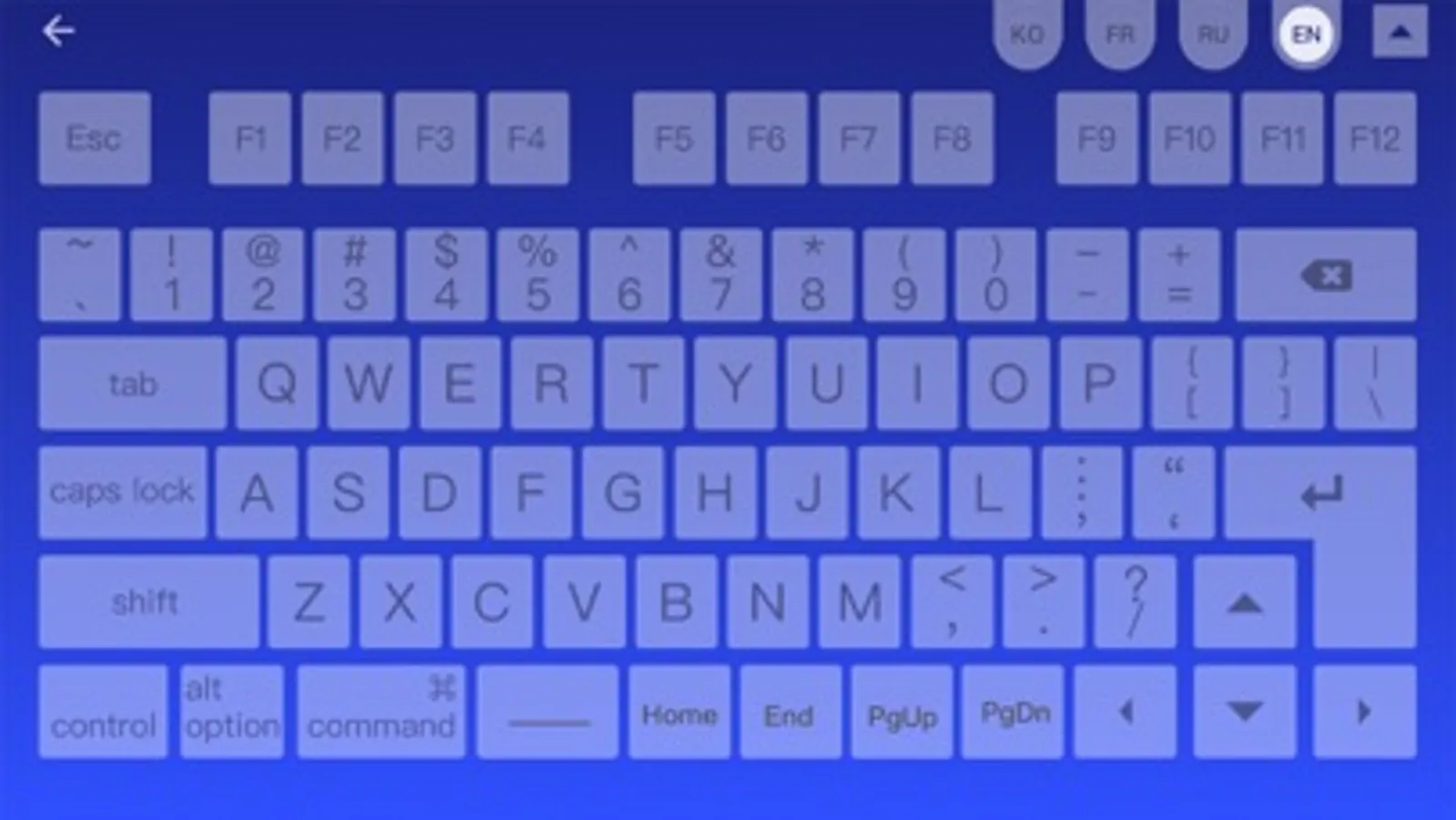
Transform your phone into a wireless mouse, keyboard and trackpad for your computer, it enables you to control your laptop effortlessly through a local network connection.When your real mouse, keyboard or controller has been broken, it can replace them.
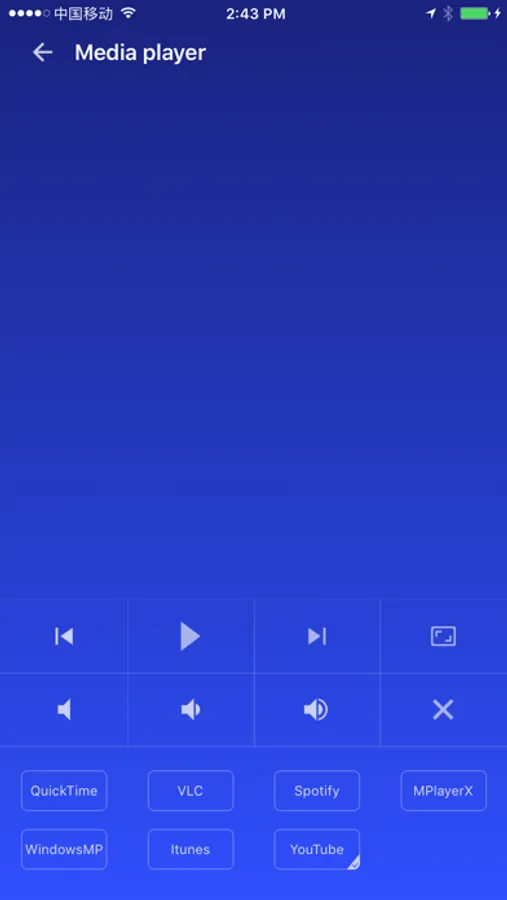
Now you can relax on the sofa and control Youtube or playing video in the comfort of your own home.
Key features:
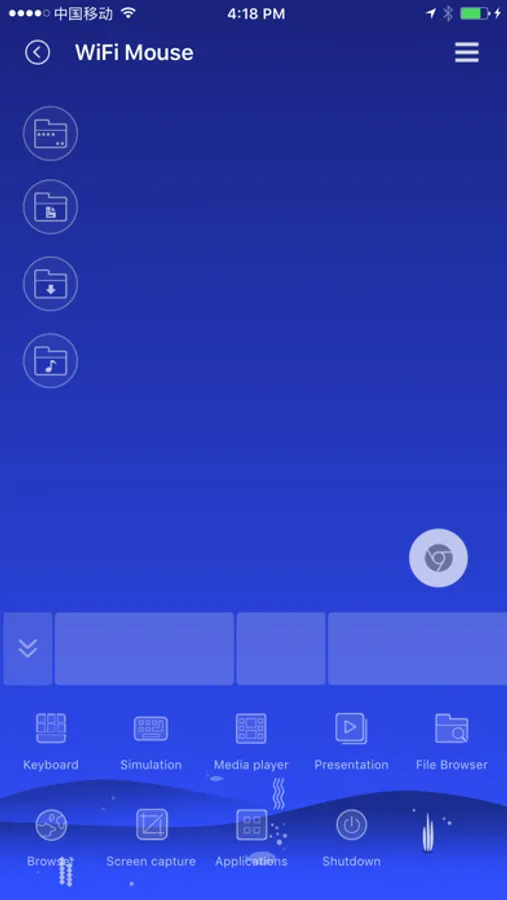
● Fully Simulated Mouse
● Simulated Computer Keyboard
● Magic Trackpad
● Multi-Touch Gestures
● Shutdown / Sleep Computer Remotely
● Media Controller
● Voice Input Remotely
● Application Launcher
● Screen capture
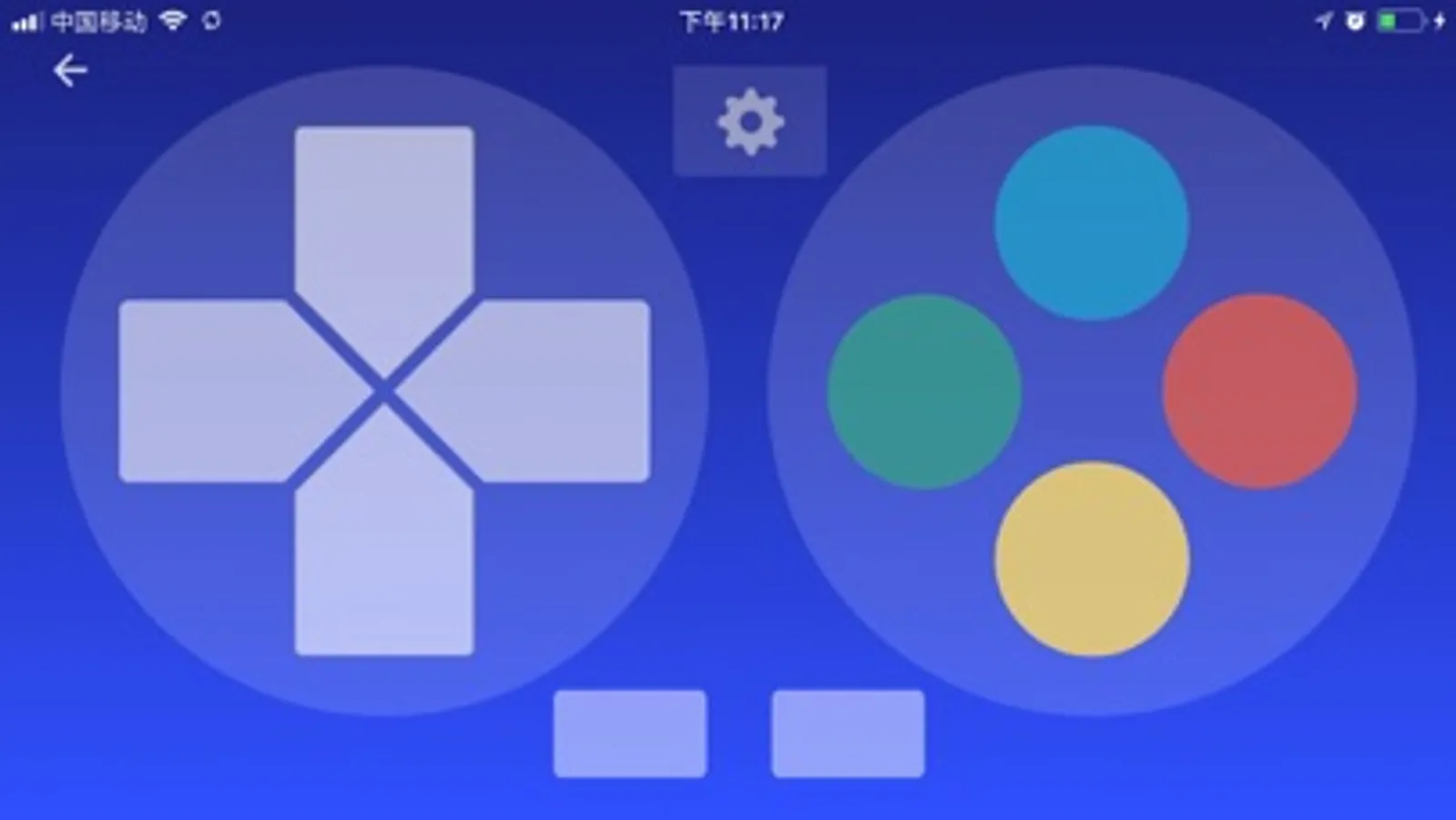
● Game controller
● Restore last connection when start.
● Browser and open computer files
● Control PPT / Keynote Presentation Remotely
● Compatible with Windows 7/8/10, Mac OS x/Linux
Quick setup:
● Download & install mouse server from website http://wifimouse.necta.us
● Make sure your phone and computer at the same network.
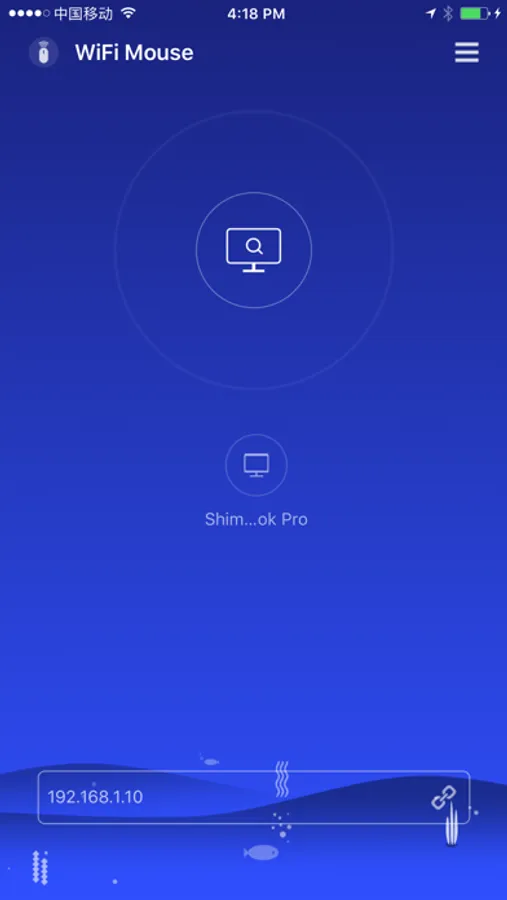
● Start app to connect one computer
Now you can relax on the sofa and control Youtube or playing video in the comfort of your own home.
Key features:
● Fully Simulated Mouse
● Simulated Computer Keyboard
● Magic Trackpad
● Multi-Touch Gestures
● Shutdown / Sleep Computer Remotely
● Media Controller
● Voice Input Remotely
● Application Launcher
● Screen capture
● Game controller
● Restore last connection when start.
● Browser and open computer files
● Control PPT / Keynote Presentation Remotely
● Compatible with Windows 7/8/10, Mac OS x/Linux
Quick setup:
● Download & install mouse server from website http://wifimouse.necta.us
● Make sure your phone and computer at the same network.
● Start app to connect one computer