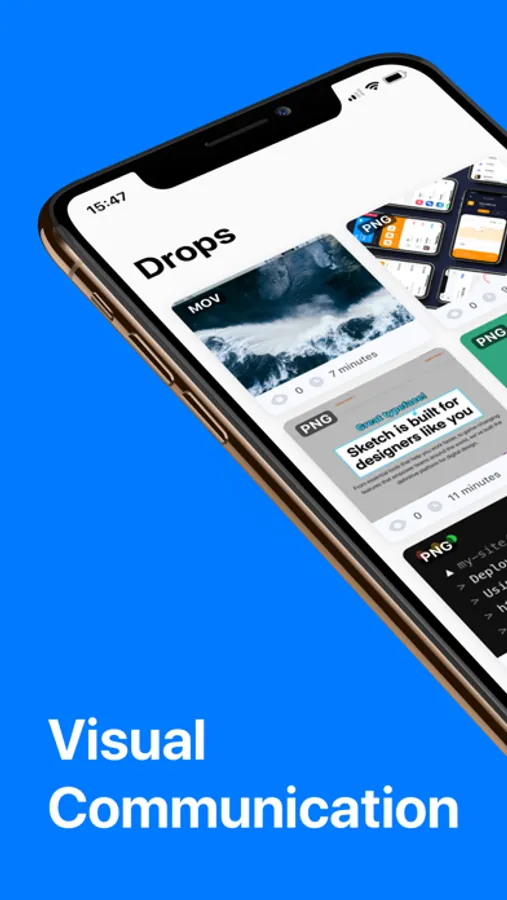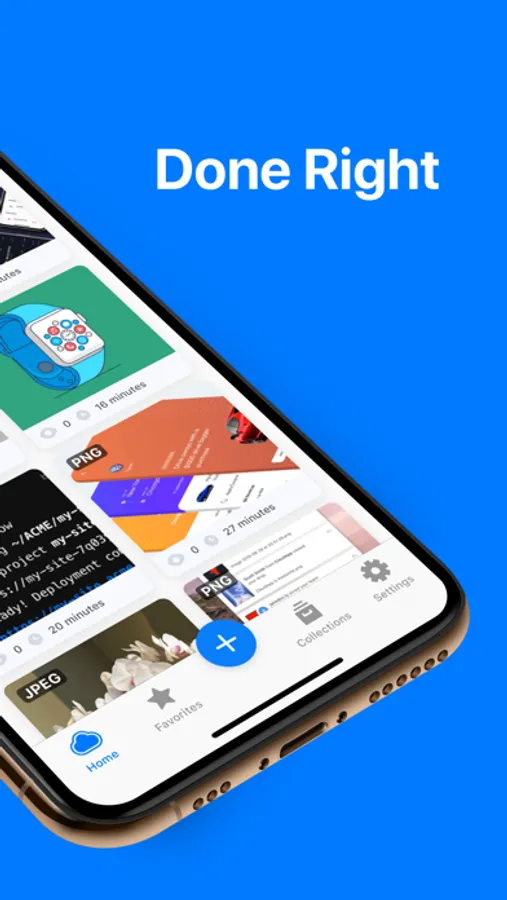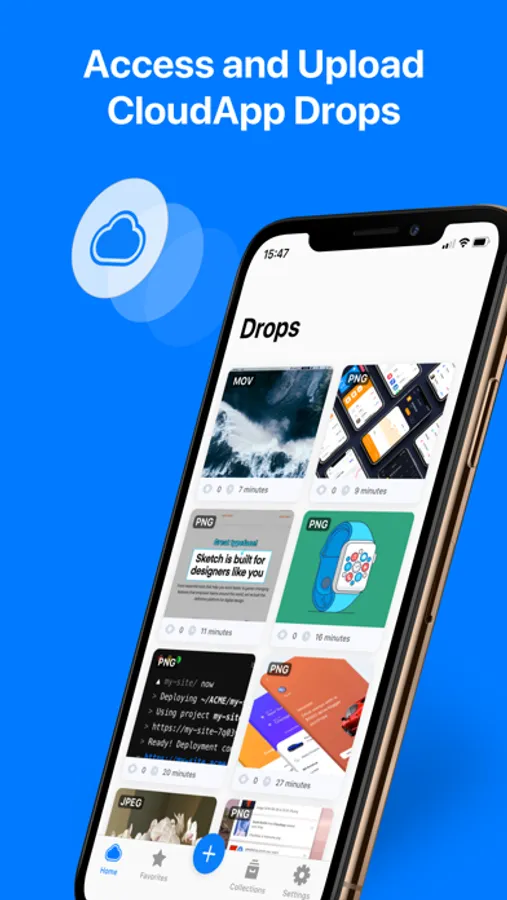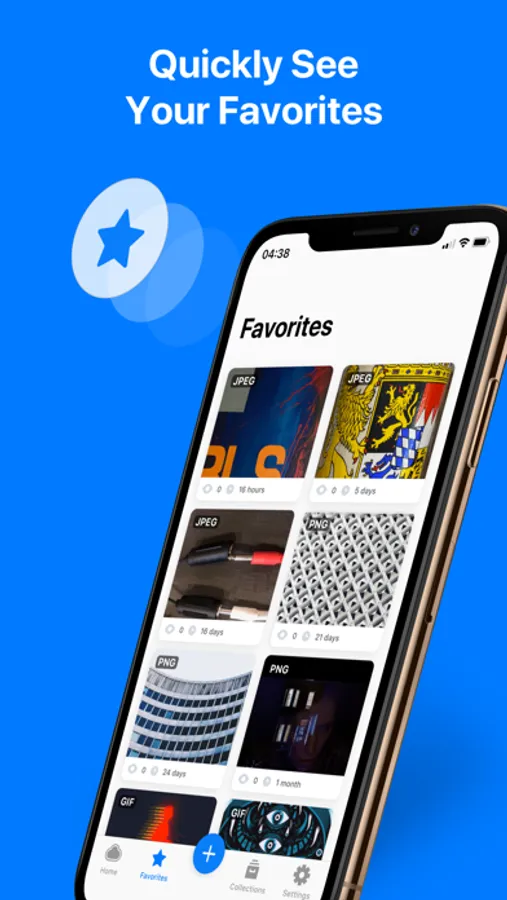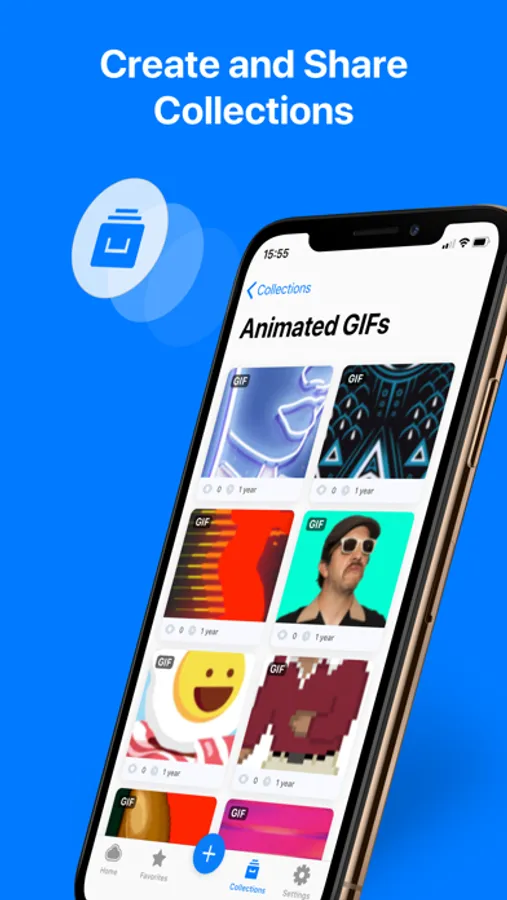
In this screen recording app, you can record videos of your iPhone screen and capture screenshots with editing options. Includes cloud uploads, share links, and capture organization features.
AppRecs review analysis
AppRecs rating 4.5. Trustworthiness 77 out of 100. Review manipulation risk 22 out of 100. Based on a review sample analyzed.
★★★★☆
4.5
AppRecs Rating
Ratings breakdown
5 star
80%
4 star
8%
3 star
3%
2 star
2%
1 star
7%
What to know
✓
Low review manipulation risk
22% review manipulation risk
✓
Credible reviews
77% trustworthiness score from analyzed reviews
✓
High user satisfaction
80% of sampled ratings are 5 stars
About Zight Screen Recorder, Capture
Zight is your go-to app for screen recording and screenshot capture on iOS.
Designed for efficiency and ease, Zight lets you quickly capture moments, upload files, and share them effortlessly and securely.
FEATURES:
- Screen Recorder: Record your iPhone screen with ease. Perfect for tutorials, walkthroughs, demos, or any moment you want to capture
- Screenshot: Capture quick and easy screenshots with the option to edit and annotate
- Link Sharing: Get a link and share it with anyone, anywhere! Generate shareable links for your screenshots and recordings and paste them to colleagues or friends for viewing
- Uploads: Effortless upload process. Finish capturing and your files upload to the cloud in seconds! Also upload photos and videos from your device for better editing and sharing
- Capture: Seamlessly capture anything on your screen, from an important document to a memorable chat.
- Share: Share your captures with colleagues with just a few taps. Also set who can view or interact with your files.
- Capture Management: A customized thumbnail view that makes organizing and browsing through your captures a smooth experience
And much much more!
Designed for efficiency and ease, Zight lets you quickly capture moments, upload files, and share them effortlessly and securely.
FEATURES:
- Screen Recorder: Record your iPhone screen with ease. Perfect for tutorials, walkthroughs, demos, or any moment you want to capture
- Screenshot: Capture quick and easy screenshots with the option to edit and annotate
- Link Sharing: Get a link and share it with anyone, anywhere! Generate shareable links for your screenshots and recordings and paste them to colleagues or friends for viewing
- Uploads: Effortless upload process. Finish capturing and your files upload to the cloud in seconds! Also upload photos and videos from your device for better editing and sharing
- Capture: Seamlessly capture anything on your screen, from an important document to a memorable chat.
- Share: Share your captures with colleagues with just a few taps. Also set who can view or interact with your files.
- Capture Management: A customized thumbnail view that makes organizing and browsing through your captures a smooth experience
And much much more!