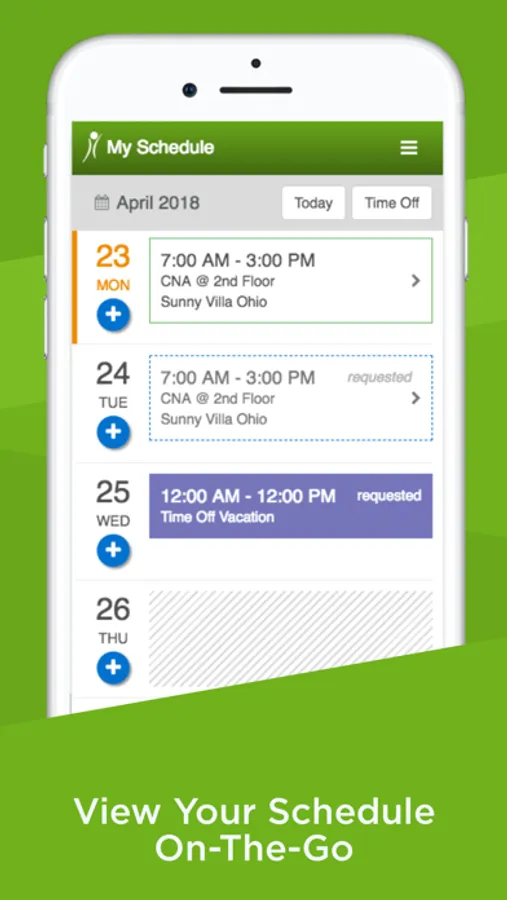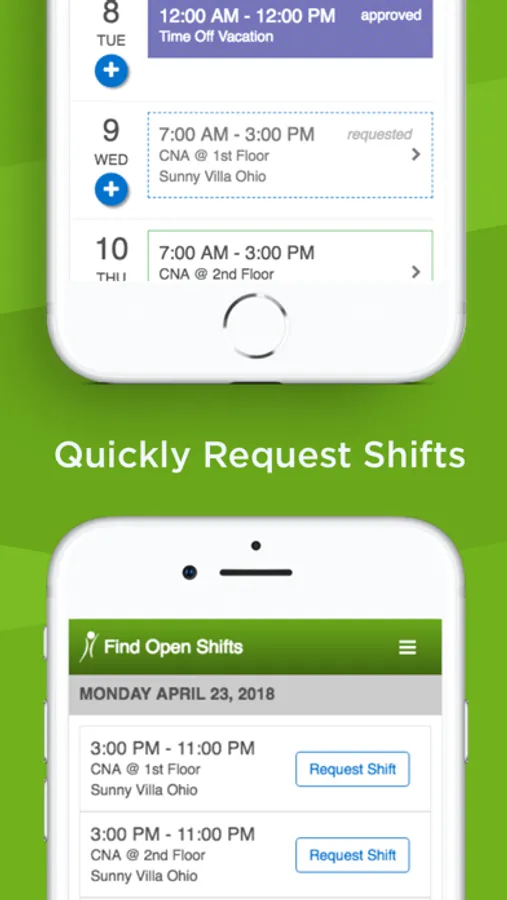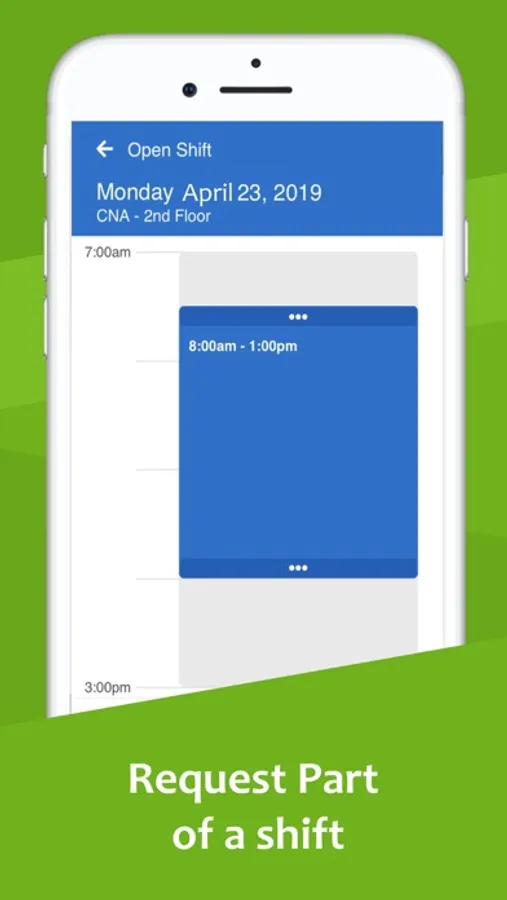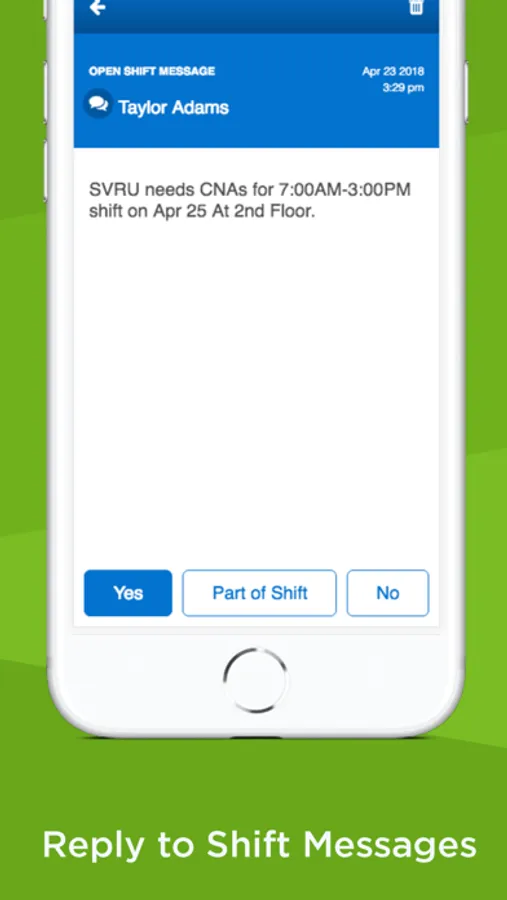
With this workforce management app, you can view schedules, send messages, and request shifts. Includes messaging tools and shift management features.
AppRecs review analysis
AppRecs rating 1.1. Trustworthiness 0 out of 100. Review manipulation risk 0 out of 100. Based on a review sample analyzed.
★☆☆☆☆
1.1
AppRecs Rating
Ratings breakdown
5 star
7%
4 star
1%
3 star
2%
2 star
6%
1 star
84%
What to know
⚠
Ad complaints
Many low ratings mention excessive ads
⚠
Mixed user feedback
Average 1.4★ rating suggests room for improvement
⚠
High negative review ratio
90% of sampled ratings are 1–2 stars
About OnShift Mobile
OnShift Customers: Manage your schedule anytime, anywhere with OnShift’s easy-to-use mobile app.
Employees: Access and manage your schedule anytime.
- View your schedule anytime, anywhere
- Receive and reply to messages & open shift notifications
- Request shifts, fill-ins & time off
- Set communication preferences
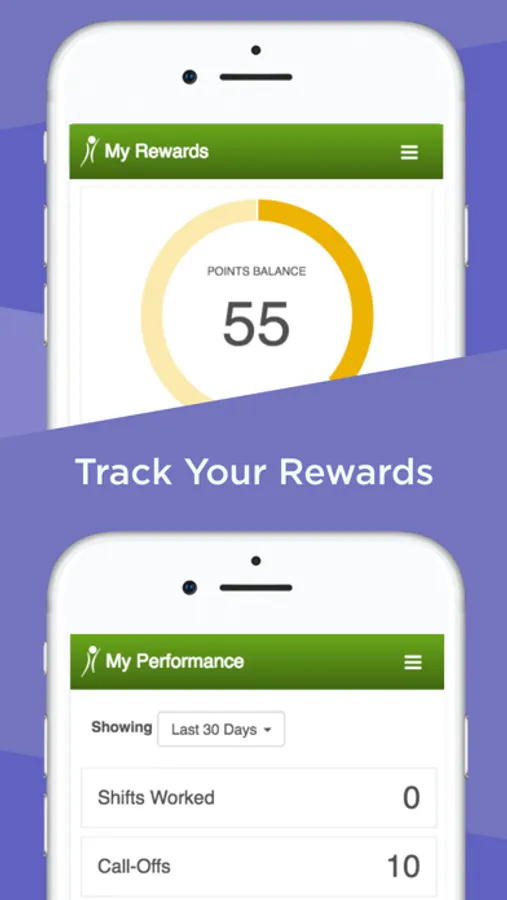
- View reward and performance history (OnShift Engage Customers Only)
Schedulers: Quickly manage call-offs on-the-go!
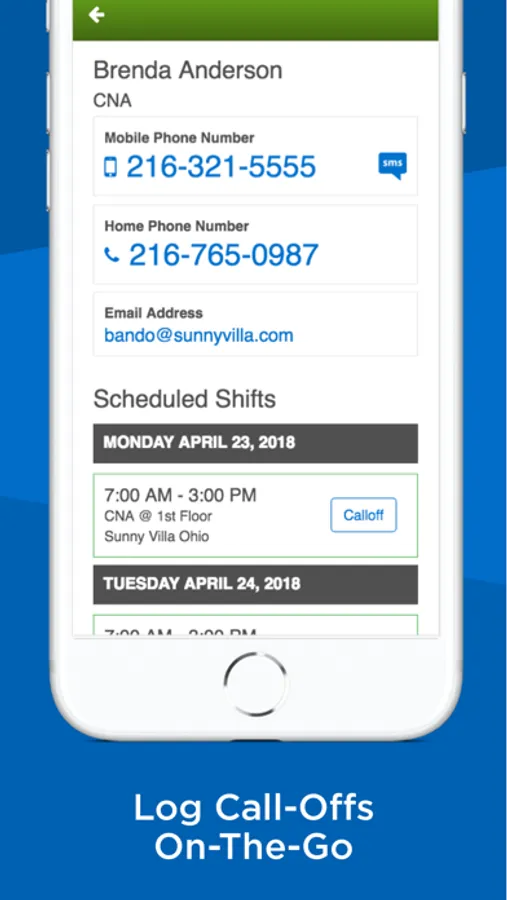
- Remove and log called-off employees
- Send messages to available and qualified staff
- Contact staff members directly using the app’s Employee Directory
NOTE: The OnShift mobile app is available to all OnShift customers. Please contact support@onshift.com with any questions.
Employees: Access and manage your schedule anytime.
- View your schedule anytime, anywhere
- Receive and reply to messages & open shift notifications
- Request shifts, fill-ins & time off
- Set communication preferences
- View reward and performance history (OnShift Engage Customers Only)
Schedulers: Quickly manage call-offs on-the-go!
- Remove and log called-off employees
- Send messages to available and qualified staff
- Contact staff members directly using the app’s Employee Directory
NOTE: The OnShift mobile app is available to all OnShift customers. Please contact support@onshift.com with any questions.