AppRecs review analysis
AppRecs rating 4.5. Trustworthiness 65 out of 100. Review manipulation risk 29 out of 100. Based on a review sample analyzed.
★★★★☆
4.5
AppRecs Rating
Ratings breakdown
5 star
100%
4 star
0%
3 star
0%
2 star
0%
1 star
0%
What to know
✓
Low review manipulation risk
29% review manipulation risk
✓
High user satisfaction
100% of sampled ratings are 5 stars
About StudyLap
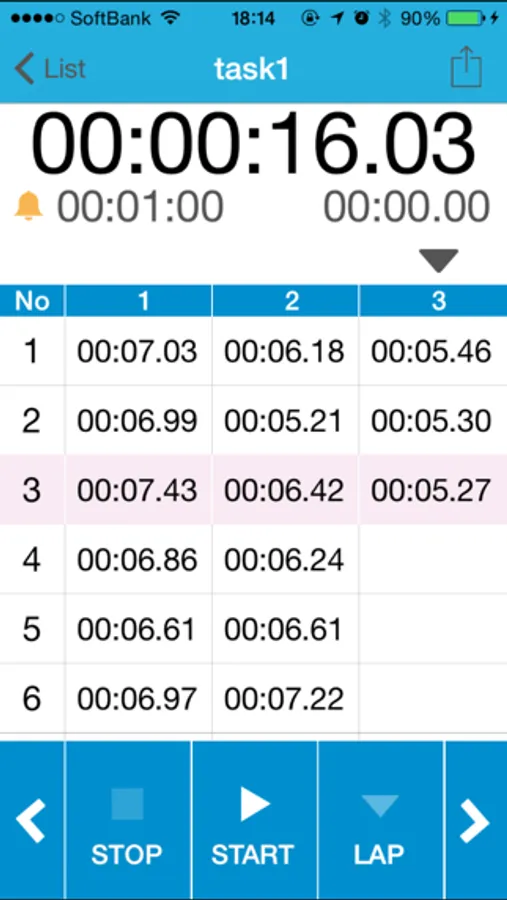
This Timer App is optimized such as the following.
- Grid view
- Sound alarm as a set time each lap time
Features
- Set a alarm each lap time(1 second, 5 second, Vibration only...)
- No limit lap count
- Simple, and flat design
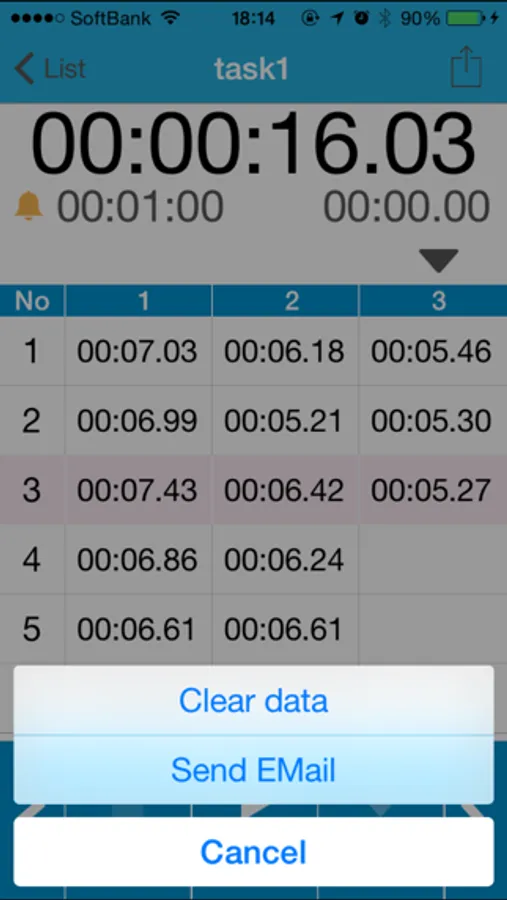
- Send timer result by e-mail
- Tap the CANCEL to delete a last lap time
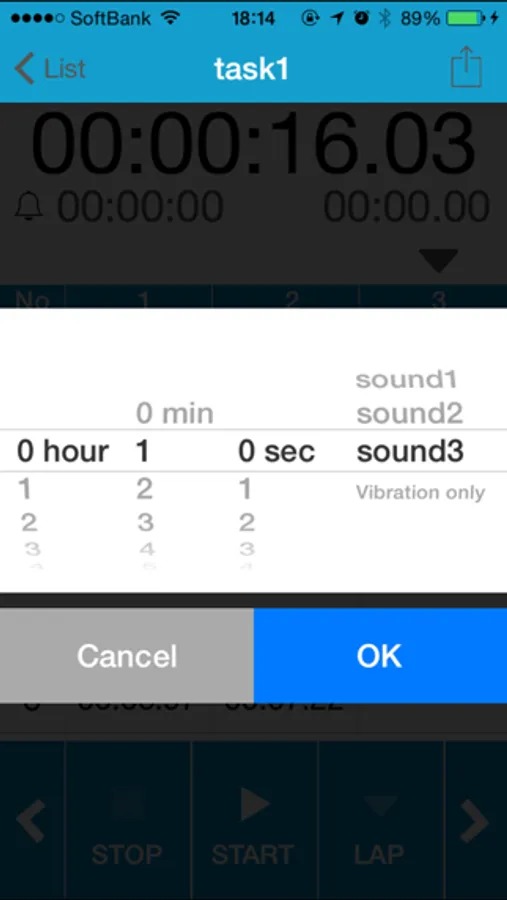
How to set the alarm
1. Tap the bell icon on the timer view.
2. Tap the Done button to select the hours and minutes, alarm sound
3. State that does not have the red strikethrough Icon will hours and minutes, alarm ON.
To the alarm OFF, please tap the Cancel button after you tap the alarm icon
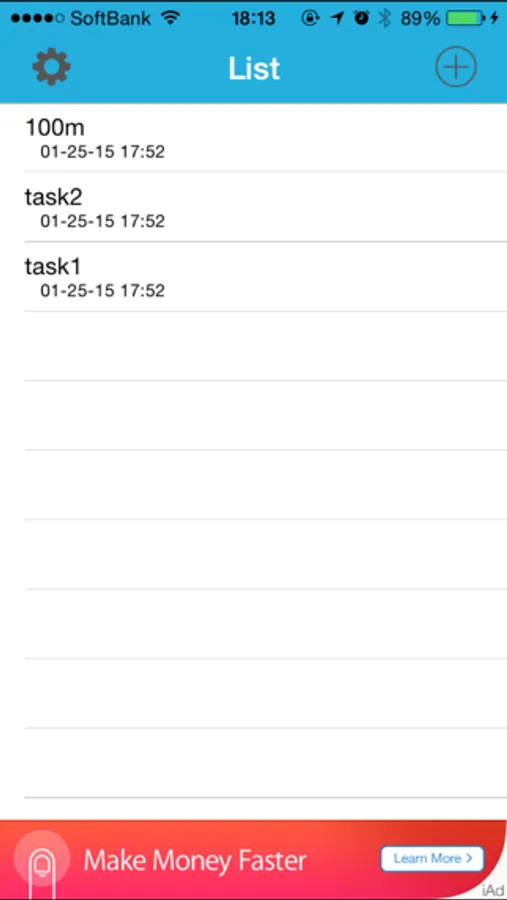
How to edit task name
1. Tap edit button.
2. Tap a task name.
How to display of milliseconds
1. Open the StudyLap view from the device setting.
2. Switch "ON" in the "Displays the millisecond".
- Grid view
- Sound alarm as a set time each lap time
Features
- Set a alarm each lap time(1 second, 5 second, Vibration only...)
- No limit lap count
- Simple, and flat design
- Send timer result by e-mail
- Tap the CANCEL to delete a last lap time
How to set the alarm
1. Tap the bell icon on the timer view.
2. Tap the Done button to select the hours and minutes, alarm sound
3. State that does not have the red strikethrough Icon will hours and minutes, alarm ON.
To the alarm OFF, please tap the Cancel button after you tap the alarm icon
How to edit task name
1. Tap edit button.
2. Tap a task name.
How to display of milliseconds
1. Open the StudyLap view from the device setting.
2. Switch "ON" in the "Displays the millisecond".