myLiberty Mobile Banking
Liberty National Bank Inc
4.9 ★
store rating
Free
With this mobile banking app, you can check account balances, view transactions, transfer funds, and pay bills. Includes secure login, transaction alerts, and branch locator features.
AppRecs review analysis
AppRecs rating 4.9. Trustworthiness 0 out of 100. Review manipulation risk 0 out of 100. Based on a review sample analyzed.
★★★★☆
4.9
AppRecs Rating
Ratings breakdown
5 star
93%
4 star
5%
3 star
1%
2 star
0%
1 star
1%
What to know
✓
High user satisfaction
93% of sampled ratings are 5 stars
About myLiberty Mobile Banking
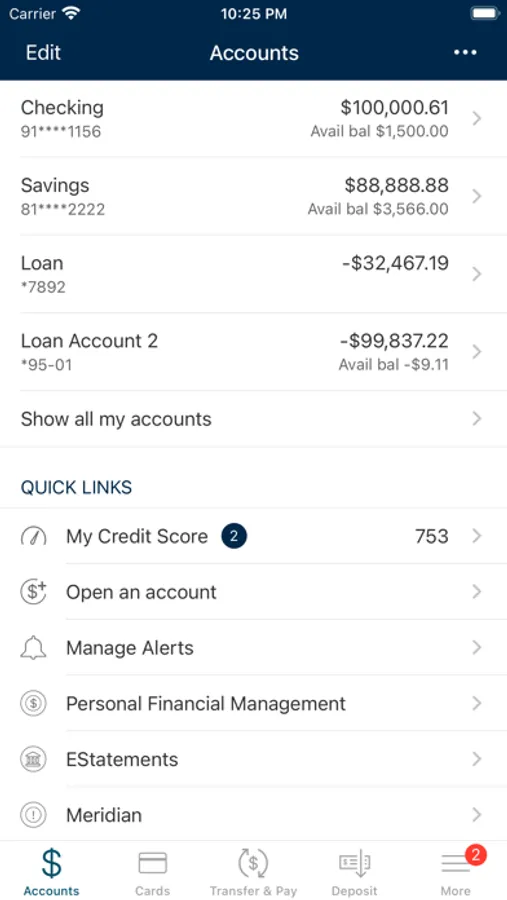
Now, wherever you go and whenever you need us, you have myLiberty to help you manage your money 24/7 with your mobile device. It's fast, secure and free*. With the myLiberty app on your mobile device, you can manage your finances wherever life takes you:
• Check your account balances
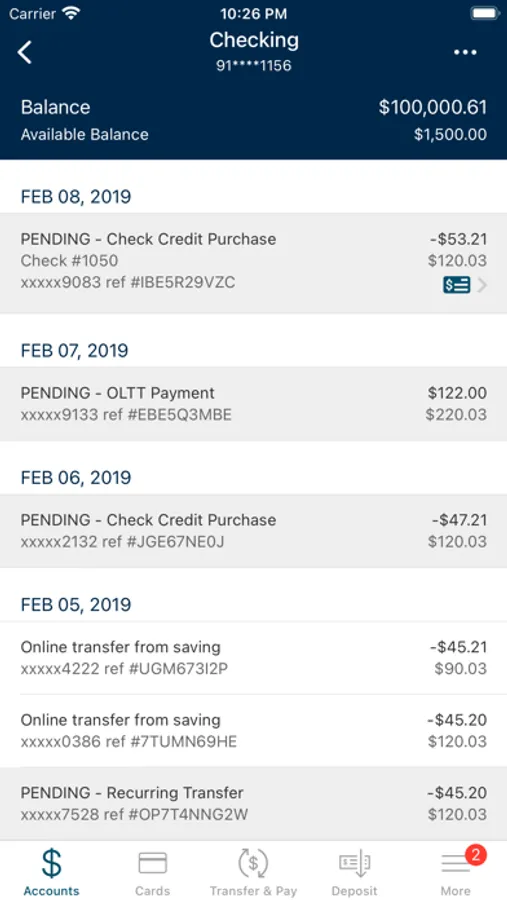
• View recent transactions
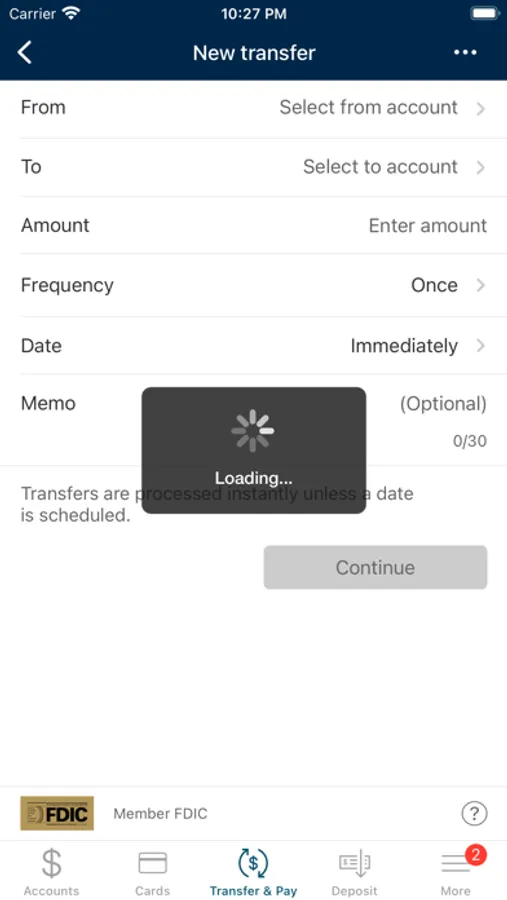
• Transfer money between your LNB accounts
• Pay bills
• Find ATMs and Liberty National Bank branch locations
Security:
Your banking transactions are secure and private. The myLiberty banking app utilizes state-of-the art encryption technology, firewalls and secure logons to protect your accounts from unauthorized users.
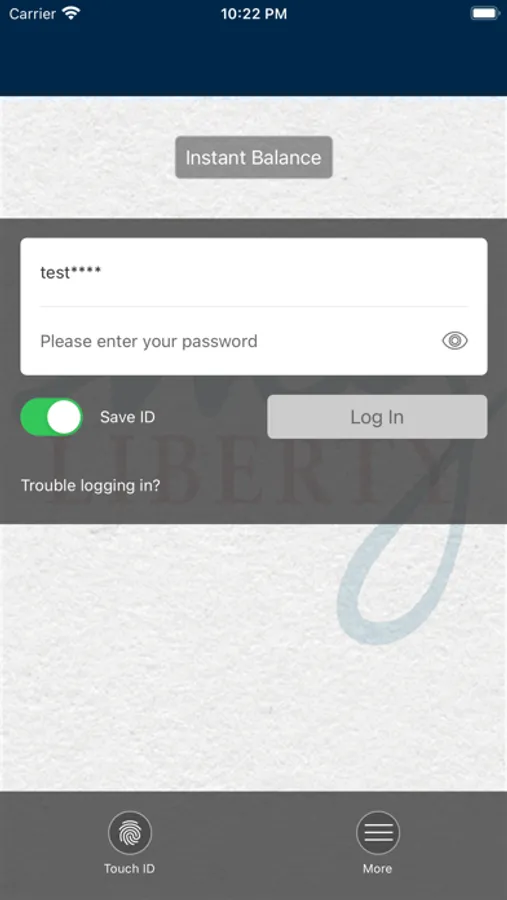
To get started, enroll for Liberty National Bank online banking. Use the same user name and password you established for online banking.
Requirements
To use the myLiberty application, your mobile device must have an operating system that supports application downloads and may require a data service plan. Sign up for Online Banking on the Liberty National Bank online banking website at www.lnbok.com . Then go to the App Store and download the myLiberty mobile banking app. Answer the app security questions and begin using myliberty mobile banking from your mobile device.
*Mobile service carrier charges may apply.
Liberty National Bank
Member FDIC
• Check your account balances
• View recent transactions
• Transfer money between your LNB accounts
• Pay bills
• Find ATMs and Liberty National Bank branch locations
Security:
Your banking transactions are secure and private. The myLiberty banking app utilizes state-of-the art encryption technology, firewalls and secure logons to protect your accounts from unauthorized users.
To get started, enroll for Liberty National Bank online banking. Use the same user name and password you established for online banking.
Requirements
To use the myLiberty application, your mobile device must have an operating system that supports application downloads and may require a data service plan. Sign up for Online Banking on the Liberty National Bank online banking website at www.lnbok.com . Then go to the App Store and download the myLiberty mobile banking app. Answer the app security questions and begin using myliberty mobile banking from your mobile device.
*Mobile service carrier charges may apply.
Liberty National Bank
Member FDIC