AppRecs review analysis
AppRecs rating 2.0. Trustworthiness 70 out of 100. Review manipulation risk 25 out of 100. Based on a review sample analyzed.
★★☆☆☆
2.0
AppRecs Rating
Ratings breakdown
5 star
14%
4 star
2%
3 star
2%
2 star
5%
1 star
76%
What to know
✓
Low review manipulation risk
25% review manipulation risk
⚠
Mixed user feedback
Average 2.5★ rating suggests room for improvement
About Fast Forward!
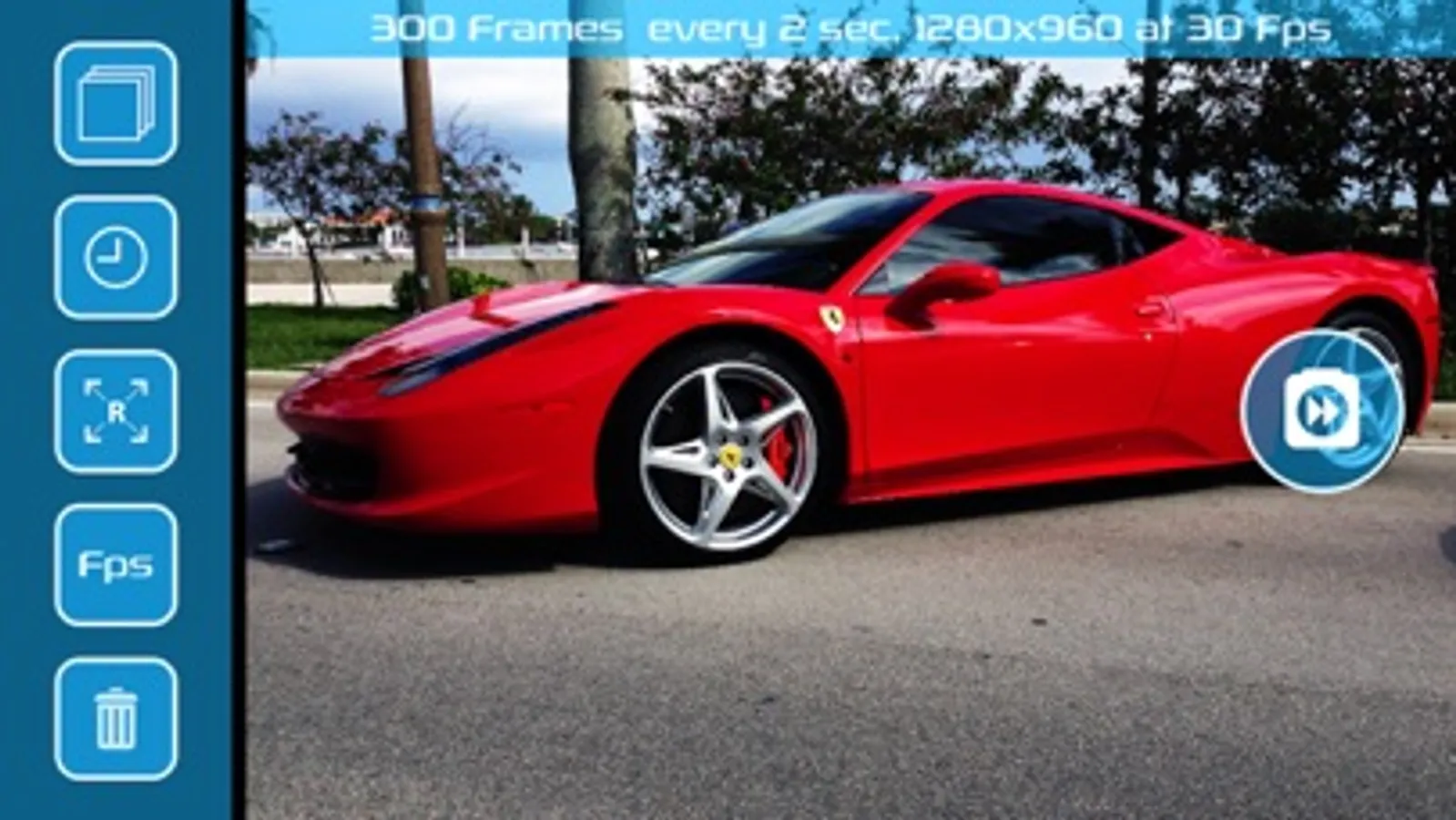
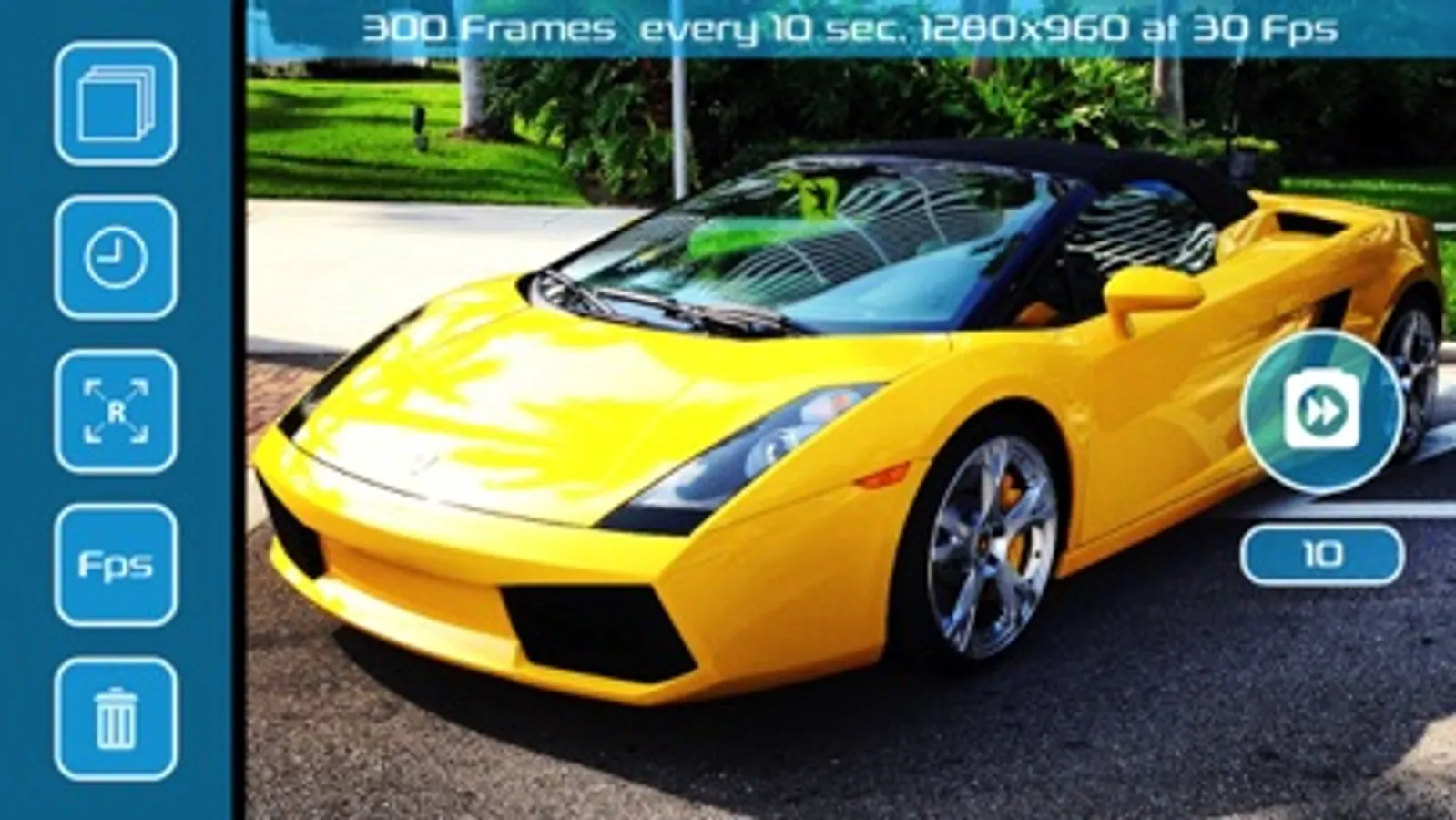
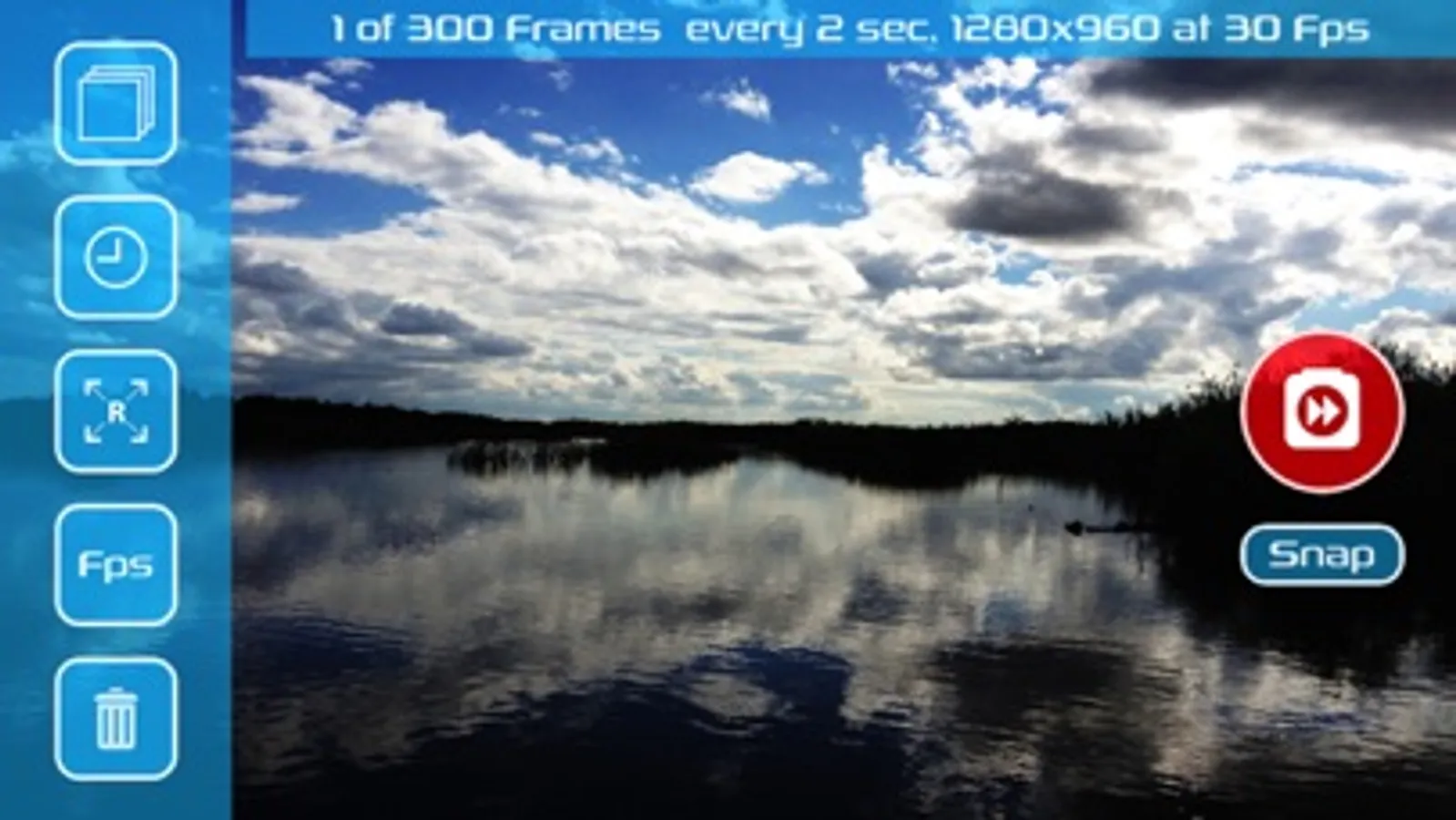
* "Fast Forward" is a unique Camera App let you create amazing videos in a simple few steps.
Captures thousands of frames and create a stunning video clips without the need of expensive editing softwares.
* Capture great moment like:
Sunrise or sunset, moonrise and flowers blossom...
Create Charlie Chaplin style videos.
Create Stop Motion videos.
How to use :
1. Set video lenght.
2. Set delay between each frame.
3. Set output resolution.
4. Set output video frame rate.
5. Start capture!
Fast Forward will automatically composite all frames into a single video,
Your final video will be available on your Camera Roll.
* Watch on YouTube :
http://www.youtube.com/watch?v=A8PvGK9hXiM
http://www.youtube.com/watch?v=hebWBAzPfcg
http://www.youtube.com/watch?v=J1AJTN1eOJw
http://www.youtube.com/watch?v=ei_E8T5jSxs
http://www.youtube.com/watch?v=0uBEuhvkC3A
* A minimum of 48 frames is required in order to composite a video.
* Make sure you have enough free space in order to capture all frames.
* You can import all frames and final video form "Fast Forward" shared folder using iTunes.
Captures thousands of frames and create a stunning video clips without the need of expensive editing softwares.
* Capture great moment like:
Sunrise or sunset, moonrise and flowers blossom...
Create Charlie Chaplin style videos.
Create Stop Motion videos.
How to use :
1. Set video lenght.
2. Set delay between each frame.
3. Set output resolution.
4. Set output video frame rate.
5. Start capture!
Fast Forward will automatically composite all frames into a single video,
Your final video will be available on your Camera Roll.
* Watch on YouTube :
http://www.youtube.com/watch?v=A8PvGK9hXiM
http://www.youtube.com/watch?v=hebWBAzPfcg
http://www.youtube.com/watch?v=J1AJTN1eOJw
http://www.youtube.com/watch?v=ei_E8T5jSxs
http://www.youtube.com/watch?v=0uBEuhvkC3A
* A minimum of 48 frames is required in order to composite a video.
* Make sure you have enough free space in order to capture all frames.
* You can import all frames and final video form "Fast Forward" shared folder using iTunes.