AppRecs review analysis
AppRecs rating 2.2. Trustworthiness 76 out of 100. Review manipulation risk 24 out of 100. Based on a review sample analyzed.
★★☆☆☆
2.2
AppRecs Rating
Ratings breakdown
5 star
53%
4 star
0%
3 star
0%
2 star
7%
1 star
40%
What to know
✓
Low review manipulation risk
24% review manipulation risk
✓
Credible reviews
76% trustworthiness score from analyzed reviews
⚠
Review quality concerns
60% of sampled 5-star reviews are very short
About ClickShare
*** GREAT THINGS HAPPEN WHEN PEOPLE CLICK ***
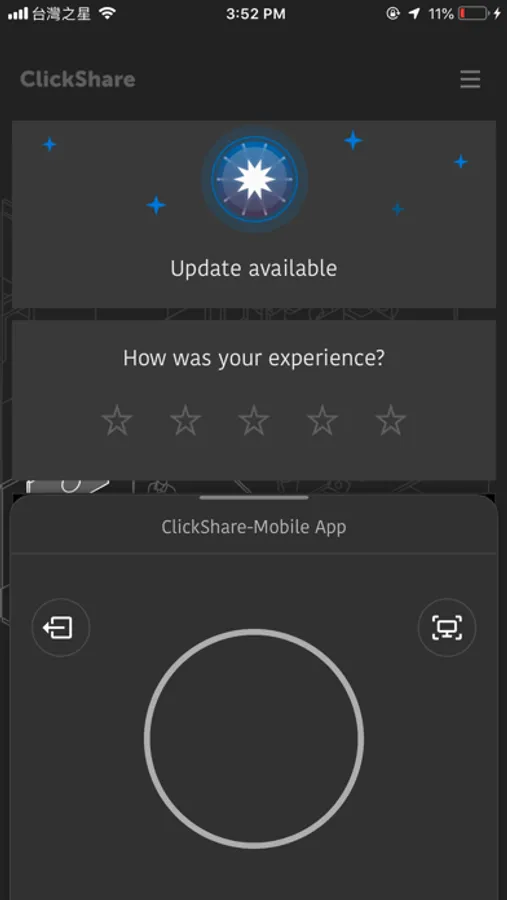
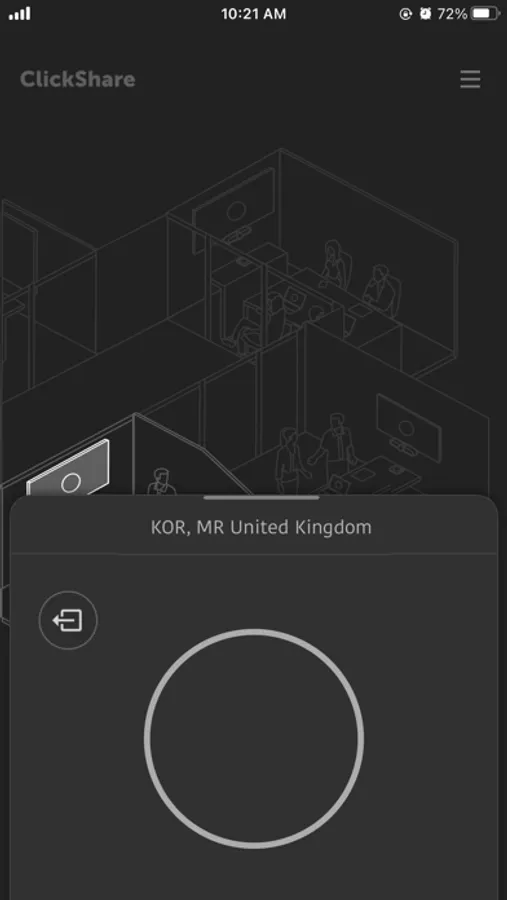
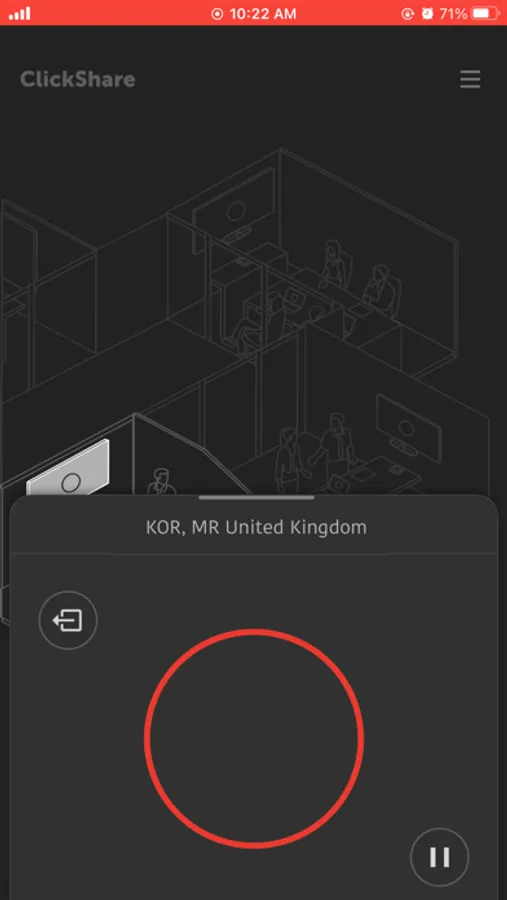
ClickShare Wireless Presentation and Conferencing technology creates understanding between people by freeing them to interact easily and naturally. The ClickShare App lets you easily connect to the meeting room, allowing you to share any content on your device with everyone in the meeting.
FUNCTIONALITY
◉ Share to any ClickShare or ClickShare Conference equipped meeting room (CS-100, CSE-200, CSE-800, CX-20, CX-30, CX-50)
◉ Quickly find a connected meeting room (mDNS/SSDP based lookup of network-connected ClickShare Base Units)
◉ Automatically connect to stand-alone meeting room setups after switching to the Base Unit Wi-Fi
◉ Share your screen in portrait or landscape mode (with supported apps; audio will not be shared)
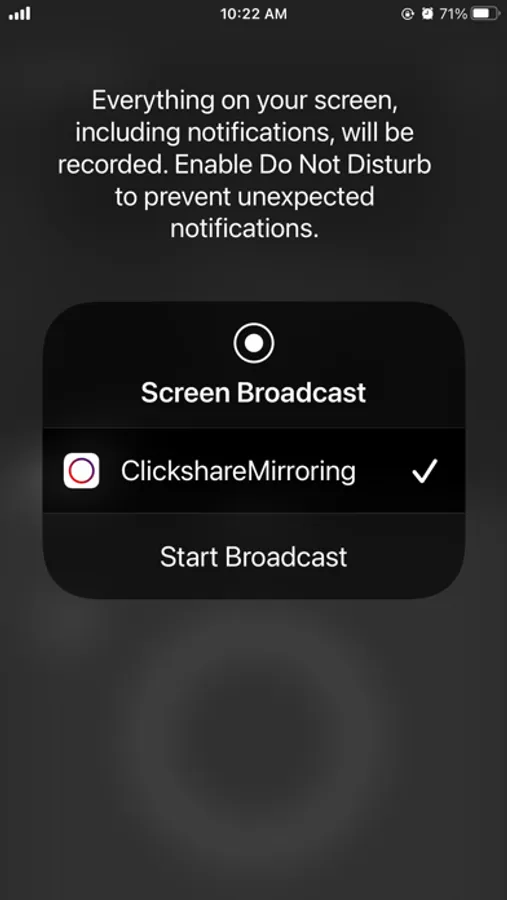
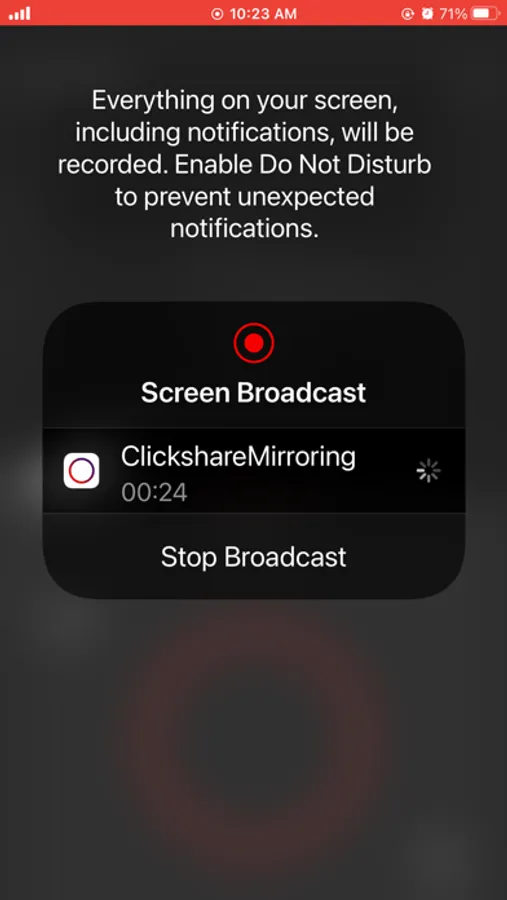
◉ Control screen sharing from anywhere through the iOS Screen Recording shortcut
◉ Secure encrypted screen sharing
ClickShare Wireless Presentation and Conferencing technology creates understanding between people by freeing them to interact easily and naturally. The ClickShare App lets you easily connect to the meeting room, allowing you to share any content on your device with everyone in the meeting.
FUNCTIONALITY
◉ Share to any ClickShare or ClickShare Conference equipped meeting room (CS-100, CSE-200, CSE-800, CX-20, CX-30, CX-50)
◉ Quickly find a connected meeting room (mDNS/SSDP based lookup of network-connected ClickShare Base Units)
◉ Automatically connect to stand-alone meeting room setups after switching to the Base Unit Wi-Fi
◉ Share your screen in portrait or landscape mode (with supported apps; audio will not be shared)
◉ Control screen sharing from anywhere through the iOS Screen Recording shortcut
◉ Secure encrypted screen sharing