YACReader - Comic Reader
Luis Ángel San Martín
4.8 ★
store rating
$4.99
In this comic reader app, you can browse, organize, and customize your digital comics and mangas. Includes multi-format support, cloud synchronization, and reading customization options.
AppRecs review analysis
AppRecs rating 4.9. Trustworthiness 75 out of 100. Review manipulation risk 22 out of 100. Based on a review sample analyzed.
★★★★☆
4.9
AppRecs Rating
Ratings breakdown
5 star
90%
4 star
6%
3 star
2%
2 star
1%
1 star
1%
What to know
✓
Low review manipulation risk
22% review manipulation risk
✓
Credible reviews
75% trustworthiness score from analyzed reviews
✓
High user satisfaction
90% of sampled ratings are 5 stars
About YACReader - Comic Reader
YACReader offers you the best way to read and manage your digital comics and mangas. Enjoy your collections anywhere. YACReader supports all the common digital comic formats, such as: cbz, cbr, zip, rar, rar5 or pdf.
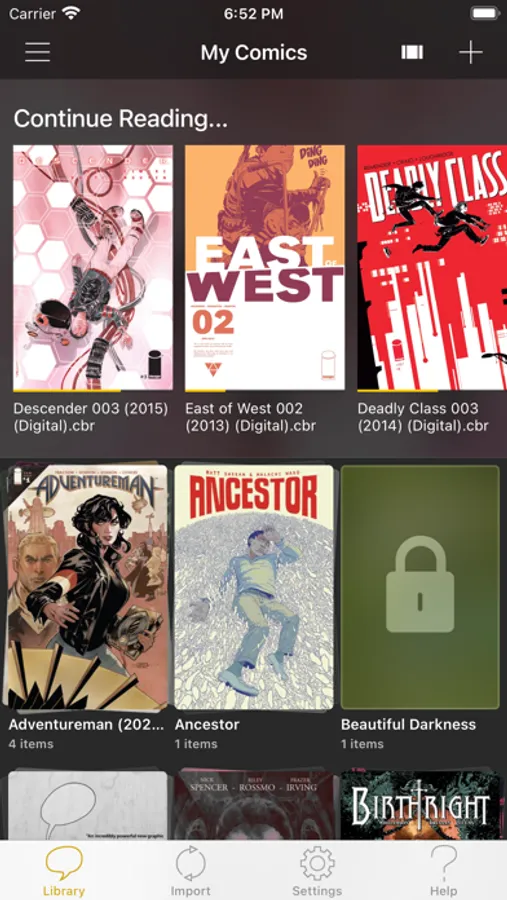
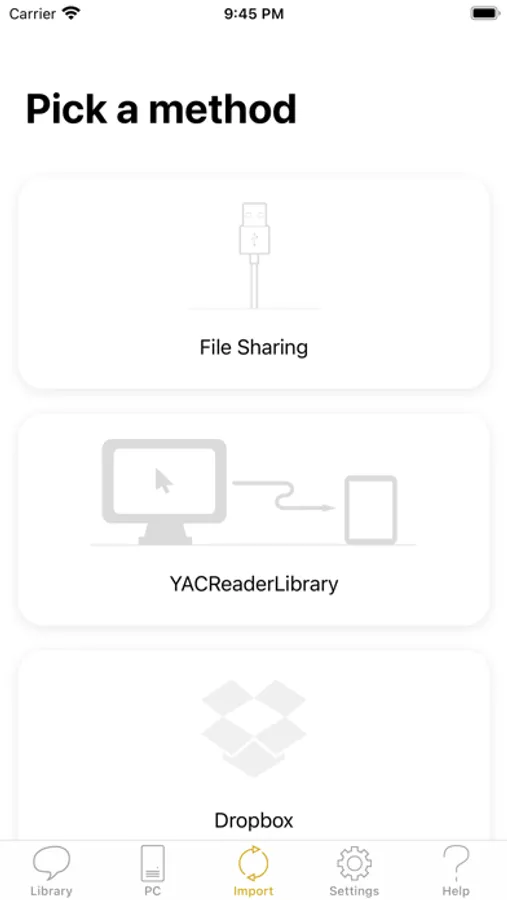
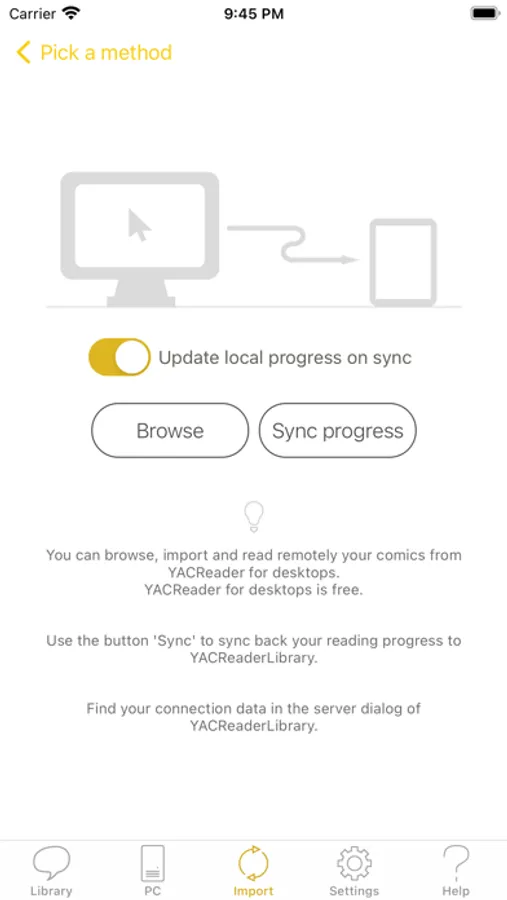
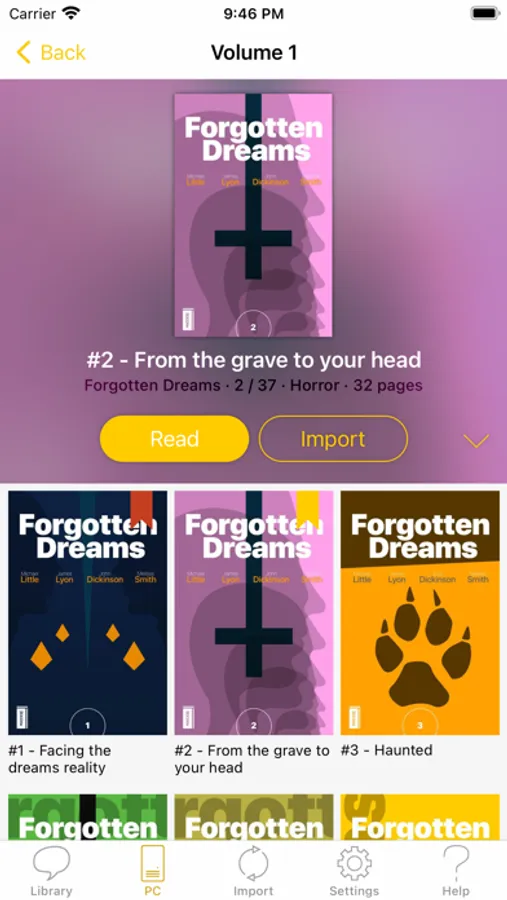
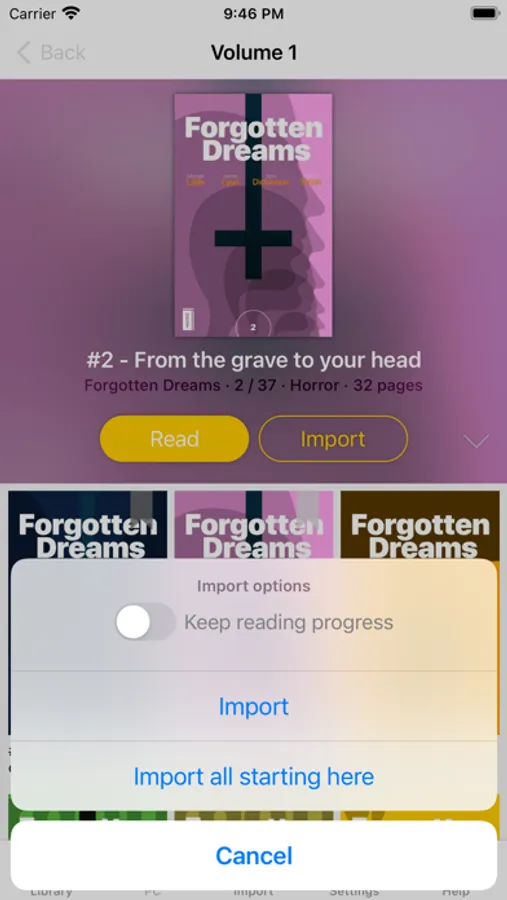
Importing your comics into your iPad or iPhone has never been easier. You can use your Dropbox, Box and OneDrive account for synchronizing your comics with YACReader. YACReader supports iTunes/Finder File Sharing to copy comics between your computer and YACReader. You can also browse, import ,remote read (stream) and sync back the digital comic collections stored in your computer using the desktop version of YACReader (totally free)*. Import comics from any place in your device thanks to the integration with Document Picker.
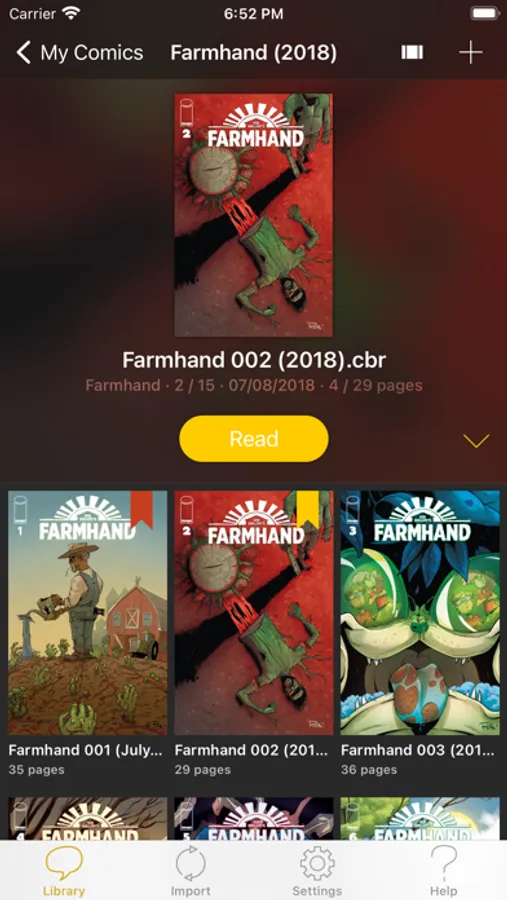
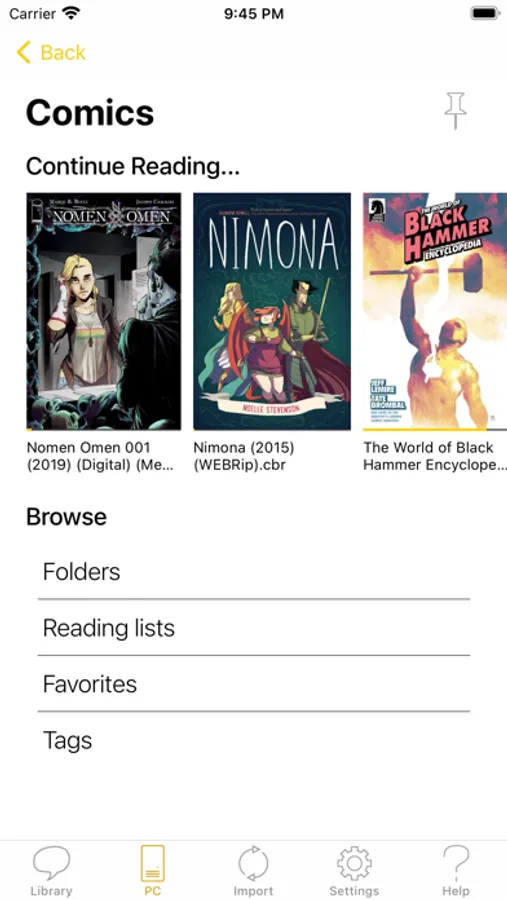
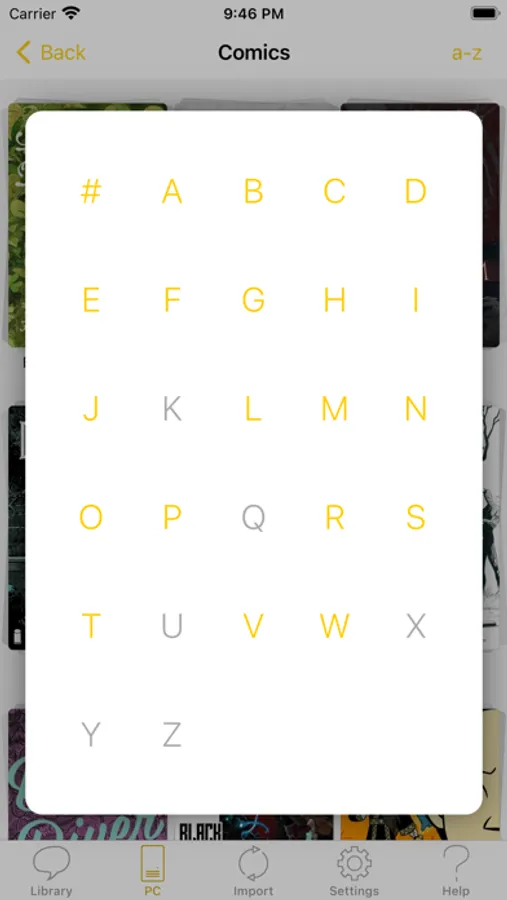
Organize your comic library creating folders and copy, cut, paste or delete comics and folders. YACReader has the easiest method for selecting multiple comics and folders and organize them.
Using a tap gesture is all you need to read your comics from start to finish thanks to the built-in YACReader automatic scroll. Enjoy reading comics and do not worry about anything else. Do you like Manga? YACReader supports Manga mode for reading right to left and it also support continuous vertical scroll for webtoon. Configure your reading experience with various fit modes, single or double page mode, continuous scroll, automatic margins trimming, several ways to setup the hot areas in the screen and more.
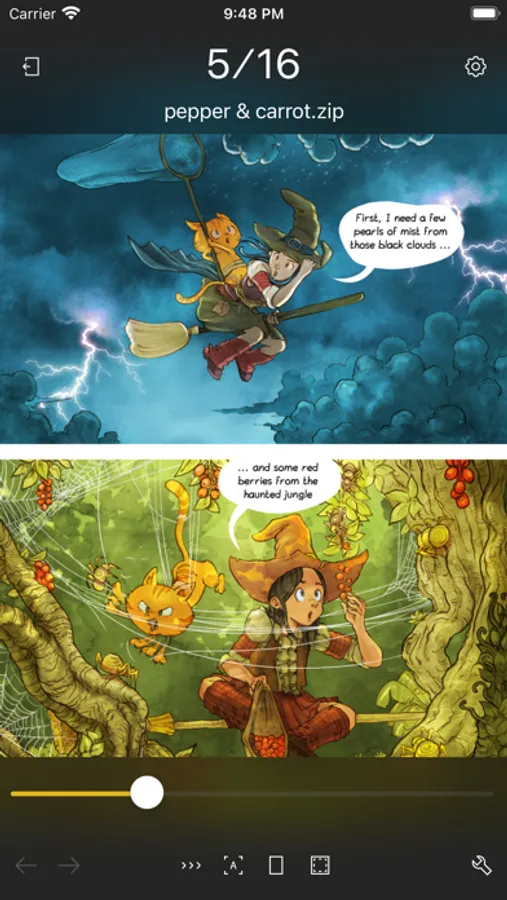
YACReader offers guided reading, you can zoom in any panel and then continue reading panel by panel from there. It also includes settings to personalize the experience. This is a feature continuously developed thanks to all the feedback coming from the users.
You can also enhance you comics with a full featured image filters editor, filter settings can be synchronized through YACReaderLibrary across any device that supports the new filters.
YACReader is kept updated to support the latest iOS features, such as Widgets, Dark Mode or Split Screen.
YACReader for desktops has been downloaded more than 2 million times since 2009, every update counts with hundreds of thousand downloads. Now, you can also enjoy YACReader on your iOS device.
The best feature YACReader has to offer is its customer support, if you have any questions don't hesitate to contact me.
Visit the web site at http://ios.yacreader.com or get support at ios@yacreader.com
*Visit the web site of YACReader for computers at http://www.yacreader.com - YACReader for computer is FREE and is available for all major computer platforms.
Find other users and help at: http:www.yacreader.com/forum - Facebook page - http://www.facebook.com/YACReader , Twitter - http://twitter.com/yacreader or the YouTube channel - http://www.youtube.com/user/yacreader.
Importing your comics into your iPad or iPhone has never been easier. You can use your Dropbox, Box and OneDrive account for synchronizing your comics with YACReader. YACReader supports iTunes/Finder File Sharing to copy comics between your computer and YACReader. You can also browse, import ,remote read (stream) and sync back the digital comic collections stored in your computer using the desktop version of YACReader (totally free)*. Import comics from any place in your device thanks to the integration with Document Picker.
Organize your comic library creating folders and copy, cut, paste or delete comics and folders. YACReader has the easiest method for selecting multiple comics and folders and organize them.
Using a tap gesture is all you need to read your comics from start to finish thanks to the built-in YACReader automatic scroll. Enjoy reading comics and do not worry about anything else. Do you like Manga? YACReader supports Manga mode for reading right to left and it also support continuous vertical scroll for webtoon. Configure your reading experience with various fit modes, single or double page mode, continuous scroll, automatic margins trimming, several ways to setup the hot areas in the screen and more.
YACReader offers guided reading, you can zoom in any panel and then continue reading panel by panel from there. It also includes settings to personalize the experience. This is a feature continuously developed thanks to all the feedback coming from the users.
You can also enhance you comics with a full featured image filters editor, filter settings can be synchronized through YACReaderLibrary across any device that supports the new filters.
YACReader is kept updated to support the latest iOS features, such as Widgets, Dark Mode or Split Screen.
YACReader for desktops has been downloaded more than 2 million times since 2009, every update counts with hundreds of thousand downloads. Now, you can also enjoy YACReader on your iOS device.
The best feature YACReader has to offer is its customer support, if you have any questions don't hesitate to contact me.
Visit the web site at http://ios.yacreader.com or get support at ios@yacreader.com
*Visit the web site of YACReader for computers at http://www.yacreader.com - YACReader for computer is FREE and is available for all major computer platforms.
Find other users and help at: http:www.yacreader.com/forum - Facebook page - http://www.facebook.com/YACReader , Twitter - http://twitter.com/yacreader or the YouTube channel - http://www.youtube.com/user/yacreader.