AppRecs review analysis
AppRecs rating 2.8. Trustworthiness 71 out of 100. Review manipulation risk 26 out of 100. Based on a review sample analyzed.
★★☆☆☆
2.8
AppRecs Rating
Ratings breakdown
5 star
0%
4 star
0%
3 star
25%
2 star
0%
1 star
75%
What to know
✓
Low review manipulation risk
26% review manipulation risk
✓
Credible reviews
71% trustworthiness score from analyzed reviews
About DameWare Mobile
DameWare Mobile lets you remotely access and troubleshoot all of the Windows computers on your network from anywhere from your iPhone or iPad.
DameWare Mobile brings the powerful desktop remote control features of the award-winning systems administration software, DameWare Remote Support (DRS), to your iPhone or iPad.
With DameWare Mobile, you can:
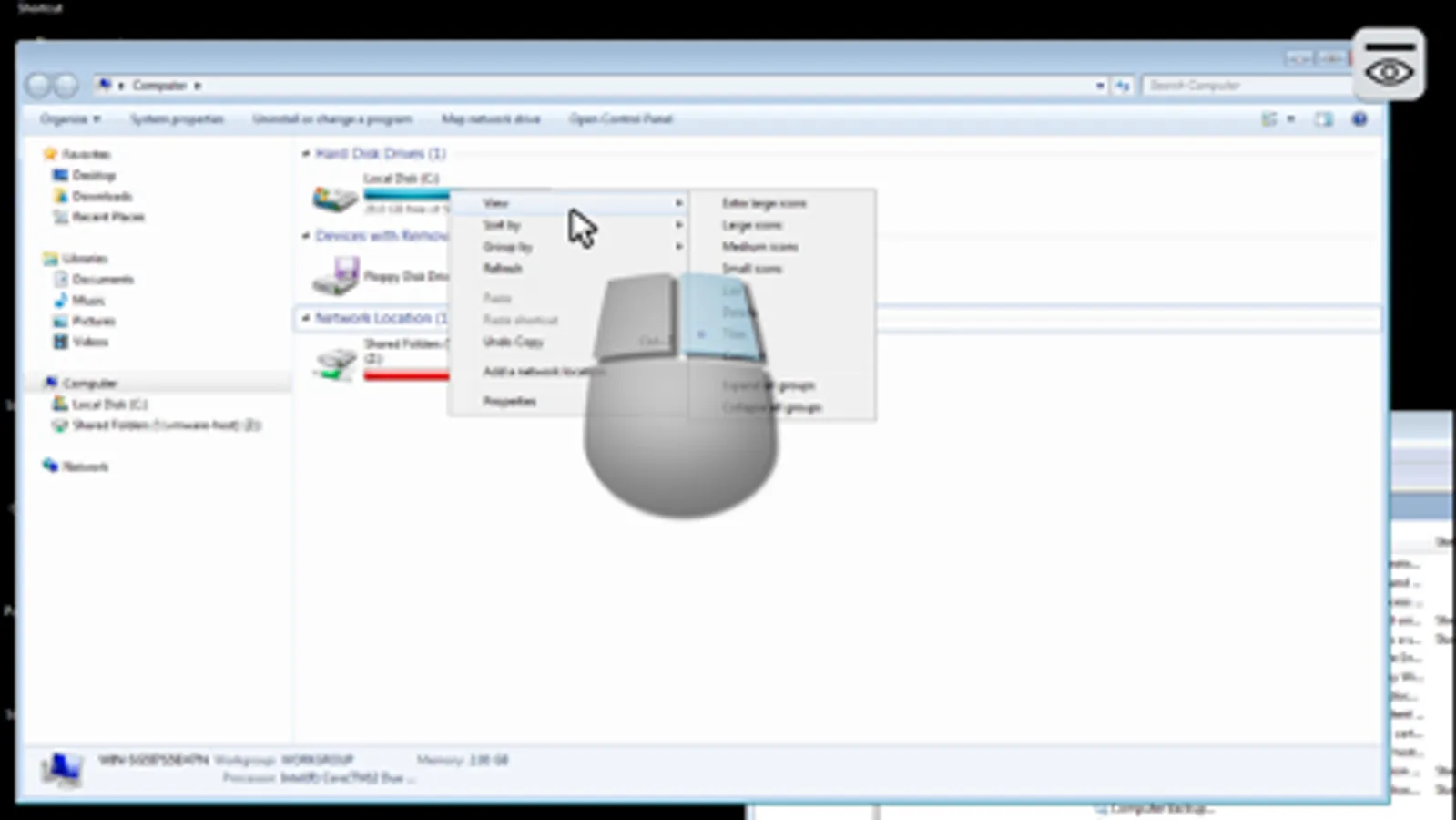
-Remotely access Windows computers from your iPhone or iPad
-Provide tech support to end-users from anywhere while on-call
DameWare Mobile includes the following features:
-Full keyboard & hot keys (Ctrl-Alt-Del, CMD Prompt, etc.)
-256bit AES security via SSL
-Intelligent auto-scrolling
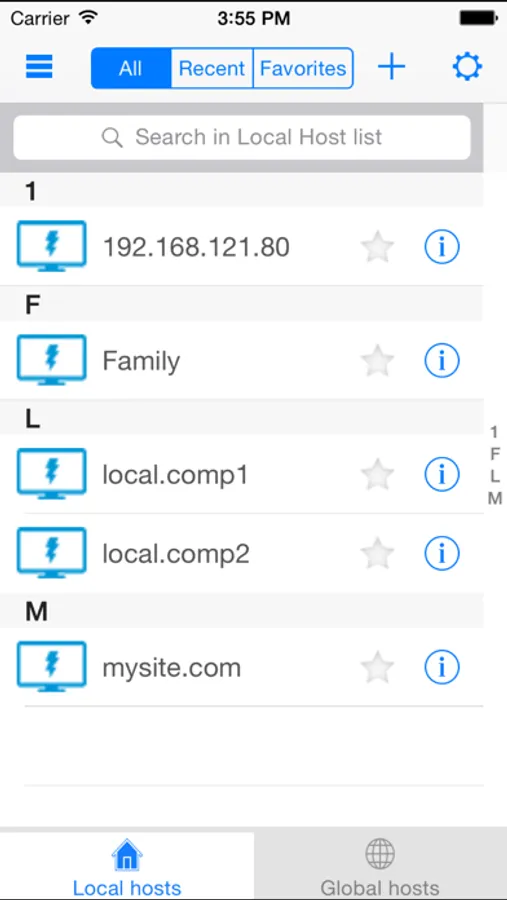
-Favorites and recently accessed computers
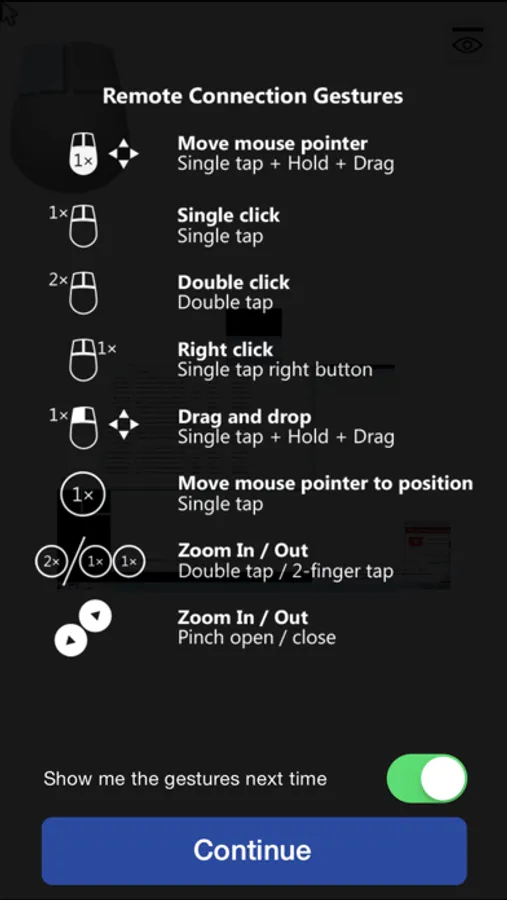
-Intuitive mouse actions on a mobile platform
Important:
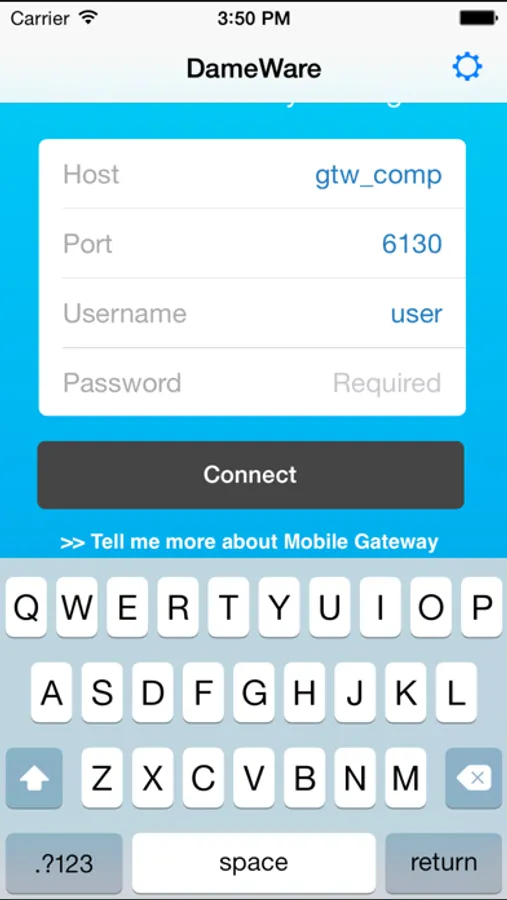
DameWare Mobile will only work with a trial or fully licensed copy of DameWare Remote Support installed on your network. Before using DameWare Mobile, you must first download, install and configure DRS including the DameWare Mobile Gateway service. You must also deploy the DameWare agent to all computers you wish to connect to. Please visit the DRS website for more information regarding the configuration of DRS and the DameWare Mobile Gateway service.
SolarWinds welcomes your detailed feedback on this app through the store, via support ticket as well as through our online community forum (Thwack) as below:
Add a feature request and open it up voting by going to our Feature Request Page
Engage in discussion with users and employees by going to our Product Forums
For issues, please submit a detailed support ticket at our Customer Portal
Please leverage Thwack for a discussion since we are unable to respond to comments in the store.
DameWare Mobile brings the powerful desktop remote control features of the award-winning systems administration software, DameWare Remote Support (DRS), to your iPhone or iPad.
With DameWare Mobile, you can:
-Remotely access Windows computers from your iPhone or iPad
-Provide tech support to end-users from anywhere while on-call
DameWare Mobile includes the following features:
-Full keyboard & hot keys (Ctrl-Alt-Del, CMD Prompt, etc.)
-256bit AES security via SSL
-Intelligent auto-scrolling
-Favorites and recently accessed computers
-Intuitive mouse actions on a mobile platform
Important:
DameWare Mobile will only work with a trial or fully licensed copy of DameWare Remote Support installed on your network. Before using DameWare Mobile, you must first download, install and configure DRS including the DameWare Mobile Gateway service. You must also deploy the DameWare agent to all computers you wish to connect to. Please visit the DRS website for more information regarding the configuration of DRS and the DameWare Mobile Gateway service.
SolarWinds welcomes your detailed feedback on this app through the store, via support ticket as well as through our online community forum (Thwack) as below:
Add a feature request and open it up voting by going to our Feature Request Page
Engage in discussion with users and employees by going to our Product Forums
For issues, please submit a detailed support ticket at our Customer Portal
Please leverage Thwack for a discussion since we are unable to respond to comments in the store.