SplitPal - Expense Splitting
Legendary Bytes LLC
4.6 ★
store rating
Free
AppRecs review analysis
AppRecs rating 4.4. Trustworthiness 77 out of 100. Review manipulation risk 24 out of 100. Based on a review sample analyzed.
★★★★☆
4.4
AppRecs Rating
Ratings breakdown
5 star
88%
4 star
0%
3 star
0%
2 star
6%
1 star
6%
What to know
✓
Low review manipulation risk
24% review manipulation risk
✓
Credible reviews
77% trustworthiness score from analyzed reviews
✓
High user satisfaction
88% of sampled ratings are 5 stars
About SplitPal - Expense Splitting
SplitPal has One Mission!
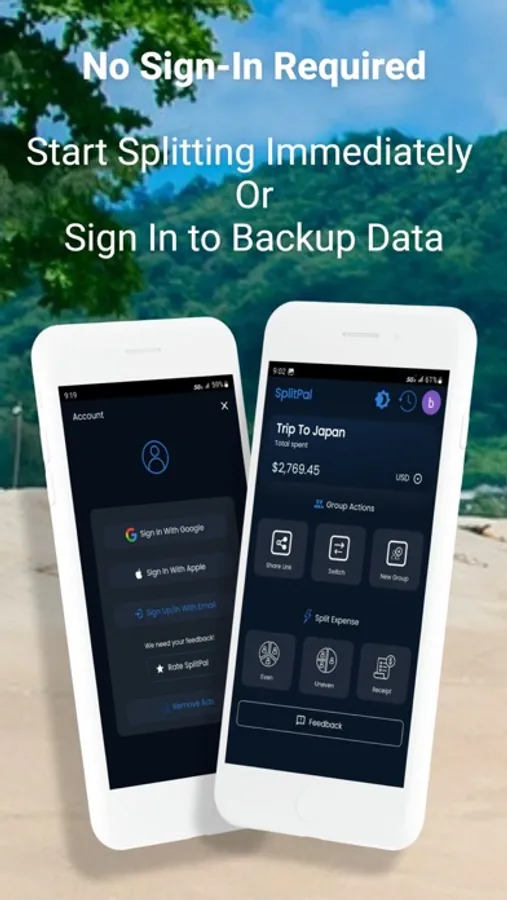
To deliver an app with no Sign up required, that’s feature packed without the premium price tag.
- Quickly add expenses with one click using the quick expense feature
- No registrations or sign-ins required
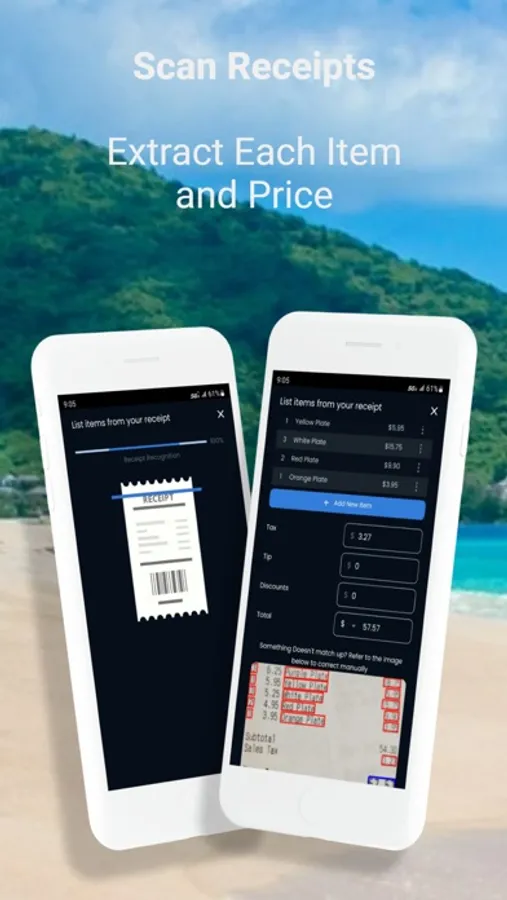
- Receipt scanner with precise OCR: you don’t need to enter each item one by one. Simply scan your receipt and it’s there to split!
- Collaborate as a group with a simple shareable link.
- One click to pay what you owe with VENMO link
SplitPal is the only app you need for shared expenses, Expense splitting, Bill Splitting, roommate expenses, grocery receipts, the use cases are endless! Split expenses between your friends, family, roommates, coworkers for groceries, outings, trips, weddings, travel, road trips, business trips and any other events. This is not complicated - you just dive in and start splitting. Split does all the math. SplitPal makes it simple to split expenses with the least amount of transaction.
4 Easy Steps!
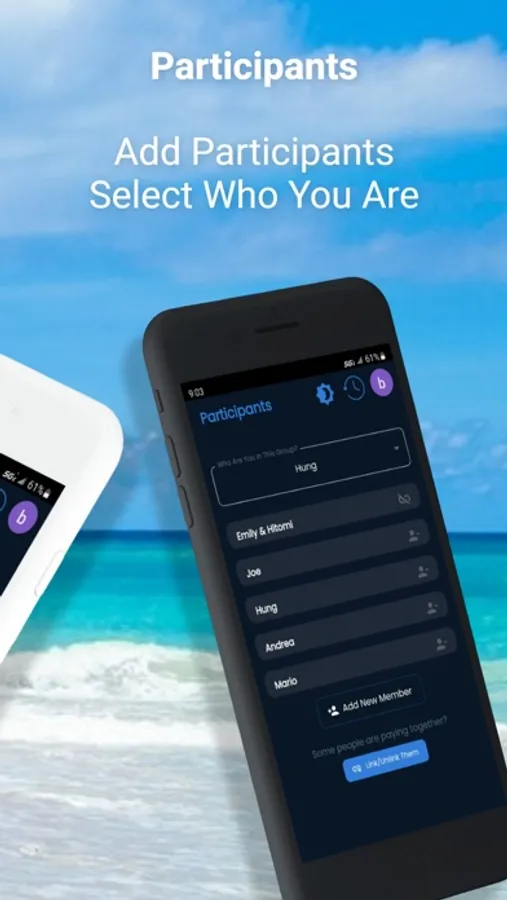
1. The Group: First create a group for your expense, then add the individuals that participated.
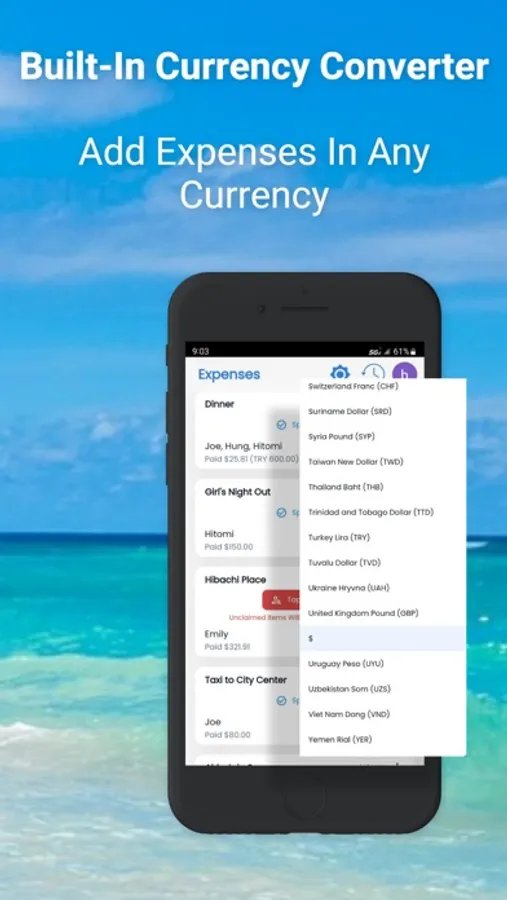
2. The Expenses: Start adding your expenses. Example: Lunch, Dinner, Happy hour, house expense, coffee shop. Add as many expenses as you need for your group.
SplitPal provides you three ways to split expense:
Even: The expense is split by the number of participants.
Expense = $90 Participant = 3
Participant 1 $30
Participant 2 $30
Participant 3 $30
Uneven: The expense can be proportionally split. Example:
Expense = $90 Participant = 3
Participant 1 $10
Participant 2 $50
Participant 3 $30
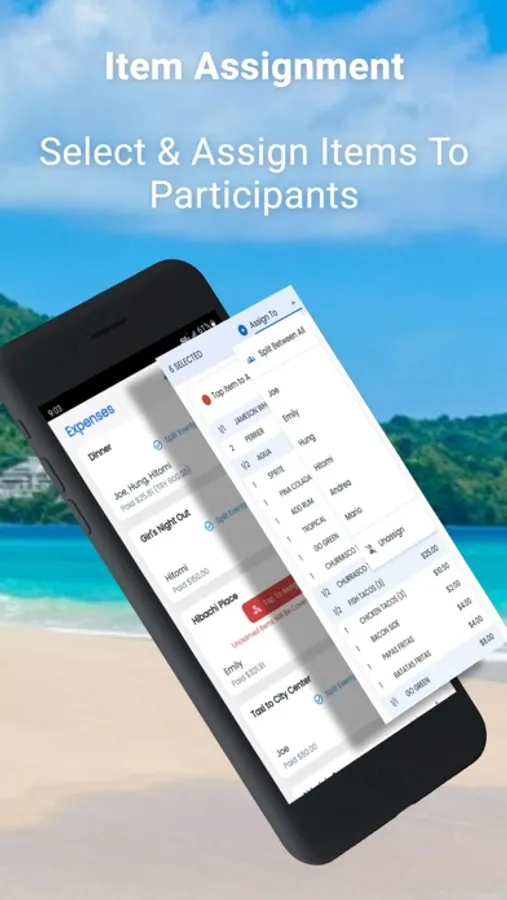
Itemized: Assign individual amounts to each participant. Example: Grocery receipt, Dinner receipt.
You have two options, take a picture of the receipt and OCR, we will automatically populate the amounts for you or you manually enter in the amounts.
3. The calculation: SplitPal does all the calculation for you down to the last penny. Tips and taxes are proportionally calculated depending on the amount you owe from the expense. No participant ever pays more or less than they owe.
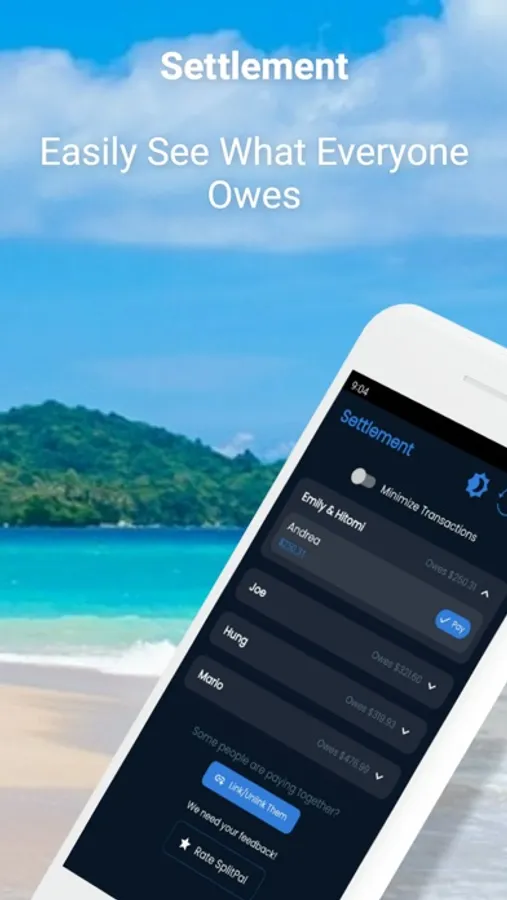
4. Settle up: Mark paid after you pay to inform the group or us the convenient short link to take you to your Venmo app and pay.
Easy!
To deliver an app with no Sign up required, that’s feature packed without the premium price tag.
- Quickly add expenses with one click using the quick expense feature
- No registrations or sign-ins required
- Receipt scanner with precise OCR: you don’t need to enter each item one by one. Simply scan your receipt and it’s there to split!
- Collaborate as a group with a simple shareable link.
- One click to pay what you owe with VENMO link
SplitPal is the only app you need for shared expenses, Expense splitting, Bill Splitting, roommate expenses, grocery receipts, the use cases are endless! Split expenses between your friends, family, roommates, coworkers for groceries, outings, trips, weddings, travel, road trips, business trips and any other events. This is not complicated - you just dive in and start splitting. Split does all the math. SplitPal makes it simple to split expenses with the least amount of transaction.
4 Easy Steps!
1. The Group: First create a group for your expense, then add the individuals that participated.
2. The Expenses: Start adding your expenses. Example: Lunch, Dinner, Happy hour, house expense, coffee shop. Add as many expenses as you need for your group.
SplitPal provides you three ways to split expense:
Even: The expense is split by the number of participants.
Expense = $90 Participant = 3
Participant 1 $30
Participant 2 $30
Participant 3 $30
Uneven: The expense can be proportionally split. Example:
Expense = $90 Participant = 3
Participant 1 $10
Participant 2 $50
Participant 3 $30
Itemized: Assign individual amounts to each participant. Example: Grocery receipt, Dinner receipt.
You have two options, take a picture of the receipt and OCR, we will automatically populate the amounts for you or you manually enter in the amounts.
3. The calculation: SplitPal does all the calculation for you down to the last penny. Tips and taxes are proportionally calculated depending on the amount you owe from the expense. No participant ever pays more or less than they owe.
4. Settle up: Mark paid after you pay to inform the group or us the convenient short link to take you to your Venmo app and pay.
Easy!