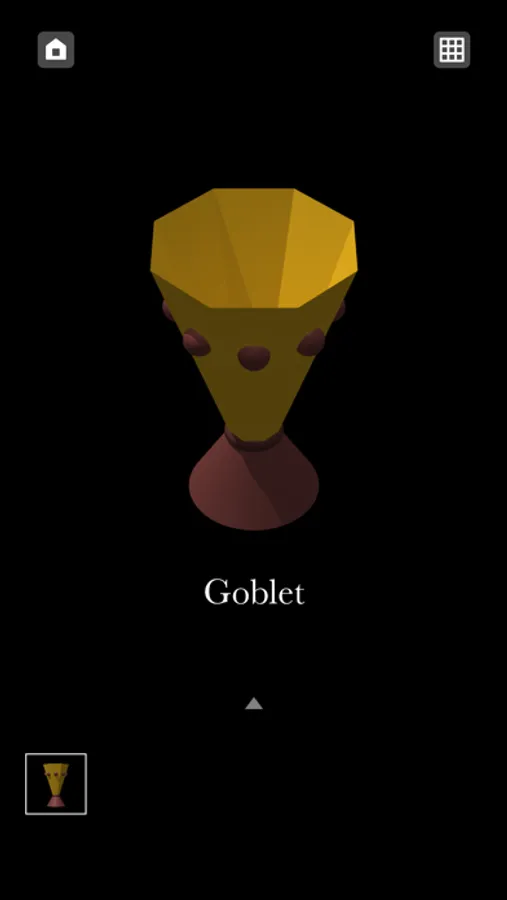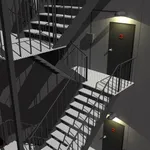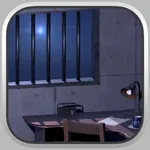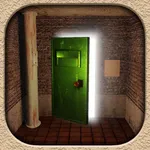
In this maze and room escape game, explore the dungeon, solve riddles, and find the escape route. Includes multiple endings, auto-save, and an extra stage for cleared players.
AppRecs review analysis
AppRecs rating 3.8. Trustworthiness 0 out of 100. Review manipulation risk 0 out of 100. Based on a review sample analyzed.
★★★☆☆
3.8
AppRecs Rating
Ratings breakdown
5 star
45%
4 star
27%
3 star
9%
2 star
0%
1 star
18%
What to know
✓
Good user ratings
73% positive sampled reviews
About Escape Game "Dungeon"
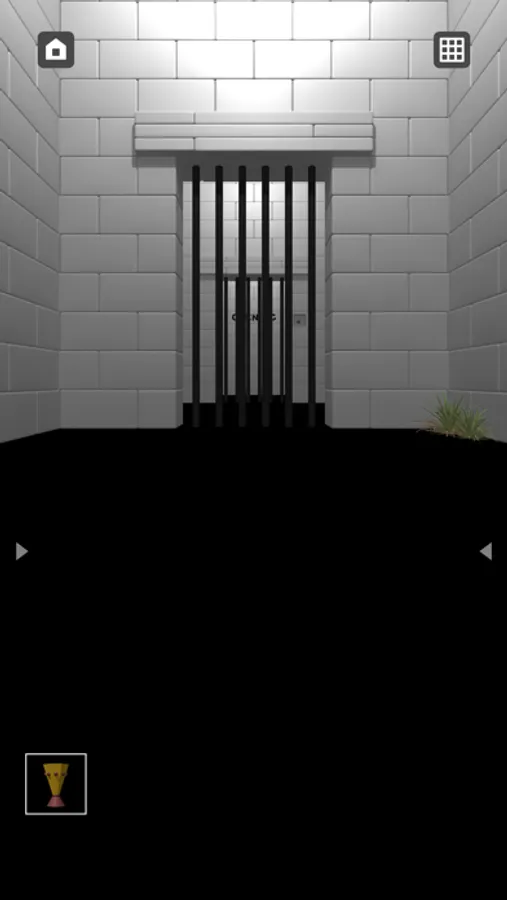
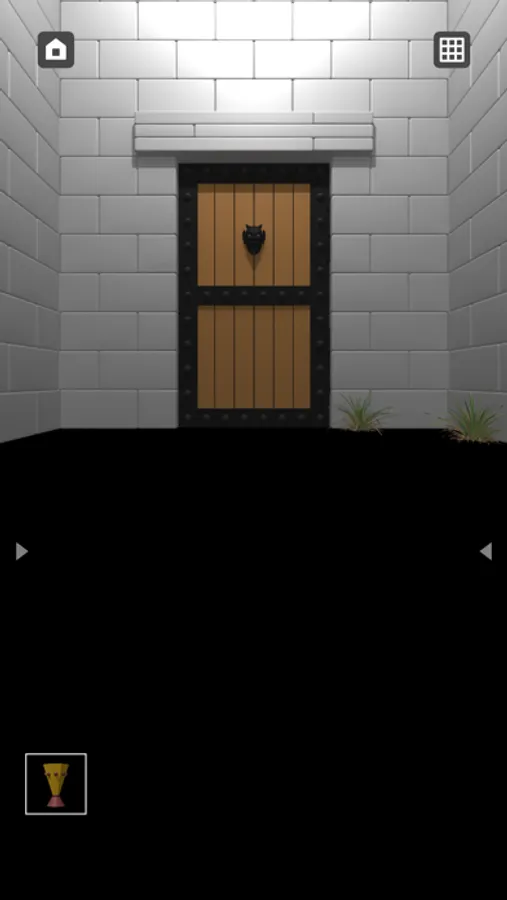
One day you wake up on the floor of a dimly lit dungeon with countless rooms. You must explore the vast maze, solve numerous riddles, and find an escape route to the surface. "Dungeon" is a combination of a maze game and a room escape game.
[Game Features]
• The game is completely free with no additional charges until the game is cleared.
• You can play the game with one hand only by tapping and swiping.
• The maze size is 4 areas of 10 x 10. There is no auto-mapping function. However, a map is available if needed.
• Auto-save.
• 2 endings.
• If you clear the main game, you can play an extra stage. (Maze game without map)
[Operation]
• Easy to operate with just a tap and swipe.
• Swipe left and right to change directions.
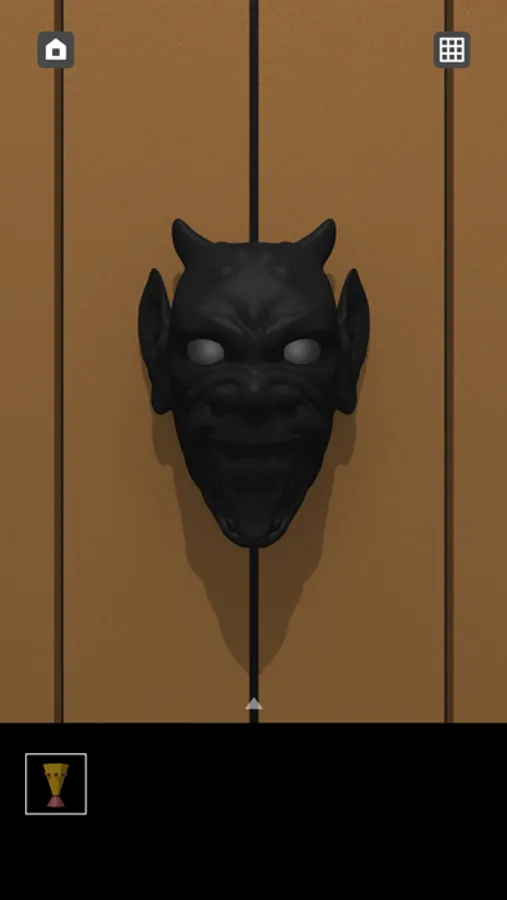
• Tap on a suspicious part of the screen to get an item or find a riddle.
• The items you get will be placed in the item box at the bottom of the screen. Tap an item to select it, then tap the point where you want to use the item.
• When you tap the item box twice, the item will be enlarged.
[Game Features]
• The game is completely free with no additional charges until the game is cleared.
• You can play the game with one hand only by tapping and swiping.
• The maze size is 4 areas of 10 x 10. There is no auto-mapping function. However, a map is available if needed.
• Auto-save.
• 2 endings.
• If you clear the main game, you can play an extra stage. (Maze game without map)
[Operation]
• Easy to operate with just a tap and swipe.
• Swipe left and right to change directions.
• Tap on a suspicious part of the screen to get an item or find a riddle.
• The items you get will be placed in the item box at the bottom of the screen. Tap an item to select it, then tap the point where you want to use the item.
• When you tap the item box twice, the item will be enlarged.