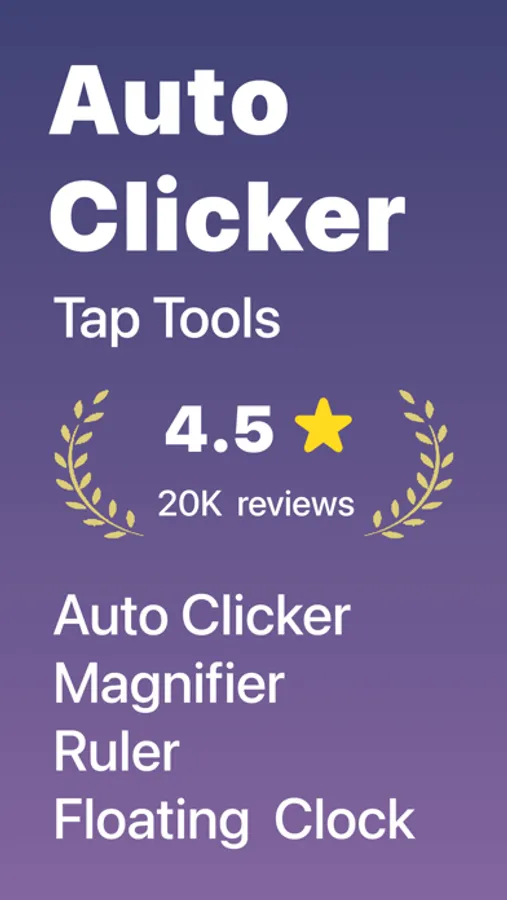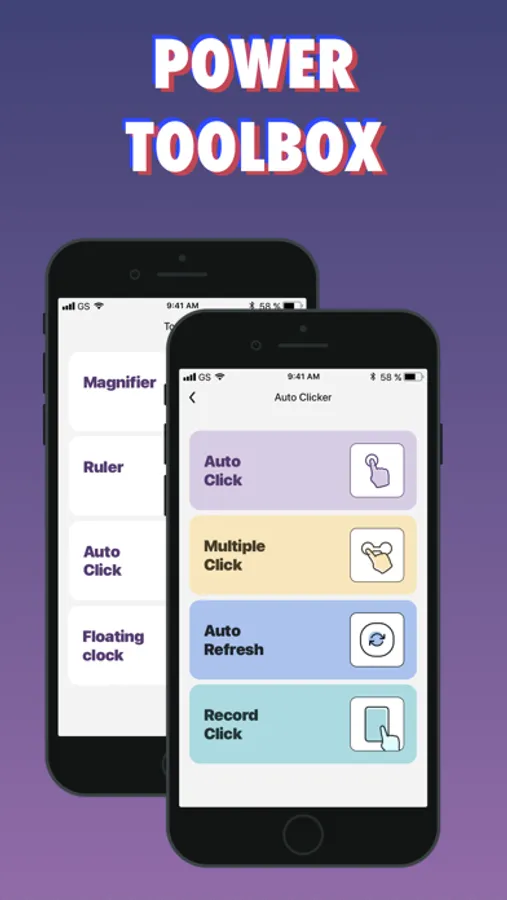
With this auto clicker app, you can set customizable auto-click actions and adjust them within the built-in web environment. Includes features for automation, magnification, measurement, and live photo conversion.
AppRecs review analysis
AppRecs rating 3.5. Trustworthiness 71 out of 100. Review manipulation risk 29 out of 100. Based on a review sample analyzed.
★★★☆☆
3.5
AppRecs Rating
Ratings breakdown
5 star
81%
4 star
6%
3 star
3%
2 star
1%
1 star
10%
What to know
⚠
Ad complaints
Many low ratings mention excessive ads
⚠
Pricing complaints
Many low ratings mention paywalls or pricing
⚠
Review quality concerns
50% of sampled 5-star reviews are very short
About Auto Clicker - Auto Click App
Welcome to Auto Clicker - Tap Tools, your versatile assistant in the digital world. Whether for productivity or entertainment, our app offers a suite of practical and intelligent tools.
Auto Clicker:
Easily set and adjust auto-click actions within the app’s built-in web environment, freeing your fingers from repetitive tapping. Perfect for tasks requiring repeated clicks or streamlining certain workflows.
Magnifier:
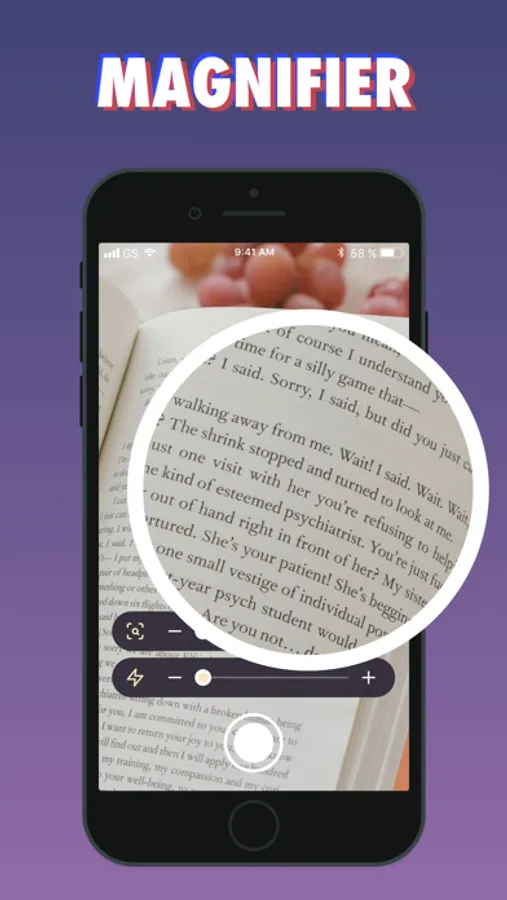
Zoom in with crystal clarity. Our magnifier lets you see fine details on your screen, ideal for reading small text or examining images.
Ruler:
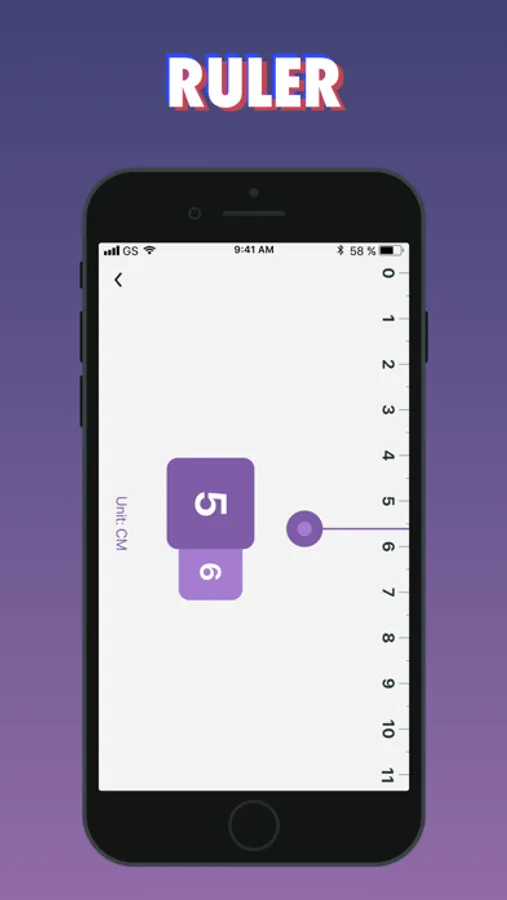
Quickly measure lengths on your screen with our simple and practical ruler tool, perfect for resolving size-related tasks.
Floating Clock:
Stay on time without interruption. The floating clock displays the current time while you use other functions within the app.
Live Photo Conversion:
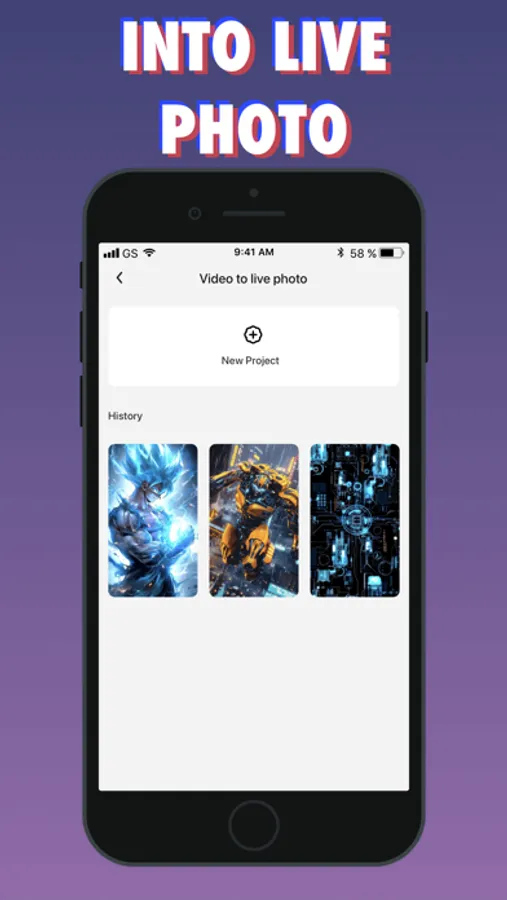
Convert videos into Live Photos and set them as dynamic lock screen wallpapers on iOS 17 devices, adding a touch of motion and personality.
Get a basic membership to unlock VIP features
Subscription Plans:
UNLIMITED ACCESS TO ALL FEATURES
- You can subscribe for unlimited access to all the app has to offer.
- Subscriptions are billed automatically at a rate depending on the selected subscription plan.
- Payment will be deducted from your iTunes account upon confirmation of purchase.
- After purchase, you can control your subscription and disable auto-renewal in your account settings.
- Your subscription will automatically renew unless you opt out of auto-renewal at least 24 hours before the end of the subscription period.
By using ToolHub, you are agreeing to our Privacy Policy and Terms of Use:
Privacy Policy: https://www.qianduolai.com/privacyp/privacypolicycc.html
Terms of Use: https://www.qianduolai.com/privacyp/tremsofusecc.html
Auto Clicker:
Easily set and adjust auto-click actions within the app’s built-in web environment, freeing your fingers from repetitive tapping. Perfect for tasks requiring repeated clicks or streamlining certain workflows.
Magnifier:
Zoom in with crystal clarity. Our magnifier lets you see fine details on your screen, ideal for reading small text or examining images.
Ruler:
Quickly measure lengths on your screen with our simple and practical ruler tool, perfect for resolving size-related tasks.
Floating Clock:
Stay on time without interruption. The floating clock displays the current time while you use other functions within the app.
Live Photo Conversion:
Convert videos into Live Photos and set them as dynamic lock screen wallpapers on iOS 17 devices, adding a touch of motion and personality.
Get a basic membership to unlock VIP features
Subscription Plans:
UNLIMITED ACCESS TO ALL FEATURES
- You can subscribe for unlimited access to all the app has to offer.
- Subscriptions are billed automatically at a rate depending on the selected subscription plan.
- Payment will be deducted from your iTunes account upon confirmation of purchase.
- After purchase, you can control your subscription and disable auto-renewal in your account settings.
- Your subscription will automatically renew unless you opt out of auto-renewal at least 24 hours before the end of the subscription period.
By using ToolHub, you are agreeing to our Privacy Policy and Terms of Use:
Privacy Policy: https://www.qianduolai.com/privacyp/privacypolicycc.html
Terms of Use: https://www.qianduolai.com/privacyp/tremsofusecc.html