AppRecs review analysis
AppRecs rating 2.8. Trustworthiness 65 out of 100. Review manipulation risk 21 out of 100. Based on a review sample analyzed.
★★☆☆☆
2.8
AppRecs Rating
Ratings breakdown
5 star
0%
4 star
100%
3 star
0%
2 star
0%
1 star
0%
What to know
✓
Low review manipulation risk
21% review manipulation risk
About Last Time
Last Time app helps you log things that you did last time, e.g. last time you cleaned the bathroon, went to cinema or did a bad habit.
Entries will be grouped by categories, e.g. House chore. Last time I cleaned the bathtub is a house chore.
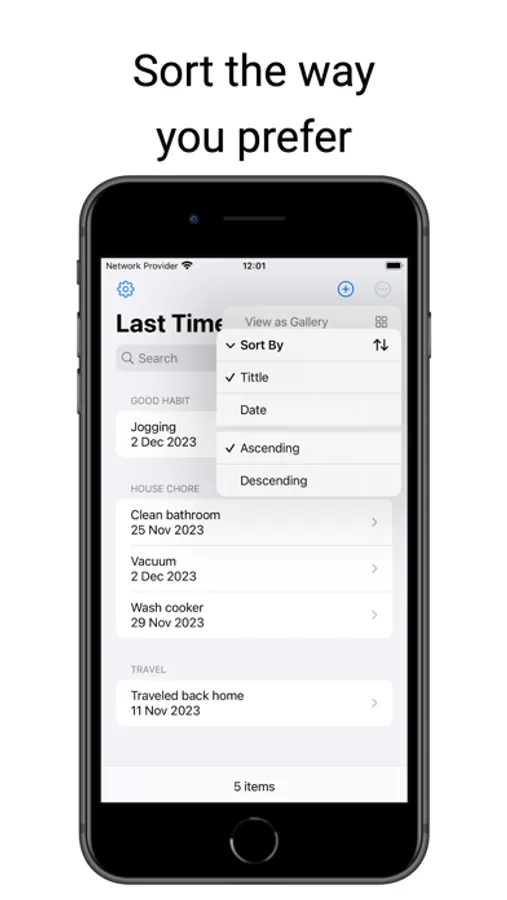
The Home tab displays entries in a list. From the top left corner the list can be sorted by title or category in ascending or descending order. The Search bar allows searching for specific entry in the list.
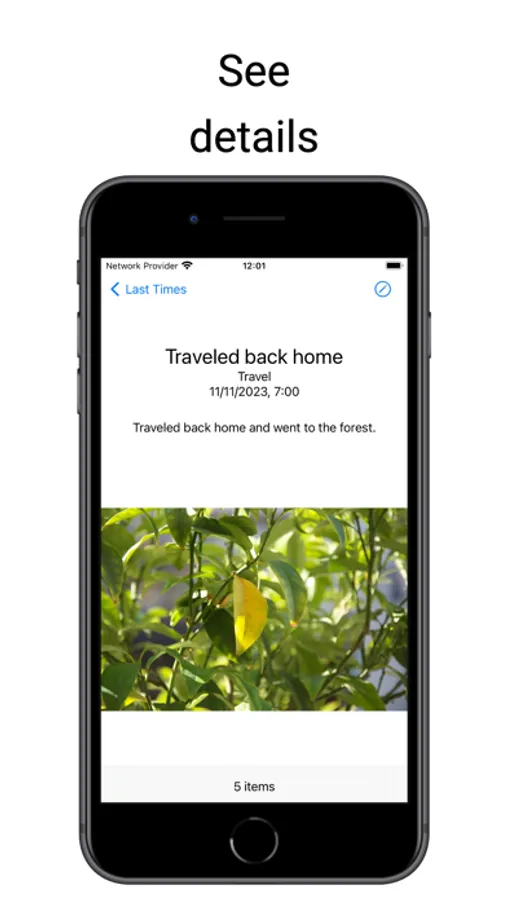
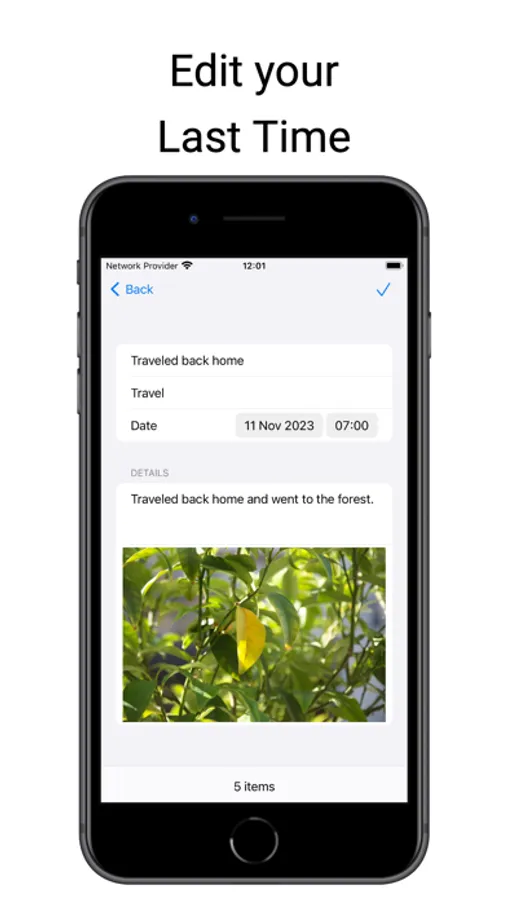
Selecting an item from the list will navigate to details view of the entry. If there's a photo you can tap on it and you can zoom in and out. On top right corner is the Edit button (pencil symbol). When tapped, the entry's date, details and photo can be amended. If Back navigation button is tapped, changes won't be saved. To upload a different photo, tap the photo and a modal menu will be presented from where you can chose to pick a photo from local Library or access the camera to capture a new photo. To Save tap the button from top right corner (checkmark symbol).
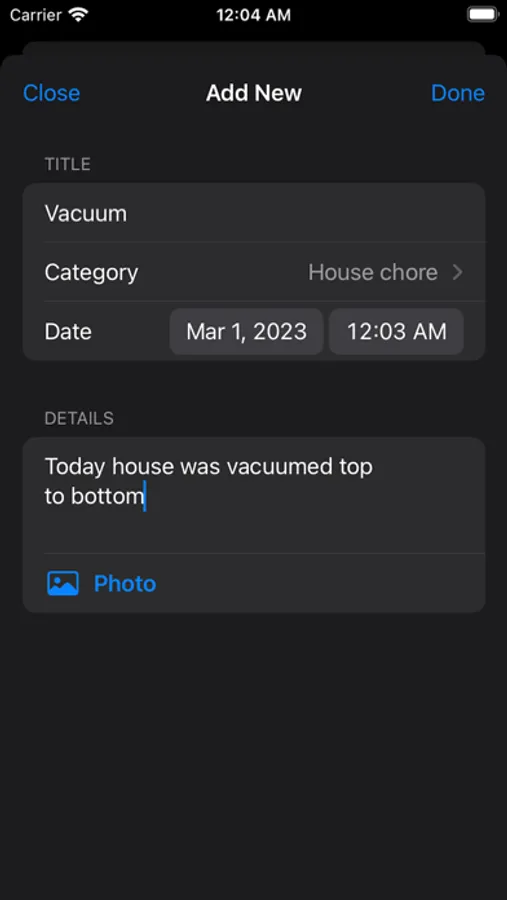
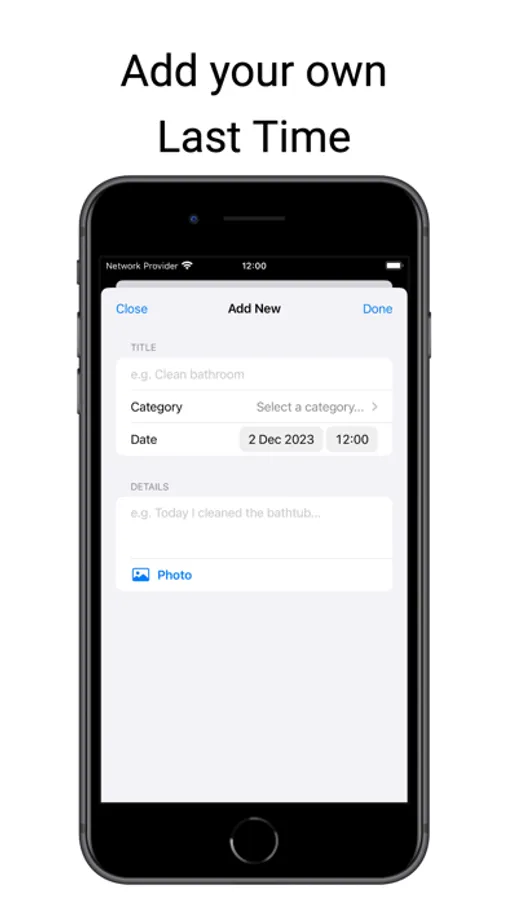
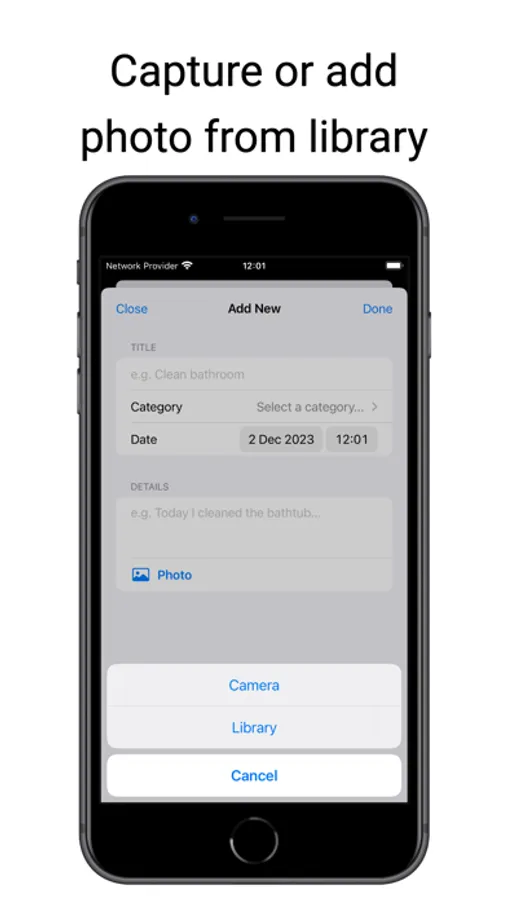
Middle tab with plus symbol allows to add new Last Time entry where a title and category are required. Date (pre-selected to today's date), details and a photo using phone's camera or chosen from Library, can be added to the entry. To upload a photo, tap the Photo button and a modal menu will be presented from where you can chose to pick a photo from local Library or access the camera to capture a new photo.
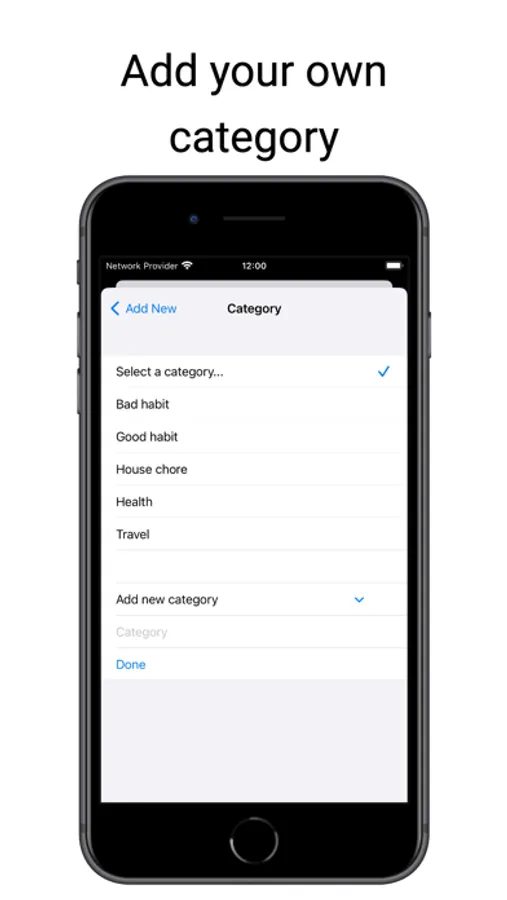
A category can be selected by tapping Category from where it can be picked. Initially there are no categories in the list. Tap Add new category, input category name, tap Done and then select the new added category from the list.
Tap Done from top right corner of the sheet once happy with all the fields from the form and it will be saved to phone's local store.
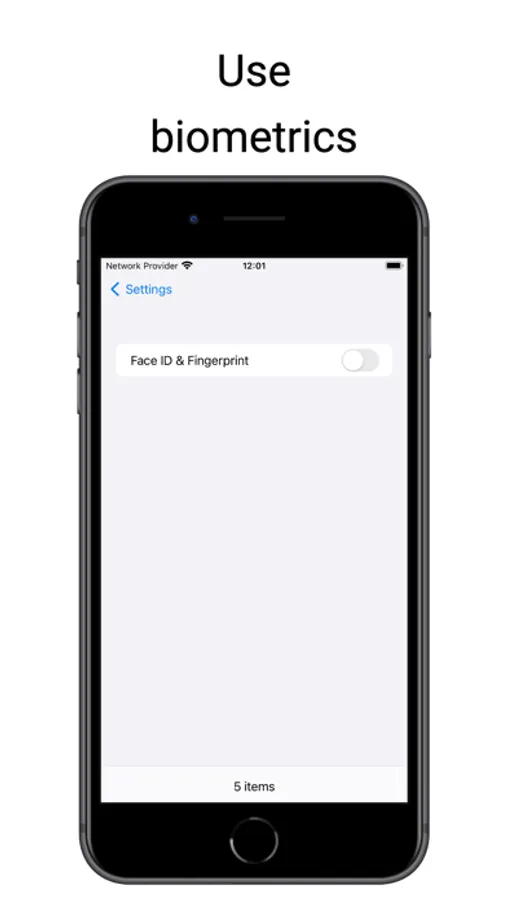
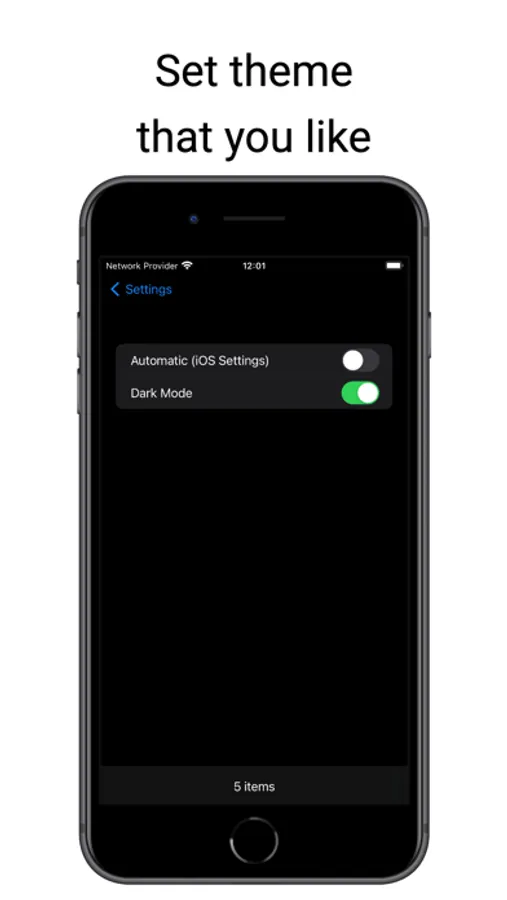
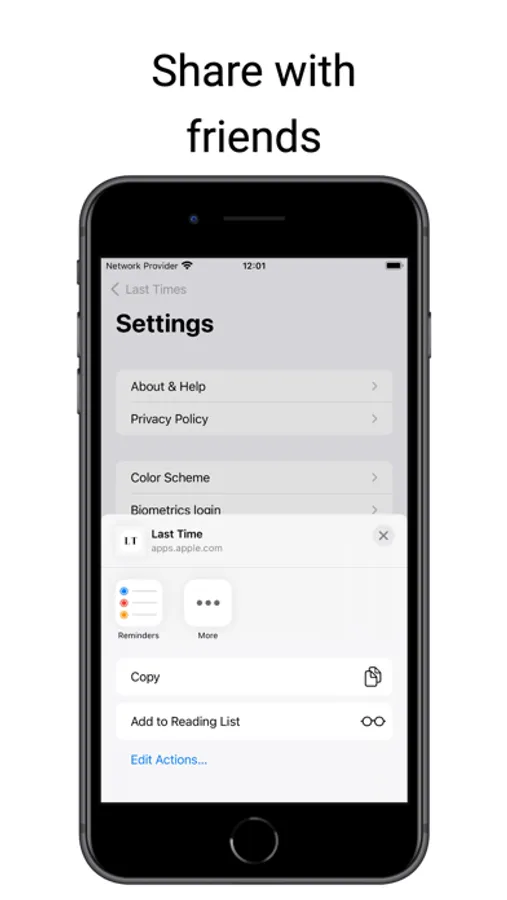
Settings view provides information about the app, link to Privacy Policy, Biometrics login, Color scheme and Vesrion of the app.
Entries will be grouped by categories, e.g. House chore. Last time I cleaned the bathtub is a house chore.
The Home tab displays entries in a list. From the top left corner the list can be sorted by title or category in ascending or descending order. The Search bar allows searching for specific entry in the list.
Selecting an item from the list will navigate to details view of the entry. If there's a photo you can tap on it and you can zoom in and out. On top right corner is the Edit button (pencil symbol). When tapped, the entry's date, details and photo can be amended. If Back navigation button is tapped, changes won't be saved. To upload a different photo, tap the photo and a modal menu will be presented from where you can chose to pick a photo from local Library or access the camera to capture a new photo. To Save tap the button from top right corner (checkmark symbol).
Middle tab with plus symbol allows to add new Last Time entry where a title and category are required. Date (pre-selected to today's date), details and a photo using phone's camera or chosen from Library, can be added to the entry. To upload a photo, tap the Photo button and a modal menu will be presented from where you can chose to pick a photo from local Library or access the camera to capture a new photo.
A category can be selected by tapping Category from where it can be picked. Initially there are no categories in the list. Tap Add new category, input category name, tap Done and then select the new added category from the list.
Tap Done from top right corner of the sheet once happy with all the fields from the form and it will be saved to phone's local store.
Settings view provides information about the app, link to Privacy Policy, Biometrics login, Color scheme and Vesrion of the app.