AppRecs review analysis
AppRecs rating 4.8. Trustworthiness 0 out of 100. Review manipulation risk 0 out of 100. Based on a review sample analyzed.
★★★★☆
4.8
AppRecs Rating
Ratings breakdown
5 star
80%
4 star
20%
3 star
0%
2 star
0%
1 star
0%
What to know
✓
High user satisfaction
80% of sampled ratings are 5 stars
About Blur Background DSLR Effect
Blur Background DSLR Effect Easily blur unwanted details, remove blemishes and add amazing filter effects. Blur your images, enhance photos with super high-resolution zoom for pixel perfect edits.
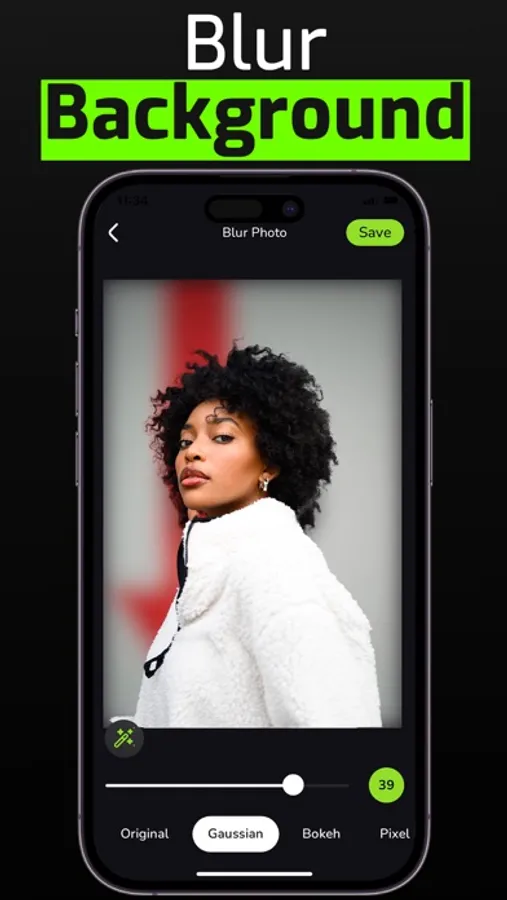
Blur Background DSLR Effect is an AI powered automatic image Blur app. With its AI capability it can automatically detect the focus area and background of an image.
Various Blur Effects :-
- Gaussian Blur
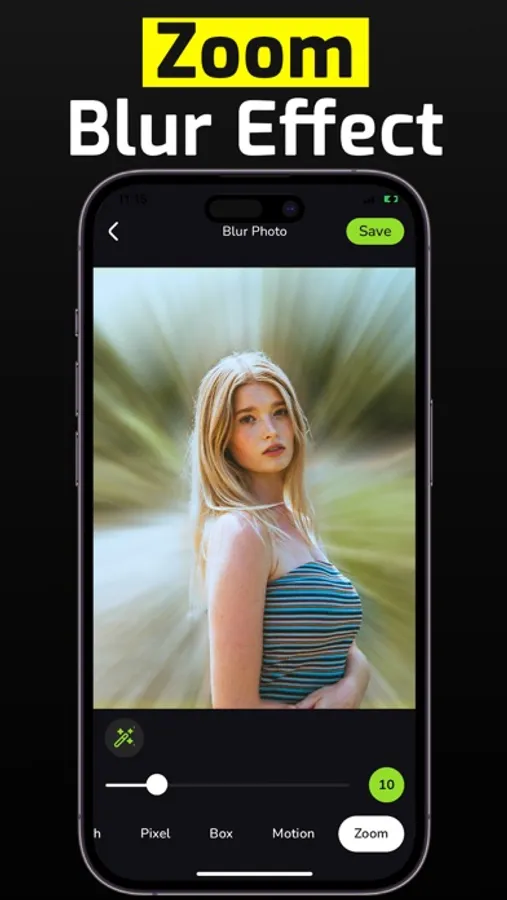
- Zoom Blur
- Motion Blur
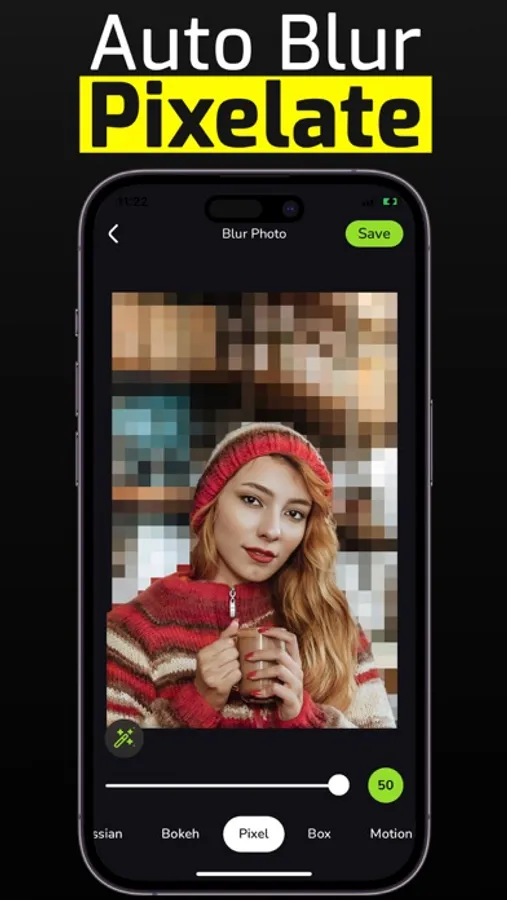
- Pixel Effect
- Box Blur Effect
- Bokeh Blur Effect
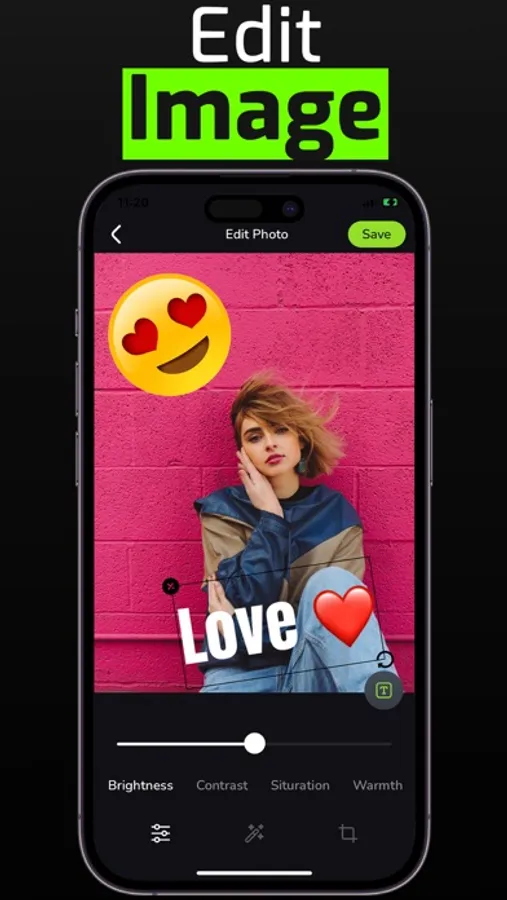
Image Edit Options :-
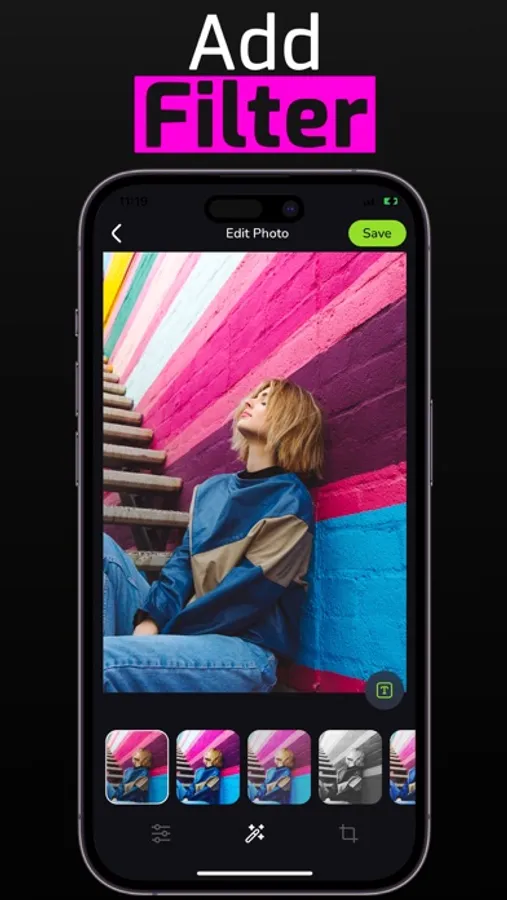
- Image Filter
- Crop image
- Adjust Image
- Add text or Emoji
Advanced controls to edit image :-
- Smoothness
- Brightness
- Contrast
- Highlight
- Shadow
- Saturation
- Vignette
- Exposure
- Temperature
How to use :-
- Select image from Photo library.
- Use the blur image brush or photo effect brush to blur and add effect any part of the photo.
- Apply image filter or adjust image.
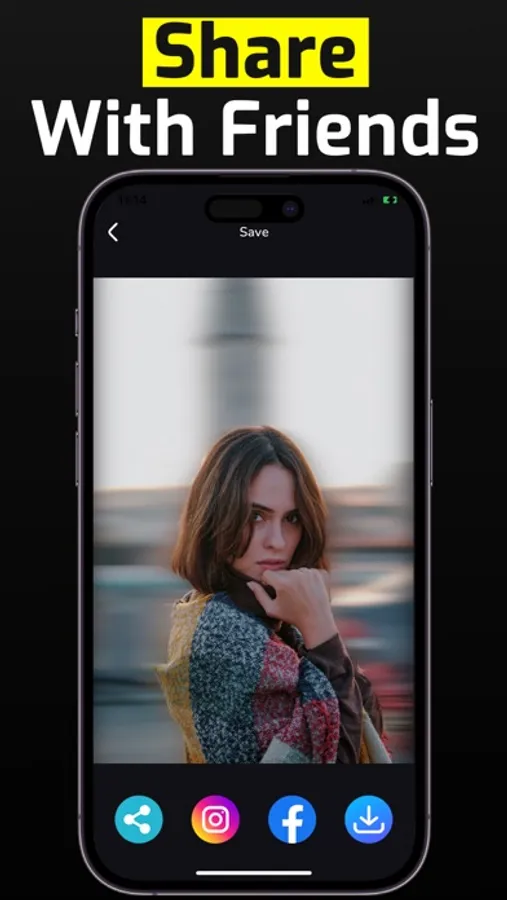
- Save or share with your friends.
Privacy : https://mrappsprivacy.blogspot.com
Terms of use : https://sites.google.com/view/mr-apps-termsofuse/home
Download the Blur Background DSLR Effect app and you will able to use
- Various image filter, Crop, various blur effects, image adjustments and many more.
Blur Background DSLR Effect is an AI powered automatic image Blur app. With its AI capability it can automatically detect the focus area and background of an image.
Various Blur Effects :-
- Gaussian Blur
- Zoom Blur
- Motion Blur
- Pixel Effect
- Box Blur Effect
- Bokeh Blur Effect
Image Edit Options :-
- Image Filter
- Crop image
- Adjust Image
- Add text or Emoji
Advanced controls to edit image :-
- Smoothness
- Brightness
- Contrast
- Highlight
- Shadow
- Saturation
- Vignette
- Exposure
- Temperature
How to use :-
- Select image from Photo library.
- Use the blur image brush or photo effect brush to blur and add effect any part of the photo.
- Apply image filter or adjust image.
- Save or share with your friends.
Privacy : https://mrappsprivacy.blogspot.com
Terms of use : https://sites.google.com/view/mr-apps-termsofuse/home
Download the Blur Background DSLR Effect app and you will able to use
- Various image filter, Crop, various blur effects, image adjustments and many more.