With this app, you can securely sign PDF documents and add comments directly on your device. Includes high security standards and options to annotate and share signed files.
AppRecs review analysis
AppRecs rating 4.9. Trustworthiness 0 out of 100. Review manipulation risk 0 out of 100. Based on a review sample analyzed.
★★★★☆
4.9
AppRecs Rating
Ratings breakdown
5 star
94%
4 star
6%
3 star
0%
2 star
0%
1 star
0%
What to know
✓
High user satisfaction
94% of sampled ratings are 5 stars
About Sign PDF Document
Sign your PDFs quickly and securely with our PDF signature app!
Our app has been designed to make signing PDF documents fast, easy, and efficient.
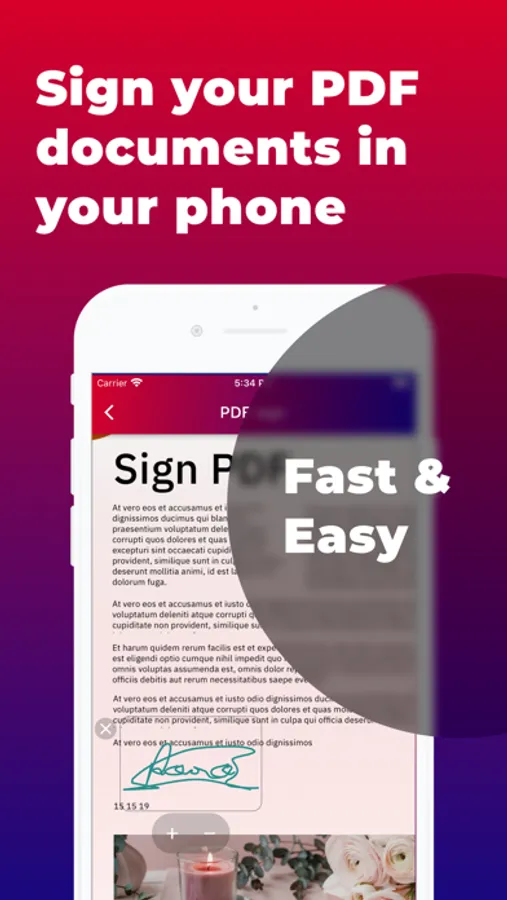
With our app, you can sign any PDF from your mobile device in just a few seconds.
Why is our app the best choice for signing your PDFs?
First, it's safe and reliable. We use the highest security standards to ensure your personal information is protected.
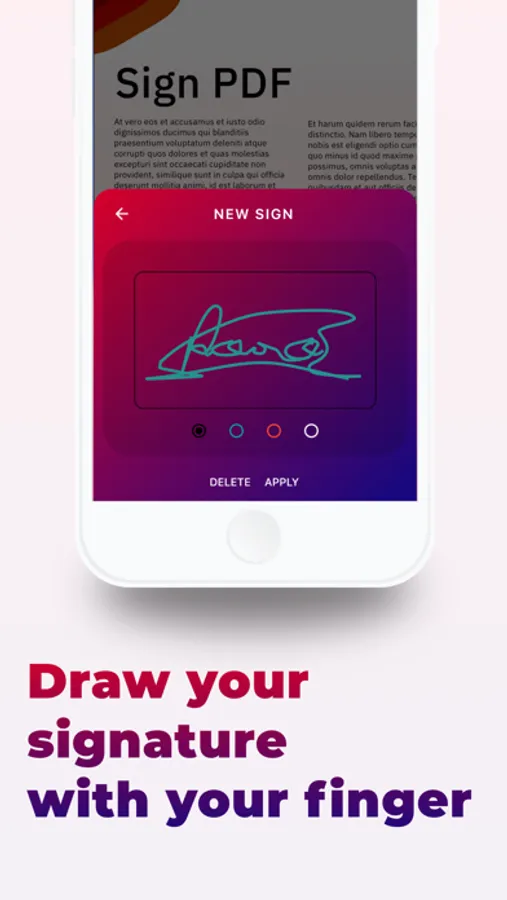
Second, it's easy to use. Our intuitive interface allows you to sign your PDF documents quickly and hassle-free. Plus, you can add your electronic signature to any PDF directly from your mobile phone or tablet, meaning you can sign important documents on the go.
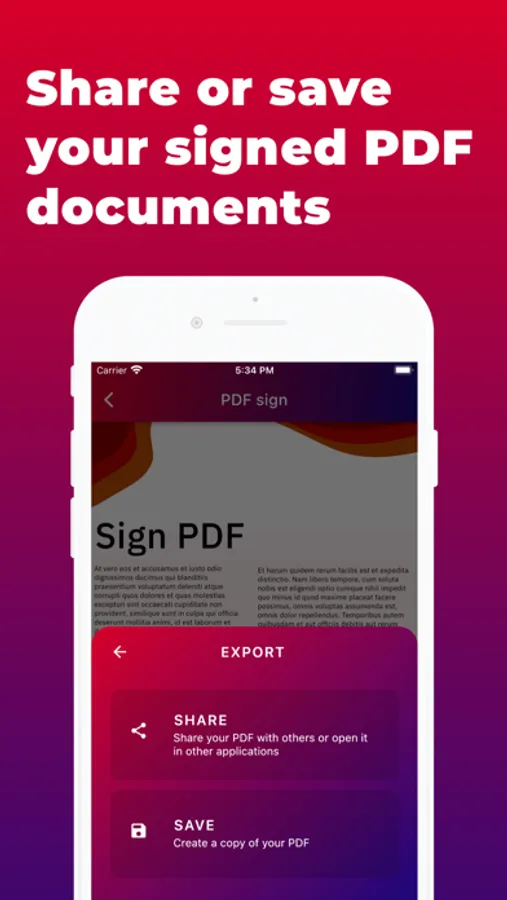
Another key feature of our app is that it allows you to add notes and comments to your PDFs, which is especially useful if you need to collaborate with others on a document. You can also share your signed PDFs with others easily and quickly.
In summary, if you need to sign PDF documents regularly, our PDF signature app is the perfect choice for you. Download our app today from the App Store and start signing your documents quickly, securely, and efficiently.
Our app has been designed to make signing PDF documents fast, easy, and efficient.
With our app, you can sign any PDF from your mobile device in just a few seconds.
Why is our app the best choice for signing your PDFs?
First, it's safe and reliable. We use the highest security standards to ensure your personal information is protected.
Second, it's easy to use. Our intuitive interface allows you to sign your PDF documents quickly and hassle-free. Plus, you can add your electronic signature to any PDF directly from your mobile phone or tablet, meaning you can sign important documents on the go.
Another key feature of our app is that it allows you to add notes and comments to your PDFs, which is especially useful if you need to collaborate with others on a document. You can also share your signed PDFs with others easily and quickly.
In summary, if you need to sign PDF documents regularly, our PDF signature app is the perfect choice for you. Download our app today from the App Store and start signing your documents quickly, securely, and efficiently.