About Power-Sonic Lithium
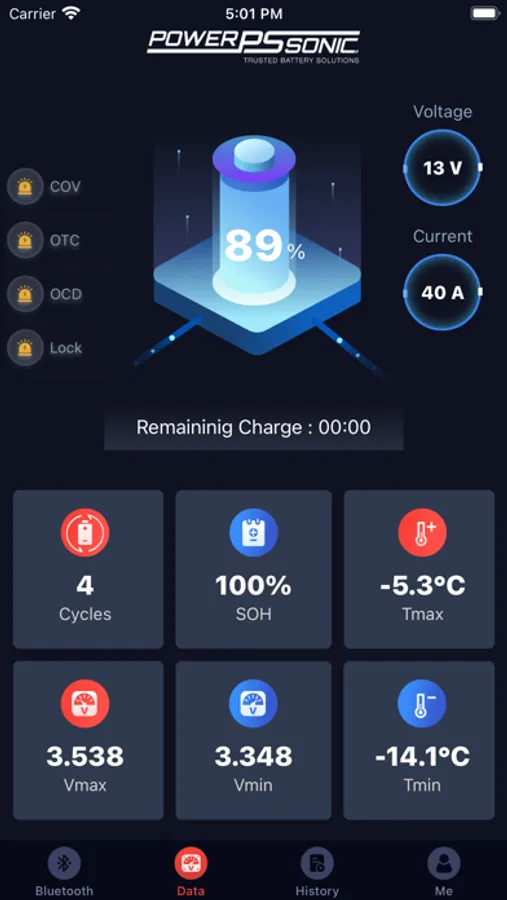
1. Display real-time voltage, current, power, and other parameter values in the form of instrument panels and numbers
2. Turn the connected battery on and off with the touch of a button
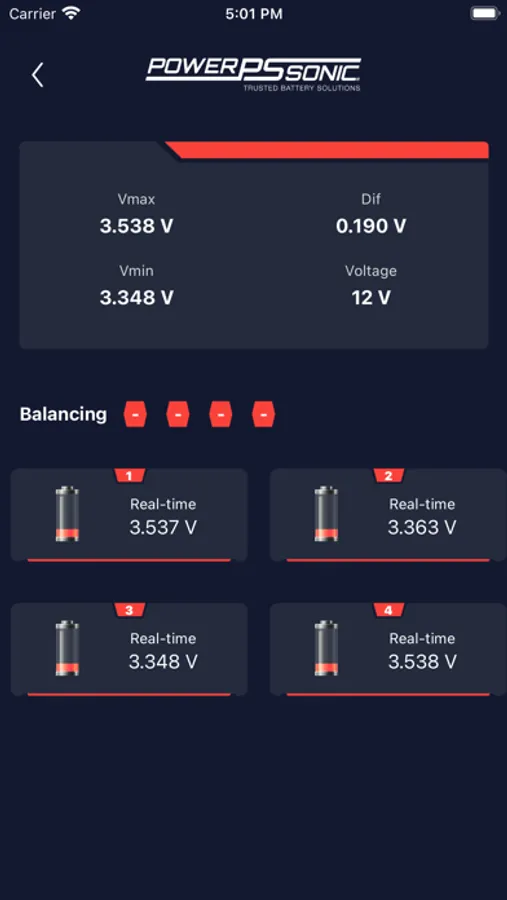
3. Display the real-time voltage and alarm status of all single batteries. If the reported parameters trigger the alarm value or protection value, an alarm will be prompted
4. Data comparison of the battery cell voltage difference - maximum voltage cell and minimum voltage cell
5. Real-time alarm for over temperature, short circuit, over voltage, and under voltage
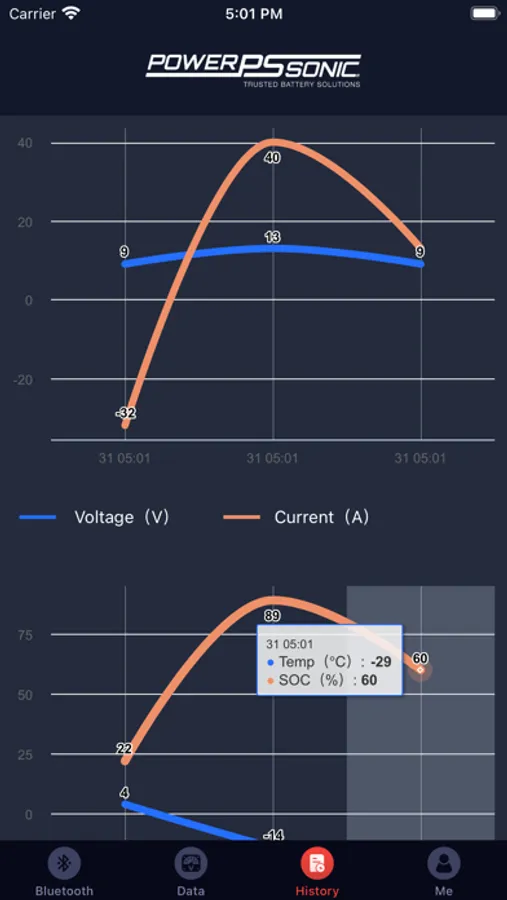
6. Record the warnings that occur at each moment
2. Turn the connected battery on and off with the touch of a button
3. Display the real-time voltage and alarm status of all single batteries. If the reported parameters trigger the alarm value or protection value, an alarm will be prompted
4. Data comparison of the battery cell voltage difference - maximum voltage cell and minimum voltage cell
5. Real-time alarm for over temperature, short circuit, over voltage, and under voltage
6. Record the warnings that occur at each moment