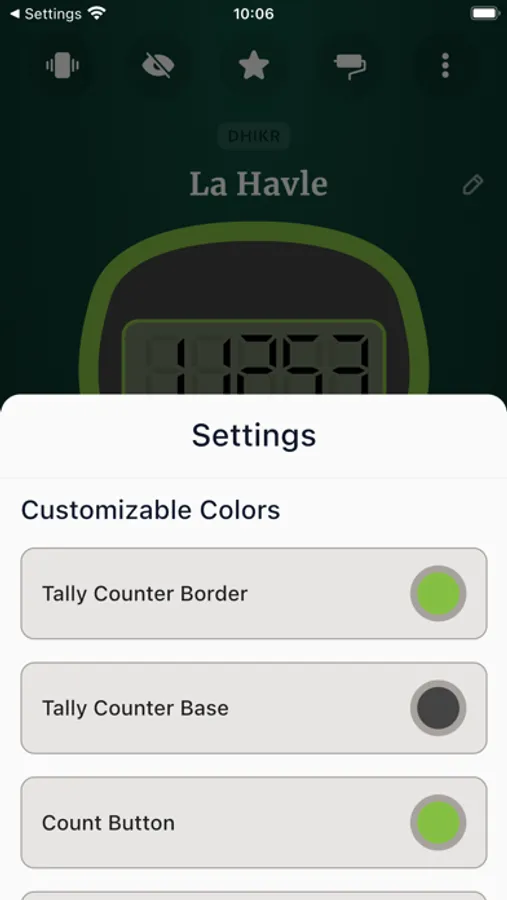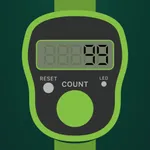
In this app, users can track recitations with a realistic tally counter, customize settings, and view progress statistics. Includes vibration and sound feedback, theme options, and options to create or edit dhikrs.
AppRecs review analysis
AppRecs rating 4.2. Trustworthiness 51 out of 100. Review manipulation risk 34 out of 100. Based on a review sample analyzed.
★★★★☆
4.2
AppRecs Rating
Ratings breakdown
5 star
87%
4 star
6%
3 star
3%
2 star
2%
1 star
2%
What to know
✓
High user satisfaction
87% of sampled ratings are 5 stars
✓
Authentic reviews
No red flags detected
About Click Counter: Tap Counter
Reciting Counter Real LikeElevate your recitation experience with the Authentic Recitation Counter. Designed to provide a genuine and immersive counting experience, this app is perfect for anyone seeking a reliable tool for their recitations, prayers, or meditative practices.
Key Features:
Realistic Interface: Feel every count as if you're using a traditional tally counter. The authentic design and smooth functionality ensure a seamless reciting experience.
Customizable Settings: Adjust the counter to suit your specific needs. Whether it's for prayers, meditation, or any repetitive task, our app is tailored to meet your requirements.
Vibration and Sound Feedback: Enhance your recitation with tactile feedback. Choose from a variety of sounds and vibrations to accompany each count, bringing a real feel to your practice.
Detailed Statistics: Track your progress with comprehensive stats. Monitor your daily, weekly, and monthly recitation habits to stay motivated and consistent.
User-Friendly Design: Enjoy a clean, intuitive interface that makes counting simple and efficient. Our app is easy to navigate, ensuring a smooth user experience.A tally counter and tasbeeh counter app. The design of the counter is very much like the tally counter in the real world.
Features and Details about the App:
Clean and beautiful design
Recite dhikrs
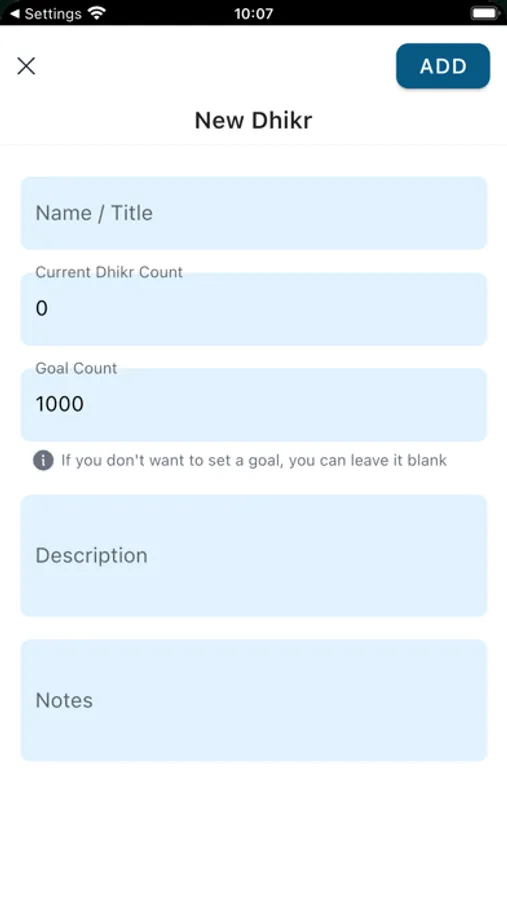
Create and edit dhikrs including goal count
When reciting enable/disable haptic feedback
Reset tasbeeh counter whenever you want
Get feedback when you reached your goal for the dhikr, you will see an info dialog
Enable/disable full screen mode aka immersive mode to focus only reciting and counter
Use theme settings button to customize the counter as you wish
You can use ready to use themes also
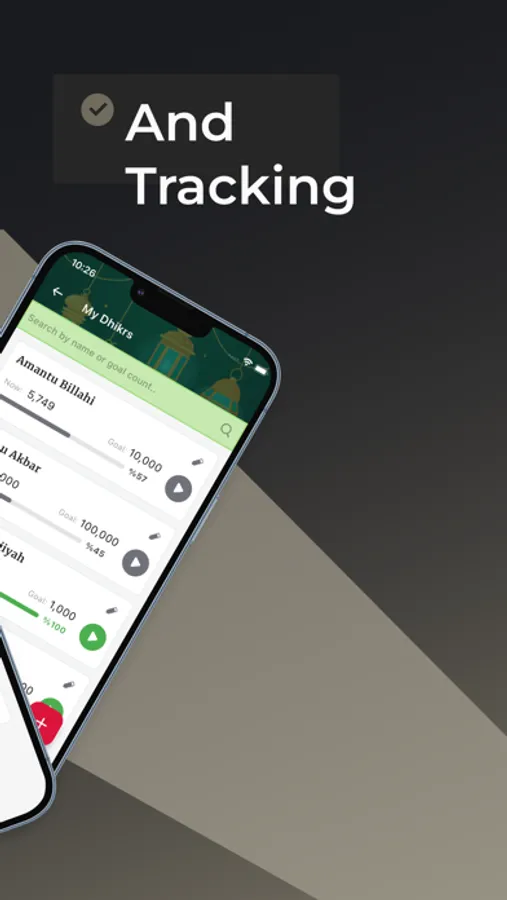
Use My Dhikrs button to see all your tasbeeh/dhikr list
Use 3 dot overflow menu for other options like sharing, rating and reaching us
Use star/rate button to rate us on the AppStore
Use edit button to edit a dhikr
Use 3 dot button to edit a dhikr in dhikr list screen
Use add dhikr button to add a new dhikr to your list in dhikrs list screen
See a small and nice summary of your current reciting under the counter when you've made some progress
If you don't want to set a goal for your tasbeeh, don't enter anything for the goal field
See a small summary about your dhikrs and their counts on the dhikrs list screen top section
When you enable full screen / immersive mode please use back button on the top left to disable it, look closely you will see it, it's done only for the better ux in full screen mode / immersive mode
The app will send you some notification rarely to remind you to recite dhikrs
Key Features:
Realistic Interface: Feel every count as if you're using a traditional tally counter. The authentic design and smooth functionality ensure a seamless reciting experience.
Customizable Settings: Adjust the counter to suit your specific needs. Whether it's for prayers, meditation, or any repetitive task, our app is tailored to meet your requirements.
Vibration and Sound Feedback: Enhance your recitation with tactile feedback. Choose from a variety of sounds and vibrations to accompany each count, bringing a real feel to your practice.
Detailed Statistics: Track your progress with comprehensive stats. Monitor your daily, weekly, and monthly recitation habits to stay motivated and consistent.
User-Friendly Design: Enjoy a clean, intuitive interface that makes counting simple and efficient. Our app is easy to navigate, ensuring a smooth user experience.A tally counter and tasbeeh counter app. The design of the counter is very much like the tally counter in the real world.
Features and Details about the App:
Clean and beautiful design
Recite dhikrs
Create and edit dhikrs including goal count
When reciting enable/disable haptic feedback
Reset tasbeeh counter whenever you want
Get feedback when you reached your goal for the dhikr, you will see an info dialog
Enable/disable full screen mode aka immersive mode to focus only reciting and counter
Use theme settings button to customize the counter as you wish
You can use ready to use themes also
Use My Dhikrs button to see all your tasbeeh/dhikr list
Use 3 dot overflow menu for other options like sharing, rating and reaching us
Use star/rate button to rate us on the AppStore
Use edit button to edit a dhikr
Use 3 dot button to edit a dhikr in dhikr list screen
Use add dhikr button to add a new dhikr to your list in dhikrs list screen
See a small and nice summary of your current reciting under the counter when you've made some progress
If you don't want to set a goal for your tasbeeh, don't enter anything for the goal field
See a small summary about your dhikrs and their counts on the dhikrs list screen top section
When you enable full screen / immersive mode please use back button on the top left to disable it, look closely you will see it, it's done only for the better ux in full screen mode / immersive mode
The app will send you some notification rarely to remind you to recite dhikrs