Blackwork Pattern Creator
Sand Castle Designs, Inc
3.0 ★
store rating
Free
AppRecs review analysis
AppRecs rating 2.8. Trustworthiness 71 out of 100. Review manipulation risk 25 out of 100. Based on a review sample analyzed.
★★☆☆☆
2.8
AppRecs Rating
Ratings breakdown
5 star
0%
4 star
50%
3 star
50%
2 star
0%
1 star
0%
What to know
✓
Low review manipulation risk
25% review manipulation risk
✓
Credible reviews
71% trustworthiness score from analyzed reviews
About Blackwork Pattern Creator
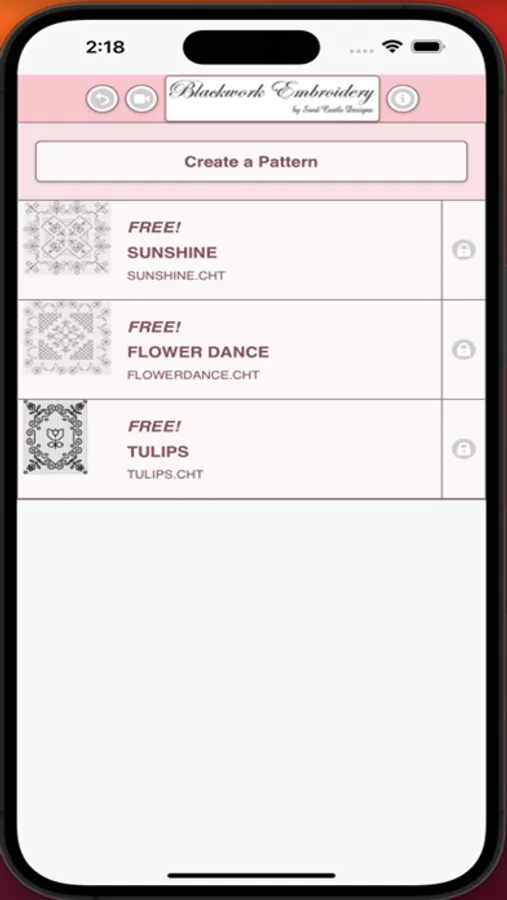
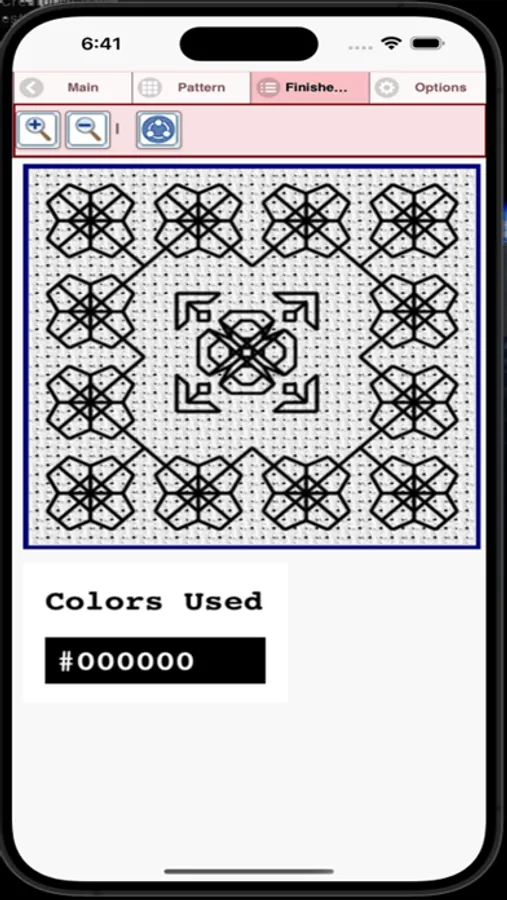
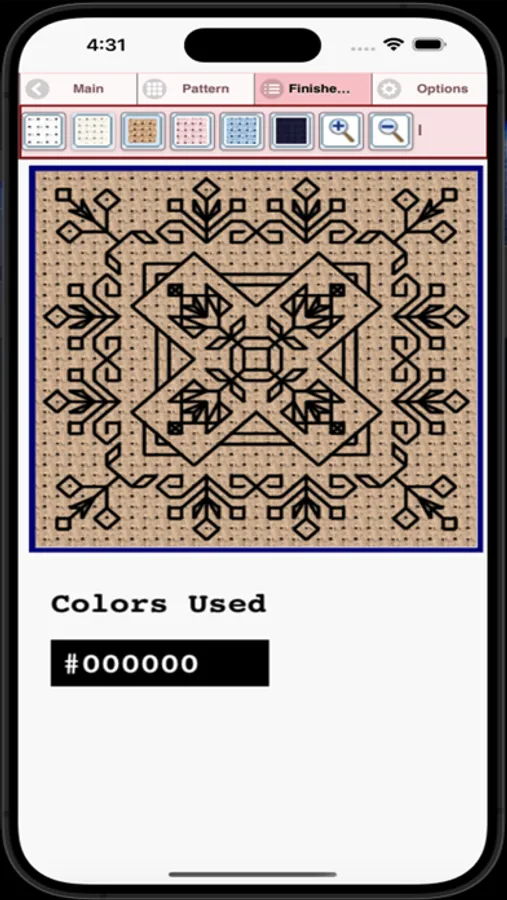
Blackwork Embroidery Creator for your mobile device.
Comes with free patterns. Download is free. One time only activation for creation is $2.99.
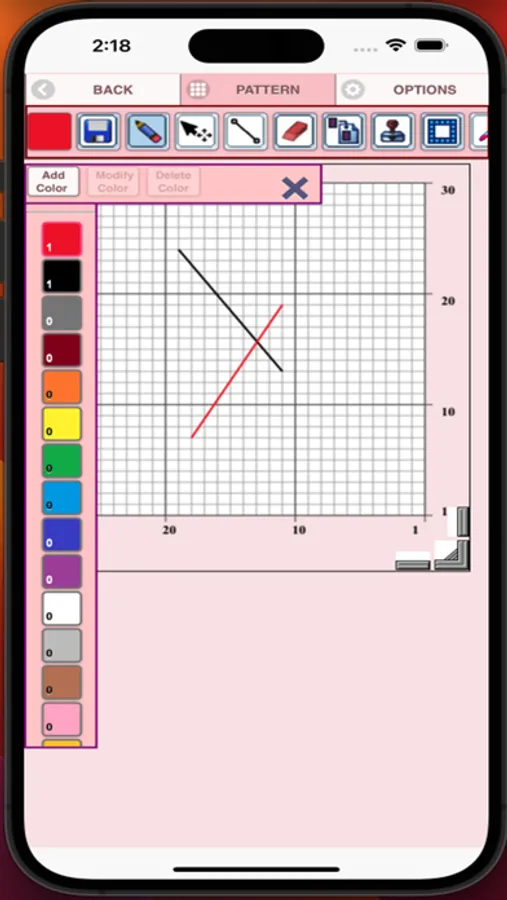
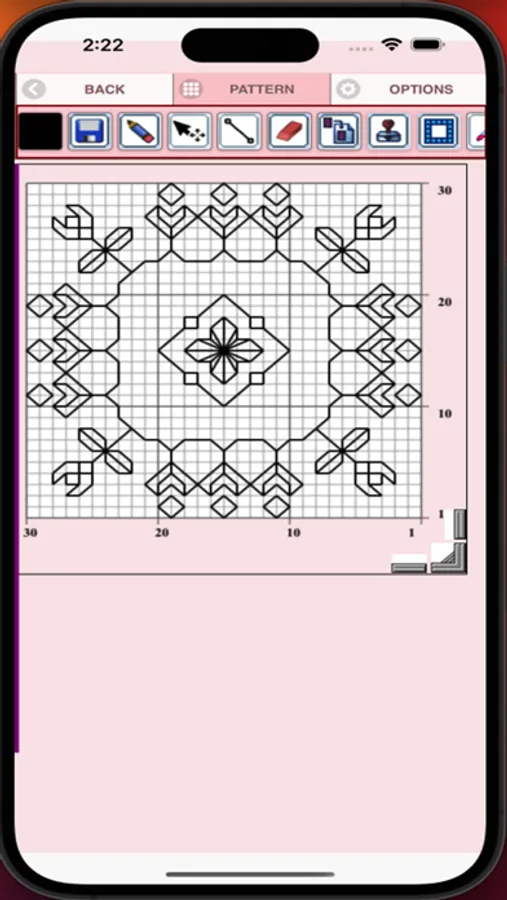
To create a Blackwork pattern, select "Create a Blackwork Pattern" button. The Blackwork Pattern Editor will appear. Using the pencil draw your pattern on the grid.
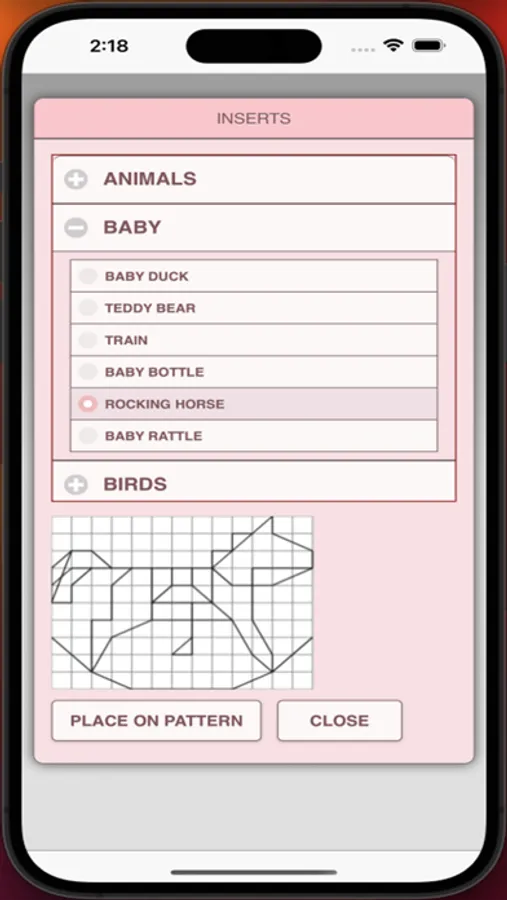
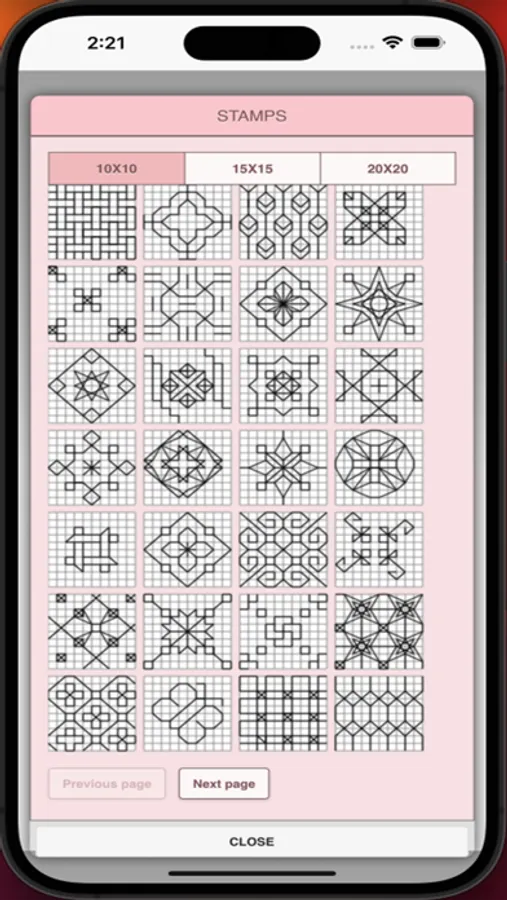
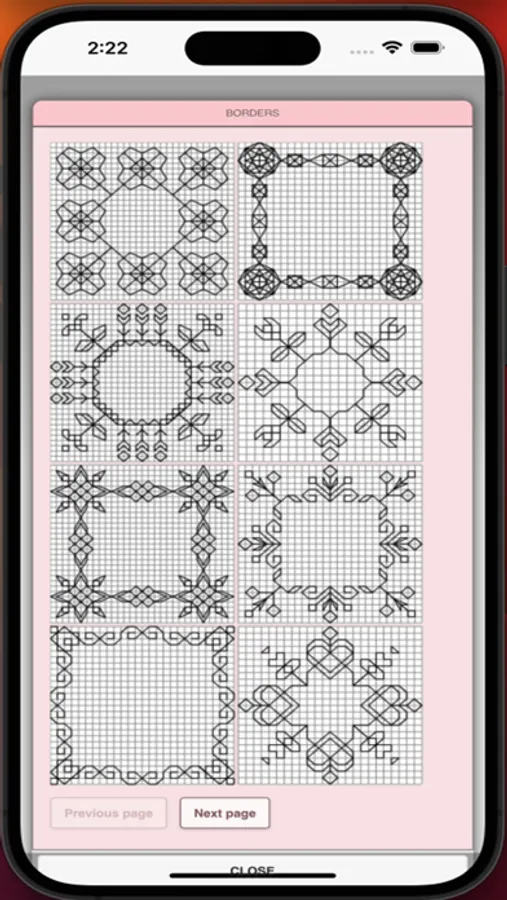
You can also select from over 200 stamps, inserts and borders to apply to your Blackwork pattern.
Features - buttons in button bar left to right
1. Color button - select any color
2. Save button - save your Blackwork pattern
3. Pencil button - draw stitches
4. Eraser button - erase stitches
5. Move button - move stitches
6. Resize button - resize a stitch
7. Inserts button - add pattern inserts to your pattern (like birds)
8. Stamps button - add little stamps (little designs) to add to your pattern
9. Borders button - add borders to your pattern. Borders automatically wrap around your pattern.
10. Dropper button - select a stitch color from your pattern to use for drawing more stitches
11. Bucket button - change the color of a stitch
12. Bucket+ button - change all stitches of the same color to a different color
13. Bucket++ button - change all stitches to a different color
14. Undo button - undo last things you did
15. Redo button - redo the things you undid
16. Selection button - select area of Blackwork pattern to cut or copy
17. Cut button - remove all stitches under selected area. See item 16.
18. Copy button - copy all stitches under selected area. See item 16.
19. Paste button - paste the cut or copied stitches. See item 16,17 and 18.
20. Rotate button - rotate selected area (see item 16) or whole pattern
21. Zoom in button - zoom in on your pattern
22. Zoom out button - zoom out on your pattern
23. Share button - share a picture of your Blackwork pattern using email, text etc.
24. Help button - learn how to use all the buttons
25. Resize bars - resize bars are display at the bottom right corner of your Blackwork pattern. Drag them to resize your Blackwork pattern.
Comes with free patterns. Download is free. One time only activation for creation is $2.99.
To create a Blackwork pattern, select "Create a Blackwork Pattern" button. The Blackwork Pattern Editor will appear. Using the pencil draw your pattern on the grid.
You can also select from over 200 stamps, inserts and borders to apply to your Blackwork pattern.
Features - buttons in button bar left to right
1. Color button - select any color
2. Save button - save your Blackwork pattern
3. Pencil button - draw stitches
4. Eraser button - erase stitches
5. Move button - move stitches
6. Resize button - resize a stitch
7. Inserts button - add pattern inserts to your pattern (like birds)
8. Stamps button - add little stamps (little designs) to add to your pattern
9. Borders button - add borders to your pattern. Borders automatically wrap around your pattern.
10. Dropper button - select a stitch color from your pattern to use for drawing more stitches
11. Bucket button - change the color of a stitch
12. Bucket+ button - change all stitches of the same color to a different color
13. Bucket++ button - change all stitches to a different color
14. Undo button - undo last things you did
15. Redo button - redo the things you undid
16. Selection button - select area of Blackwork pattern to cut or copy
17. Cut button - remove all stitches under selected area. See item 16.
18. Copy button - copy all stitches under selected area. See item 16.
19. Paste button - paste the cut or copied stitches. See item 16,17 and 18.
20. Rotate button - rotate selected area (see item 16) or whole pattern
21. Zoom in button - zoom in on your pattern
22. Zoom out button - zoom out on your pattern
23. Share button - share a picture of your Blackwork pattern using email, text etc.
24. Help button - learn how to use all the buttons
25. Resize bars - resize bars are display at the bottom right corner of your Blackwork pattern. Drag them to resize your Blackwork pattern.