CameraFi Live
Vault Micro, Inc
4.4 ★
store rating
Free
AppRecs review analysis
AppRecs rating 3.9. Trustworthiness 68 out of 100. Review manipulation risk 21 out of 100. Based on a review sample analyzed.
★★★☆☆
3.9
AppRecs Rating
Ratings breakdown
5 star
79%
4 star
4%
3 star
4%
2 star
4%
1 star
8%
What to know
✓
Low review manipulation risk
21% review manipulation risk
✓
High user satisfaction
83% of sampled ratings are 4+ stars (4.4★ average)
✓
Authentic reviews
No red flags detected
About CameraFi Live
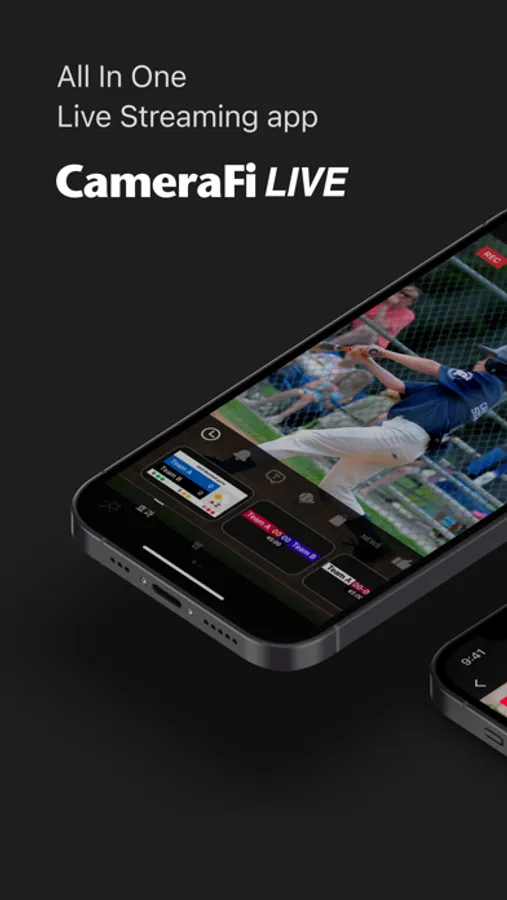
Use CameraFi Live for all your recording & live streaming needs!
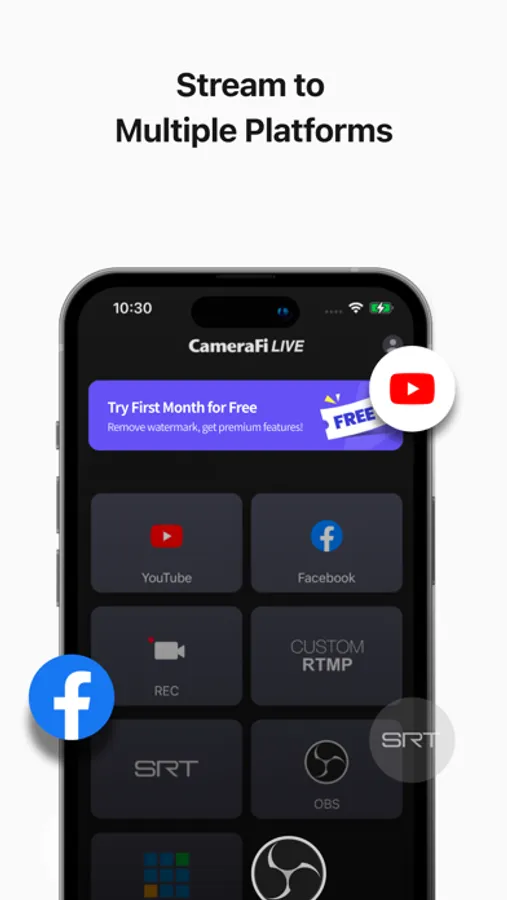
Stream on platforms like YouTube, Facebook and Twitch with high-quality content, effects, and real-time editing features.
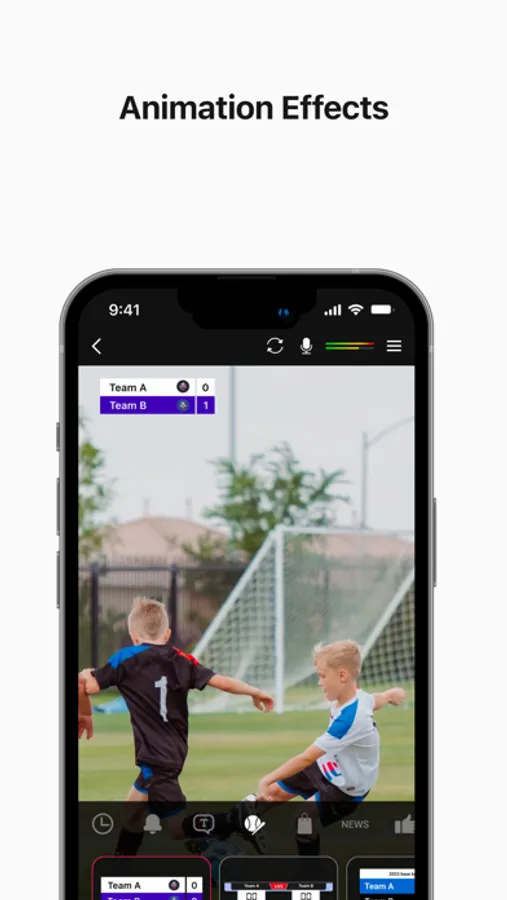
With features like sports scoreboards, and external camera connections, you can produce impressive videos and live streams effortlessly.
[Main Features]
• Camera Mode
Start live streaming with the 'Camera Mode' that broadcasts your smartphone camera shooting! (Mobile screen capture mode to be released soon)
• Image, Text Overlay
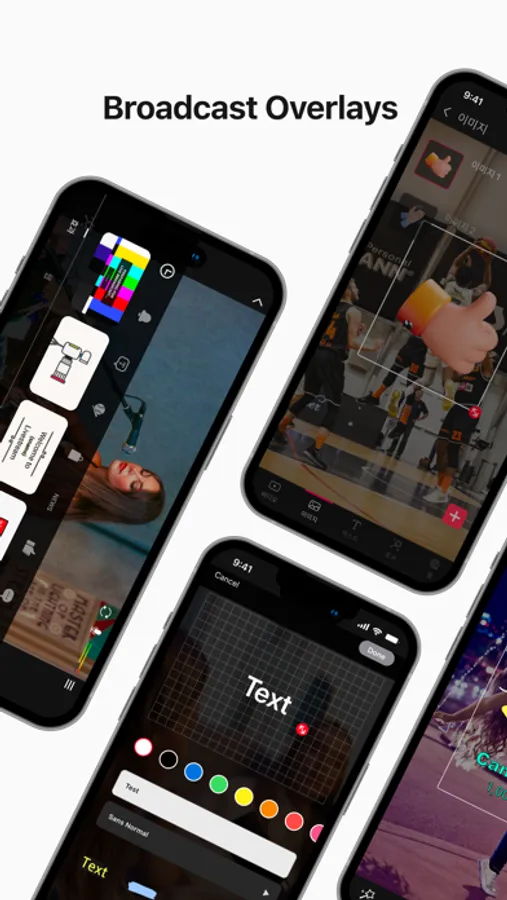
You can easily add image and text sources while live-streaming. Use various effects to easily edit real-time video effects on your mobile device.
• Chat
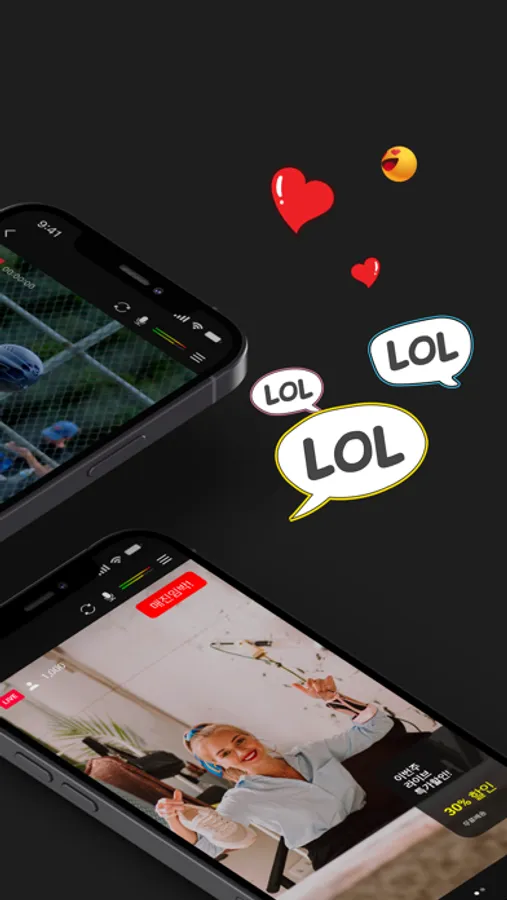
You can interact with your viewers in real-time by watching and responding to their chat messages. Super Chat is also supported!
• Web Browser Overlay
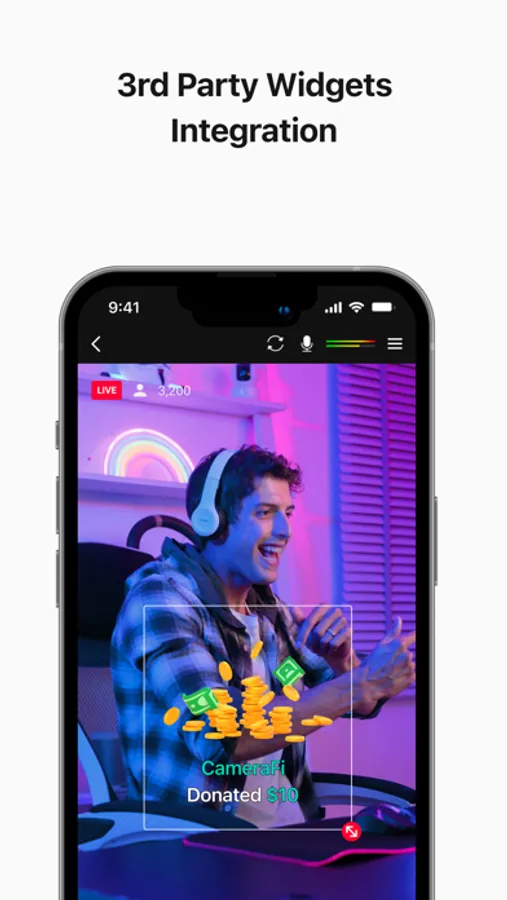
You can connect live-streaming donation/subscription alert platforms such as Streamlabs by web source overlay. Monetize your live broadcast.
• External Camera Connection
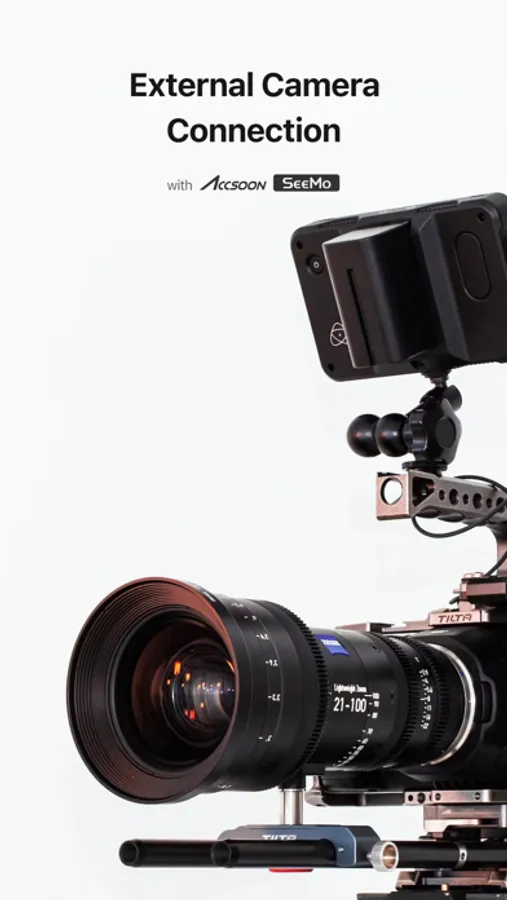
You can connect external USB cameras, such as camcorders, DSLRs, webcams, and drones to your smartphone. By using Accsoon SeeMo, you can now easily use professional cameras for high-quality live streaming.
• Motion Effect
Apply diverse cool effects to attract viewers. With a few clicks, you can add sports scoreboards, subtitles, and animation effects.
• Save a Live Video
You can save your live-streaming video in your smartphone memory to create a highlight video afterwards.
[Specifications]
• Streaming Server
YouTube, Facebook, OBS, vMix, RTMP and SRT(Secure Reliable Transport)
• Interfaces
- Video source: Built-in Camera
- Audio source: Built-in Mic, Bluetooth microphone and Internal sound
• Video Size
SD(640×480), HD(1280×720), FHD(1920x1080) ~ up to UHD(4K, 3840x2160)
(Varies from platforms and smartphone models)
• Encoder
H.264 and HEVC
[Required Permissions]
• Storage: Used for saving photos/vidoes or load stored photos/videos
• Microphone: Used for recording souynd during video recording
• Camera: Used for taking pictures and videos
• Notification: Used for indicating information about live streaming in the notification area
[Feedback]
If you have any comments or questions about the app, please use the feedback button on CameraFi Live(CameraFi Live settings > Feedback > Suggest a feature/Report a bug).
• Blog: https://blog.camerafi.com/
• Facebook: https://www.facebook.com/vaultmicrocamerafi
• Email: apps.help@vaultmicro.com
• Terms of use: https://blog.camerafi.com/2019/12/camerafi-live-terms-of-use.html
• Privacy policy: https://blog.camerafi.com/2019/12/camerafi-live-privacy-policy.html
Stream on platforms like YouTube, Facebook and Twitch with high-quality content, effects, and real-time editing features.
With features like sports scoreboards, and external camera connections, you can produce impressive videos and live streams effortlessly.
[Main Features]
• Camera Mode
Start live streaming with the 'Camera Mode' that broadcasts your smartphone camera shooting! (Mobile screen capture mode to be released soon)
• Image, Text Overlay
You can easily add image and text sources while live-streaming. Use various effects to easily edit real-time video effects on your mobile device.
• Chat
You can interact with your viewers in real-time by watching and responding to their chat messages. Super Chat is also supported!
• Web Browser Overlay
You can connect live-streaming donation/subscription alert platforms such as Streamlabs by web source overlay. Monetize your live broadcast.
• External Camera Connection
You can connect external USB cameras, such as camcorders, DSLRs, webcams, and drones to your smartphone. By using Accsoon SeeMo, you can now easily use professional cameras for high-quality live streaming.
• Motion Effect
Apply diverse cool effects to attract viewers. With a few clicks, you can add sports scoreboards, subtitles, and animation effects.
• Save a Live Video
You can save your live-streaming video in your smartphone memory to create a highlight video afterwards.
[Specifications]
• Streaming Server
YouTube, Facebook, OBS, vMix, RTMP and SRT(Secure Reliable Transport)
• Interfaces
- Video source: Built-in Camera
- Audio source: Built-in Mic, Bluetooth microphone and Internal sound
• Video Size
SD(640×480), HD(1280×720), FHD(1920x1080) ~ up to UHD(4K, 3840x2160)
(Varies from platforms and smartphone models)
• Encoder
H.264 and HEVC
[Required Permissions]
• Storage: Used for saving photos/vidoes or load stored photos/videos
• Microphone: Used for recording souynd during video recording
• Camera: Used for taking pictures and videos
• Notification: Used for indicating information about live streaming in the notification area
[Feedback]
If you have any comments or questions about the app, please use the feedback button on CameraFi Live(CameraFi Live settings > Feedback > Suggest a feature/Report a bug).
• Blog: https://blog.camerafi.com/
• Facebook: https://www.facebook.com/vaultmicrocamerafi
• Email: apps.help@vaultmicro.com
• Terms of use: https://blog.camerafi.com/2019/12/camerafi-live-terms-of-use.html
• Privacy policy: https://blog.camerafi.com/2019/12/camerafi-live-privacy-policy.html