About YTTrans for Safari
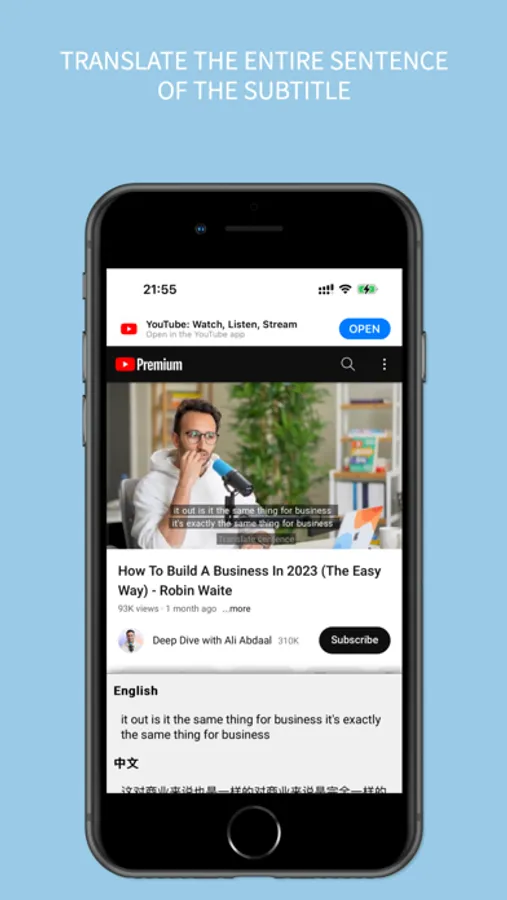
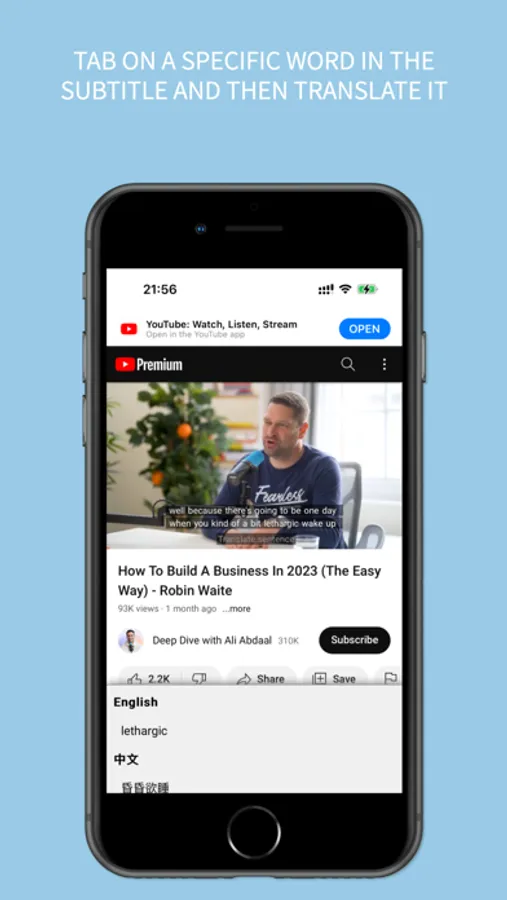
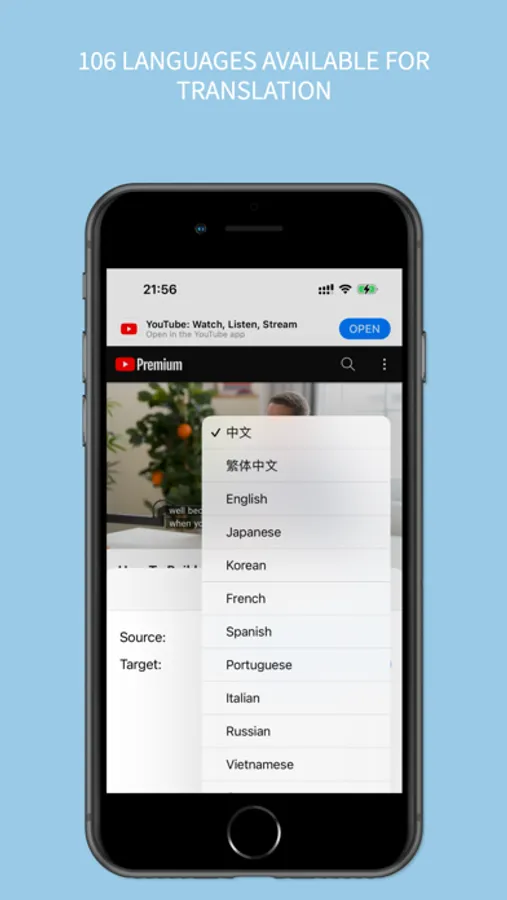
This extension allows you to translate words in subtitles while browsing the mobile version of YouTube. When you click on a word in the subtitles, the translation will be displayed at the bottom of the screen. It supports translation into 125 languages.
Instructions:
After installation, go to Settings → Safari → Extensions and enable YTTrans. Also, make sure to grant permissions for the following domains: m.youtube.com, youtube.com, openapi.youdao.com.
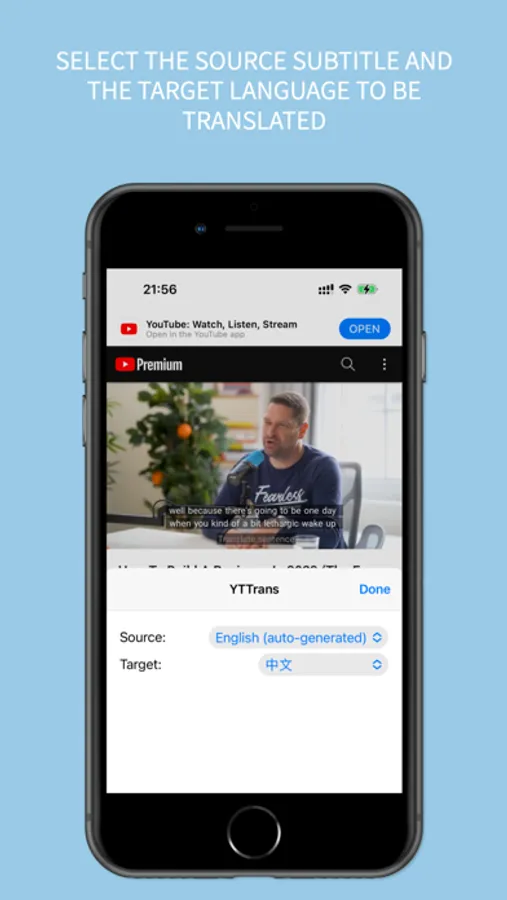
Language Settings: Click on the icon on the left side of the Safari address bar, then click on YTTrans. Select the video subtitles and choose the target language for translation.
Instructions:
After installation, go to Settings → Safari → Extensions and enable YTTrans. Also, make sure to grant permissions for the following domains: m.youtube.com, youtube.com, openapi.youdao.com.
Language Settings: Click on the icon on the left side of the Safari address bar, then click on YTTrans. Select the video subtitles and choose the target language for translation.