Visual Trig Func
F-NET Apps
1.0 ★
store rating
Free
AppRecs review analysis
AppRecs rating 1.0. Trustworthiness 65 out of 100. Review manipulation risk 28 out of 100. Based on a review sample analyzed.
★☆☆☆☆
1.0
AppRecs Rating
Ratings breakdown
5 star
0%
4 star
0%
3 star
0%
2 star
0%
1 star
100%
What to know
✓
Low review manipulation risk
28% review manipulation risk
⚠
Mixed user feedback
Average 1.0★ rating suggests room for improvement
About Visual Trig Func
Do you know trigonometric functions? Or want to learn it? Generally it makes people to be complicated a little, but if you use Trig Func, this will help you to more easily understand!
Also this app is easy/quick to confirm the value of trig functions, so I wish this is really useful for students, teachers, developers and more!
*** Features ***
- Visual trig functions!
- Comfortable moving for calculations!
- Great lists(sin,cos,tan,csc,sec,cot)
- Images for the wave graphs
*** How to use it ***
[ Calc ]
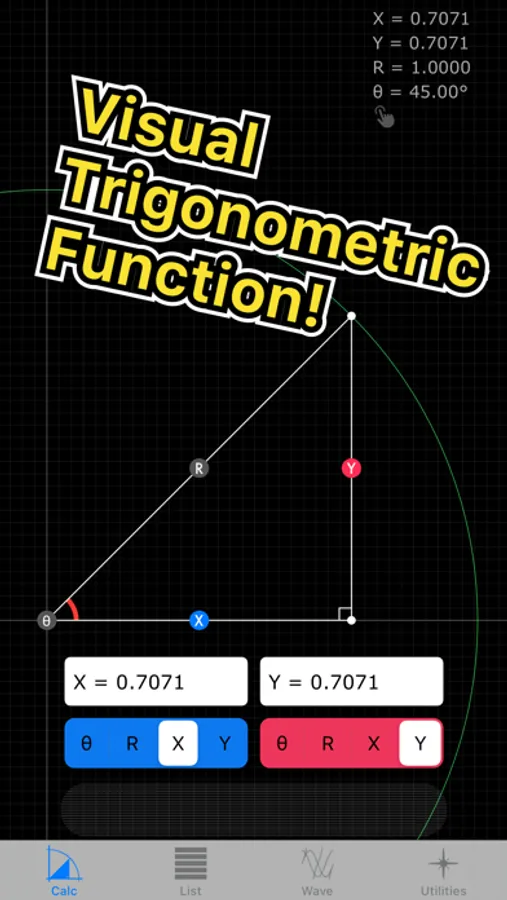
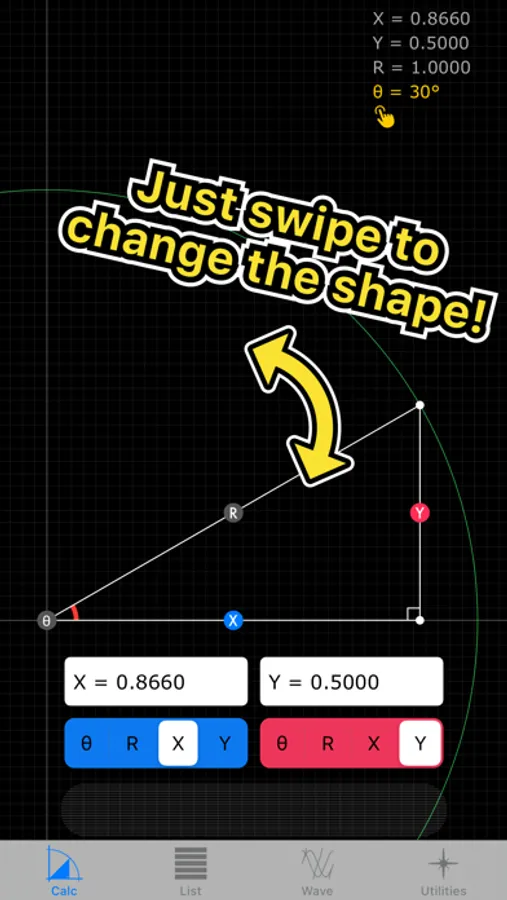
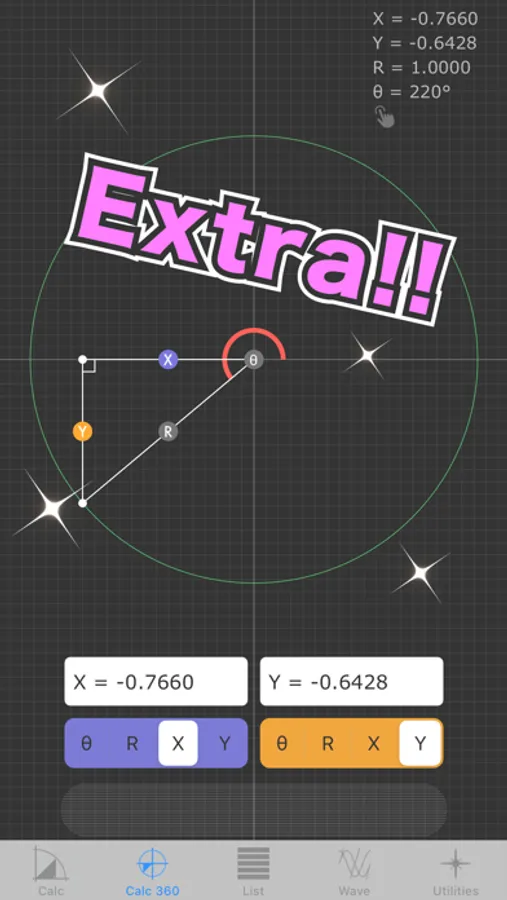
You can drag a radius line between 0 to 90 degrees, and if you do that, it will move to be based on "Radius" and "Angle".
Also you can set any numbers up to text fields with segmented buttons. Such as if you edit Text1 with "X" button and Text2 with "Y" button, the triangle view will change to be based on "X" and "Y".
Which means, there are 6 cases.
( Radius - Angle )
( Radius - X )
( Radius - Y )
( Angle - X )
( Angle - Y )
( X - Y )
[ List ]
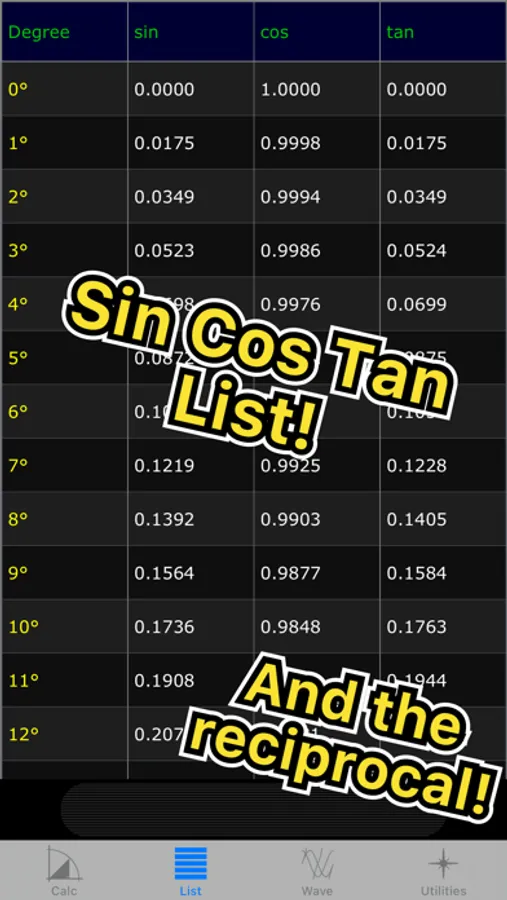
No need to explain about it. Just scroll it.
Oh, wait. You can change these values if you tap column names, like below...
Degrees --- Radian
sin --- csc(cosec)
cos --- sec
tan --- cot
[ Wave ]
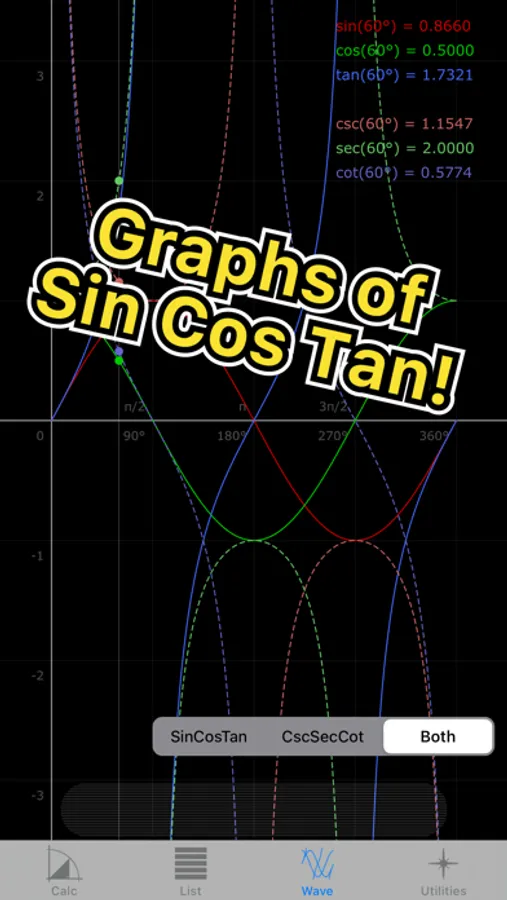
There are 2 graphs, so if you tap the button of bottom right, the graph will change another one.
(sin, cos, tan) --- (csc, sec, cot)
Also you can tap anywhere for checking degrees and values.
I hope this app helps you, even a little bit.
Also this app is easy/quick to confirm the value of trig functions, so I wish this is really useful for students, teachers, developers and more!
*** Features ***
- Visual trig functions!
- Comfortable moving for calculations!
- Great lists(sin,cos,tan,csc,sec,cot)
- Images for the wave graphs
*** How to use it ***
[ Calc ]
You can drag a radius line between 0 to 90 degrees, and if you do that, it will move to be based on "Radius" and "Angle".
Also you can set any numbers up to text fields with segmented buttons. Such as if you edit Text1 with "X" button and Text2 with "Y" button, the triangle view will change to be based on "X" and "Y".
Which means, there are 6 cases.
( Radius - Angle )
( Radius - X )
( Radius - Y )
( Angle - X )
( Angle - Y )
( X - Y )
[ List ]
No need to explain about it. Just scroll it.
Oh, wait. You can change these values if you tap column names, like below...
Degrees --- Radian
sin --- csc(cosec)
cos --- sec
tan --- cot
[ Wave ]
There are 2 graphs, so if you tap the button of bottom right, the graph will change another one.
(sin, cos, tan) --- (csc, sec, cot)
Also you can tap anywhere for checking degrees and values.
I hope this app helps you, even a little bit.