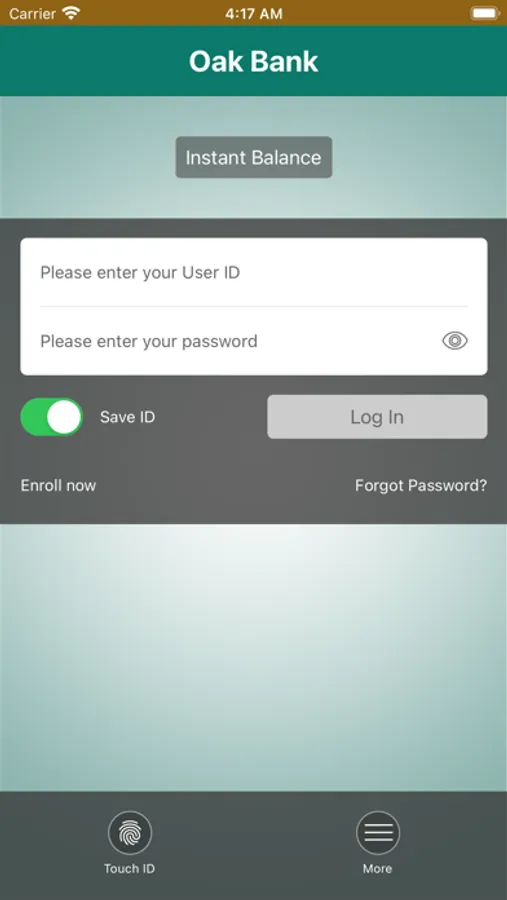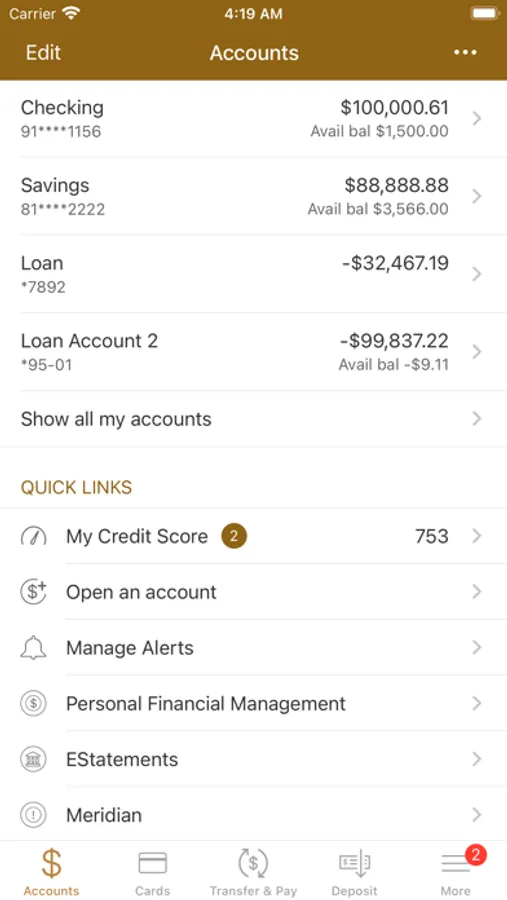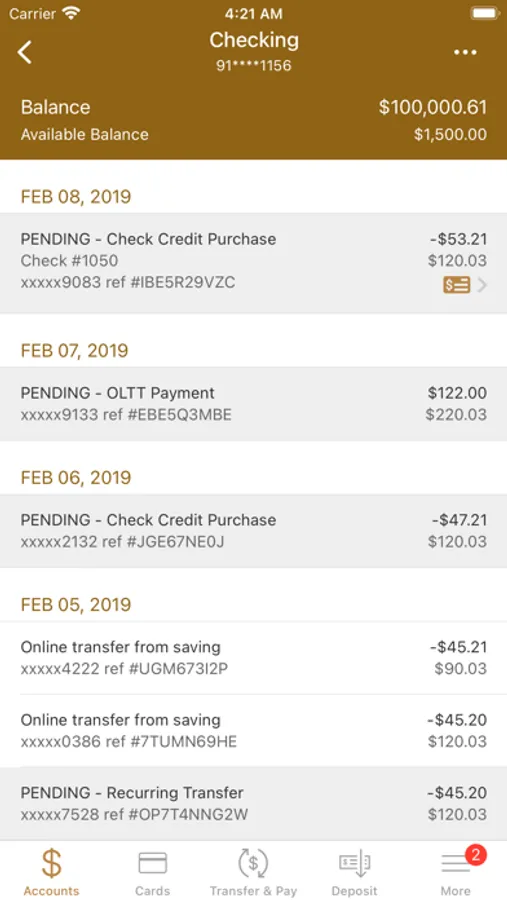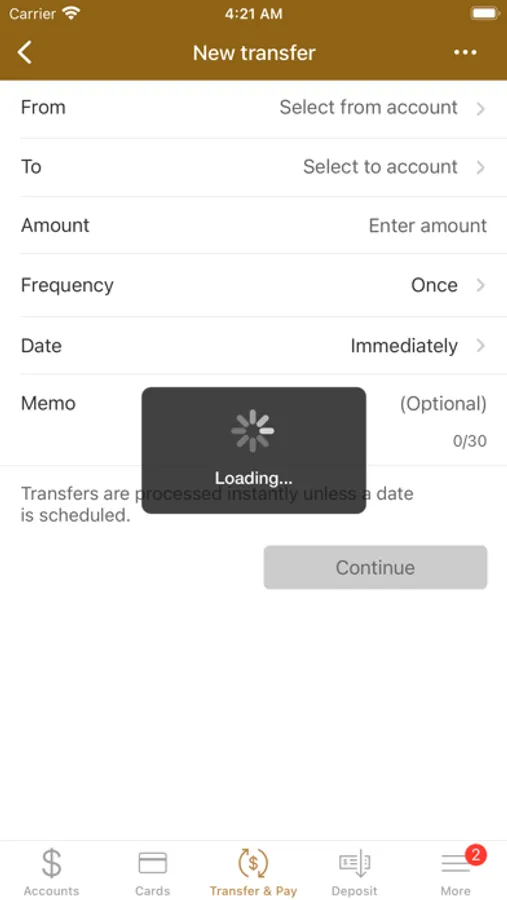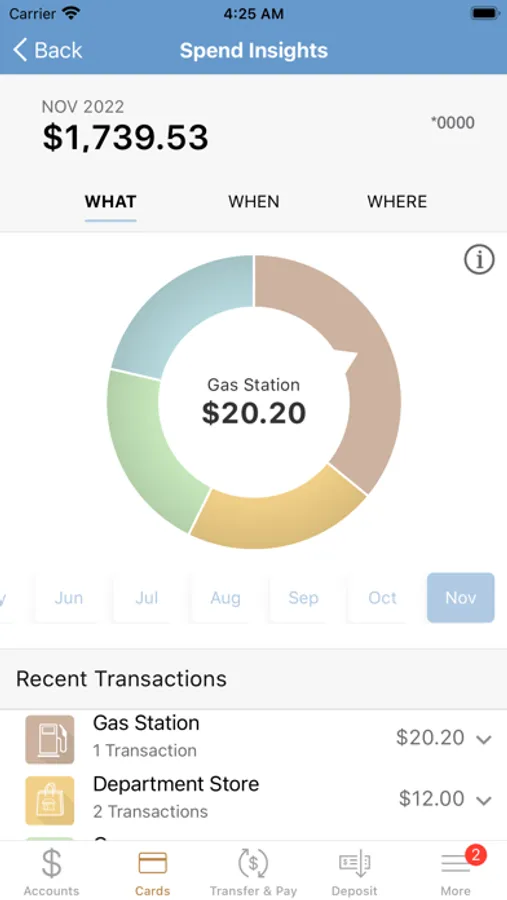
With this mobile banking app, you can check balances, view transactions, transfer funds, and pay bills. Includes account management features, mobile deposit option, and transaction history.
AppRecs review analysis
AppRecs rating 4.8. Trustworthiness 0 out of 100. Review manipulation risk 0 out of 100. Based on a review sample analyzed.
★★★★☆
4.8
AppRecs Rating
Ratings breakdown
5 star
89%
4 star
6%
3 star
2%
2 star
1%
1 star
1%
What to know
✓
High user satisfaction
89% of sampled ratings are 5 stars
✓
Authentic reviews
No red flags detected
About Oak Bank Mobile Banking
Aisle 9 at the grocery store…In the hallway between meetings…Waiting for you kid’s sporting event to begin…When you’re out and about, banking isn’t always convenient – that’s why Oak Bank mobile banking is so handy.
Make sure you are enrolled in Oak Bank’s free iBank. Once you are logged in to iBank, go to “Manage Profile” to initiate Mobile Banking. With Oak Bank’s Mobile Banking App you can check account balances, view recent transactions, transfer funds, pay bills, and deposit checks. Mobile Deposit is an add-on feature to Mobile Banking. Please contact us if you would like access to Mobile Deposit.
A little bit of fine print: Oak Bank mobile banking is available only with an Oak Bank account. Oak Bank’s mobile banking is free. However, your mobile phone service provider may charge for text messages and/or web access.
Make sure you are enrolled in Oak Bank’s free iBank. Once you are logged in to iBank, go to “Manage Profile” to initiate Mobile Banking. With Oak Bank’s Mobile Banking App you can check account balances, view recent transactions, transfer funds, pay bills, and deposit checks. Mobile Deposit is an add-on feature to Mobile Banking. Please contact us if you would like access to Mobile Deposit.
A little bit of fine print: Oak Bank mobile banking is available only with an Oak Bank account. Oak Bank’s mobile banking is free. However, your mobile phone service provider may charge for text messages and/or web access.