About AMPINC
Welcome to the AMPINC app, designed to simplify your financial management and empower you with insightful statistics. With just a few taps, you can efficiently keep track of your expenses and gain a clearer understanding of your spending habits. Here's a quick guide on how to get started:
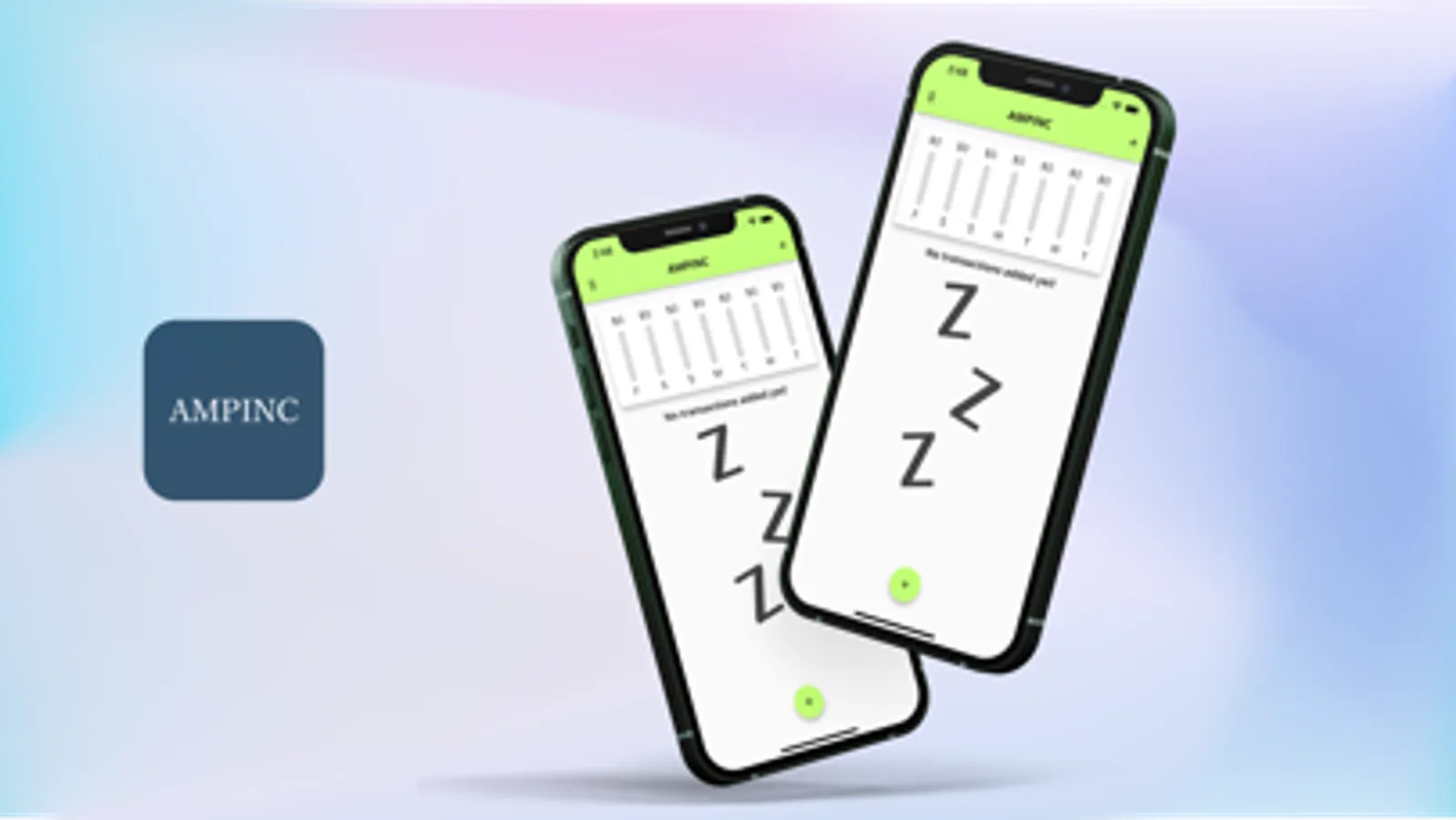
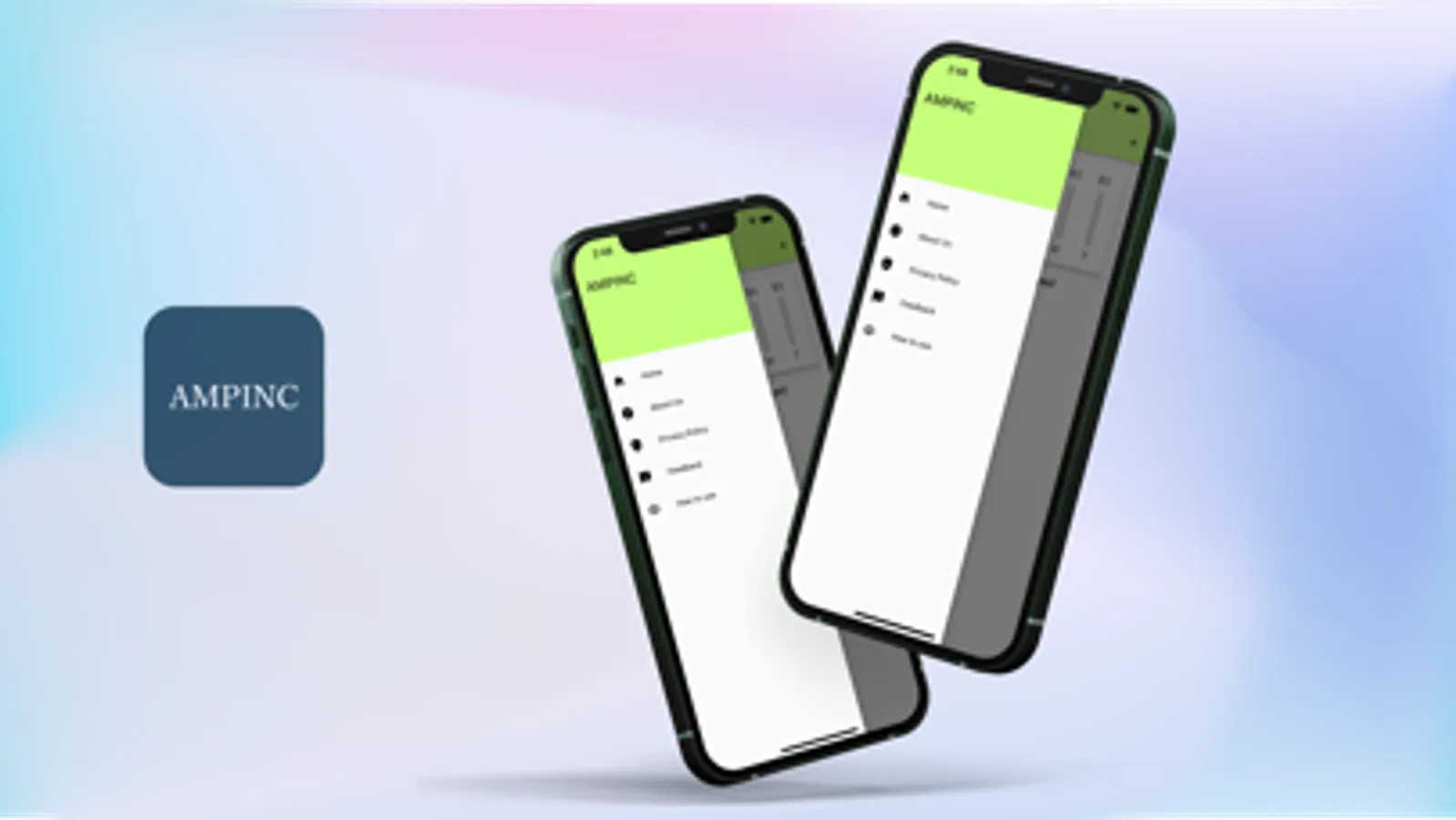
Open the App: Upon launching the app, you'll find yourself on the home screen, where you can navigate through different sections using the navigation drawer on the left.',
'Expense Tracker: Tap on the "Expense Tracker" section in the navigation drawer to access the main tracking interface.',
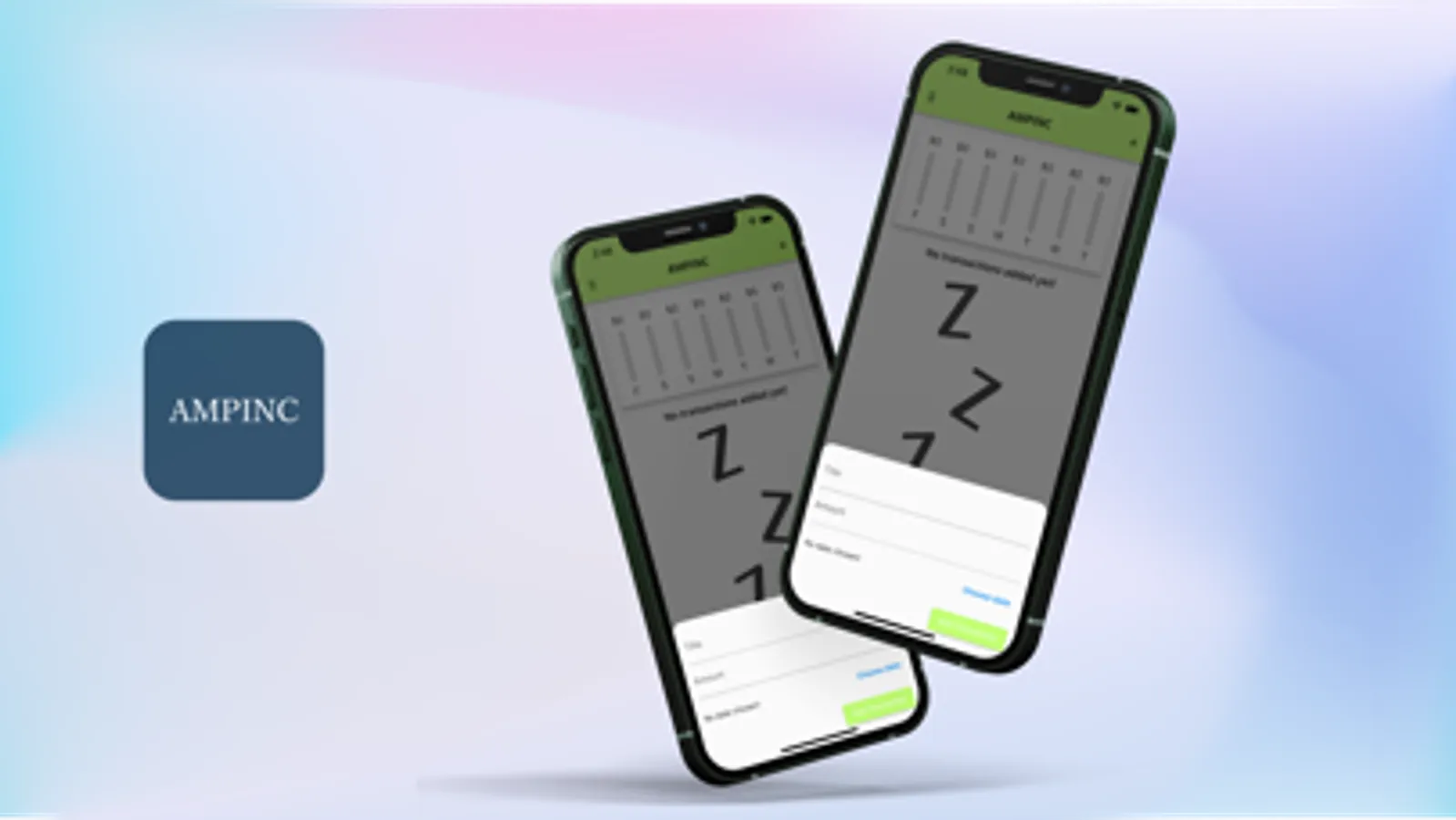
'Adding Expenses: To add an expense, tap the floating "+" button located at the bottom right corner. A form will appear where you can input the expense title and the amount spent.',
'Save the Expense: Once you've filled in the details, tap the "Save" button to record the expense. Your newly added expense will appear in the list below the form.',
Open the App: Upon launching the app, you'll find yourself on the home screen, where you can navigate through different sections using the navigation drawer on the left.',
'Expense Tracker: Tap on the "Expense Tracker" section in the navigation drawer to access the main tracking interface.',
'Adding Expenses: To add an expense, tap the floating "+" button located at the bottom right corner. A form will appear where you can input the expense title and the amount spent.',
'Save the Expense: Once you've filled in the details, tap the "Save" button to record the expense. Your newly added expense will appear in the list below the form.',