AppRecs review analysis
AppRecs rating 3.8. Trustworthiness 45 out of 100. Review manipulation risk 20 out of 100. Based on a review sample analyzed.
★★★☆☆
3.8
AppRecs Rating
Ratings breakdown
5 star
63%
4 star
0%
3 star
0%
2 star
25%
1 star
13%
About KolorHub: Color Palette Studio
KolorHub: Your Ultimate Color Palette Studio
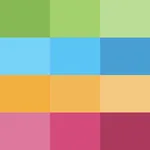
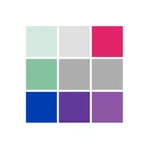
Discover the world of color like never before with KolorHub, the premier app for creating, editing, and sharing captivating color palettes. Whether you're an artist, designer, or color enthusiast, KolorHub offers a spectrum of features to elevate your color experience.
Key Features:
Unleash Your Creativity:
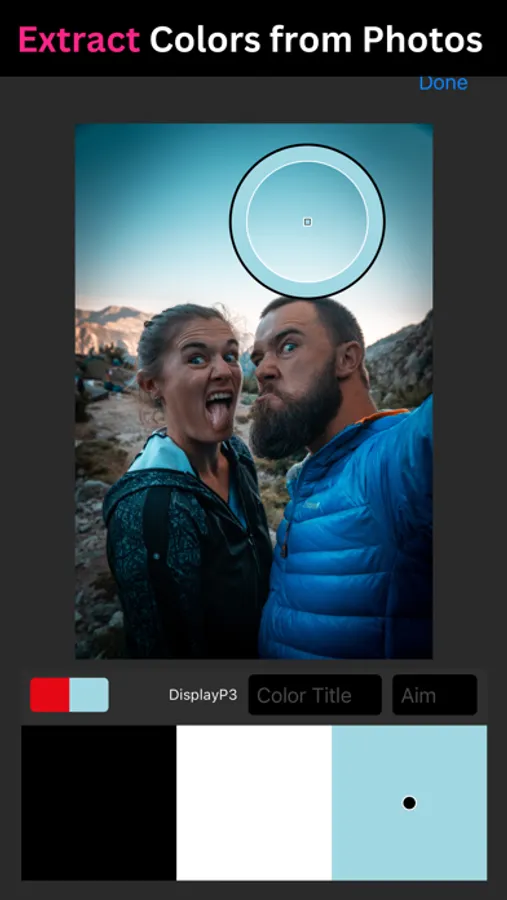
Create stunning palettes from scratch or extract them effortlessly from images. Use your device's camera to pick hues directly or choose colors from existing photos.
Craft Detailed Color Profiles:
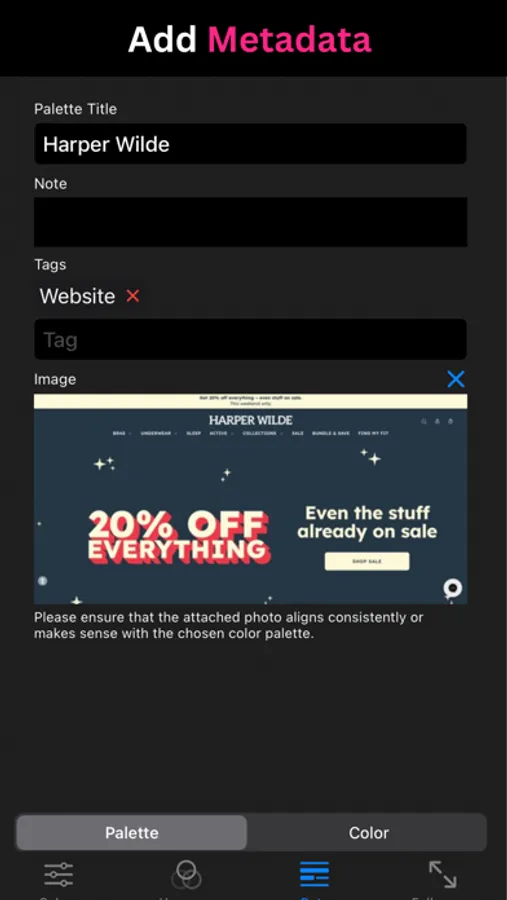
Enhance palettes with vital metadata like names, goals, and descriptive notes for individual colors, elevating your creative process.
Attach Photos for Context:
Bring your palettes to life by attaching photos that showcase your inspiration or visual examples of designs based on your colors.
Color Harmony at Your Fingertips:
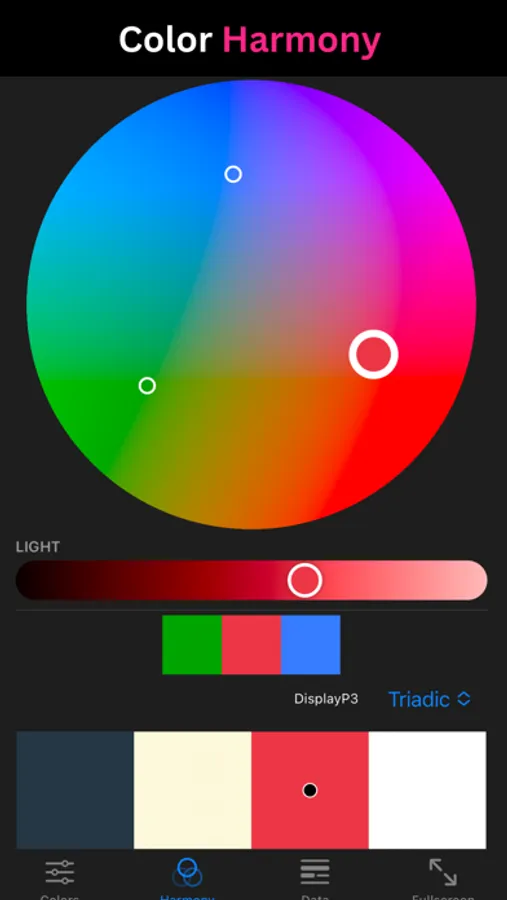
Unlock the secrets of color harmony with our intuitive tool, creating palettes that resonate with principles of color theory.
Refined Color Editing:
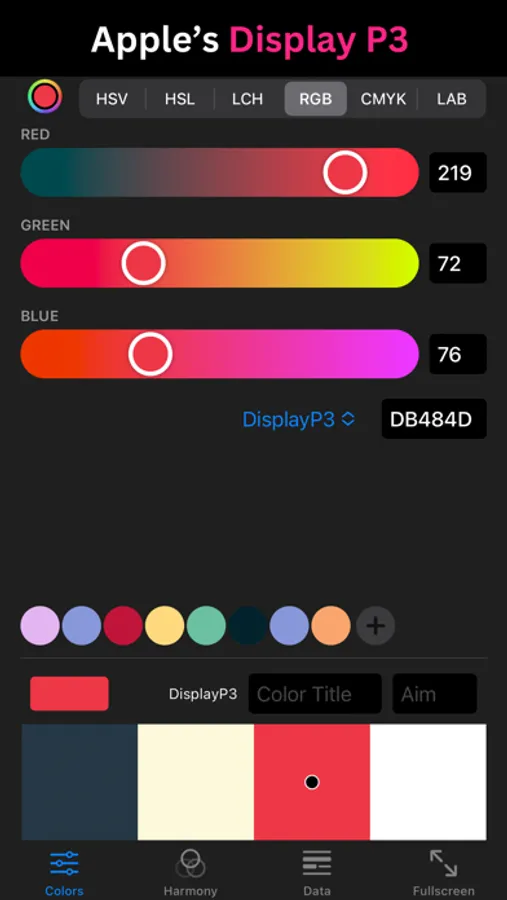
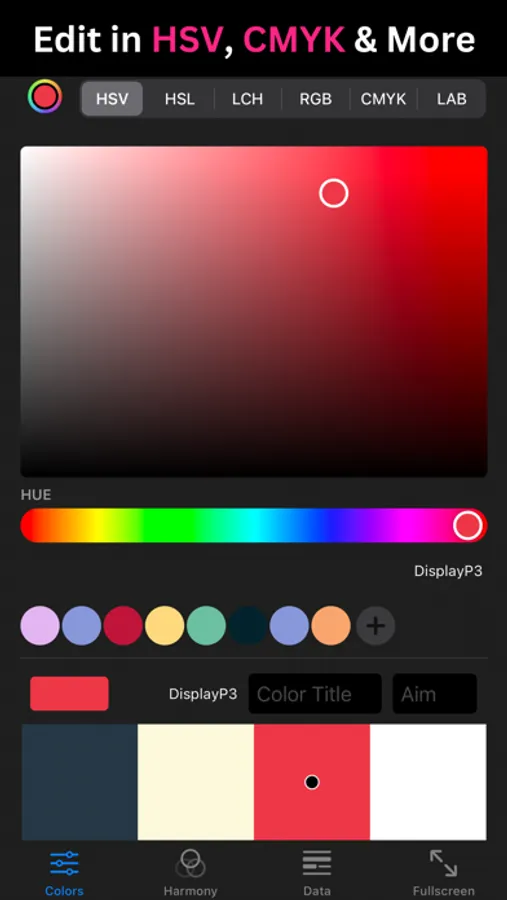
Manipulate colors with precision using various color spaces (HSV, HSL, LCH, RGB, CMYK, Lab) and enjoy a 26% larger color gamut with Apple's Display P3.
Organize with Tags:
Effortlessly categorize your palettes using tags for quick access and improved workflow.
Intelligent Search:
Locate palettes instantly with powerful search functionality, filtering by tags and metadata.
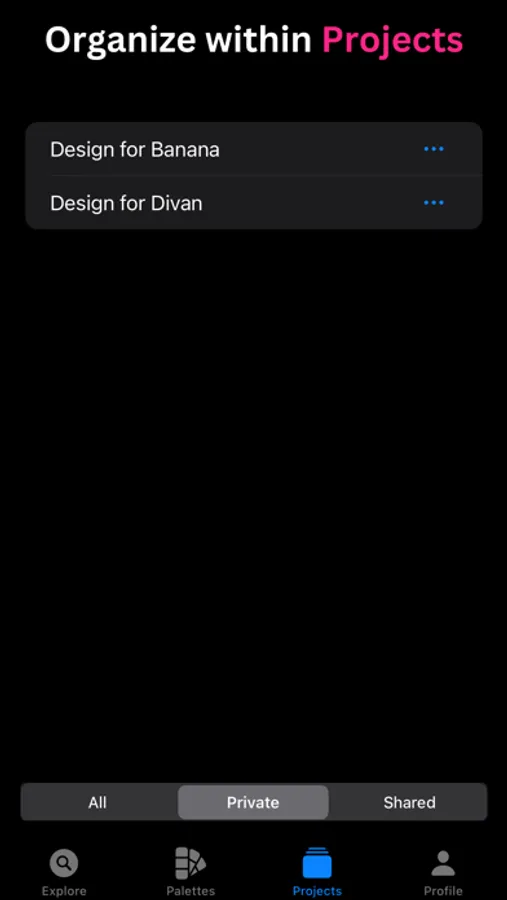
Project Organization:
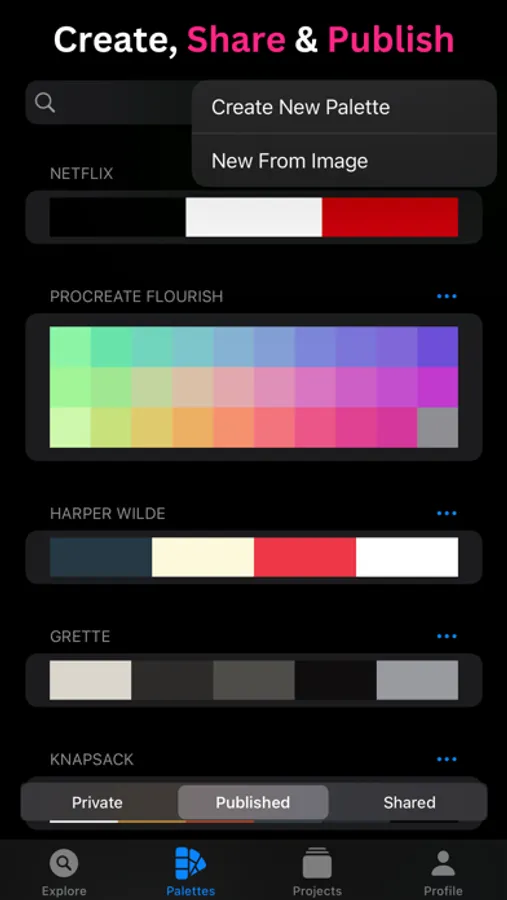
Organize your palettes within projects or by tags for a streamlined workflow tailored to your creative process.
Seamless Sharing & Collaboration:
Share projects via iCloud for easy collaboration with peers. Co-create stunning palettes and refine ideas together.
Export in Various Formats:
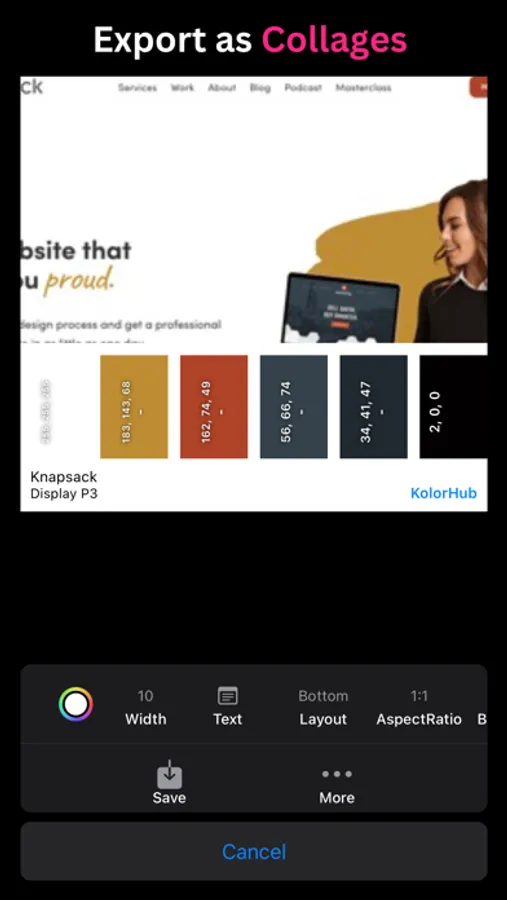
Export palettes as Procreate, Adobe ASE, or ACO files, or as images with metadata for integration into your design tools.
Explore Public Palettes:
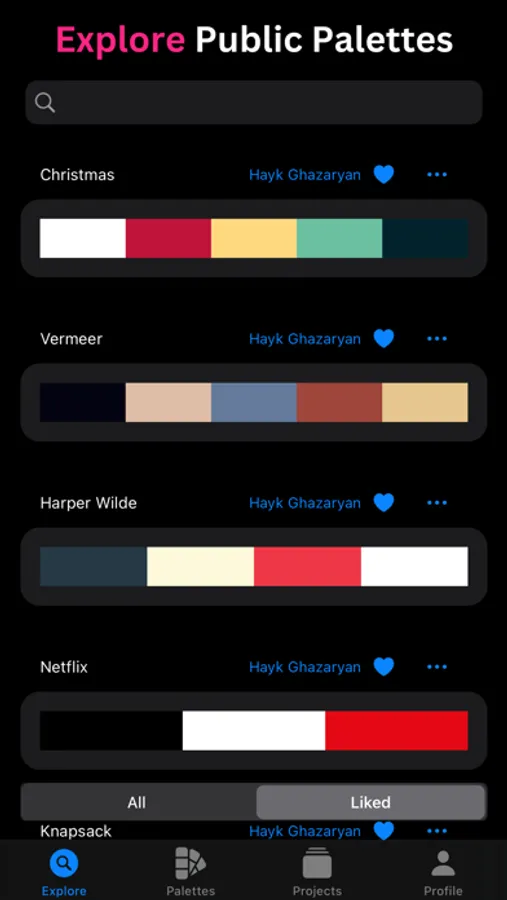
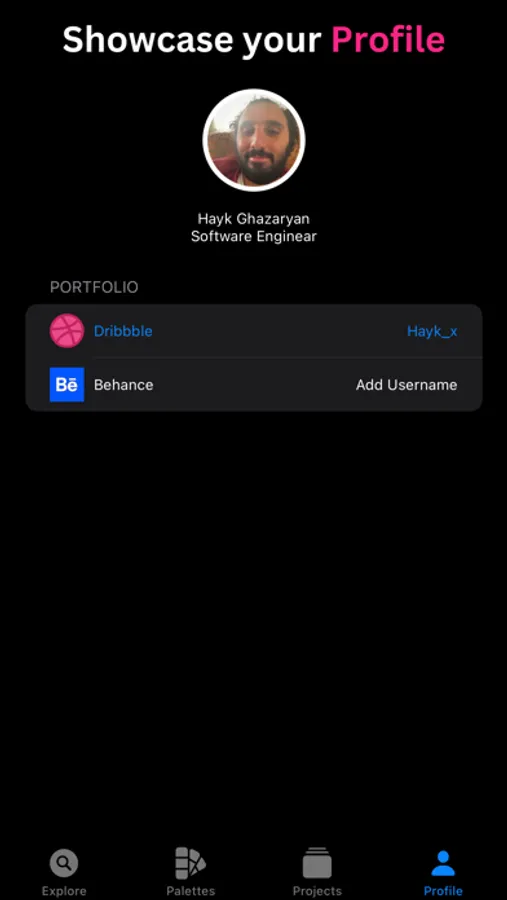
Immerse yourself in a collection of publicly shared palettes for inspiration. Connect with publishers through their Dribbble and Behance profiles.
Publisher Profiles:
Users can create profiles to showcase their palettes and link to their broader design work on external platforms.
SUBSCRIPTION TERMS
KolorHub Pro!
Access to all pro features.
Subscriptions are billed monthly or annually at the rate selected depending on the subscription plan.
If you choose to purchase KolorHub Pro, payment will be charged to your iTunes account, and your account will be charged for renewal within 24-hours before the end of the current period. Auto-renewal may be turned off at any time by going to your settings in the Apple ID Account after purchase. Any unused portion of a free trial period, if offered, will be forfeited when you purchase a Premium subscription, where applicable.
Terms of service and Privacy policy: https://www.kolorhub.app/terms
Support: support@kolorhub.app
Discover the world of color like never before with KolorHub, the premier app for creating, editing, and sharing captivating color palettes. Whether you're an artist, designer, or color enthusiast, KolorHub offers a spectrum of features to elevate your color experience.
Key Features:
Unleash Your Creativity:
Create stunning palettes from scratch or extract them effortlessly from images. Use your device's camera to pick hues directly or choose colors from existing photos.
Craft Detailed Color Profiles:
Enhance palettes with vital metadata like names, goals, and descriptive notes for individual colors, elevating your creative process.
Attach Photos for Context:
Bring your palettes to life by attaching photos that showcase your inspiration or visual examples of designs based on your colors.
Color Harmony at Your Fingertips:
Unlock the secrets of color harmony with our intuitive tool, creating palettes that resonate with principles of color theory.
Refined Color Editing:
Manipulate colors with precision using various color spaces (HSV, HSL, LCH, RGB, CMYK, Lab) and enjoy a 26% larger color gamut with Apple's Display P3.
Organize with Tags:
Effortlessly categorize your palettes using tags for quick access and improved workflow.
Intelligent Search:
Locate palettes instantly with powerful search functionality, filtering by tags and metadata.
Project Organization:
Organize your palettes within projects or by tags for a streamlined workflow tailored to your creative process.
Seamless Sharing & Collaboration:
Share projects via iCloud for easy collaboration with peers. Co-create stunning palettes and refine ideas together.
Export in Various Formats:
Export palettes as Procreate, Adobe ASE, or ACO files, or as images with metadata for integration into your design tools.
Explore Public Palettes:
Immerse yourself in a collection of publicly shared palettes for inspiration. Connect with publishers through their Dribbble and Behance profiles.
Publisher Profiles:
Users can create profiles to showcase their palettes and link to their broader design work on external platforms.
SUBSCRIPTION TERMS
KolorHub Pro!
Access to all pro features.
Subscriptions are billed monthly or annually at the rate selected depending on the subscription plan.
If you choose to purchase KolorHub Pro, payment will be charged to your iTunes account, and your account will be charged for renewal within 24-hours before the end of the current period. Auto-renewal may be turned off at any time by going to your settings in the Apple ID Account after purchase. Any unused portion of a free trial period, if offered, will be forfeited when you purchase a Premium subscription, where applicable.
Terms of service and Privacy policy: https://www.kolorhub.app/terms
Support: support@kolorhub.app