AppRecs review analysis
AppRecs rating 2.1. Trustworthiness 77 out of 100. Review manipulation risk 25 out of 100. Based on a review sample analyzed.
★★☆☆☆
2.1
AppRecs Rating
Ratings breakdown
5 star
20%
4 star
10%
3 star
10%
2 star
0%
1 star
60%
What to know
✓
Low review manipulation risk
25% review manipulation risk
✓
Credible reviews
77% trustworthiness score from analyzed reviews
⚠
Mixed user feedback
Average 2.3★ rating suggests room for improvement
About Canon Multi-Camera Control
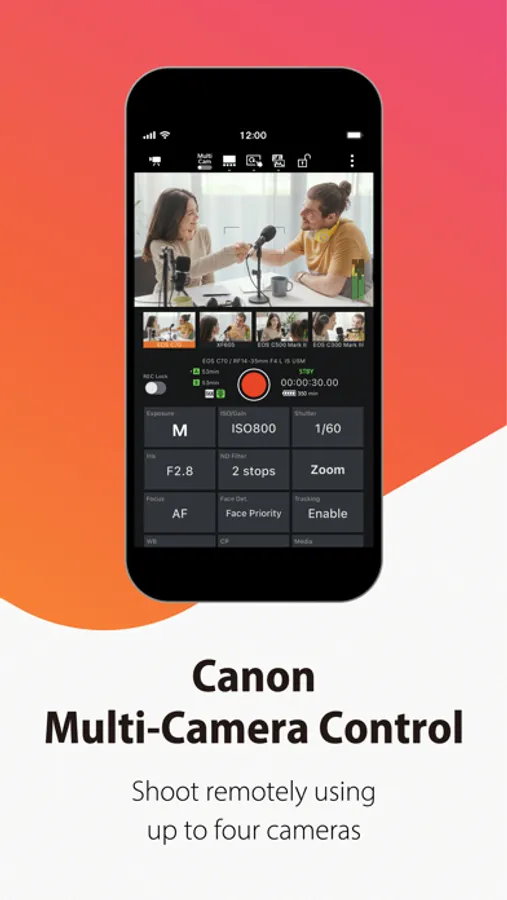
Canon Multi-Camera Control is an app that lets you display live view images of up to four Cinema EOS, professional camcorders, or remote cameras, simultaneously record and change settings of multiple cameras.
This app allows you to do the following by connecting cameras and your smartphone/tablet.
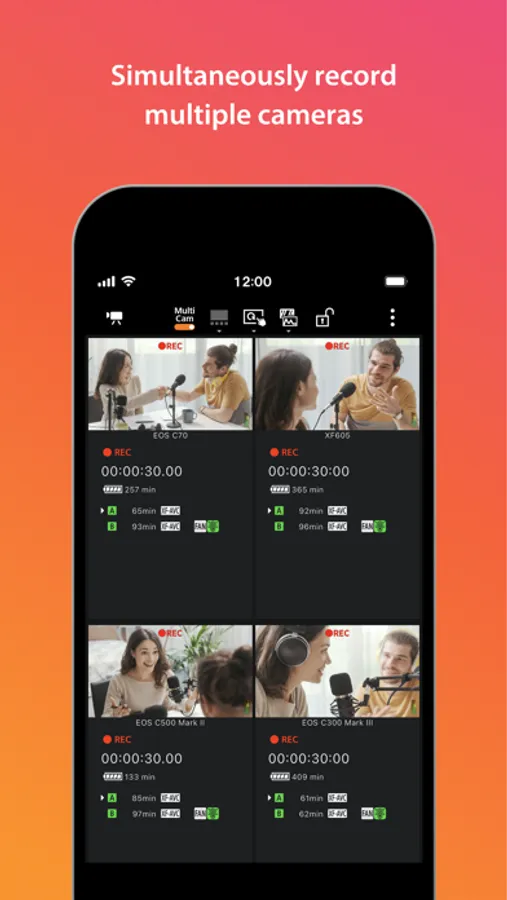
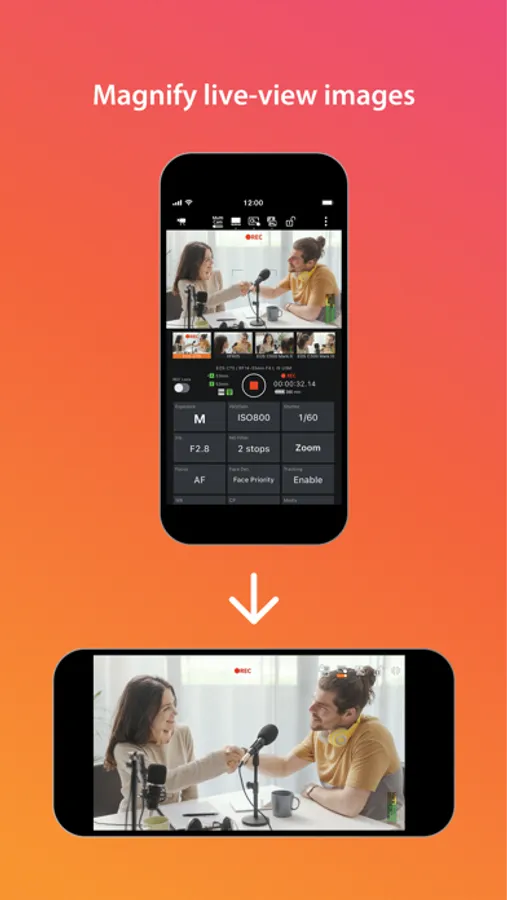
- Display live view images of up to four cameras
- Check the status and change the settings of each camera
- Edit custom picture files
- Set Base ISO (EOS C400/EOS C80)
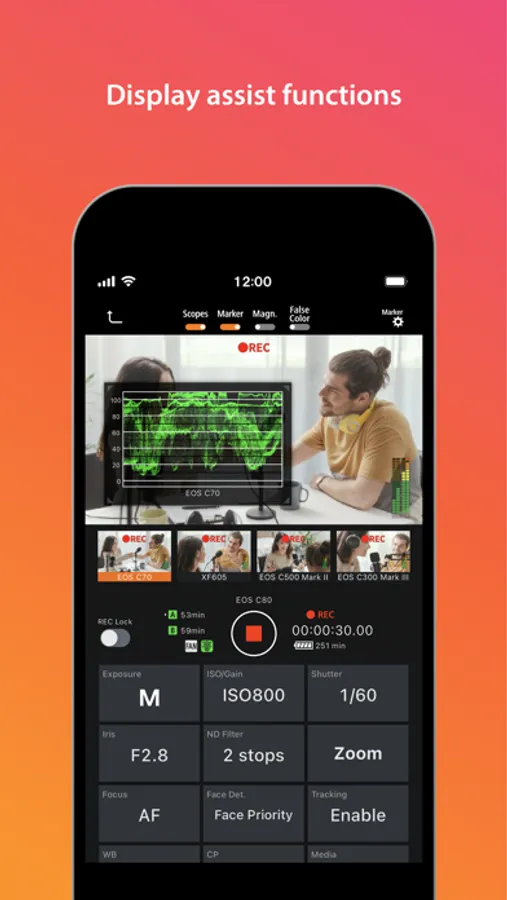
- Display assist functions (waveform monitor*, vectorscope*, histogram*, false color, markers)
*The display contents can be switched by tapping the displayed area.
- Simultaneously start and stop recording with multiple cameras
- Register up to five camera groups
[Supported Products]
EOS C500 Mark II (Firmware Ver. 1.0.9.1 or later)
EOS C300 Mark III (Firmware Ver. 1.0.7.1 or later)
EOS C70 (Firmware Ver. 1.0.8.1 or later)
XF605 (Firmware Ver. 1.0.3.1 or later)
EOS C400
EOS C80
EOS C50
* EOS R5 C is not supported.
CR-N700
CR-N500
CR-N400
CR-N350
CR-N300
CR-N100
CR-X300
[System requirement]
iOS 17/18/26
iPadOS 17/18/26
[Important Notes]
- If application does not operate properly, try again after shutting down the application.
- Visit the following page for more details.
https://cam.start.canon/B001/
This app allows you to do the following by connecting cameras and your smartphone/tablet.
- Display live view images of up to four cameras
- Check the status and change the settings of each camera
- Edit custom picture files
- Set Base ISO (EOS C400/EOS C80)
- Display assist functions (waveform monitor*, vectorscope*, histogram*, false color, markers)
*The display contents can be switched by tapping the displayed area.
- Simultaneously start and stop recording with multiple cameras
- Register up to five camera groups
[Supported Products]
EOS C500 Mark II (Firmware Ver. 1.0.9.1 or later)
EOS C300 Mark III (Firmware Ver. 1.0.7.1 or later)
EOS C70 (Firmware Ver. 1.0.8.1 or later)
XF605 (Firmware Ver. 1.0.3.1 or later)
EOS C400
EOS C80
EOS C50
* EOS R5 C is not supported.
CR-N700
CR-N500
CR-N400
CR-N350
CR-N300
CR-N100
CR-X300
[System requirement]
iOS 17/18/26
iPadOS 17/18/26
[Important Notes]
- If application does not operate properly, try again after shutting down the application.
- Visit the following page for more details.
https://cam.start.canon/B001/