AppRecs review analysis
AppRecs rating 1.4. Trustworthiness 60 out of 100. Review manipulation risk 29 out of 100. Based on a review sample analyzed.
★☆☆☆☆
1.4
AppRecs Rating
Ratings breakdown
5 star
10%
4 star
10%
3 star
5%
2 star
5%
1 star
70%
What to know
✓
Low review manipulation risk
29% review manipulation risk
⚠
Mixed user feedback
Average 1.9★ rating suggests room for improvement
About Wireless Display - TV+
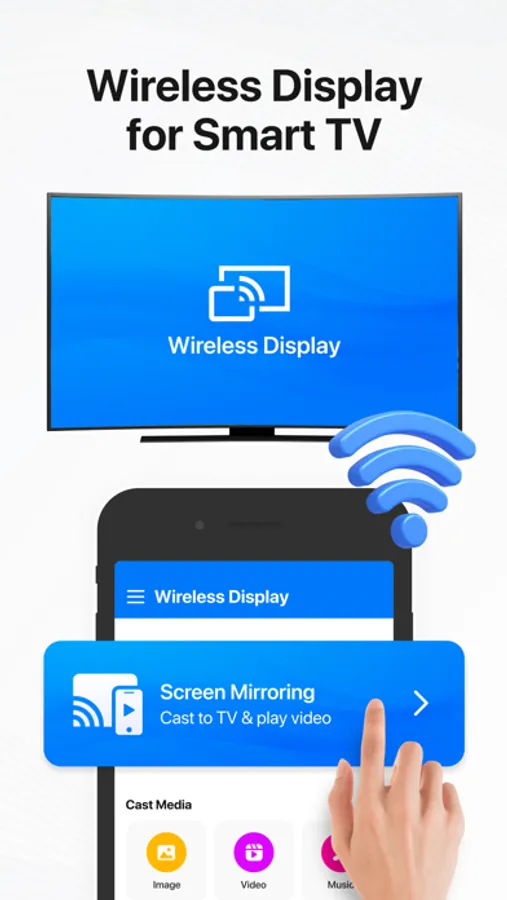
Wireless Display - tv+ helps you cast a small phone screen to a big TV screen in high quality and real-time speed.
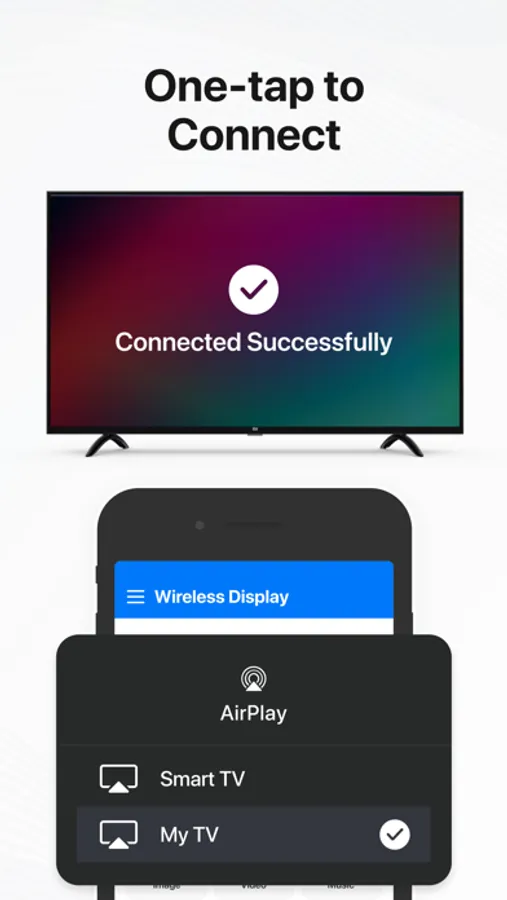
Screen Mirroring - Airplay is a standard for wireless connections from sending devices such as laptops, tablets, or smartphones to display receivers such as TVs, monitors, or projectors.
Wireless Casting Features:
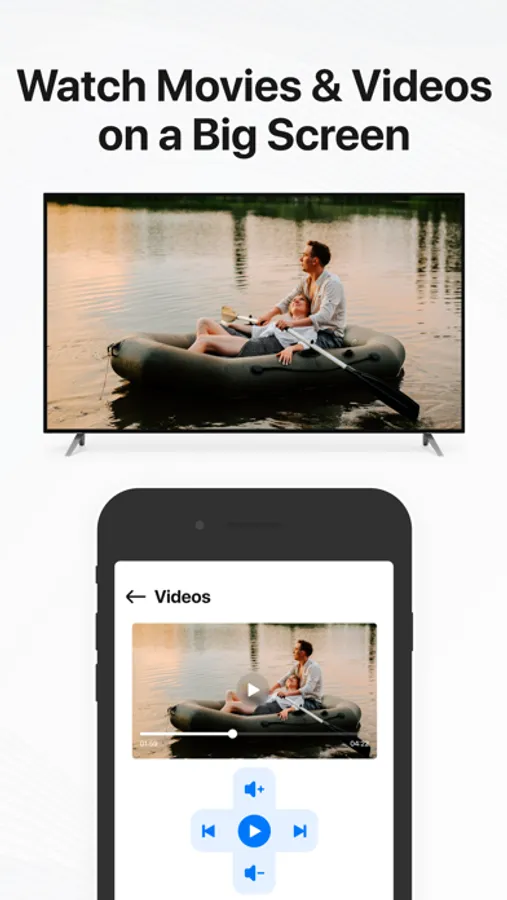
√ Mirror your photos or videos to your TV
√ Cast iPhone/iPad screen to TV screen
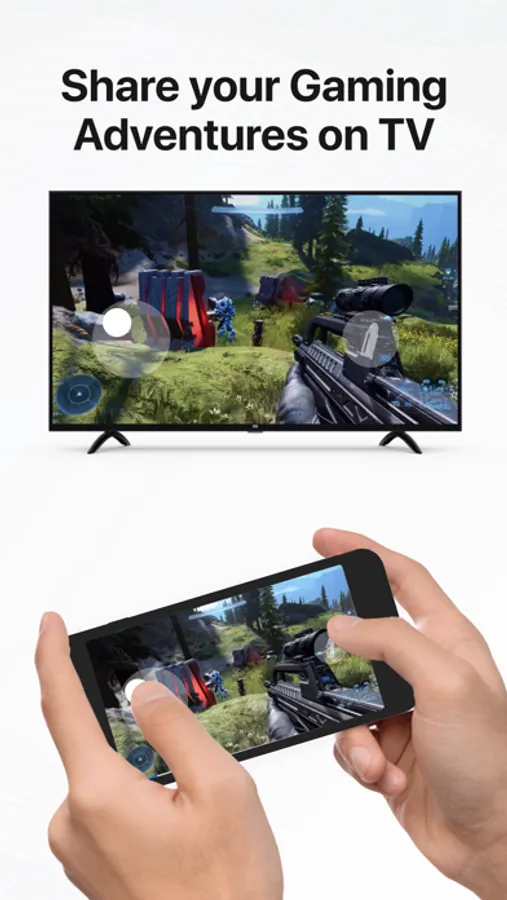
√ Stream what you love, including live news, sports, and more
√ Use wireless screen mirroring to display
√ Chromecast: Cast to TV your phone to a TV screen anytime in a smart view
√ Screen cast and enjoy the best experience of watching videos
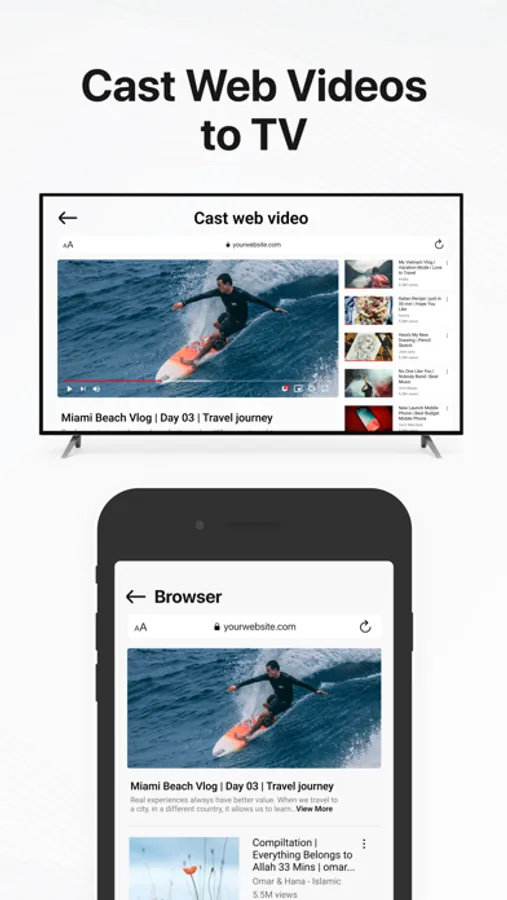
√ Web Video Caster allows you to watch on your tv videos from websites
√ Fast display mirroring
√ Cast videos from browser to TV
√ Screen mirroring and sharing
√ Share movies in Smart View
√ Smart view stream for smart TV
√ Wireless Display - Miracast
AirPlay supports audio and video streaming, Web video cast to the smart TV. AirPlay Mirroring is a plus version of the "Miracast Wifi Display" app, it will help you cast a device screen to a TV screen by Wireless display devices such as Smart TV or Wireless display adapters.
Using the Anycast - Screen mirroring, never miss the most talked-about events, award-winning shows, latest blockbuster hits, and more—It’s easy to stream what you love. Mirror cast is the most powerful mirror technology for screen mirroring in real-time speed.
With Wireless media streaming, users can perform different functions simultaneously on their PC and TV. Miracast wireless display supports HD video quality. With the Miracast for iPhone, you can cast to TV and make screen share with your family or friends in simple steps.
Wireless display for smart TV+ is an extremely smart tool that helps you control all your devices easily and quickly. Miracast screen mirroring helps you cast a phone screen to a big TV screen in high quality. Screen mirroring for smart TV+ supports the most popular streaming devices, letting you enjoy high-quality streaming of your favorite content in real-time.
Screen mirroring free is the most effective mirroring method for screen mirroring in real-time speed. If you want to cast video from iPhone to TV, you’d better try Screen mirroring for iPhone.
Sharing your phone screen on a TV screen now is very easy using the Miracast screen mirroring.
Try our Wireless casting to TV, and share the funny content with your friends or family in a smart view on big TV screens.
Subscription Details:
- Payment will be charged to iTunes Account at confirmation of purchase.
- Subscription automatically renews unless auto-renew is turned off at least 24-hours before the end of the current period.
- Account will be charged for renewal within 24-hours prior to the end of the current period, and identify the cost of the renewal.
- No cancellation of the current subscription is allowed during active subscription period.
- Any unused portion of a free trial period, if offered, will be forfeited when the user purchases a subscription to that publication, where applicable.
Note:-
For Further Information:
Privacy Policy: https://www.privacypolicycenter.com/view_custom.php?v=NTJvTzY5bHN0SnUvR2xJZGhBQ2YzZz09&n=Wireless-Display
Terms of Use: https://www.privacypolicycenter.com/view_custom.php?v=dEo4bnArMGYwU1IyY3FoZjN6Skt5UT09&n=Wireless-Display
Screen Mirroring - Airplay is a standard for wireless connections from sending devices such as laptops, tablets, or smartphones to display receivers such as TVs, monitors, or projectors.
Wireless Casting Features:
√ Mirror your photos or videos to your TV
√ Cast iPhone/iPad screen to TV screen
√ Stream what you love, including live news, sports, and more
√ Use wireless screen mirroring to display
√ Chromecast: Cast to TV your phone to a TV screen anytime in a smart view
√ Screen cast and enjoy the best experience of watching videos
√ Web Video Caster allows you to watch on your tv videos from websites
√ Fast display mirroring
√ Cast videos from browser to TV
√ Screen mirroring and sharing
√ Share movies in Smart View
√ Smart view stream for smart TV
√ Wireless Display - Miracast
AirPlay supports audio and video streaming, Web video cast to the smart TV. AirPlay Mirroring is a plus version of the "Miracast Wifi Display" app, it will help you cast a device screen to a TV screen by Wireless display devices such as Smart TV or Wireless display adapters.
Using the Anycast - Screen mirroring, never miss the most talked-about events, award-winning shows, latest blockbuster hits, and more—It’s easy to stream what you love. Mirror cast is the most powerful mirror technology for screen mirroring in real-time speed.
With Wireless media streaming, users can perform different functions simultaneously on their PC and TV. Miracast wireless display supports HD video quality. With the Miracast for iPhone, you can cast to TV and make screen share with your family or friends in simple steps.
Wireless display for smart TV+ is an extremely smart tool that helps you control all your devices easily and quickly. Miracast screen mirroring helps you cast a phone screen to a big TV screen in high quality. Screen mirroring for smart TV+ supports the most popular streaming devices, letting you enjoy high-quality streaming of your favorite content in real-time.
Screen mirroring free is the most effective mirroring method for screen mirroring in real-time speed. If you want to cast video from iPhone to TV, you’d better try Screen mirroring for iPhone.
Sharing your phone screen on a TV screen now is very easy using the Miracast screen mirroring.
Try our Wireless casting to TV, and share the funny content with your friends or family in a smart view on big TV screens.
Subscription Details:
- Payment will be charged to iTunes Account at confirmation of purchase.
- Subscription automatically renews unless auto-renew is turned off at least 24-hours before the end of the current period.
- Account will be charged for renewal within 24-hours prior to the end of the current period, and identify the cost of the renewal.
- No cancellation of the current subscription is allowed during active subscription period.
- Any unused portion of a free trial period, if offered, will be forfeited when the user purchases a subscription to that publication, where applicable.
Note:-
For Further Information:
Privacy Policy: https://www.privacypolicycenter.com/view_custom.php?v=NTJvTzY5bHN0SnUvR2xJZGhBQ2YzZz09&n=Wireless-Display
Terms of Use: https://www.privacypolicycenter.com/view_custom.php?v=dEo4bnArMGYwU1IyY3FoZjN6Skt5UT09&n=Wireless-Display