Dirt Devil Clean
Shenzhen Epro Software Co. Ltd
1.7 ★
store rating
Free
AppRecs review analysis
AppRecs rating 1.7. Trustworthiness 81 out of 100. Review manipulation risk 22 out of 100. Based on a review sample analyzed.
★☆☆☆☆
1.7
AppRecs Rating
Ratings breakdown
5 star
14%
4 star
0%
3 star
0%
2 star
11%
1 star
75%
What to know
✓
Low review manipulation risk
22% review manipulation risk
✓
Credible reviews
81% trustworthiness score from analyzed reviews
⚠
Mixed user feedback
Average 1.7★ rating suggests room for improvement
About Dirt Devil Clean
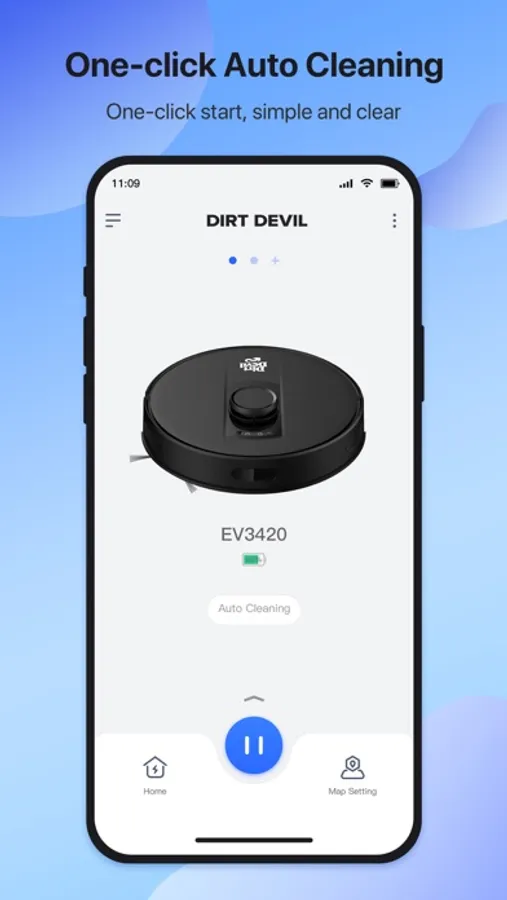
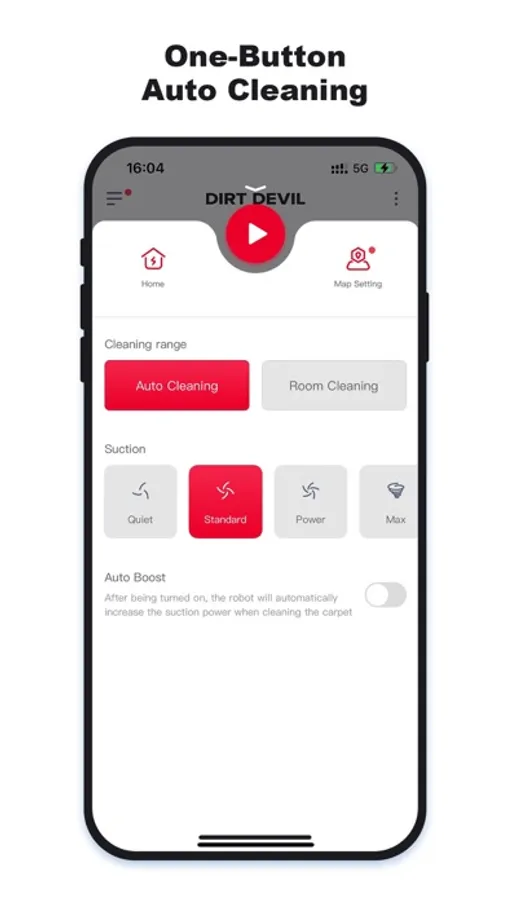
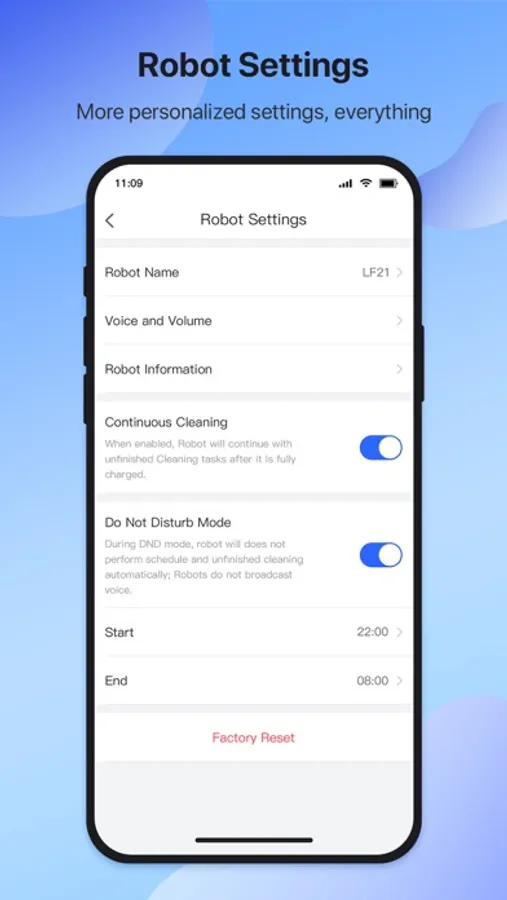
Dirt Devil Clean APP is a robot sweeping control application, which can control your sweeping robot to clean anytime and anywhere; check various status and cleaning completion at any time.
Through the Dirt Devil Clean APP, you can easily unlock the following advanced functions:
[Room Cleaning] You can choose the designated room for cleaning. After selection, only the selected room will be cleaned and the cleaning will be performed in the order of selection.
[Zone cleaning] Select the area you want to clean on the map, and set the cleaning times to achieve key cleaning.
[No-go Zone] Set the forbidden area. After setting, the robot will not enter the forbidden area when cleaning.
[Scheduled cleaning] Schedule cleaning tasks, the robot will start cleaning tasks at the specified time.
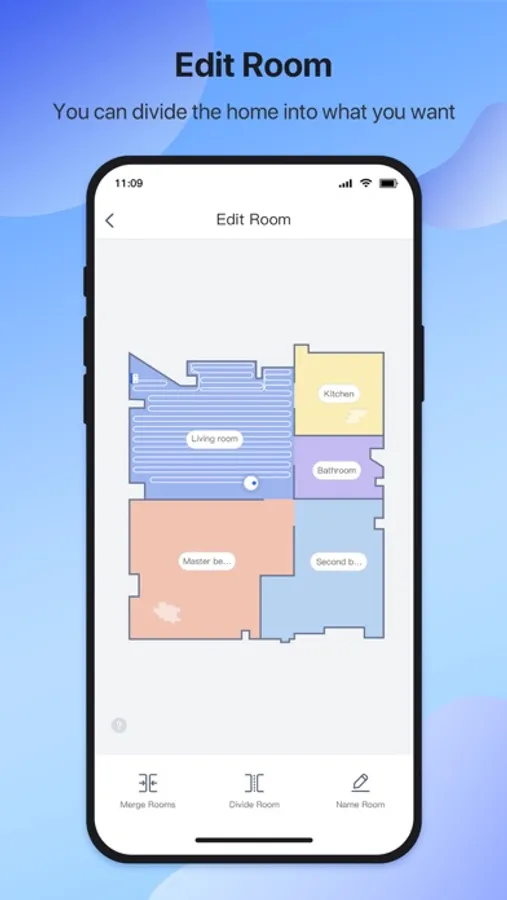
[Partition editing] After the robot automatically partitions, edit the partitions manually, which can be merged, divided, and named.
Through the Dirt Devil Clean APP, you can easily unlock the following advanced functions:
[Room Cleaning] You can choose the designated room for cleaning. After selection, only the selected room will be cleaned and the cleaning will be performed in the order of selection.
[Zone cleaning] Select the area you want to clean on the map, and set the cleaning times to achieve key cleaning.
[No-go Zone] Set the forbidden area. After setting, the robot will not enter the forbidden area when cleaning.
[Scheduled cleaning] Schedule cleaning tasks, the robot will start cleaning tasks at the specified time.
[Partition editing] After the robot automatically partitions, edit the partitions manually, which can be merged, divided, and named.