AppRecs review analysis
AppRecs rating 3.8. Trustworthiness 61 out of 100. Review manipulation risk 28 out of 100. Based on a review sample analyzed.
★★★☆☆
3.8
AppRecs Rating
Ratings breakdown
5 star
69%
4 star
13%
3 star
5%
2 star
5%
1 star
8%
What to know
✓
Low review manipulation risk
28% review manipulation risk
✓
High user satisfaction
82% of sampled ratings are 4+ stars (4.3★ average)
About RokuMate - Remote for RokuTV
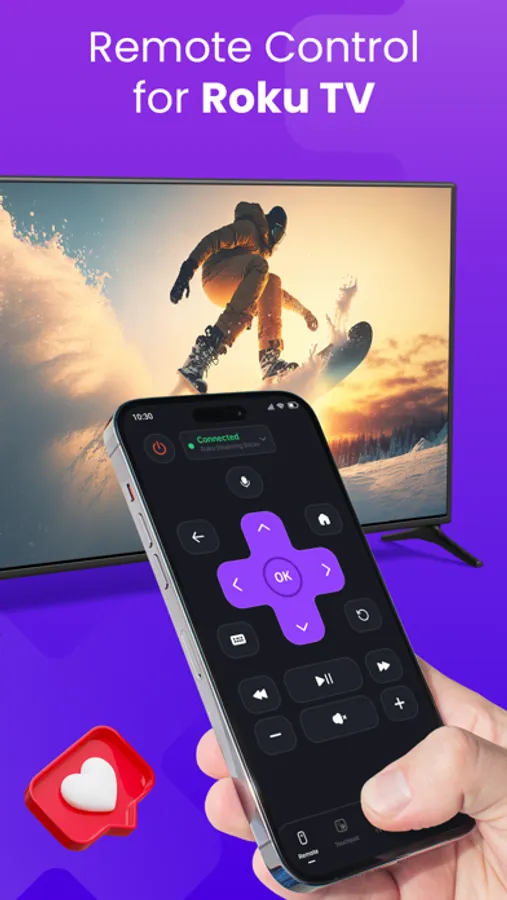
RokuMate - Remote for Roku TV app is to remote control for Roku TV.
Friendly interface, easy to use for everyone, and connect to Roku TV quickly.
This RokuMate - Remote Control for Roku TV app helps to access movies, music, and TV shows easily. It supports a trackpad to swipe and touch gestures for easier navigation.
Just connect your iPhone/iPad and Roku TV to the same Wi-Fi network, you can use the remote control to manage TV channels, change volume, text input, voice input, and cast videos and photos to your Roku TV.
* Main feature:
- Automatically search for Roku TV devices on the same Wi-Fi network
- Control the TV with intuitively designed Menu and navigation keys, easily launch channels with just one touch.
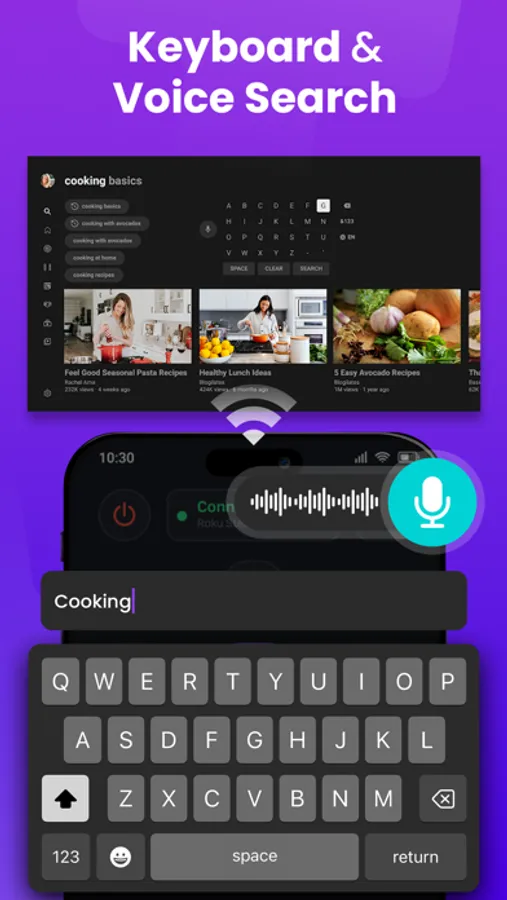
- The keyboard, and voice feature make it easier to enter text and search on your Roku device.
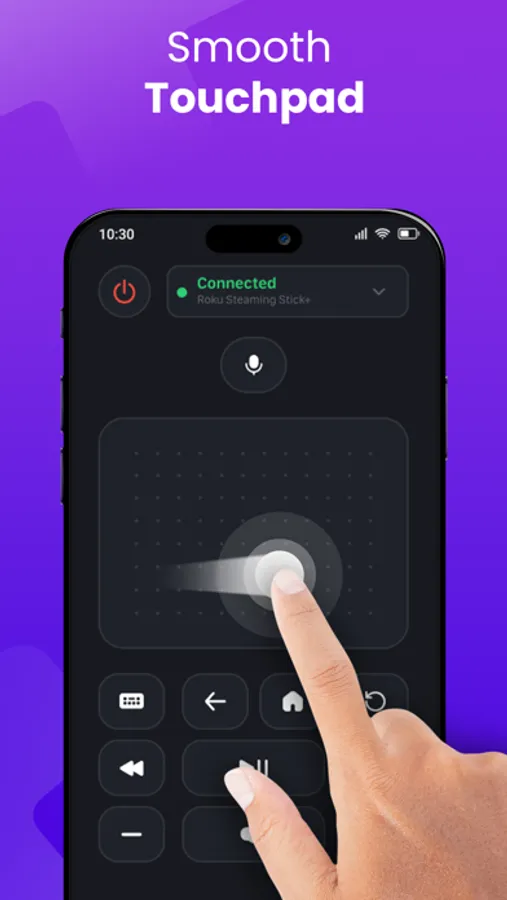
- Navigate with Touchpad like a real remote control.
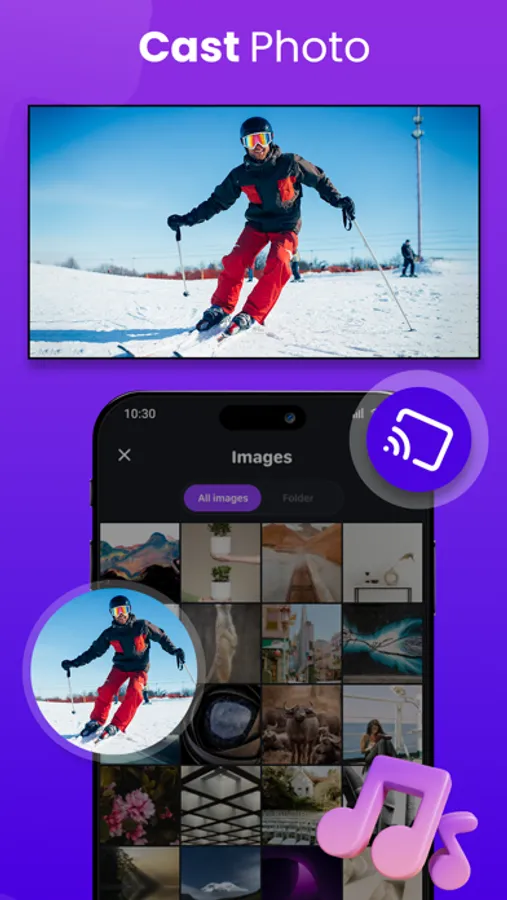
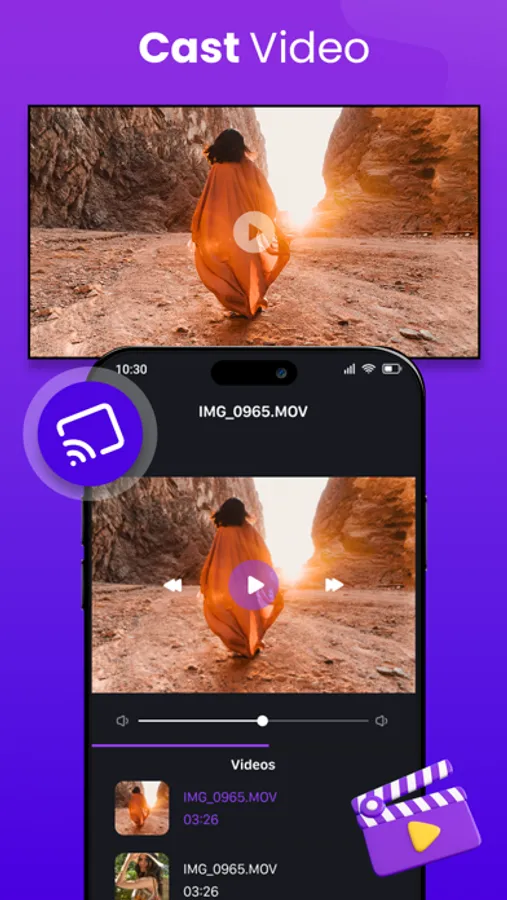
- Streaming photos or videos from the iPhone/iPad library to Roku TV screen.
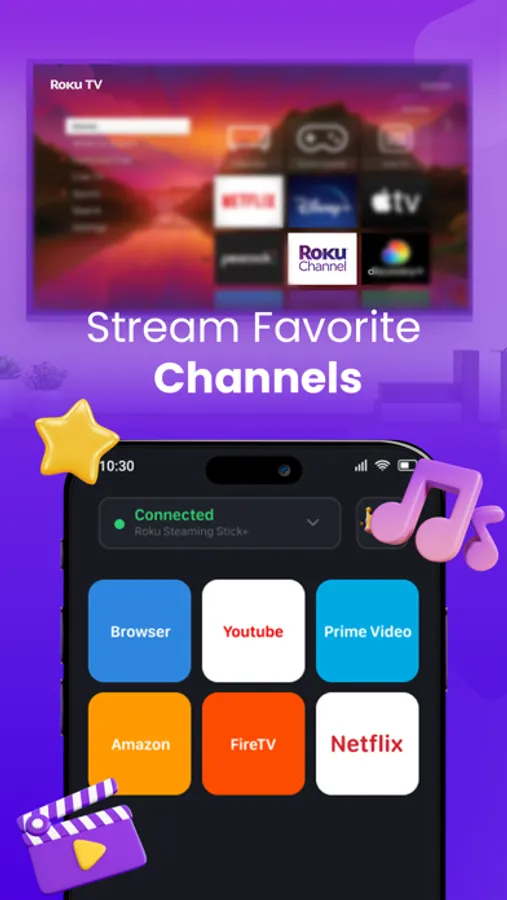
- Launch channels directly: Youtube, Apple TV, Ted, WWE Network...
- Adjust volume, change TV channels on Roku TV
- Compatible with every Roku models including Roku 1, Roku 2, Roku 3, Streaming Stick, Express, Express+, Premiere, Premiere+, Ultra, Roku TV
* How to connect to Roku TV:
1. Make sure your Roku TV and your iPhone/iPad are connected to the same Wi-Fi network.
2. Open the RokuMate app on your iPhone/iPad
3. Tap the "Choose a device" button on the top of the screen
4. Select your Roku TV you want
5. Select the features you want to use: Remote, Touchpad, Cast, Channel, Setting
Links to our Terms of Service and Privacy Policy can be found below:
https://sites.google.com/view/btb-ios-group/
ToS: https://sites.google.com/view/btb-ios-group-tos/
* Disclaimer:
BTB Tech, Inc is not an affiliate of Roku and the RokuMate app is not an official Roku product.
Friendly interface, easy to use for everyone, and connect to Roku TV quickly.
This RokuMate - Remote Control for Roku TV app helps to access movies, music, and TV shows easily. It supports a trackpad to swipe and touch gestures for easier navigation.
Just connect your iPhone/iPad and Roku TV to the same Wi-Fi network, you can use the remote control to manage TV channels, change volume, text input, voice input, and cast videos and photos to your Roku TV.
* Main feature:
- Automatically search for Roku TV devices on the same Wi-Fi network
- Control the TV with intuitively designed Menu and navigation keys, easily launch channels with just one touch.
- The keyboard, and voice feature make it easier to enter text and search on your Roku device.
- Navigate with Touchpad like a real remote control.
- Streaming photos or videos from the iPhone/iPad library to Roku TV screen.
- Launch channels directly: Youtube, Apple TV, Ted, WWE Network...
- Adjust volume, change TV channels on Roku TV
- Compatible with every Roku models including Roku 1, Roku 2, Roku 3, Streaming Stick, Express, Express+, Premiere, Premiere+, Ultra, Roku TV
* How to connect to Roku TV:
1. Make sure your Roku TV and your iPhone/iPad are connected to the same Wi-Fi network.
2. Open the RokuMate app on your iPhone/iPad
3. Tap the "Choose a device" button on the top of the screen
4. Select your Roku TV you want
5. Select the features you want to use: Remote, Touchpad, Cast, Channel, Setting
Links to our Terms of Service and Privacy Policy can be found below:
https://sites.google.com/view/btb-ios-group/
ToS: https://sites.google.com/view/btb-ios-group-tos/
* Disclaimer:
BTB Tech, Inc is not an affiliate of Roku and the RokuMate app is not an official Roku product.