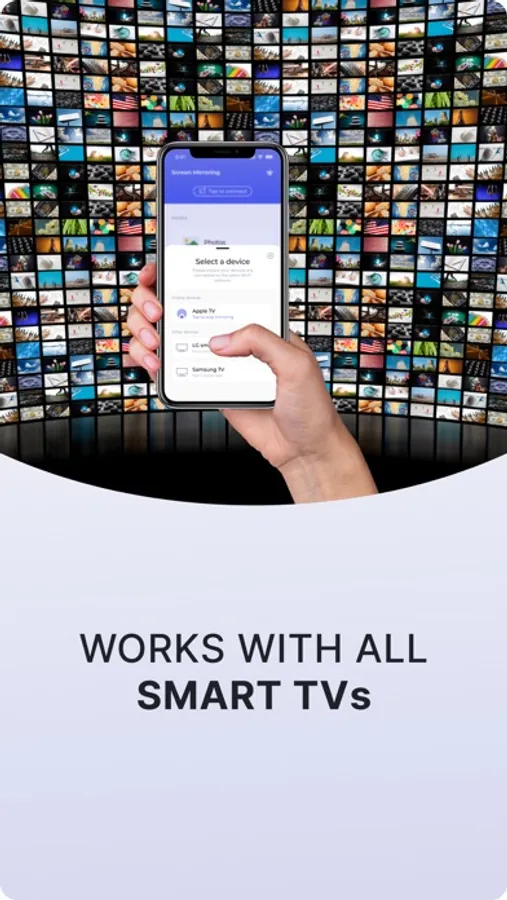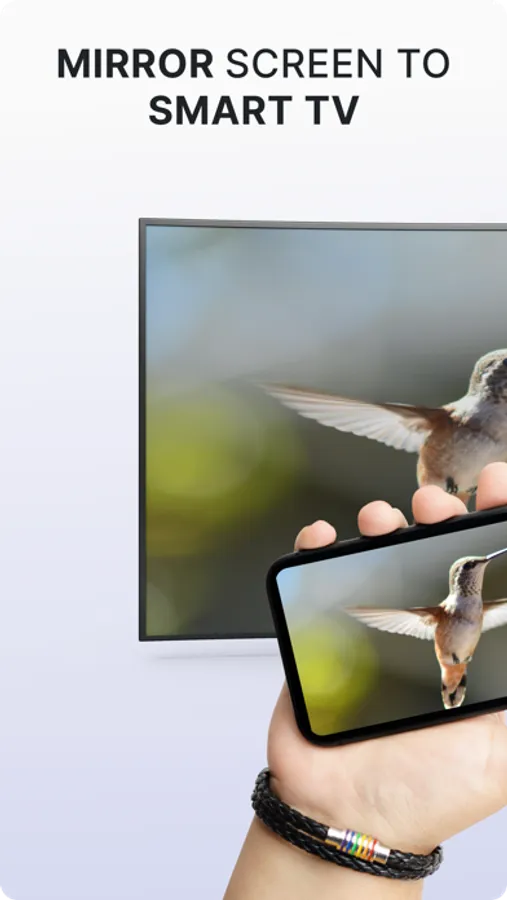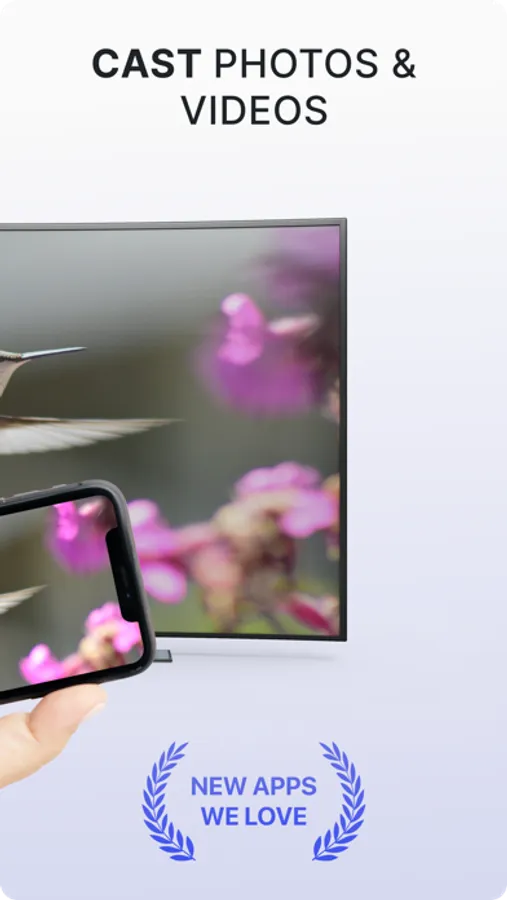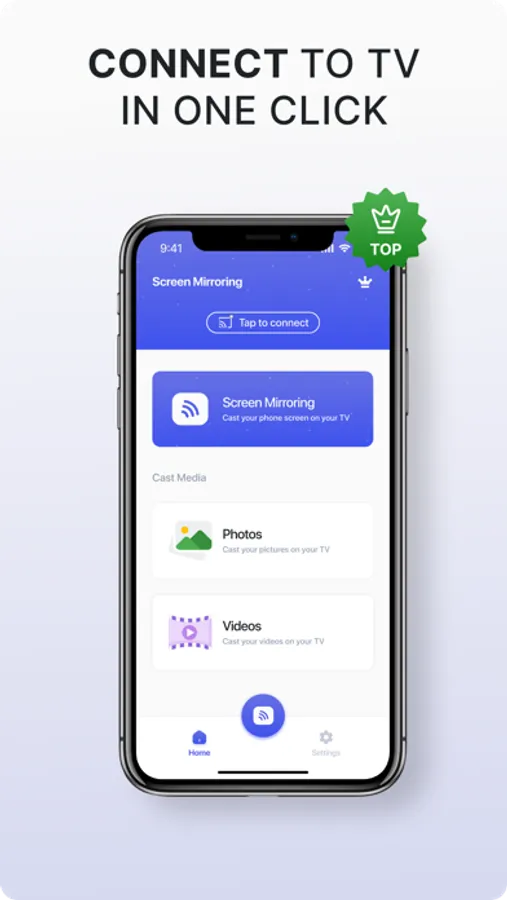
Stream your iPhone or iPad screen to a TV with this app, enabling real-time mirroring and easy media casting. Includes high-quality video transmission, device pairing, and optional premium features.
AppRecs review analysis
AppRecs rating 4.8. Trustworthiness 77 out of 100. Review manipulation risk 36 out of 100. Based on a review sample analyzed.
★★★★☆
4.8
AppRecs Rating
Ratings breakdown
5 star
89%
4 star
5%
3 star
3%
2 star
1%
1 star
3%
What to know
✓
Credible reviews
77% trustworthiness score from analyzed reviews
✓
High user satisfaction
89% of sampled ratings are 5 stars
About Screen Mirroring Smart Screen
Unveiling Screen Mirroring, a seamless, high-quality, and intuitive app that mirrors your iPhone or iPad onto your TV without any hiccups or delays. Dive into a user-friendly experience, whether you're presenting a business pitch or indulging in personal entertainment. Key features:
- Flawless mirroring of iPhone, iPad screen to TV
- Stream or cast photos, videos with ease
- Cast your favorite web videos directly to your TV
- Exceptional latency, clocking in at below 1 second for real-time interactions
Guided Steps:
1. Ensure your iPhone/iPad and TV are connected to the same Wi-Fi network
2. Launch Screen Mirroring app and pair it with your TV
3. Tap 'Screen Mirror' and follow on-screen instructions to initiate
4. Click the top red bar on your iPhone to halt mirroring anytime
A Note: The excellence of Screen Mirroring does come with a premium subscription option, granting access to an expanded suite of features and content. Prices may vary by region, with options including a 1-week, 1-month, or 1-year subscription. Payments are charged to your iTunes account, with automatic renewals set unless deactivated 24 hours before the current period ends. Subscriptions can be managed or autorenew turned off via iTunes Account Settings. No refunds for unused portions.
Your experience, security, and trust are paramount. We encourage you to view our:
Terms of Use: https://www.apple.com/legal/internet-services/itunes/dev/stdeula/
- Flawless mirroring of iPhone, iPad screen to TV
- Stream or cast photos, videos with ease
- Cast your favorite web videos directly to your TV
- Exceptional latency, clocking in at below 1 second for real-time interactions
Guided Steps:
1. Ensure your iPhone/iPad and TV are connected to the same Wi-Fi network
2. Launch Screen Mirroring app and pair it with your TV
3. Tap 'Screen Mirror' and follow on-screen instructions to initiate
4. Click the top red bar on your iPhone to halt mirroring anytime
A Note: The excellence of Screen Mirroring does come with a premium subscription option, granting access to an expanded suite of features and content. Prices may vary by region, with options including a 1-week, 1-month, or 1-year subscription. Payments are charged to your iTunes account, with automatic renewals set unless deactivated 24 hours before the current period ends. Subscriptions can be managed or autorenew turned off via iTunes Account Settings. No refunds for unused portions.
Your experience, security, and trust are paramount. We encourage you to view our:
Terms of Use: https://www.apple.com/legal/internet-services/itunes/dev/stdeula/