In this PDF converter app, you can convert images, documents, and HTML files into PDFs and vice versa. Includes watermarking, file compression, and format extraction tools.
AppRecs review analysis
AppRecs rating 4.2. Trustworthiness 0 out of 100. Review manipulation risk 0 out of 100. Based on a review sample analyzed.
★★★★☆
4.2
AppRecs Rating
Ratings breakdown
5 star
80%
4 star
0%
3 star
0%
2 star
0%
1 star
20%
What to know
✓
High user satisfaction
80% of sampled ratings are 4+ stars (4.2★ average)
About PDF Converter: JPG to PDF
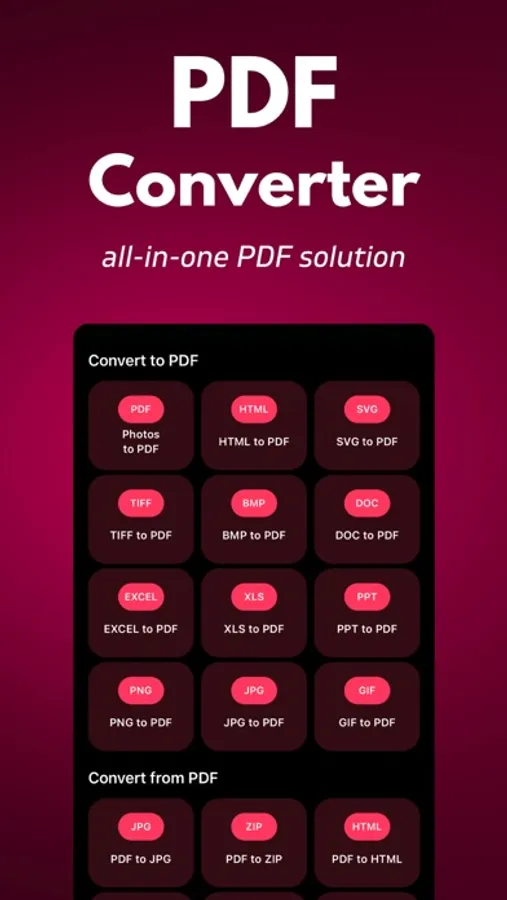
PDF Converter is your ultimate all-in-one PDF utility. Convert images, documents (Word, PowerPoint, Excel), and even HTML files into PDFs or convert from PDF to other formats. Customize your PDFs with tools like watermarking, locking/unlocking, and file compression. Simplify your PDF tasks with PDF Converter.
Key Features:
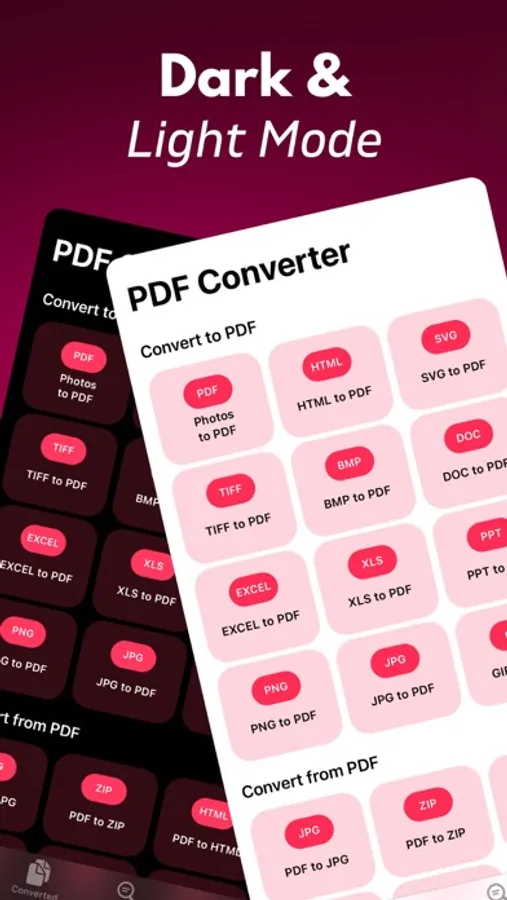
* Convert to PDF: Effortlessly turn your images (JPG, PNG, SVG), documents (DOCX, PPTX, XLSX), and more into professional PDF files. No more hassle with incompatible formats.
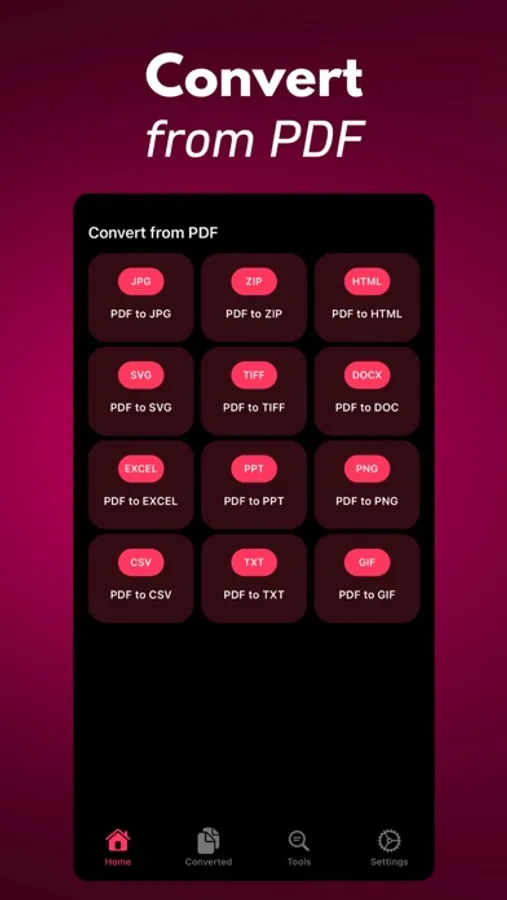
* Convert from PDF: Need to extract content? PDF Converter can convert PDFs into a variety of formats including JPG, PNG, SVG, TXT, ZIP, DOCX, PPTX, and XLSX. Extract what you need with ease.
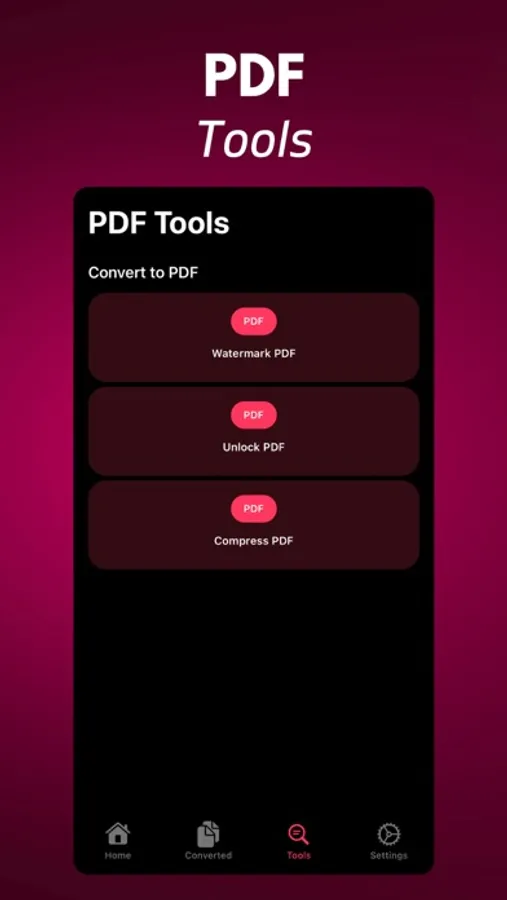
* PDF Tools: Enhance your PDFs with a suite of tools. Compress large files to save space, add watermarks to protect your content, and unlock secured PDFs when necessary.
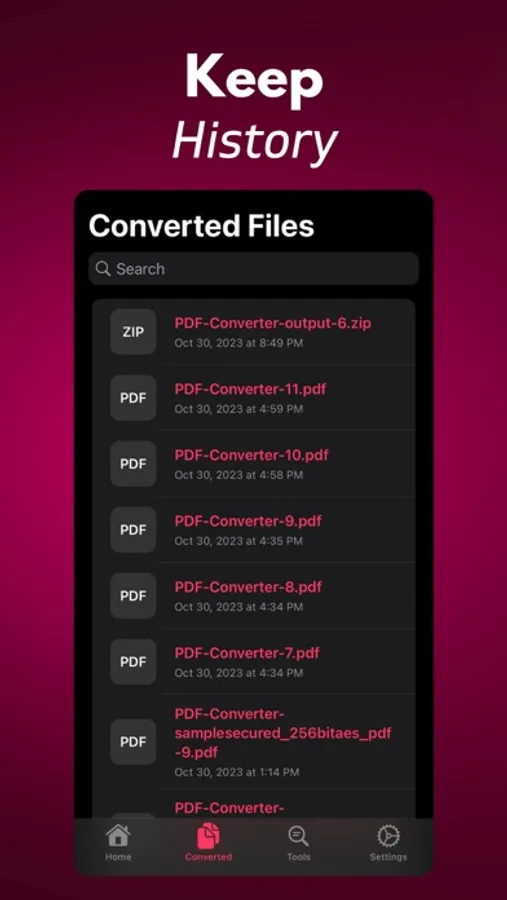
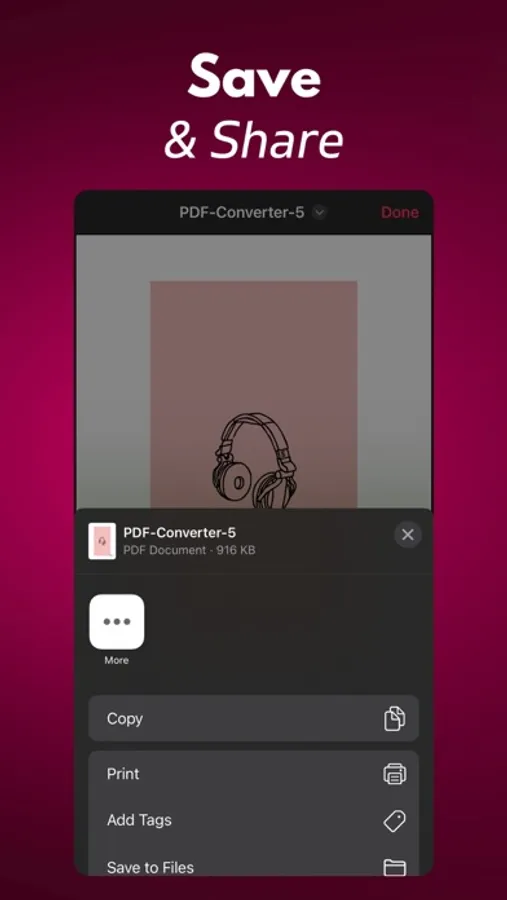
* Save and Share: Your history feature keeps track of all your converted files, making it simple to access previous work. Easily share your PDFs with colleagues, friends, or store them on your device.
* User-Friendly: With an intuitive and user-friendly interface, PDF Converter makes the conversion process straightforward and accessible for everyone.
Whether you're a student, professional, or just someone who deals with PDFs regularly, PDF Converter is the only PDF tool you'll ever need. Simplify your document management and take control of your PDFs like never before.
Transform, customize, and manage PDFs with ease – get PDF Converter today!
Privacy: https://pdfconverter.ardasen.com/privacy.html
Terms: https://pdfconverter.ardasen.com/terms.html
Key Features:
* Convert to PDF: Effortlessly turn your images (JPG, PNG, SVG), documents (DOCX, PPTX, XLSX), and more into professional PDF files. No more hassle with incompatible formats.
* Convert from PDF: Need to extract content? PDF Converter can convert PDFs into a variety of formats including JPG, PNG, SVG, TXT, ZIP, DOCX, PPTX, and XLSX. Extract what you need with ease.
* PDF Tools: Enhance your PDFs with a suite of tools. Compress large files to save space, add watermarks to protect your content, and unlock secured PDFs when necessary.
* Save and Share: Your history feature keeps track of all your converted files, making it simple to access previous work. Easily share your PDFs with colleagues, friends, or store them on your device.
* User-Friendly: With an intuitive and user-friendly interface, PDF Converter makes the conversion process straightforward and accessible for everyone.
Whether you're a student, professional, or just someone who deals with PDFs regularly, PDF Converter is the only PDF tool you'll ever need. Simplify your document management and take control of your PDFs like never before.
Transform, customize, and manage PDFs with ease – get PDF Converter today!
Privacy: https://pdfconverter.ardasen.com/privacy.html
Terms: https://pdfconverter.ardasen.com/terms.html