AppRecs review analysis
AppRecs rating 4.2. Trustworthiness 65 out of 100. Review manipulation risk 30 out of 100. Based on a review sample analyzed.
★★★★☆
4.2
AppRecs Rating
Ratings breakdown
5 star
0%
4 star
100%
3 star
0%
2 star
0%
1 star
0%
What to know
✓
High user satisfaction
100% of sampled ratings are 4+ stars (4.7★ average)
About Maple Theme Box
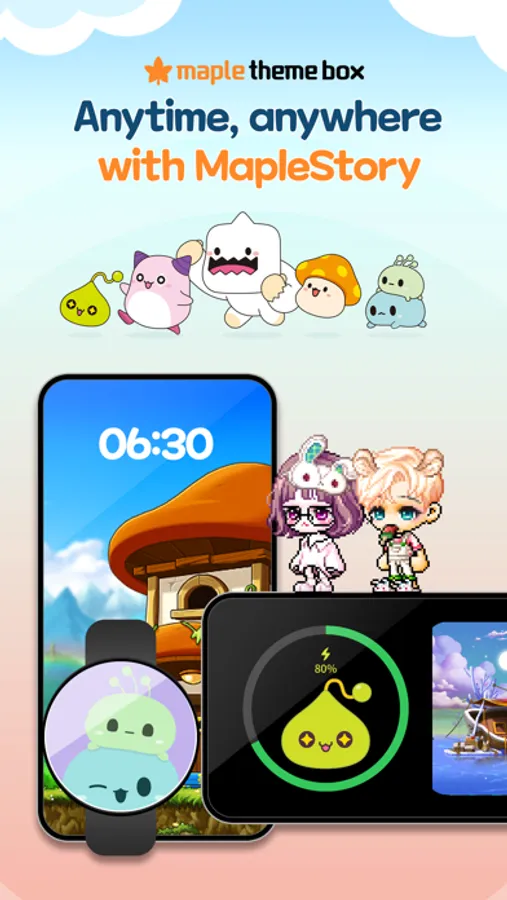
MapleStory is with you anytime, anywhere!
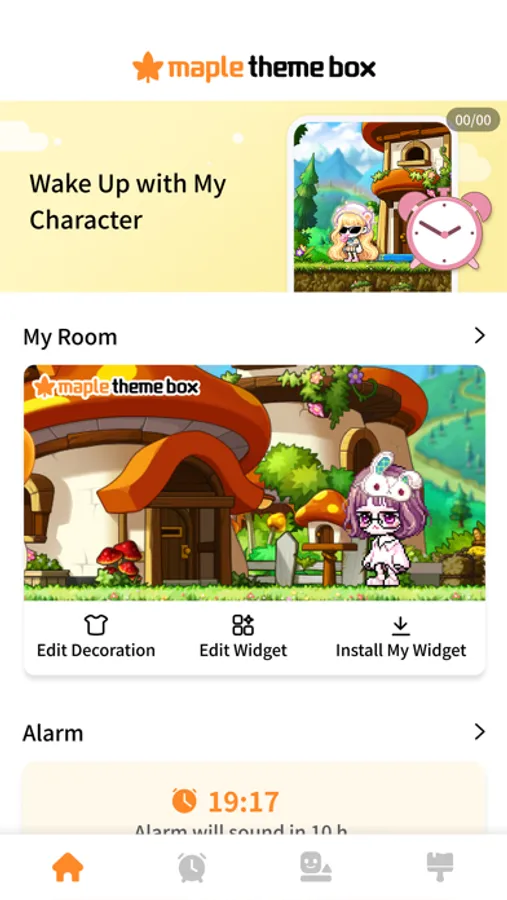
Start your day alongside your character and decorate your phone with adorable MapleStory friends!
▶ Fortune of the Day
Check your fortune with your character once a day and start your day off right!
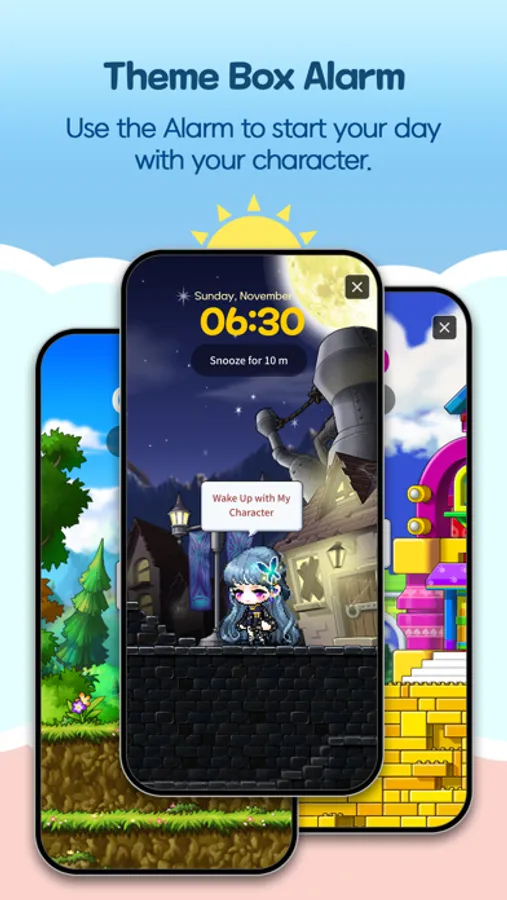
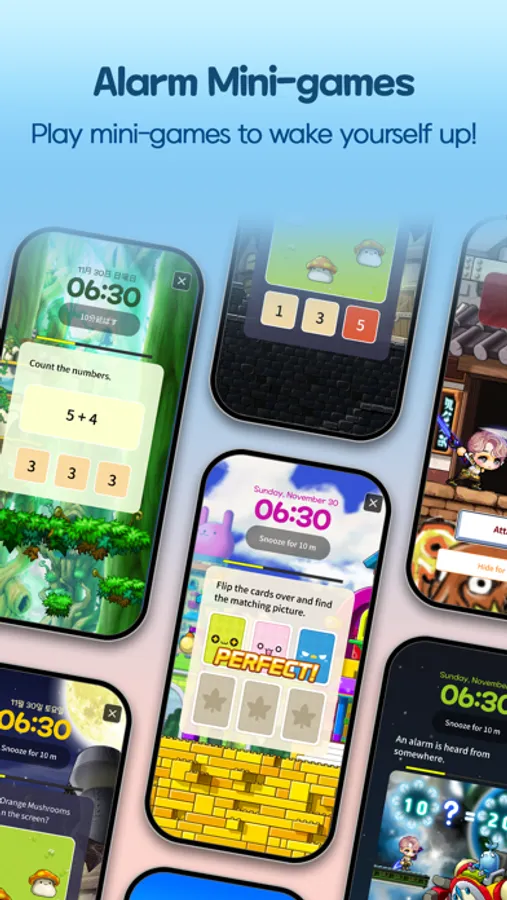
▶ Alarm
Set your alarm to MapleStory soundtrack - a range of fun alarm missions to get up on time!
▶ Sleep Mode & Home Screen Widgets
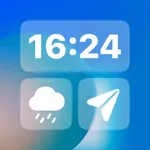
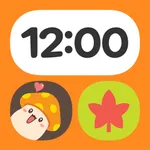
Discover dates, clock, battery percentage display and other essential widgets in MapleStory designs.
Set up Sleep Mode to use even while charging!
▶ Creating a Themed Character & Character Widget
Create your own themed character with MapleStory avatars.
Turn your and your friends' themed characters into widgets!
Make new friends as you dive into themes and random widgets!
▶ Various Themes
Check out a wide variety of themes in MapleStory Themed Box.
From mobile, smartwatch, and PC wallpapers to KakaoTalk and Goodnotes themes!
Fill your life with adorable MapleStory characters!
▶ Along with Friends
Build new connections with Maple Theme Box.
Customize your profile to express your personality!
Visit other users' Rooms! Leave maple leaves and footprints! Make friends!
■ App Permission Information
In order to provide services below, we are requesting certain permissions.
[Optional Permission]
Camera: To save and import decorated images, as well as to take screenshots and videos for attaching and submitting to Customer Support and other services.
Photos: To save or load a decorative image
Advertising ID: Your data is used to provide personalized advertising and analyze service usage.
※ You can still use the service without agreeing to the optional permissions.
[Permission Management]
▶Go to Settings > Privacy, select a permission and toggle the button next to the app's name.
Start your day alongside your character and decorate your phone with adorable MapleStory friends!
▶ Fortune of the Day
Check your fortune with your character once a day and start your day off right!
▶ Alarm
Set your alarm to MapleStory soundtrack - a range of fun alarm missions to get up on time!
▶ Sleep Mode & Home Screen Widgets
Discover dates, clock, battery percentage display and other essential widgets in MapleStory designs.
Set up Sleep Mode to use even while charging!
▶ Creating a Themed Character & Character Widget
Create your own themed character with MapleStory avatars.
Turn your and your friends' themed characters into widgets!
Make new friends as you dive into themes and random widgets!
▶ Various Themes
Check out a wide variety of themes in MapleStory Themed Box.
From mobile, smartwatch, and PC wallpapers to KakaoTalk and Goodnotes themes!
Fill your life with adorable MapleStory characters!
▶ Along with Friends
Build new connections with Maple Theme Box.
Customize your profile to express your personality!
Visit other users' Rooms! Leave maple leaves and footprints! Make friends!
■ App Permission Information
In order to provide services below, we are requesting certain permissions.
[Optional Permission]
Camera: To save and import decorated images, as well as to take screenshots and videos for attaching and submitting to Customer Support and other services.
Photos: To save or load a decorative image
Advertising ID: Your data is used to provide personalized advertising and analyze service usage.
※ You can still use the service without agreeing to the optional permissions.
[Permission Management]
▶Go to Settings > Privacy, select a permission and toggle the button next to the app's name.