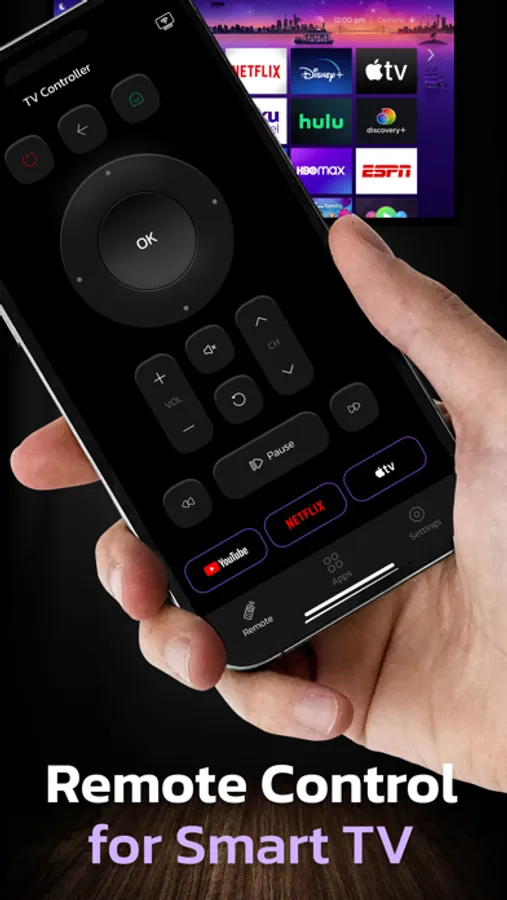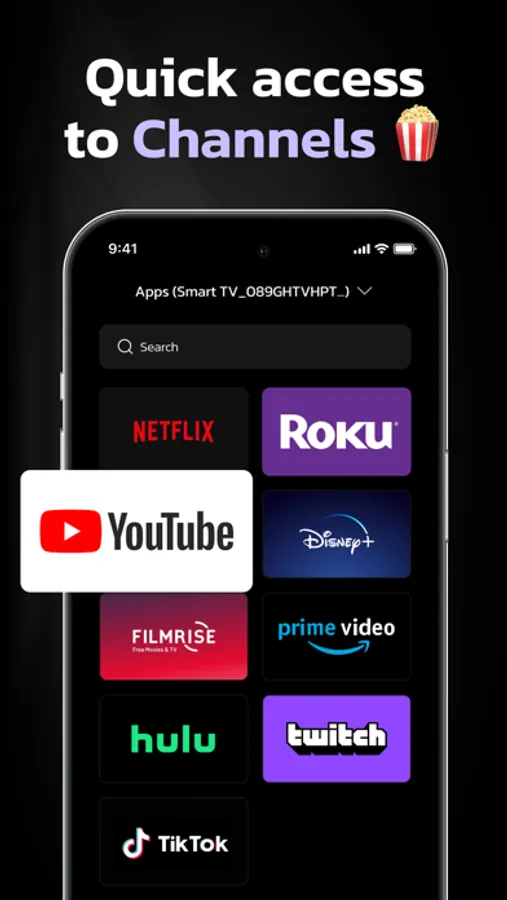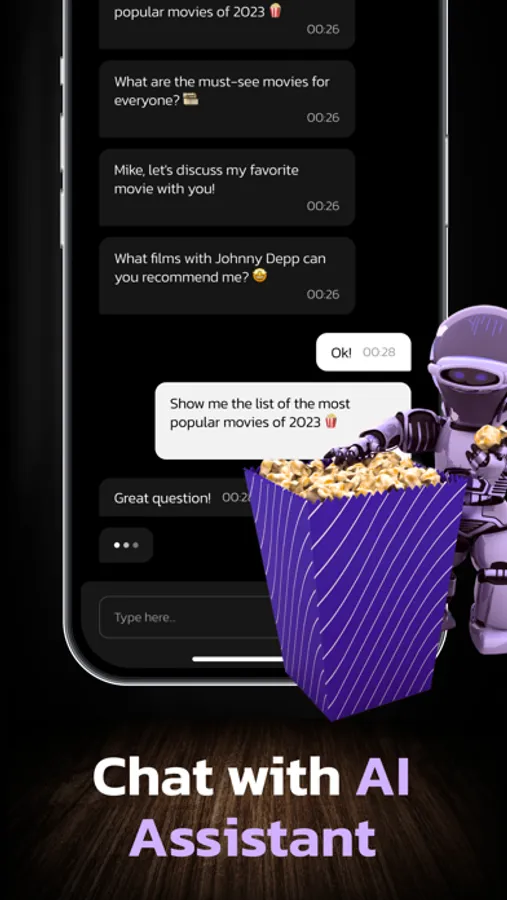
In this remote control app, you can pair your iPhone with your TV to navigate channels, control playback, and search for shows using the AI feature. Includes a keyboard, touchpad, and channel list for compatibility with WebOS and Netcast TVs.
AppRecs review analysis
AppRecs rating 4.5. Trustworthiness 78 out of 100. Review manipulation risk 28 out of 100. Based on a review sample analyzed.
★★★★☆
4.5
AppRecs Rating
Ratings breakdown
5 star
82%
4 star
5%
3 star
5%
2 star
2%
1 star
7%
What to know
✓
Low review manipulation risk
28% review manipulation risk
✓
Credible reviews
78% trustworthiness score from analyzed reviews
✓
High user satisfaction
82% of sampled ratings are 5 stars
About Universal Remote: TV Control •
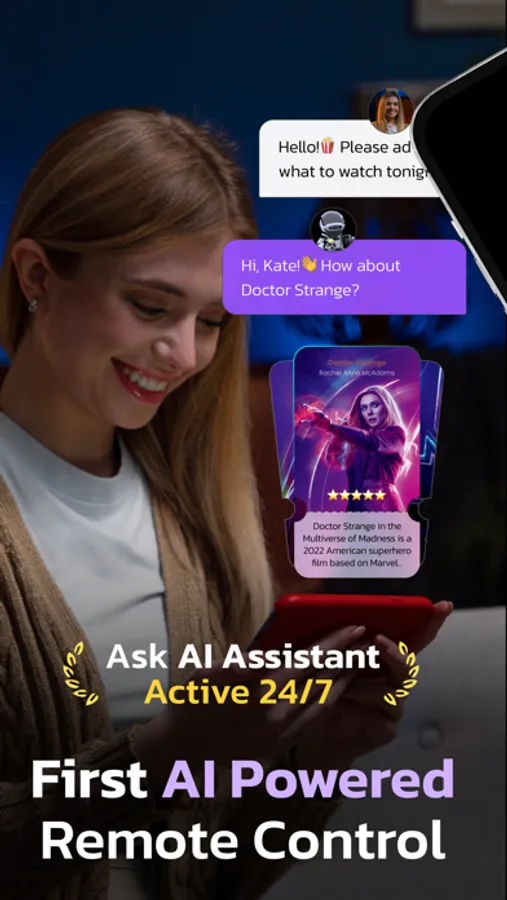
Now you can not only control your TV, but also find what is the best channel or show for you to watch with help of our AI feature.
Our AI TV Remote controller is a user-friendly remote control tool equipped with a keyboard, a touchpad, and a channel list for your smart TV.
By connecting your iPhone and your TV to the same Wi-Fi network, you can easily control your TV using your mobile device through a straightforward pairing process.
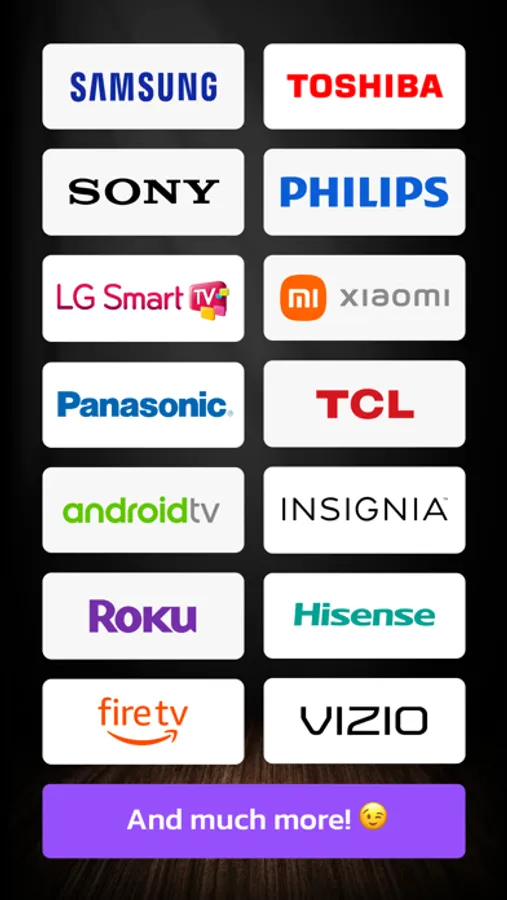
Compatibility: This application is compatible with all WebOS models , including Netcast models from 2012 onwards.
Text input limitations: Text input is only accessible within TV apps that support the keyboard. The keyboard will automatically appear on your mobile device's screen once you activate the input field on your TV screen.
Please note that some services, such as Netflix and YouTube, have their own keyboards and are not supported by Remote.
Terms of Use: Read our Terms of Use at https://docs.google.com/document/d/1QVCws0pDGMuE6N0-KCE-cO9VmMpTo_DyaoO8Kc3D6J8/edit?usp=sharing
Privacy Policy: Learn about our Privacy Policy at https://docs.google.com/document/d/1tr3NciC22uyxcXCDH4fq9eEoVLB3t4Ke7d_Um_gaq7Q/edit
Disclaimer: TV Remote is NOT affiliated with LG Electronics and Sony, and the AI TV remote controller is not an official for LG product and Sony
Our AI TV Remote controller is a user-friendly remote control tool equipped with a keyboard, a touchpad, and a channel list for your smart TV.
By connecting your iPhone and your TV to the same Wi-Fi network, you can easily control your TV using your mobile device through a straightforward pairing process.
Compatibility: This application is compatible with all WebOS models , including Netcast models from 2012 onwards.
Text input limitations: Text input is only accessible within TV apps that support the keyboard. The keyboard will automatically appear on your mobile device's screen once you activate the input field on your TV screen.
Please note that some services, such as Netflix and YouTube, have their own keyboards and are not supported by Remote.
Terms of Use: Read our Terms of Use at https://docs.google.com/document/d/1QVCws0pDGMuE6N0-KCE-cO9VmMpTo_DyaoO8Kc3D6J8/edit?usp=sharing
Privacy Policy: Learn about our Privacy Policy at https://docs.google.com/document/d/1tr3NciC22uyxcXCDH4fq9eEoVLB3t4Ke7d_Um_gaq7Q/edit
Disclaimer: TV Remote is NOT affiliated with LG Electronics and Sony, and the AI TV remote controller is not an official for LG product and Sony