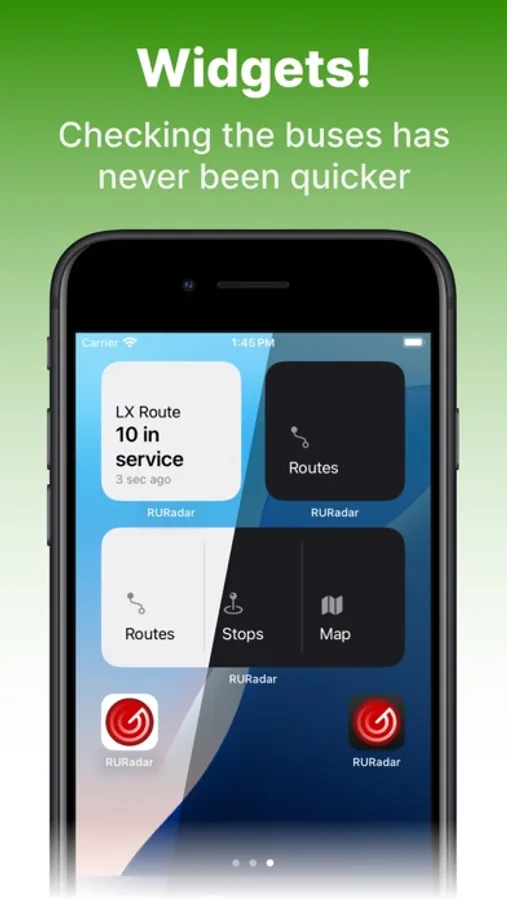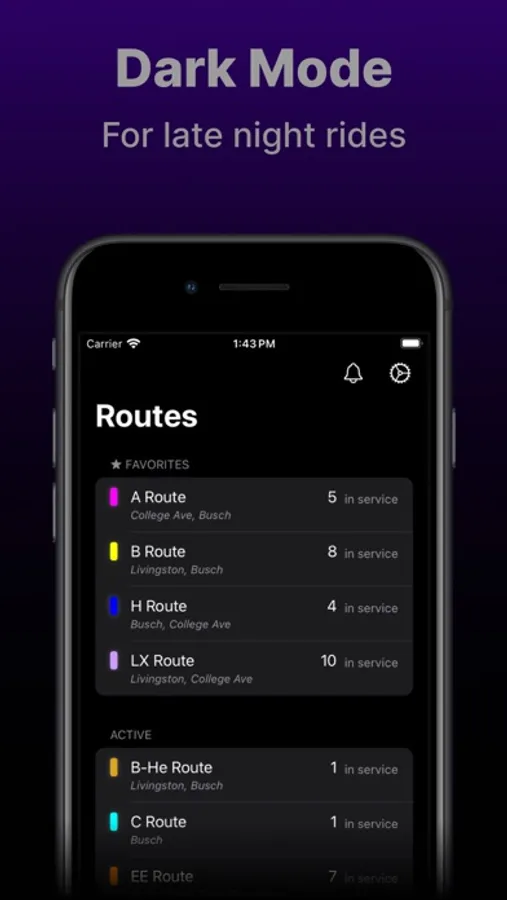
In this transit app, you can view routes, stops, live bus positions, and ETAs for campus bus lines. Includes route maps, live bus statuses, and alerts from select schools.
AppRecs review analysis
AppRecs rating 4.2. Trustworthiness 61 out of 100. Review manipulation risk 27 out of 100. Based on a review sample analyzed.
★★★★☆
4.2
AppRecs Rating
Ratings breakdown
5 star
88%
4 star
5%
3 star
0%
2 star
2%
1 star
5%
What to know
✓
Low review manipulation risk
27% review manipulation risk
✓
High user satisfaction
88% of sampled ratings are 5 stars
✓
Authentic reviews
No red flags detected
About XRadar
View Routes, Stops, Alerts, and ETAs for all bus lines on Rutgers, NYU, Columbia, University of Georgia, University of Alabama, and More!
Use the routes tab to view active routes and how many buses are on each line.
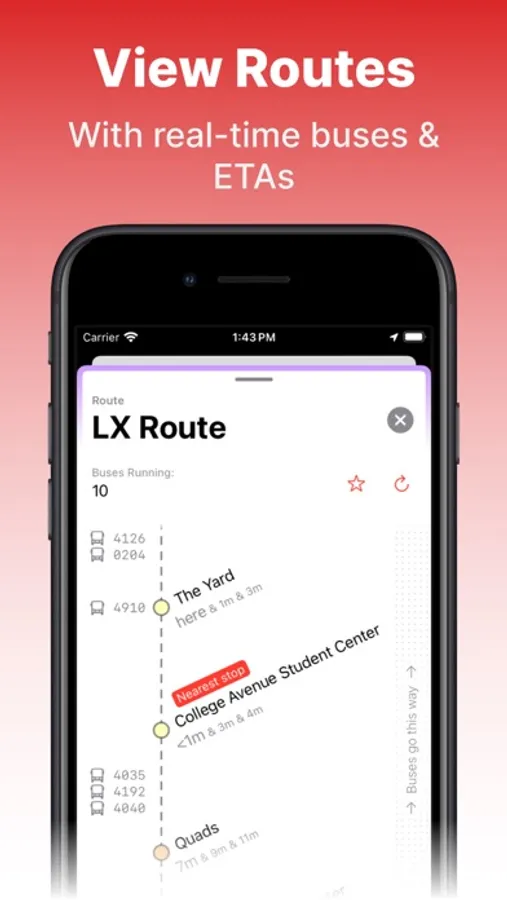
Open a route to see the stops (in order!) and view where buses are along the route, along with ETAs for each stop.
Use the stops tab to view active stops, and filter them with the search bar.
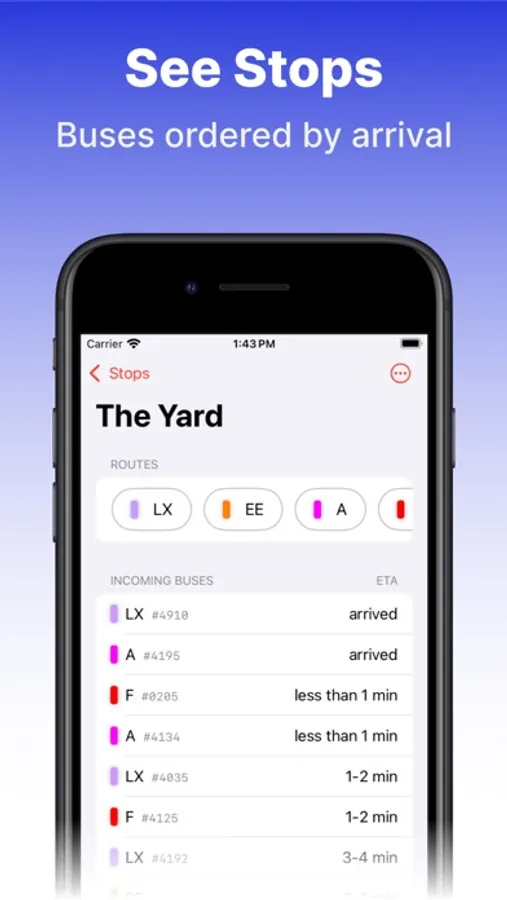
Open a stop to see the active routes that serve the stop, along with all the incoming buses in order of arrival.
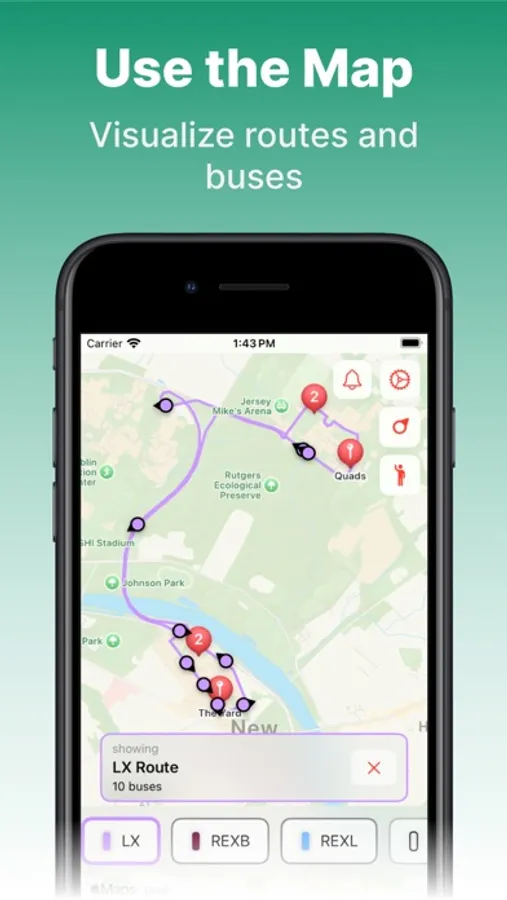
Use the maps tab for a visual overview of routes, stops, and live bus positions.
Use the bottom route list to quickly filter the routes, stops, and buses shown on the map.
Tap on a stop to quickly view the routes that actively serve it, and the ETAs for the incoming buses.
Tap on a (color-coded) bus to view the full route name, the bus number, and the live passenger capacity.
Open the Alerts popover to view alerts from select schools and get prepared for the unexpected.
Enjoy a small, fast, and native iOS application designed to help you navigate your campus buses.
Use the routes tab to view active routes and how many buses are on each line.
Open a route to see the stops (in order!) and view where buses are along the route, along with ETAs for each stop.
Use the stops tab to view active stops, and filter them with the search bar.
Open a stop to see the active routes that serve the stop, along with all the incoming buses in order of arrival.
Use the maps tab for a visual overview of routes, stops, and live bus positions.
Use the bottom route list to quickly filter the routes, stops, and buses shown on the map.
Tap on a stop to quickly view the routes that actively serve it, and the ETAs for the incoming buses.
Tap on a (color-coded) bus to view the full route name, the bus number, and the live passenger capacity.
Open the Alerts popover to view alerts from select schools and get prepared for the unexpected.
Enjoy a small, fast, and native iOS application designed to help you navigate your campus buses.