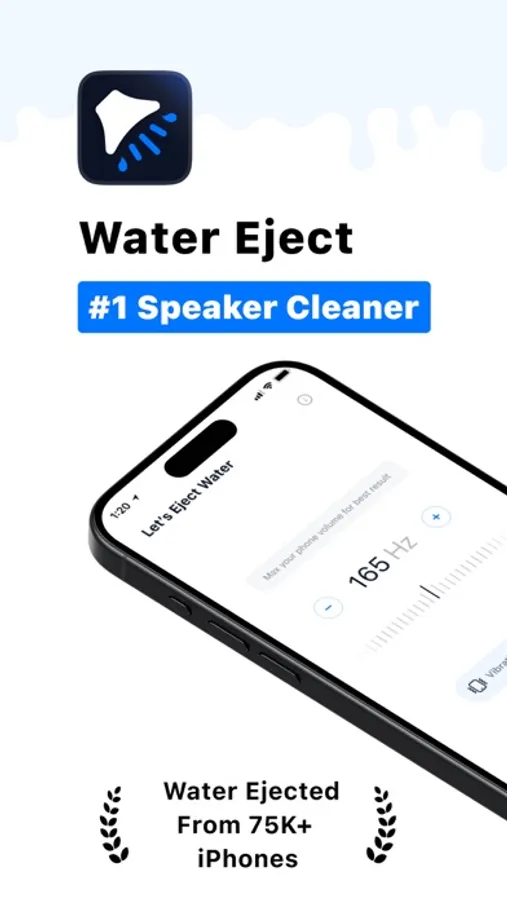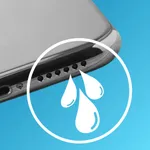
With this app, you can remove water from your iPhone’s speakers using high/low frequency sounds and vibrations. Includes manual and automatic cleaning modes, speaker testing, and widget support.
AppRecs review analysis
AppRecs rating 3.8. Trustworthiness 76 out of 100. Review manipulation risk 30 out of 100. Based on a review sample analyzed.
★★★☆☆
3.8
AppRecs Rating
Ratings breakdown
5 star
89%
4 star
5%
3 star
2%
2 star
1%
1 star
3%
What to know
⚠
Ad complaints
Many low ratings mention excessive ads
⚠
Pricing complaints
Many low ratings mention paywalls or pricing
⚠
Review quality concerns
50% of sampled 5-star reviews are very short
About Water Eject ۬
The Water Eject app helps you fix your iPhone’s speaker by playing high/low frequency sounds + vibrations.
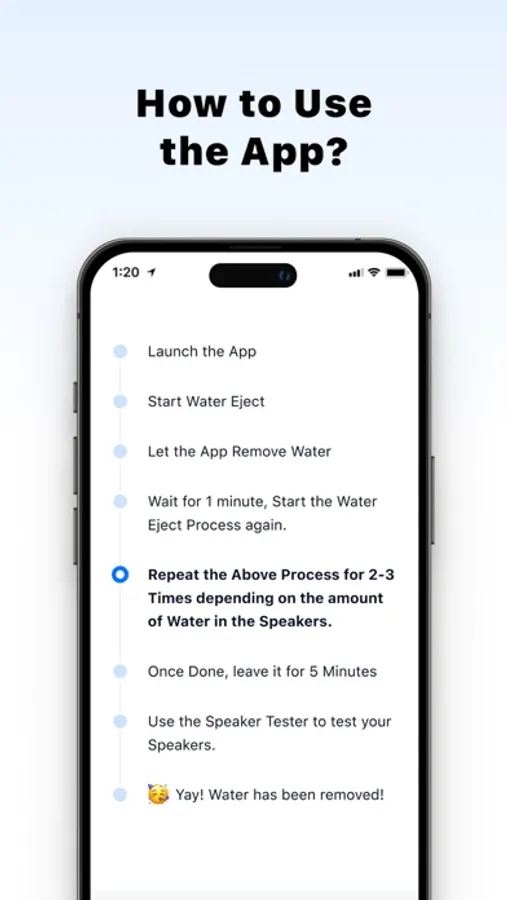
So whether you've dropped your device in the toilet or took it for a swim, our app shall help you remove water in less than 7 minutes.
You can use the app in 2 different modes: Manual & Automatic.
The manual mode is for power-users who have knowledge about sound frequencies and know which frequency would be effective for their use-case. The automatic mode on the other hand is for people who don’t know much about sound & vibration patterns, but just want to remove water from their speakers.
# Salient Features
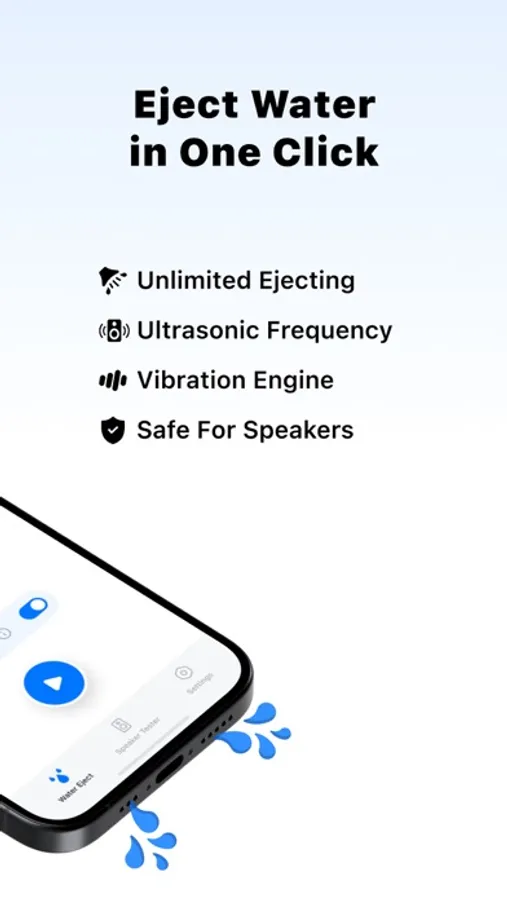
‣ Remove water from your speakers with ease
‣ Two different cleaning modes: Auto Cleaning and Manual Cleaning
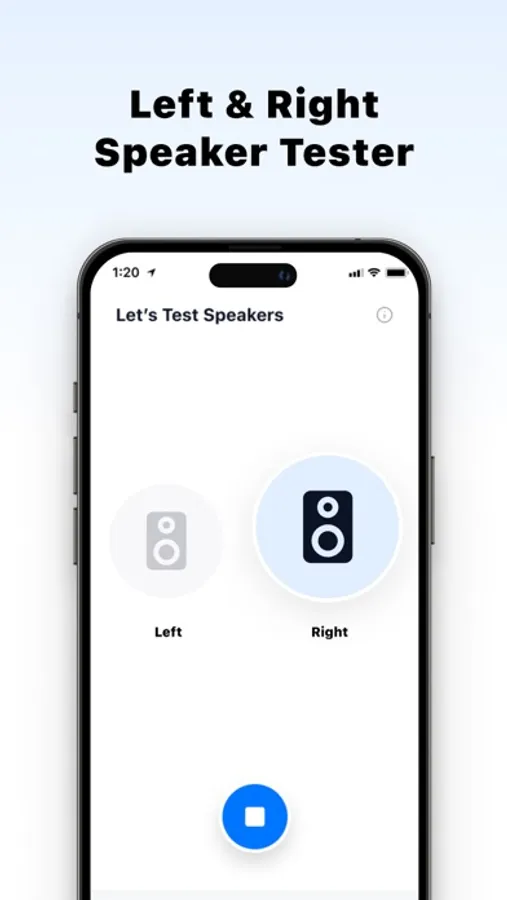
‣ Speaker tester to check if your speakers are working properly
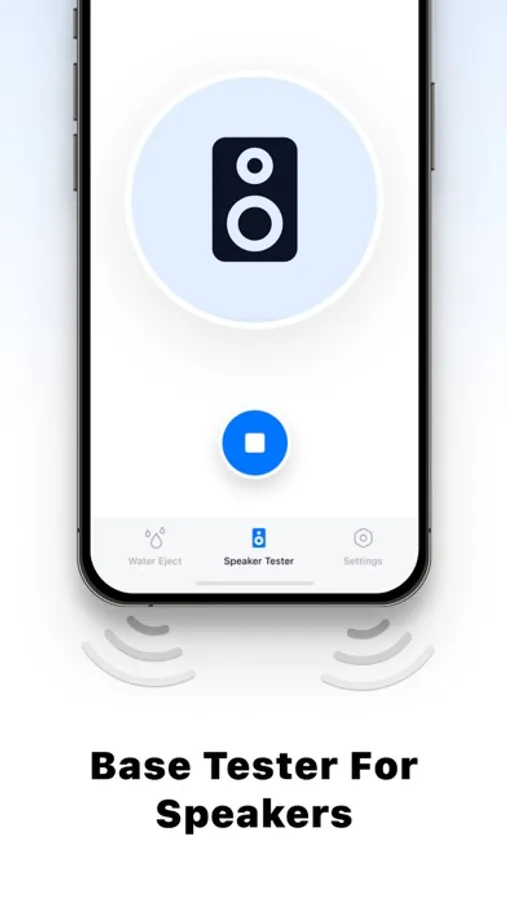
‣ Bass testing functionality to check the bass levels in your iPhone
‣ Widget Support to clear water without opening the app
Not only can you remove water, but once you’ve ejected out the water or liquid, you can use our speaker tester to test both the left and right speakers individually. The app also has bass testers to test the bass levels after you’ve cleared your speakers.
Everything said, the app also has an Apple widget shortcut which allows you to clear water from your speakers without even opening the app. Which means, just install the app, create the widget shortcut, and run it as soon as your iPhone/iPad speaker comes in contact with water.
Dropped your iPhone in water? Download the Water Eject app! Remove/clean water from your speaker/mic and enjoy clear, crisp sound, NOW!
Privacy Policy: https://watereject.pro/privacy-policy.html
Terms of Use: https://watereject.pro/terms-conditions.html
So whether you've dropped your device in the toilet or took it for a swim, our app shall help you remove water in less than 7 minutes.
You can use the app in 2 different modes: Manual & Automatic.
The manual mode is for power-users who have knowledge about sound frequencies and know which frequency would be effective for their use-case. The automatic mode on the other hand is for people who don’t know much about sound & vibration patterns, but just want to remove water from their speakers.
# Salient Features
‣ Remove water from your speakers with ease
‣ Two different cleaning modes: Auto Cleaning and Manual Cleaning
‣ Speaker tester to check if your speakers are working properly
‣ Bass testing functionality to check the bass levels in your iPhone
‣ Widget Support to clear water without opening the app
Not only can you remove water, but once you’ve ejected out the water or liquid, you can use our speaker tester to test both the left and right speakers individually. The app also has bass testers to test the bass levels after you’ve cleared your speakers.
Everything said, the app also has an Apple widget shortcut which allows you to clear water from your speakers without even opening the app. Which means, just install the app, create the widget shortcut, and run it as soon as your iPhone/iPad speaker comes in contact with water.
Dropped your iPhone in water? Download the Water Eject app! Remove/clean water from your speaker/mic and enjoy clear, crisp sound, NOW!
Privacy Policy: https://watereject.pro/privacy-policy.html
Terms of Use: https://watereject.pro/terms-conditions.html