AppRecs review analysis
AppRecs rating 4.6. Trustworthiness 0 out of 100. Review manipulation risk 0 out of 100. Based on a review sample analyzed.
★★★★☆
4.6
AppRecs Rating
Ratings breakdown
5 star
86%
4 star
0%
3 star
0%
2 star
14%
1 star
0%
What to know
✓
High user satisfaction
86% of sampled ratings are 5 stars
About PDF Convert - Word to PDF
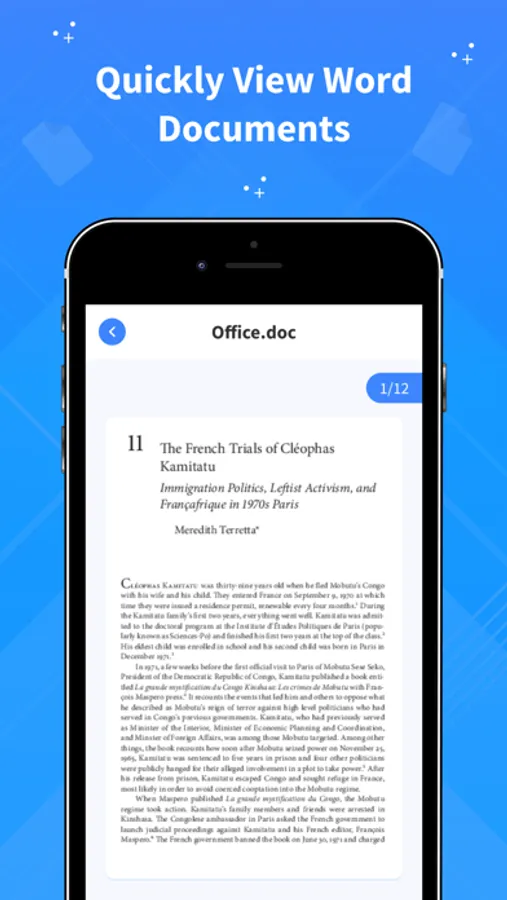
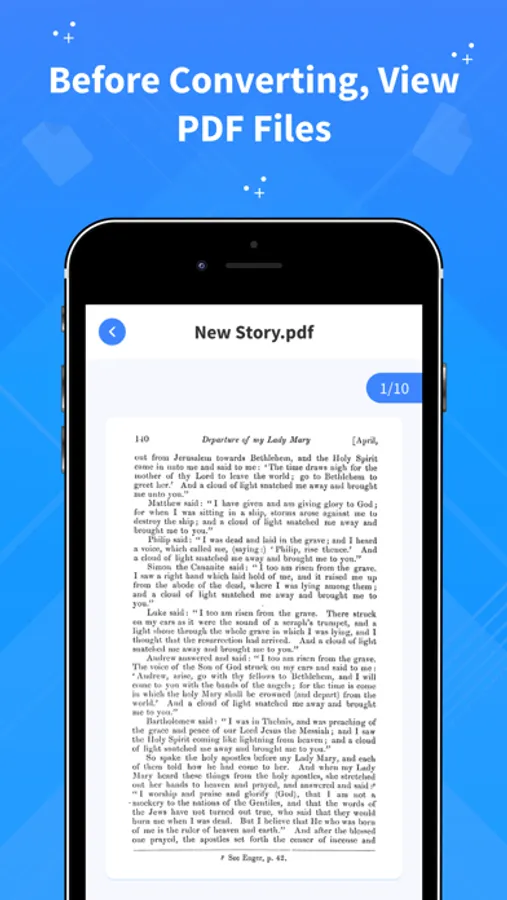
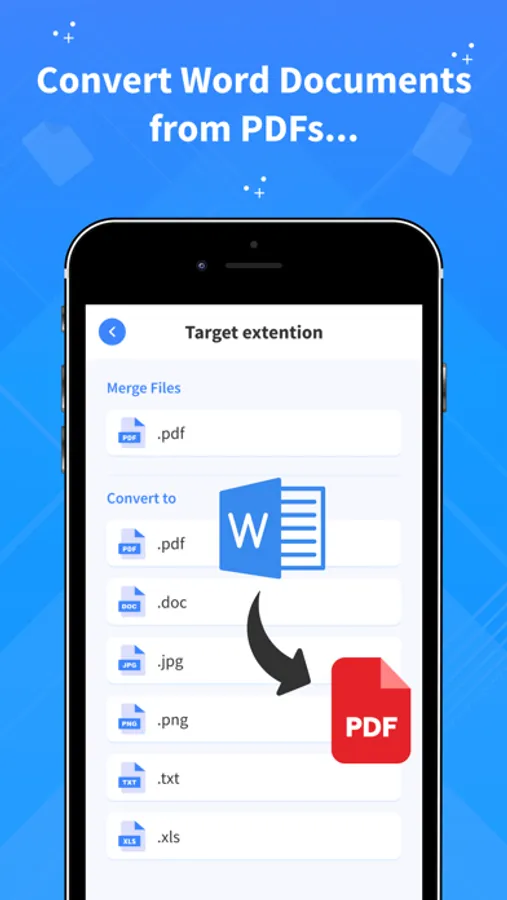
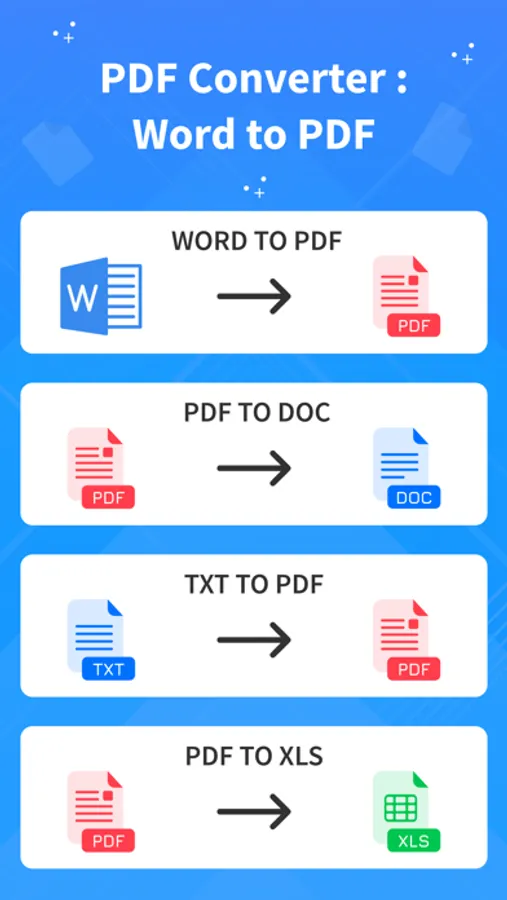
Word to PDF Converter is an easy-to-use app to easily convert Word to PDF or convert PDF to Word on your device.
The Main Aim of our app is to convert the images, documents, PPT files to PDF.
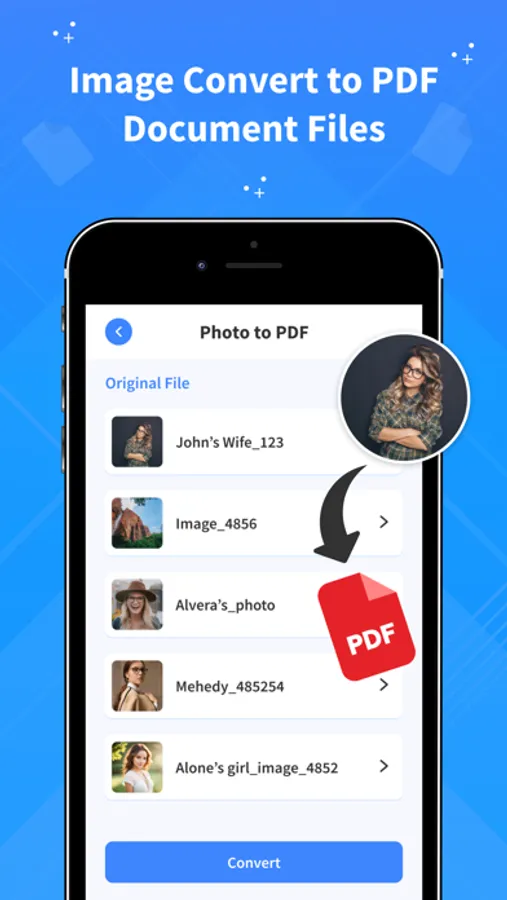
The app easily and quickly converts images, documents, PPT files to high-quality PDF documents.
Also, it enables you to draw images with our tools and convert them to PDF.
You can also merge files and add your own watermark to the PDF's.
Conversions are performed in speed, so the app won't drain your battery or burden your phone chips.
• No limits on the number of converted files.
• Excellent conversion quality.
• Easily share converted PDF.
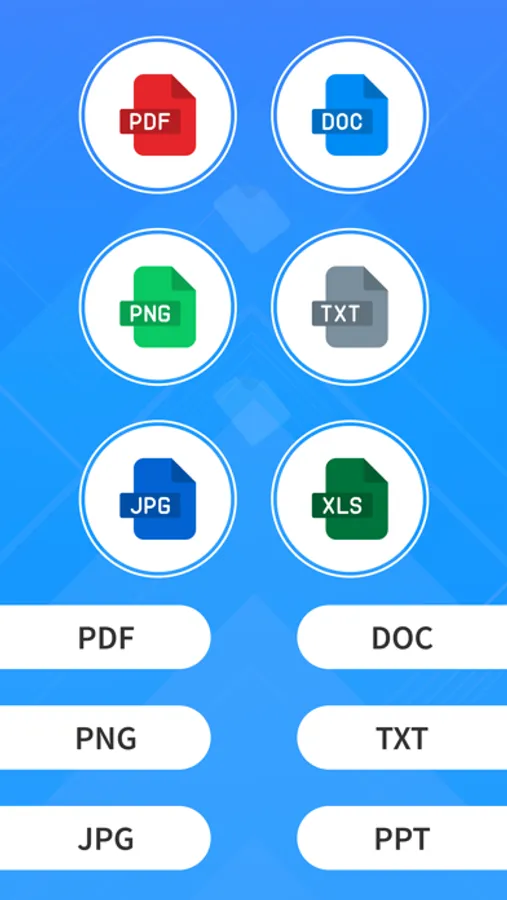
Convert files from JPG, WORD (DOC), XLS, TXT, PPT, RTF, EPUB and other popular formats to PDF and back on your iPhone/iPad.
Share converted files or save them to iCloud.
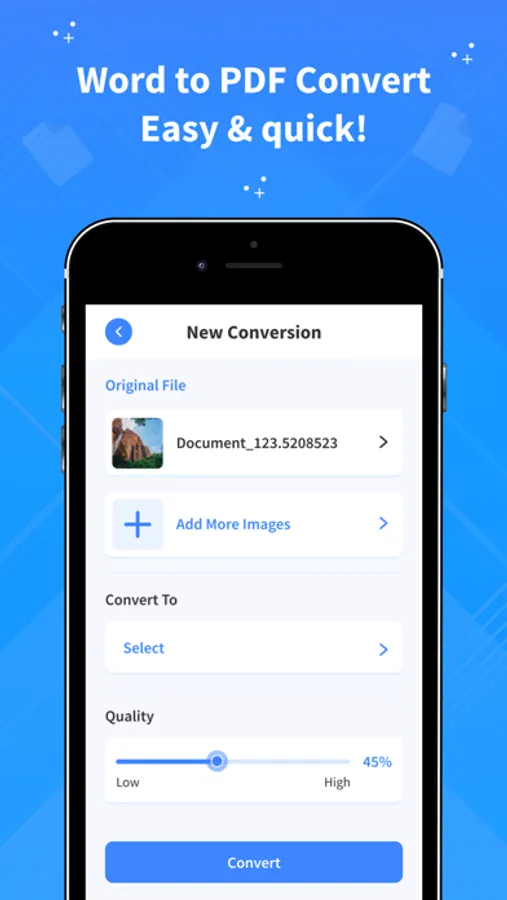
Convert your documents from and to PDF in a 3 steps!
1. Select your input file
2. Choose output format from available ones
3. Convert! It will take only a few seconds
It's just as easy as it sounds! No need for overcomplicated apps with dozens of nonsense features.
With PDF Converter app you can convert your documents to pdf or create pdf files from images in a matter of seconds.
For more information :-
Privacy Policy - https://sites.google.com/view/nikhilviradiyaprivacypolicy/home
Terms of use - https://sites.google.com/view/nikhilviradiyatermsofuse/home
The Main Aim of our app is to convert the images, documents, PPT files to PDF.
The app easily and quickly converts images, documents, PPT files to high-quality PDF documents.
Also, it enables you to draw images with our tools and convert them to PDF.
You can also merge files and add your own watermark to the PDF's.
Conversions are performed in speed, so the app won't drain your battery or burden your phone chips.
• No limits on the number of converted files.
• Excellent conversion quality.
• Easily share converted PDF.
Convert files from JPG, WORD (DOC), XLS, TXT, PPT, RTF, EPUB and other popular formats to PDF and back on your iPhone/iPad.
Share converted files or save them to iCloud.
Convert your documents from and to PDF in a 3 steps!
1. Select your input file
2. Choose output format from available ones
3. Convert! It will take only a few seconds
It's just as easy as it sounds! No need for overcomplicated apps with dozens of nonsense features.
With PDF Converter app you can convert your documents to pdf or create pdf files from images in a matter of seconds.
For more information :-
Privacy Policy - https://sites.google.com/view/nikhilviradiyaprivacypolicy/home
Terms of use - https://sites.google.com/view/nikhilviradiyatermsofuse/home