AppRecs review analysis
AppRecs rating 2.9. Trustworthiness 65 out of 100. Review manipulation risk 29 out of 100. Based on a review sample analyzed.
★★☆☆☆
2.9
AppRecs Rating
Ratings breakdown
5 star
50%
4 star
0%
3 star
10%
2 star
20%
1 star
20%
What to know
✓
Low review manipulation risk
29% review manipulation risk
About Muse Pro
Muse Pro is the epitome of digital creativity on the iPad, catering to both established and aspiring artists. With an extensive selection of handcrafted brushes, cutting-edge artistic tools, an advanced layering system, and a high-speed graphics engine, Muse Pro enables you to bring to life expressive sketches, vibrant paintings, detailed illustrations. Designed to harmonize with the iPad and Apple Pencil, Muse Pro turns any setting into your personal art studio, offering the following features for an unparalleled creative experience:
• Core Features
Designed with an intuitive interface for the iPad and Apple Pencil.
Smooth and responsive smudge sampling powered by Metal, drawing at 120 fps on Apple's XDR Pro Display.
Continuous auto-save ensures your work is always secure.
• Breakthrough Brushes
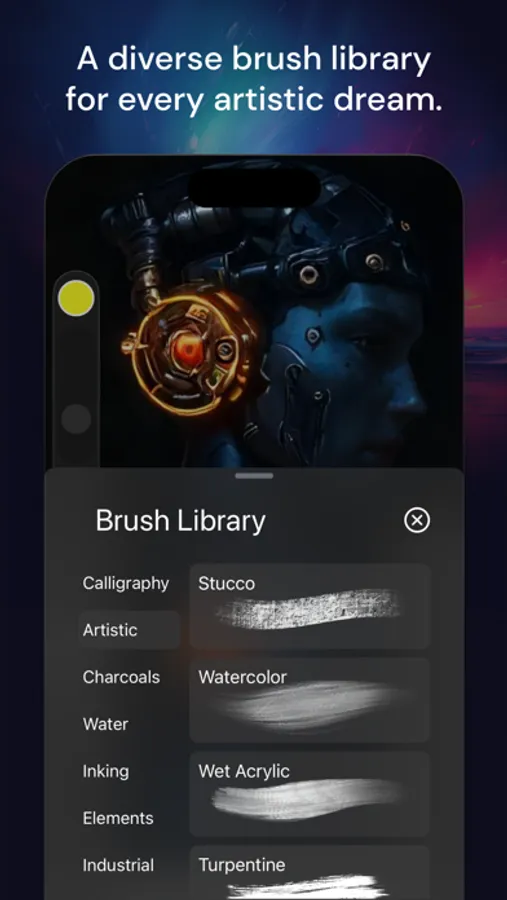
A wide array of hundreds of beautifully crafted brushes.
Brush sets for organizing your painting, sketching, and drawing tools.
Import and export capabilities for custom .brushset brushes.
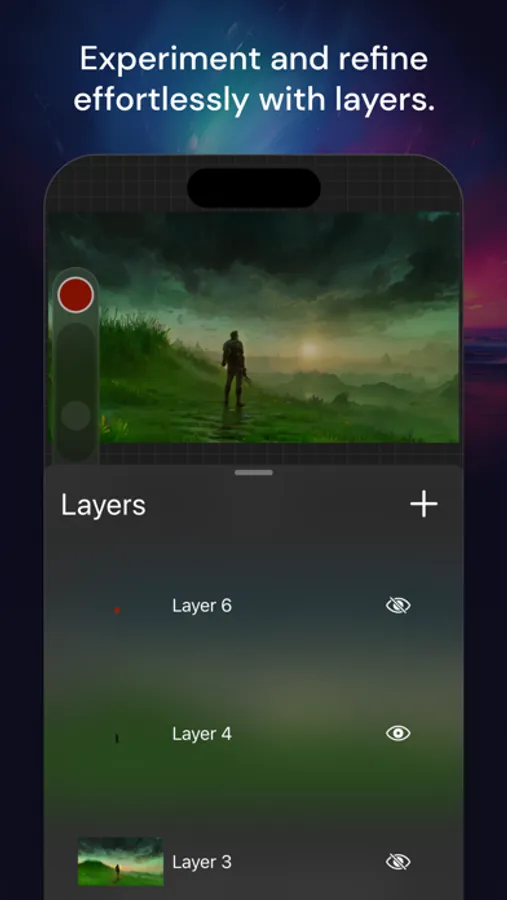
• Advanced Layering System
Offers precise control over details and composition through layer management.
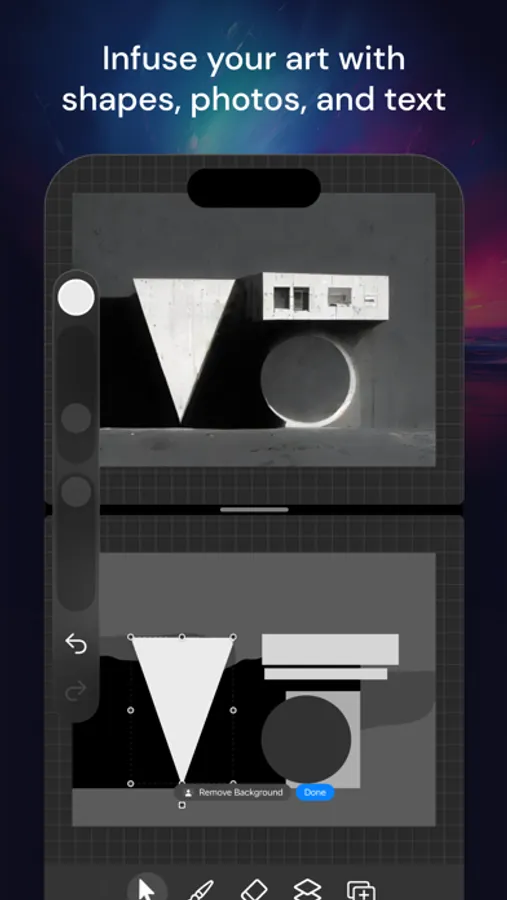
Select layers for individual movement or transformation of objects.
• The Design Tools You Need
Add vector Text to your illustrations for enhanced communication.
Crop and Resize your canvas to achieve the perfect composition.
A custom rendering engine that perfects your strokes in real-time for flawless results.
Streamline and stabilization features smooth out strokes, ideal for calligraphy and precise inking.
Use Scribble to change prompt settings and create text effortlessly.
• AI Features
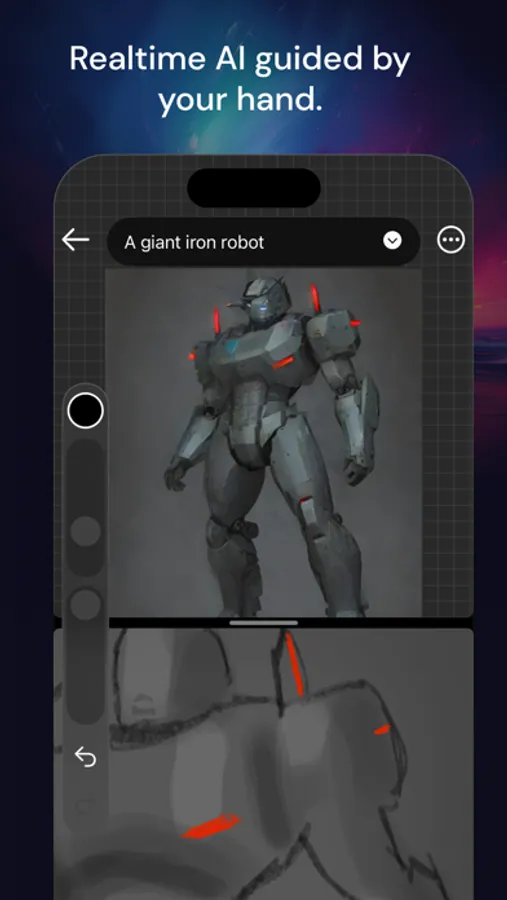
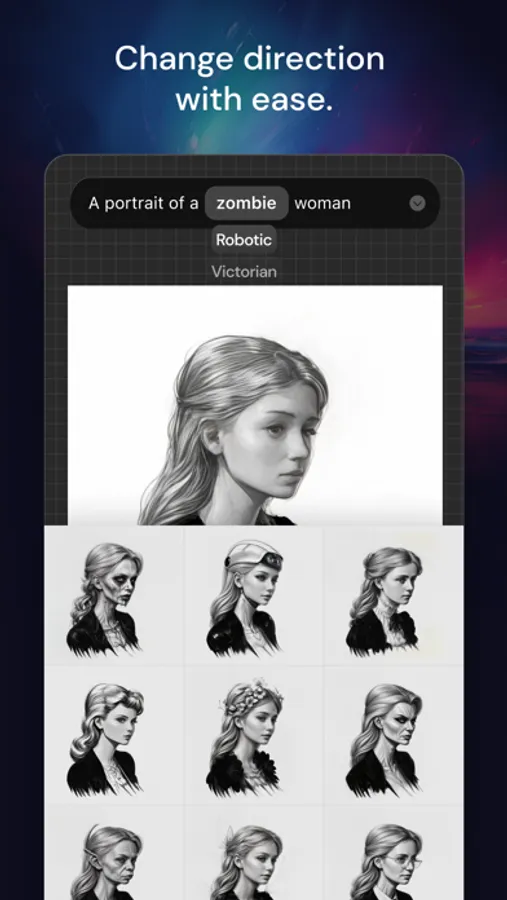
Real-time AI generation at up to 30 fps for dynamic creativity.
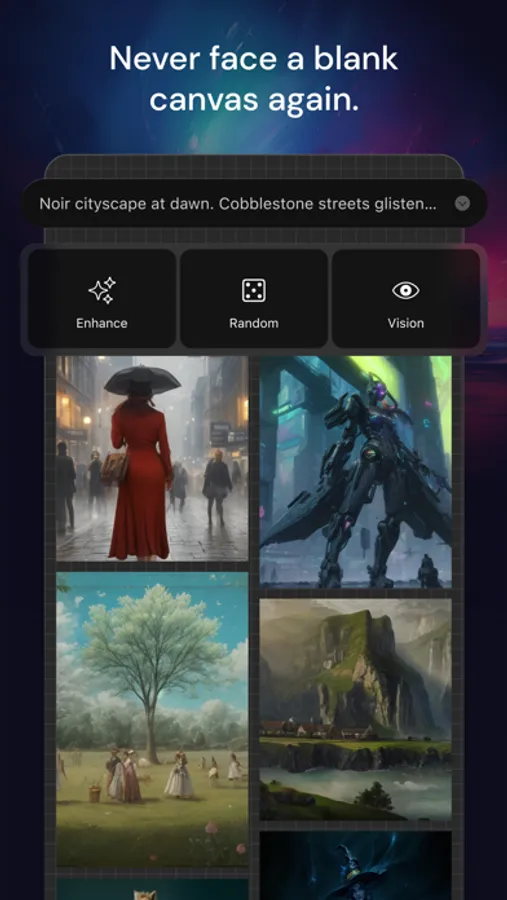
A Prompt enhancer, powered by GPT-4, assists in crafting detailed prompts.
Image to prompt conversion with GPT-4 Vision for enhanced AI-driven creation.
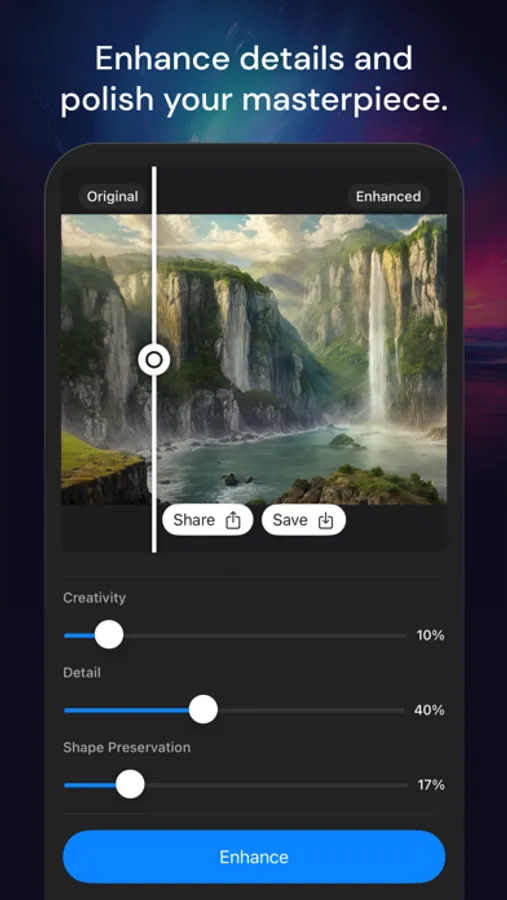
Creative upscaler and image enhancer: upscale your drawings up to 4x and easily switch styles for ultra-high definition images.
• Share Your Creations
Support for importing JPG, PNG, and TIFF image files.
Export your artwork as layered .musepro files or in high-quality PNG format, making it easy to share with peers.
Muse Pro is accessible on your Mac, iPhone, and iPad, offering an intuitive interface with gestures like two-finger tap to undo, three-finger tap to redo, and four-finger tap to clear a layer. It also supports light and dark mode and accommodates both left and right-handed users, ensuring a seamless and inclusive creative process.
Terms of Service: https://bit.ly/muse-pro-tos
Privacy Policy: https://bit.ly/muse-pro-privacy
• Core Features
Designed with an intuitive interface for the iPad and Apple Pencil.
Smooth and responsive smudge sampling powered by Metal, drawing at 120 fps on Apple's XDR Pro Display.
Continuous auto-save ensures your work is always secure.
• Breakthrough Brushes
A wide array of hundreds of beautifully crafted brushes.
Brush sets for organizing your painting, sketching, and drawing tools.
Import and export capabilities for custom .brushset brushes.
• Advanced Layering System
Offers precise control over details and composition through layer management.
Select layers for individual movement or transformation of objects.
• The Design Tools You Need
Add vector Text to your illustrations for enhanced communication.
Crop and Resize your canvas to achieve the perfect composition.
A custom rendering engine that perfects your strokes in real-time for flawless results.
Streamline and stabilization features smooth out strokes, ideal for calligraphy and precise inking.
Use Scribble to change prompt settings and create text effortlessly.
• AI Features
Real-time AI generation at up to 30 fps for dynamic creativity.
A Prompt enhancer, powered by GPT-4, assists in crafting detailed prompts.
Image to prompt conversion with GPT-4 Vision for enhanced AI-driven creation.
Creative upscaler and image enhancer: upscale your drawings up to 4x and easily switch styles for ultra-high definition images.
• Share Your Creations
Support for importing JPG, PNG, and TIFF image files.
Export your artwork as layered .musepro files or in high-quality PNG format, making it easy to share with peers.
Muse Pro is accessible on your Mac, iPhone, and iPad, offering an intuitive interface with gestures like two-finger tap to undo, three-finger tap to redo, and four-finger tap to clear a layer. It also supports light and dark mode and accommodates both left and right-handed users, ensuring a seamless and inclusive creative process.
Terms of Service: https://bit.ly/muse-pro-tos
Privacy Policy: https://bit.ly/muse-pro-privacy