AppRecs review analysis
AppRecs rating 2.6. Trustworthiness 82 out of 100. Review manipulation risk 28 out of 100. Based on a review sample analyzed.
★★☆☆☆
2.6
AppRecs Rating
Ratings breakdown
5 star
40%
4 star
0%
3 star
0%
2 star
0%
1 star
60%
What to know
✓
Low review manipulation risk
28% review manipulation risk
✓
Credible reviews
82% trustworthiness score from analyzed reviews
⚠
Mixed user feedback
Average 2.6★ rating suggests room for improvement
About Spatial Viewer
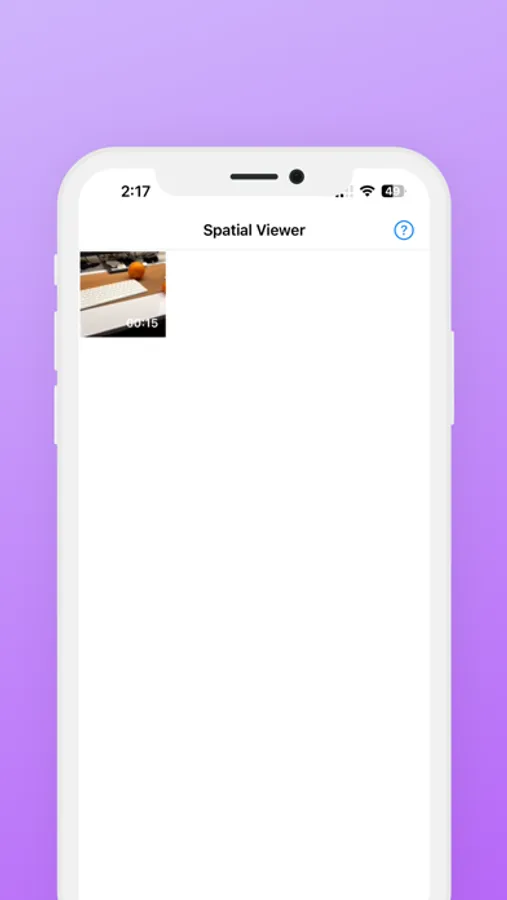
Spatial Viewer for iOS is made to convert your Spatial Videos from your iPhone camera roll, and make them viewable on your Meta Quest headset.
In 1-tap, the app will convert Spatial Videos shot by the latest iPhone and upload them to your Meta Quest. You can then view it on Meta Quest from the Spatial Viewer app (also free).
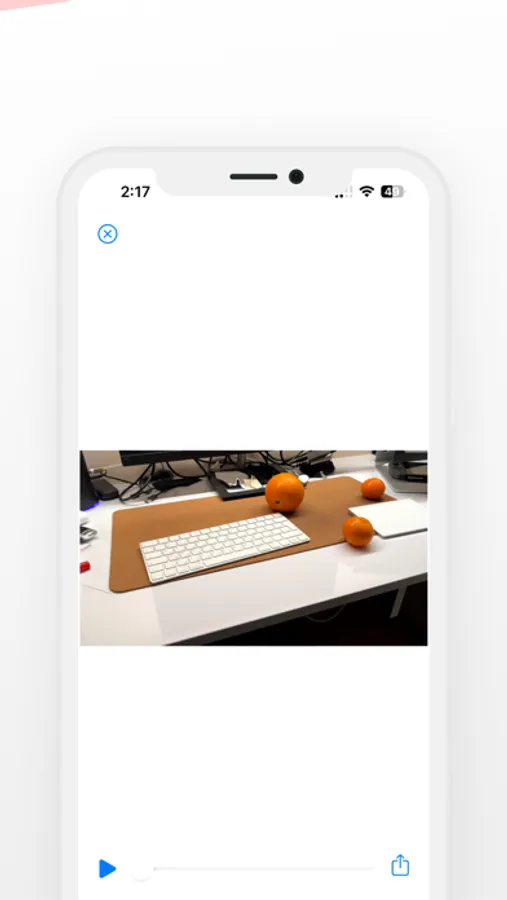
Immerse yourself in your favourite memories using Spatial Viewer by playing iPhone 15 Pro's spatial video library on Meta Quest. This app allows you to directly access and view your spatial videos in life-size scale, bringing a new dimension to your memories and experiences.
With Spatial Viewer, you get the most straightforward and fastest solution to viewing iPhone 15 Pro’s Spatial Videos without a Vision Pro headset.
**Key Features:**
- Watch Spatial Videos on Quest headset: Sync your Google Drive folder with Spatial Videos to play any spatial video directly from Meta Quest.
- Convert Spatial Video to 3D: Spatial Viewer for iOS takes your spatial videos and converts them into immersive 3D formats that are playable on your Meta Quest.
TL;DR Spatial Viewer is an All-in-one Solution to make your fancy Spatial Videos playable on your Meta Quest headset.
DESIGNED TO BE USER-FRIENDLY.
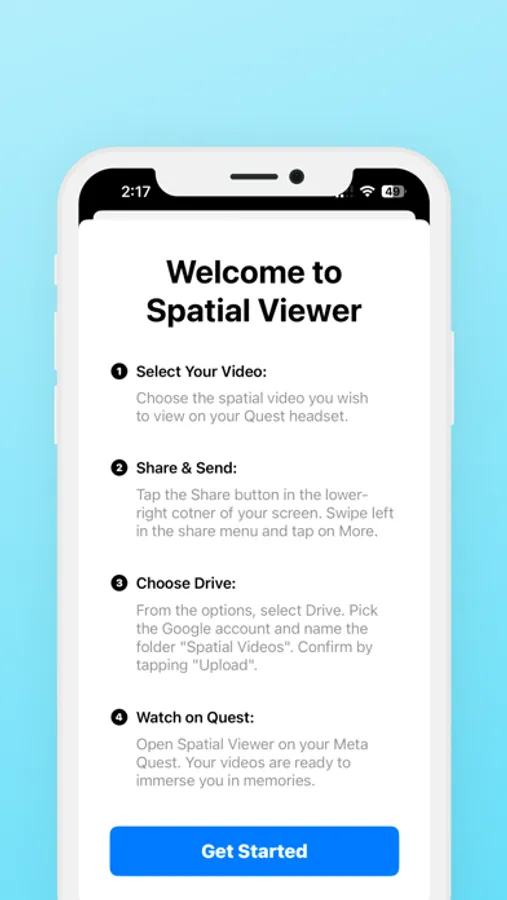
**How It Works:**
1. Install Spatial Viewer on your iPhone 15 Pro or Pro Max.
2. Select & convert spatial videos to watch on Meta Quest.
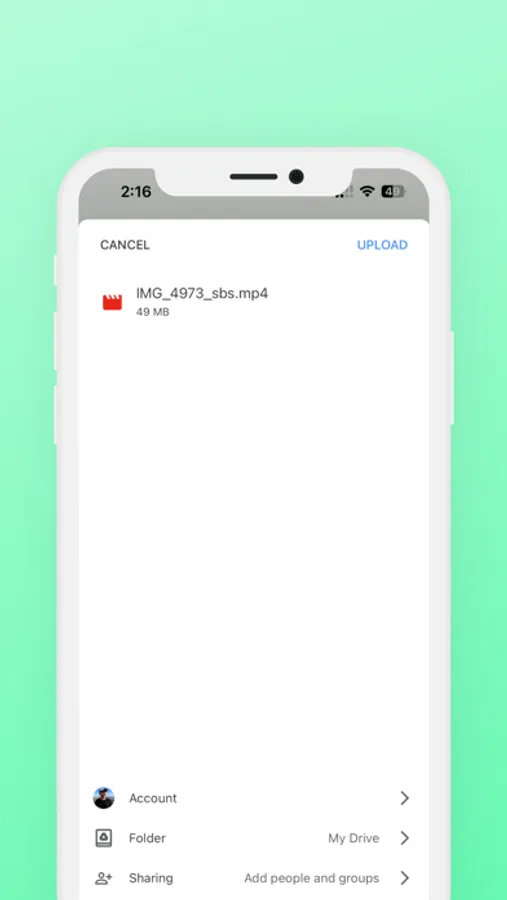
3. Share the converted videos to Drive.
And that’s it. Now you simply open “Spatial Viewer” on your Meta Quest and the videos will all be available there, since they are all synced via the cloud in Google Drive.
In 1-tap, the app will convert Spatial Videos shot by the latest iPhone and upload them to your Meta Quest. You can then view it on Meta Quest from the Spatial Viewer app (also free).
Immerse yourself in your favourite memories using Spatial Viewer by playing iPhone 15 Pro's spatial video library on Meta Quest. This app allows you to directly access and view your spatial videos in life-size scale, bringing a new dimension to your memories and experiences.
With Spatial Viewer, you get the most straightforward and fastest solution to viewing iPhone 15 Pro’s Spatial Videos without a Vision Pro headset.
**Key Features:**
- Watch Spatial Videos on Quest headset: Sync your Google Drive folder with Spatial Videos to play any spatial video directly from Meta Quest.
- Convert Spatial Video to 3D: Spatial Viewer for iOS takes your spatial videos and converts them into immersive 3D formats that are playable on your Meta Quest.
TL;DR Spatial Viewer is an All-in-one Solution to make your fancy Spatial Videos playable on your Meta Quest headset.
DESIGNED TO BE USER-FRIENDLY.
**How It Works:**
1. Install Spatial Viewer on your iPhone 15 Pro or Pro Max.
2. Select & convert spatial videos to watch on Meta Quest.
3. Share the converted videos to Drive.
And that’s it. Now you simply open “Spatial Viewer” on your Meta Quest and the videos will all be available there, since they are all synced via the cloud in Google Drive.