Chronodev - Darkroom Timer
Kevin Olmats
4.5 ★
store rating
Free
AppRecs review analysis
AppRecs rating 4.0. Trustworthiness 65 out of 100. Review manipulation risk 29 out of 100. Based on a review sample analyzed.
★★★★☆
4.0
AppRecs Rating
Ratings breakdown
5 star
0%
4 star
100%
3 star
0%
2 star
0%
1 star
0%
What to know
✓
Low review manipulation risk
29% review manipulation risk
✓
High user satisfaction
100% of sampled ratings are 4+ stars (4.5★ average)
About Chronodev - Darkroom Timer
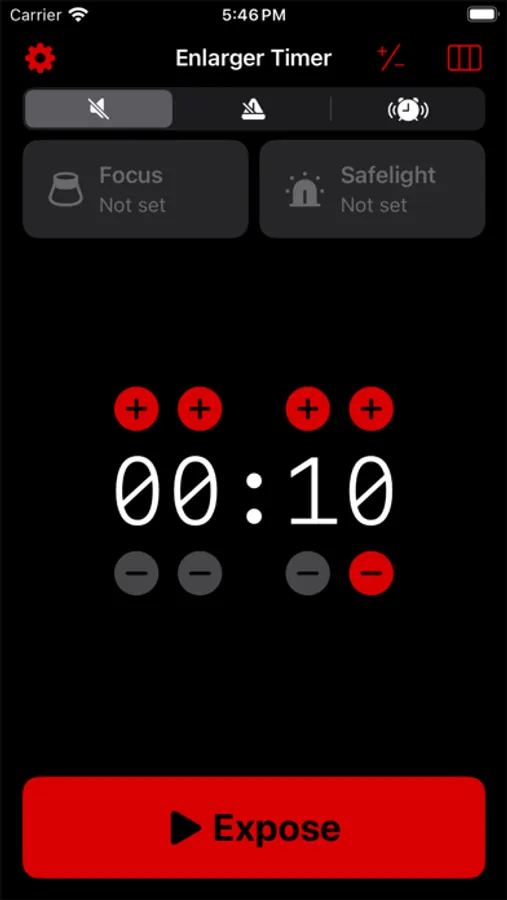
Transform your iPhone into an enlarger timer using Chronodev. Chronodev uses HomeKit-enabled wall plugs and lightbulbs to control your enlarger and safelights. Secondhand enlarger timers can be expensive and hard to find. This one costs the price of a wi-fi wall plug.
- Control your enlarger and safelight with your iPhone or iPad
- Expose prints accurately using the HomeKit-enabled timer
- Manual enlarger control for focusing
- Use the metronome for dodging and burning
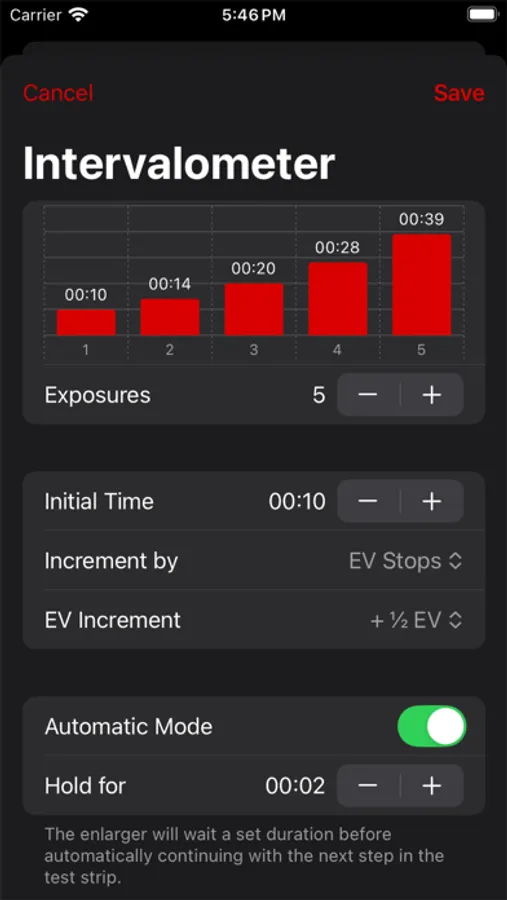
- Adjust times using EV stops
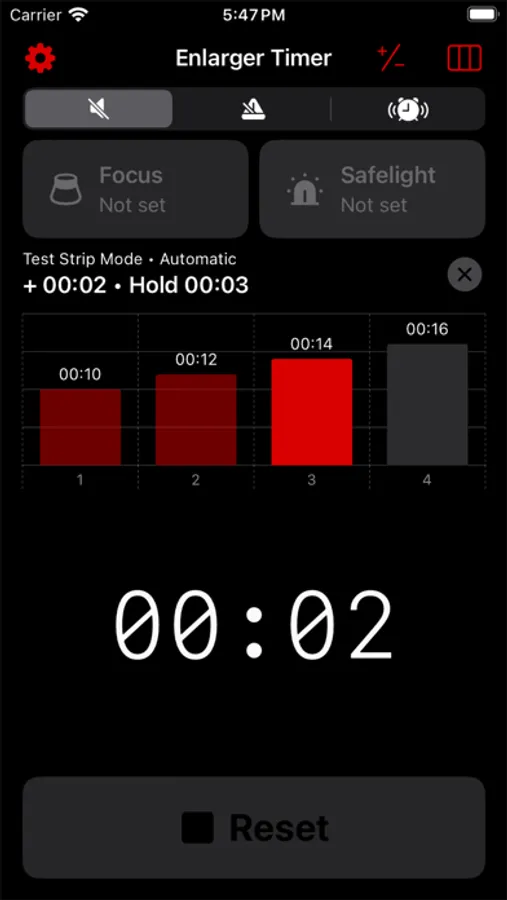
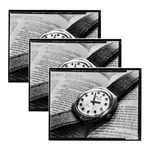
- Automatically create test strips with incremental exposures, and keep track of exposure times using a handy graph
- Automatically turn your safelight off when exposing/focusing
- Voice control support for hands-free development
- Safe to use in black and white darkrooms when using iOS's built-in red color filter
A HomeKit-enabled wall plug and/or lightbulb is required to use all features of this app. Some features (like a basic timer and EV stop calculations) are available without a HomeKit-enabled device.
- Control your enlarger and safelight with your iPhone or iPad
- Expose prints accurately using the HomeKit-enabled timer
- Manual enlarger control for focusing
- Use the metronome for dodging and burning
- Adjust times using EV stops
- Automatically create test strips with incremental exposures, and keep track of exposure times using a handy graph
- Automatically turn your safelight off when exposing/focusing
- Voice control support for hands-free development
- Safe to use in black and white darkrooms when using iOS's built-in red color filter
A HomeKit-enabled wall plug and/or lightbulb is required to use all features of this app. Some features (like a basic timer and EV stop calculations) are available without a HomeKit-enabled device.