Quick Widget - Wallpaper&Theme
意 田
3.7 ★
store rating
Free
AppRecs review analysis
AppRecs rating 3.2. Trustworthiness 45 out of 100. Review manipulation risk 20 out of 100. Based on a review sample analyzed.
★★★☆☆
3.2
AppRecs Rating
Ratings breakdown
5 star
50%
4 star
0%
3 star
33%
2 star
0%
1 star
17%
About Quick Widget - Wallpaper&Theme
You can Customize your iPhone with widgets, icons, wallpapers with Quick Widget.Quick Widget makes adding aesthetic and handy widgets to your home screen and lock screen easy. Choose from predesigned widgets or, better yet, create your own with the easy-to-use widget editor. Browse dozens of widget types like photo, countdown, date and battery, calendar, and many more. you can also discover wallpapers that perfectly match your aesthetic. From customizing your widgets to changing your wallpaper, Quick Widgets give you the freedom to customize every detail to perfection.
WIDGETS
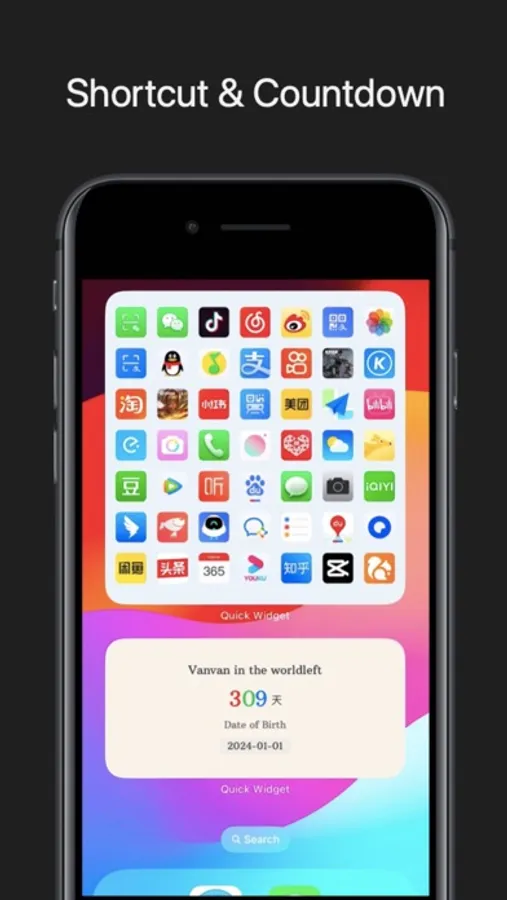
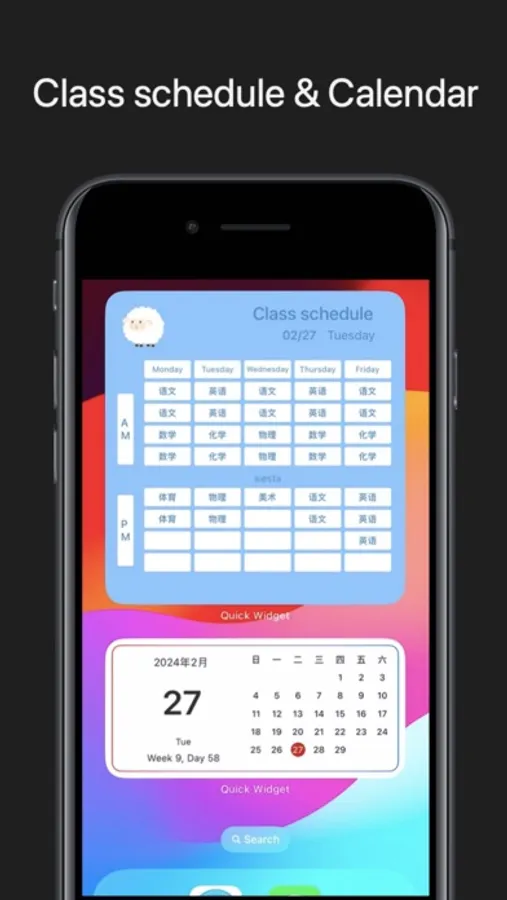
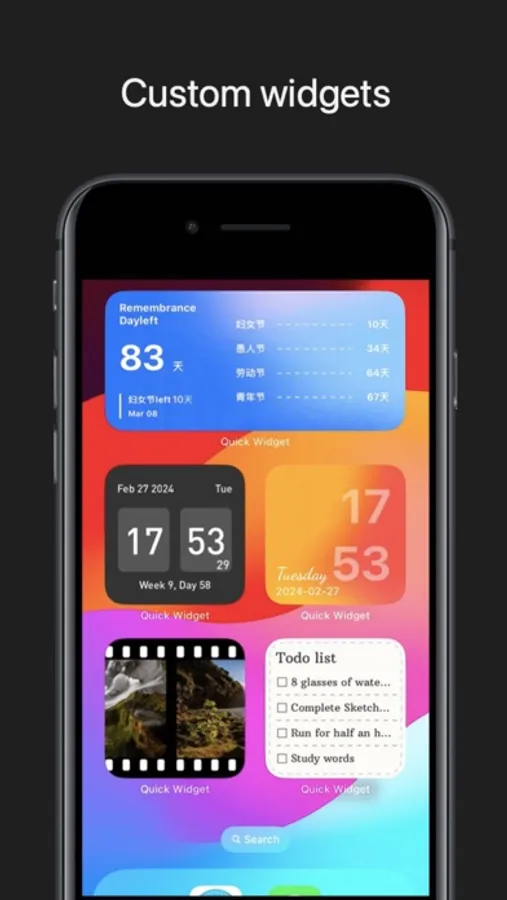
Get ready to transform your Home Screen like never before. Add pictures to your widgets, edit their font, play with color schemes, and so much more. Frequent updates constantly add new widgets you’d love. With Quick Widgets, there are no limits to customizing your Home Screen! Here’s a glimpse of our widgets:
● Time, Date & Battery
● Countdown
● Calendar
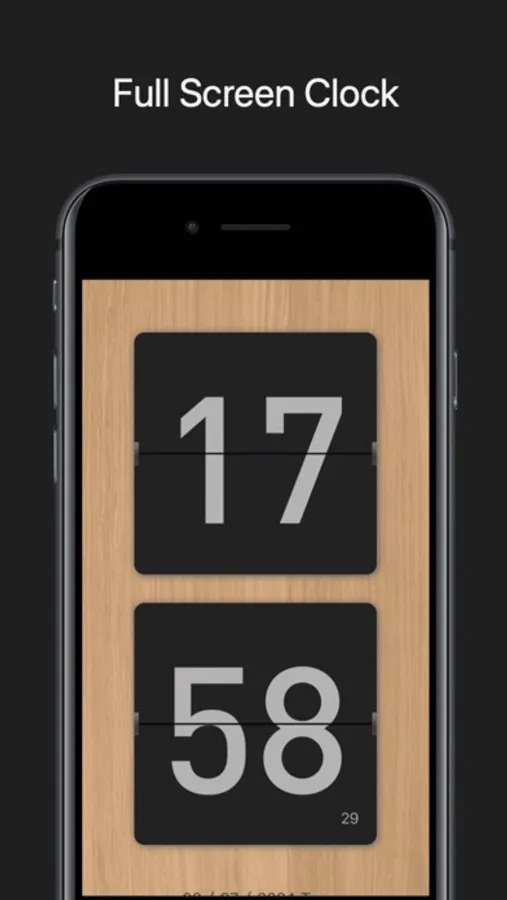
● Clock, Pomadoro
● Reminders
● Step Count/Pedometer
● Lock Launcher & shortcut
● Class schedule
Embrace the power of Quick Widget and make your mark today!
Tips: Widgets need to be saved to "Mine" first. When editing a component on the desktop, long pressing will display the widgets that have been added to the "Mine" component list.
WIDGETS
Get ready to transform your Home Screen like never before. Add pictures to your widgets, edit their font, play with color schemes, and so much more. Frequent updates constantly add new widgets you’d love. With Quick Widgets, there are no limits to customizing your Home Screen! Here’s a glimpse of our widgets:
● Time, Date & Battery
● Countdown
● Calendar
● Clock, Pomadoro
● Reminders
● Step Count/Pedometer
● Lock Launcher & shortcut
● Class schedule
Embrace the power of Quick Widget and make your mark today!
Tips: Widgets need to be saved to "Mine" first. When editing a component on the desktop, long pressing will display the widgets that have been added to the "Mine" component list.